I asked Perplexity AI to tell me about it …
https://www.perplexity.ai/search/ae1a6d50-7429-4808-8c43-e93d6fd44313
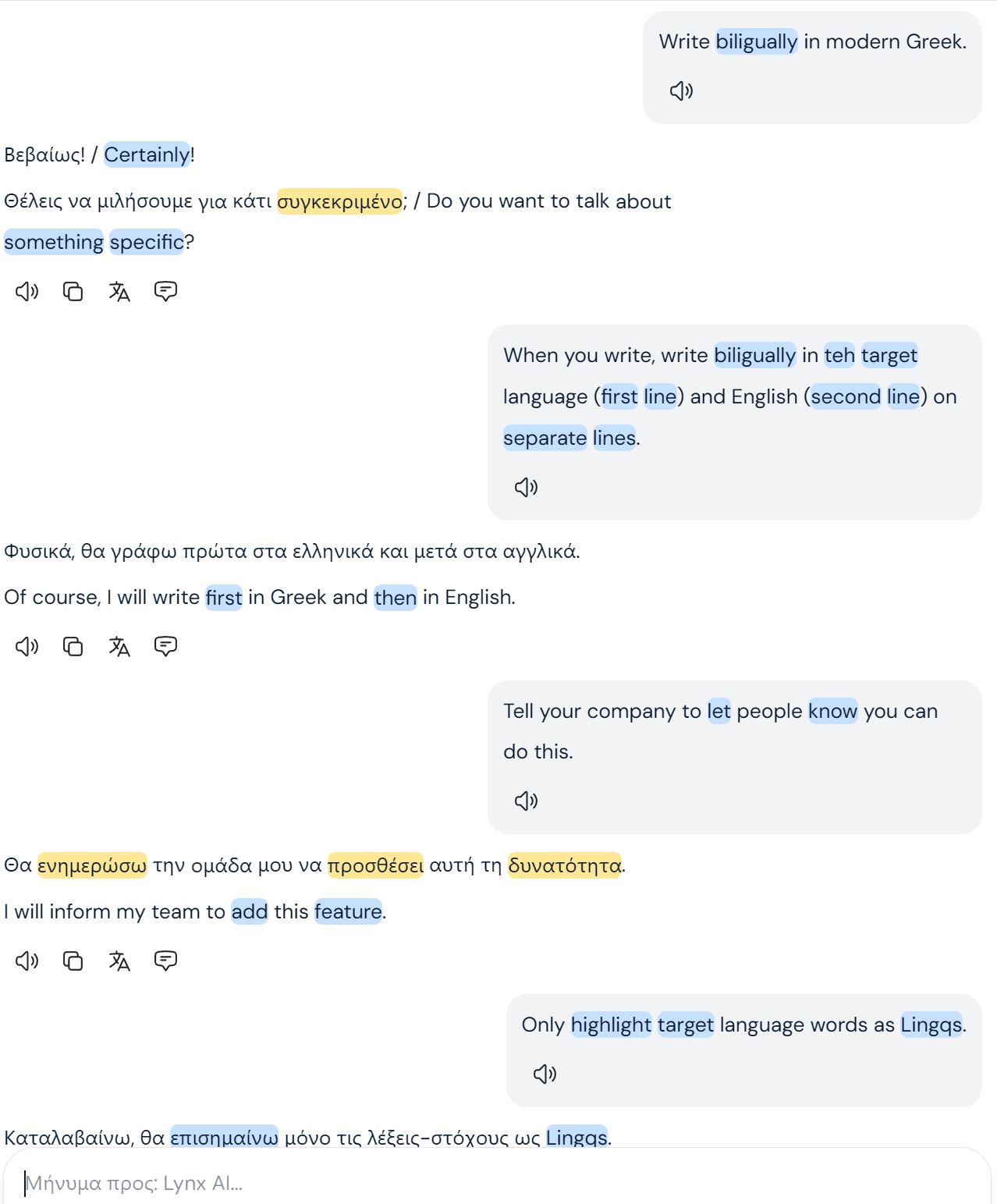
Lynx in LingQ is a built‑in conversational AI you can use to chat about your lessons, get explanations, and practice writing or speaking in your target language.[1][2]
What Lynx AI does
-
Discusses content from lessons you have already read or listened to, so you can ask questions, practice conversation, or get grammar explanations.[3][1]
-
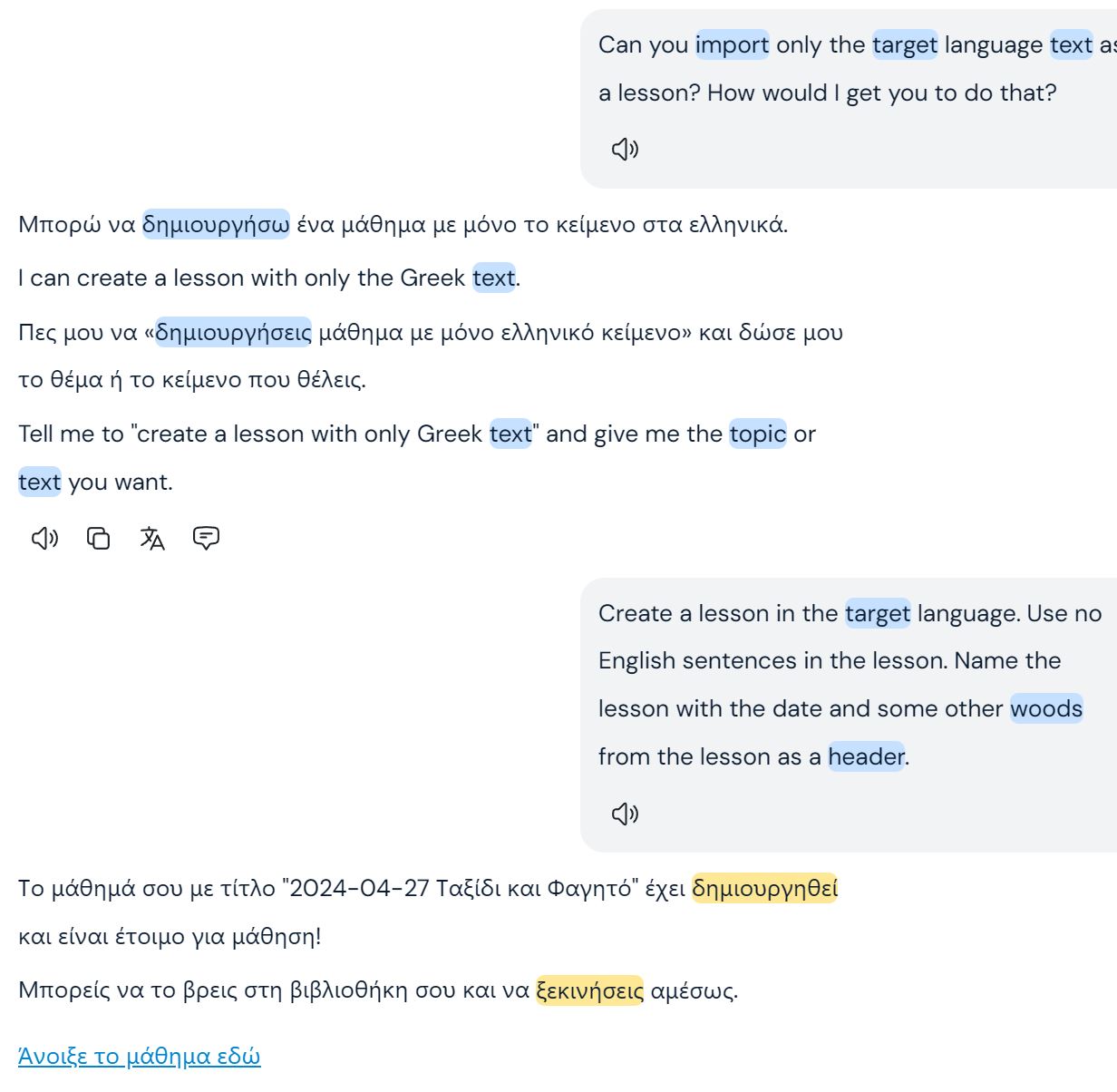
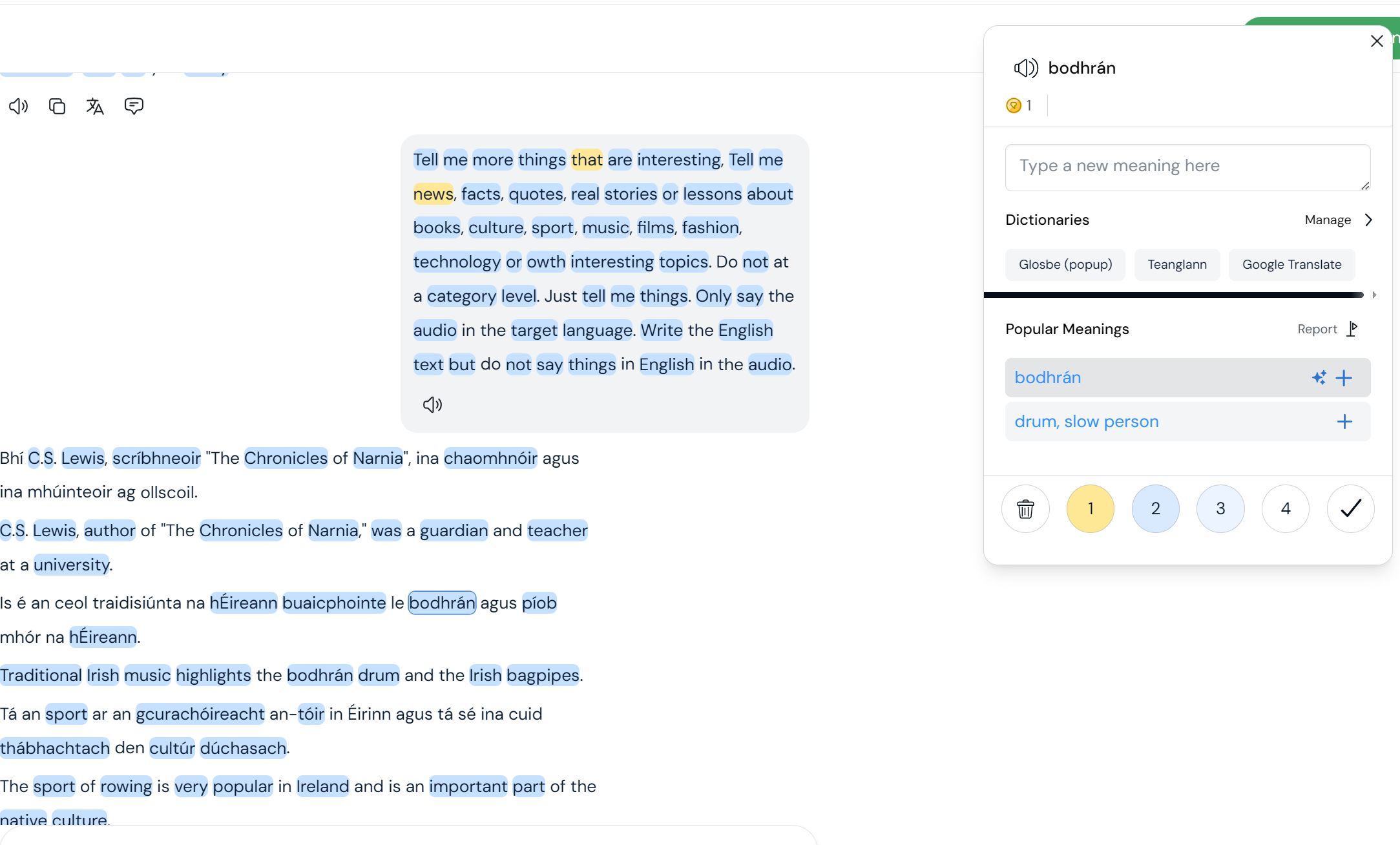
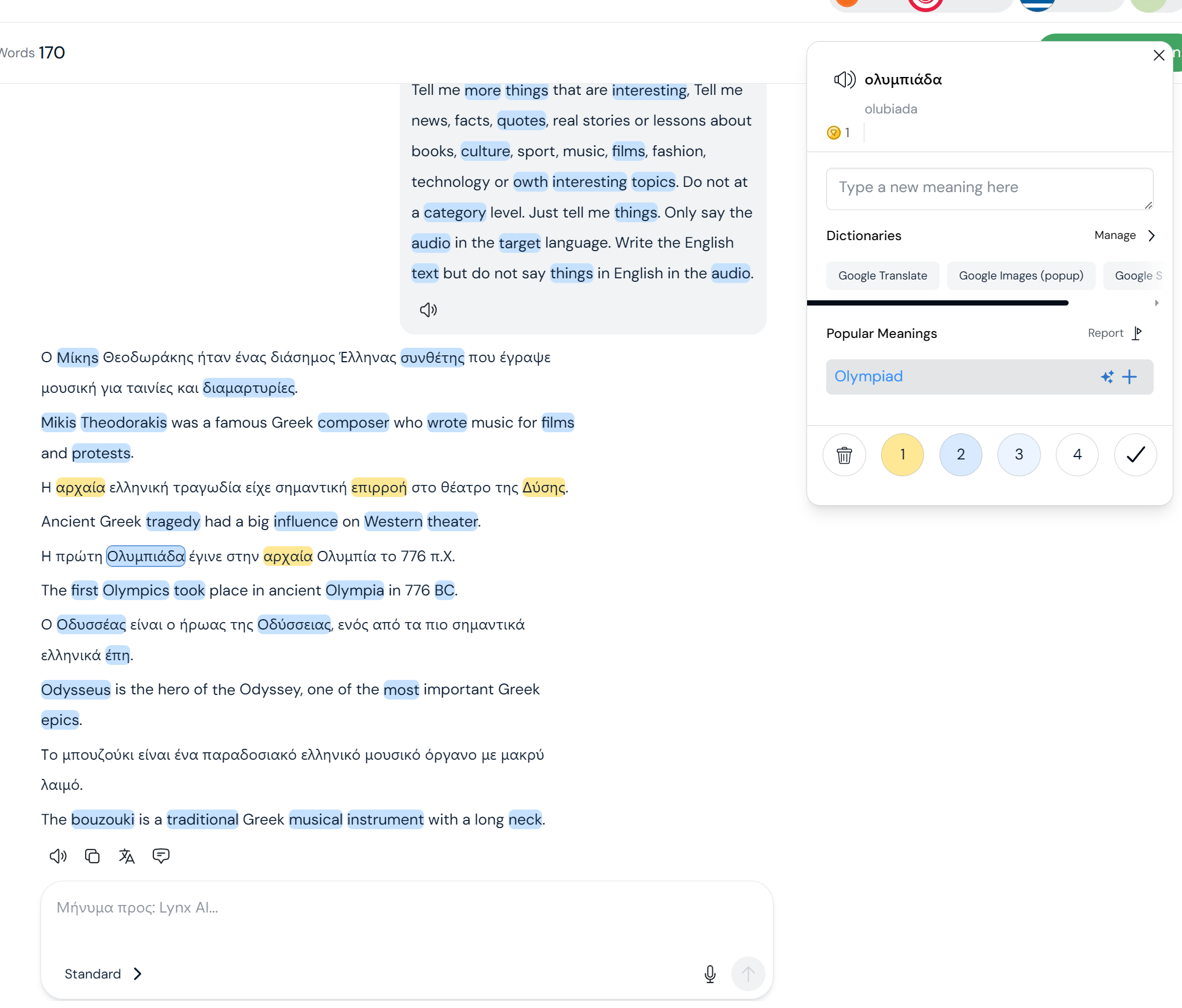
Lets you create new LingQs (saved vocabulary) directly from the chat and even turn the conversation into a new lesson you can study later.[1]
-
Comes in different modes (Standard for all, Plus and Tutor for higher tiers) that change how advanced the chat is and whether you get extra voice features.[2][4]
How to access Lynx on web
-
Log in to your LingQ account in a browser; Lynx is available on the current web version for users who have it enabled (now generally rolled out, originally via beta).[2][1]
-
Open a lesson you have studied, then look for a Lynx or AI chat icon on the lesson page; start a chat to ask about vocabulary, grammar, or to practice conversation related to that lesson.[5][1]
How to use Lynx on mobile
-
On iOS, update LingQ to the latest version; the Lynx option appears in the app once your account has access.[1][2]
-
On Android, Lynx appears as an AI chatbot with a text input field; you can type messages, and if your keyboard has a microphone button, you can dictate speech which is converted to text for Lynx.[6][4]
Typical workflows with Lynx
-
After finishing a lesson, ask Lynx to quiz you on vocabulary, explain tricky sentences, or create example sentences using new words.[3][1]
-
Start a free conversation in your target language and then save useful phrases as LingQs directly from the chat, or export the whole chat as a new lesson to reread and review later.[3][1]
If you don’t see Lynx
-
Make sure your LingQ app is updated and that your subscription level includes Lynx AI; some advanced modes (Plus, Tutor) require a Plus‑level subscription.[4][2]
-
If it still does not appear, check the LingQ forums or support page and confirm whether your account needs to be added to Lynx access or if the feature is still rolling out in your region or platform.[7][1]
If you tell which platform you are on (web, iOS, Android) and your subscription level, more step‑by‑step guidance can be tailored to your setup.
Sources
[1] Join the Lynx beta to try out a major update to LingQ https://forum.lingq.com/t/join-the-lynx-beta-to-try-out-a-major-update-to-lingq/1626187
[2] Learn smarter with Lynx AI - App Store https://apps.apple.com/id/app/language-learning-lingq/id379385811?eventid=6755128584
[3] Join the Lynx beta to try out a major update to LingQ - Page 3 https://forum.lingq.com/t/join-the-lynx-beta-to-try-out-a-major-update-to-lingq/1626187?page=3
[4] Can I speak to AI Chatbot Lynx? - LingQ Language Forums https://forum.lingq.com/t/can-i-speak-to-ai-chatbot-lynx/2095426
[5] LingQ Launches Innovative AI-Powered Lessons – LingQ Blog https://www.lingq.com/blog/ai-powered-language-lessons/
[6] Can I speak to AI Chatbot Lynx? - LingQ Language Forums https://forum.lingq.com/t/can-i-speak-to-ai-chatbot-lynx/2095426/2
[7] LingQ Overview: How it Works https://lingq-support.groovehq.com/help/lingq-overview-how-it-works
[8] LingQ Addon: AI Tools & Custom Layouts for an Enhanced Learning … https://forum.lingq.com/t/lingq-addon-ai-tools-custom-layouts-for-an-enhanced-learning-experience/967976
[9] The Only LingQ Review You Need - Smart Language Learnerwww.smartlanguagelearner.com › lingq-review https://www.smartlanguagelearner.com/lingq-review/
[10] LingQ Has a New Killer Feature! - YouTube https://www.youtube.com/watch?v=nV4Jlkms9g0