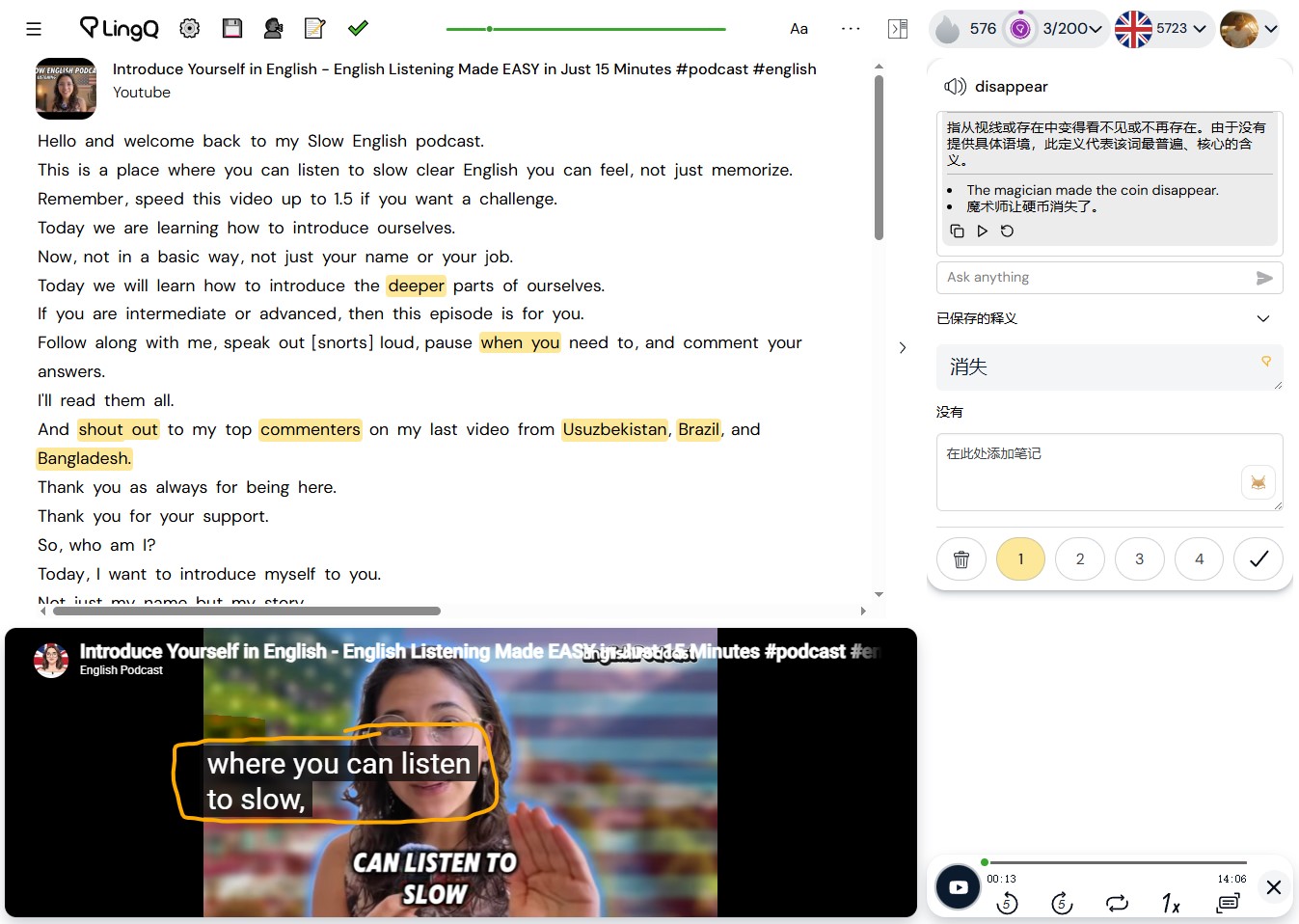
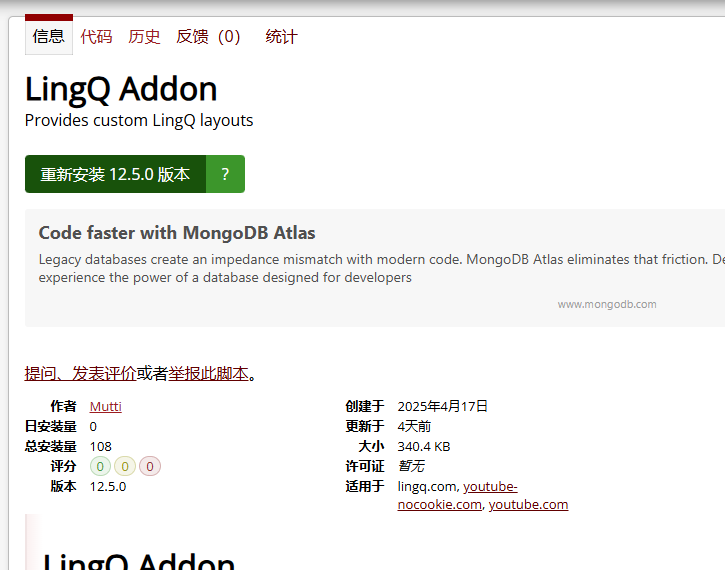
v12.5.0
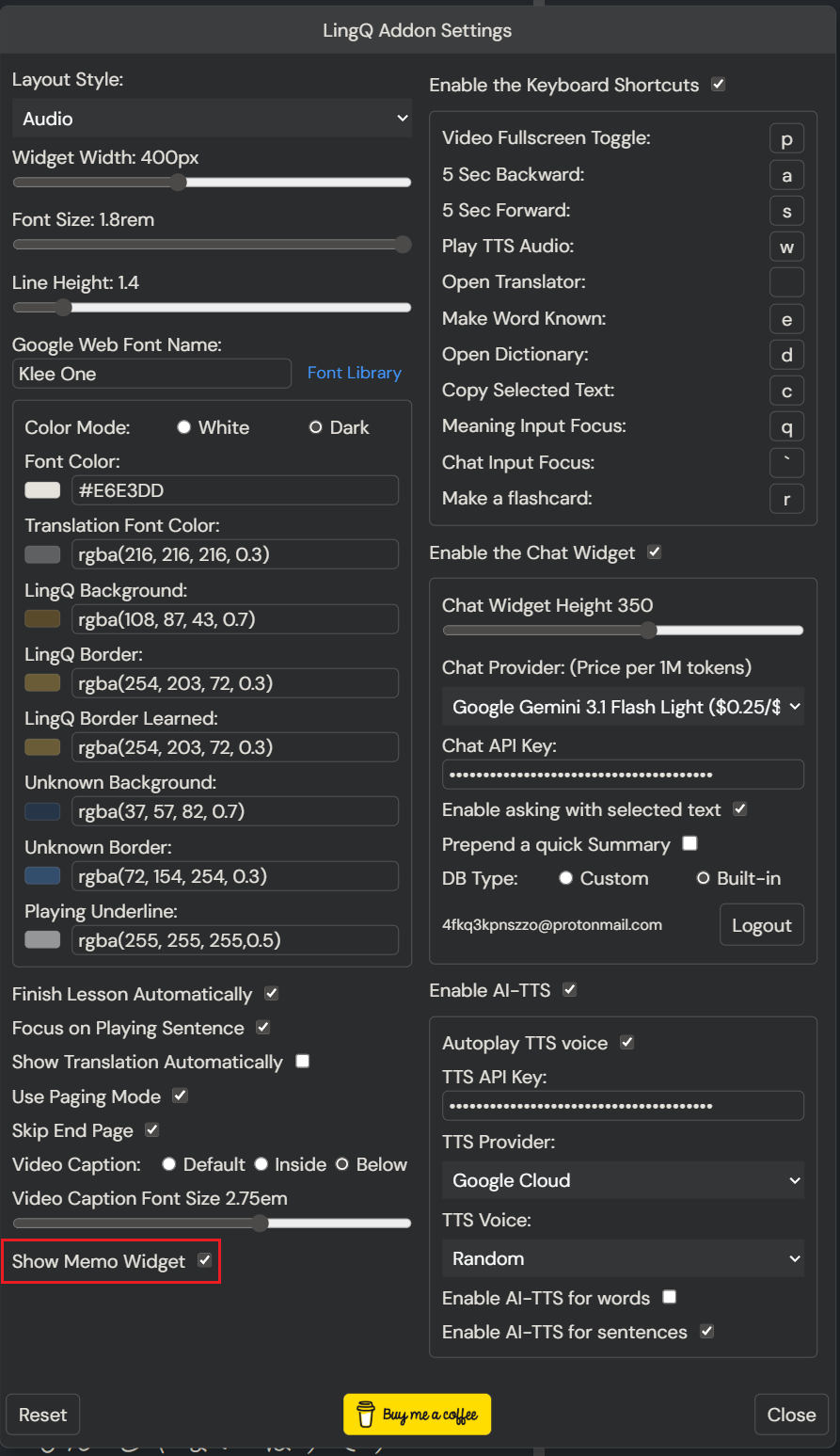
- Make the fontSize and lineHeight settings language variant.
- Make the FlashcardBadge not interactable.
- Add an end-page skipping option.
- Add a video caption relocation option.

v12.5.0
I updated. You can find the 12.6.1 version.
v12.7.0
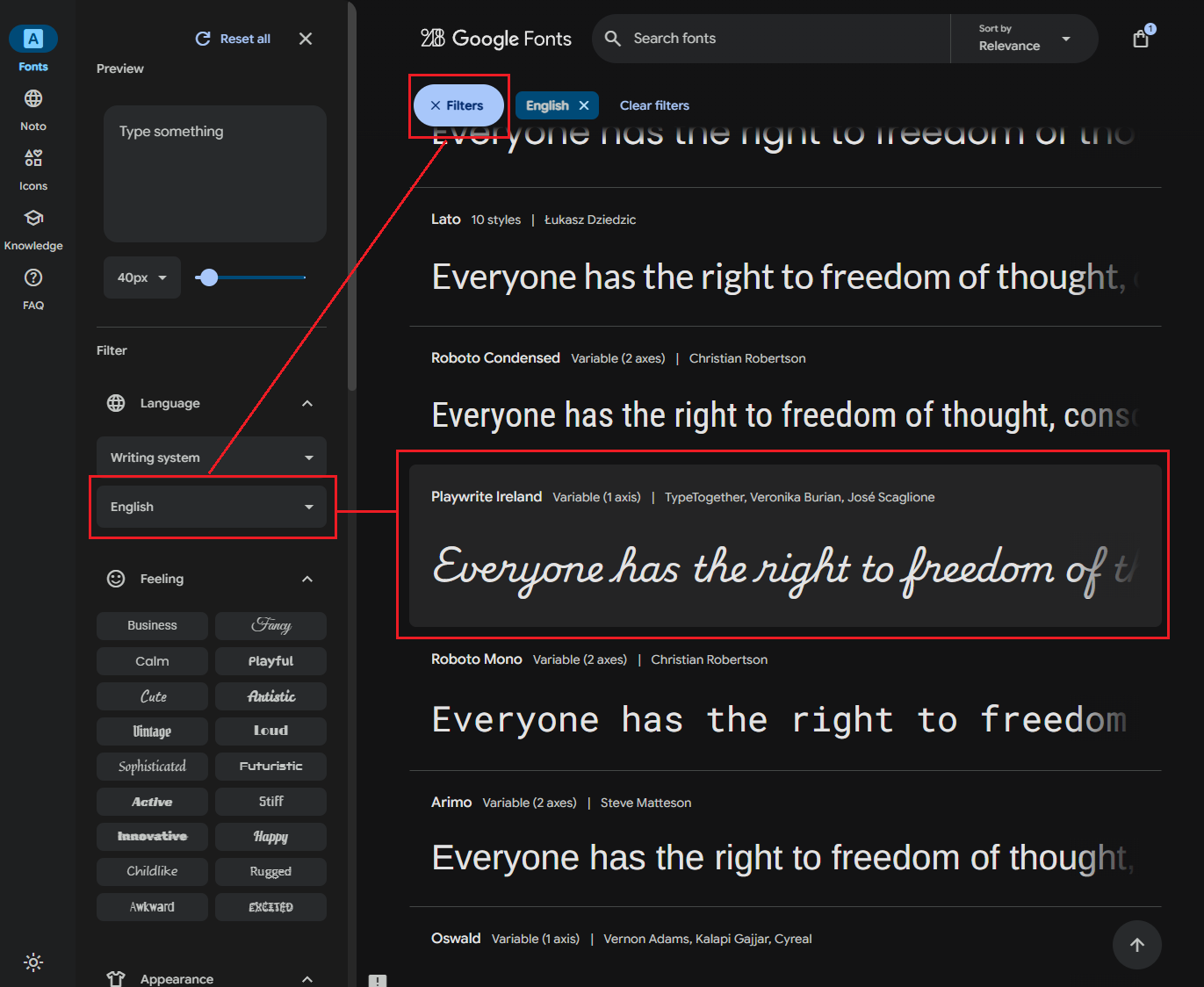
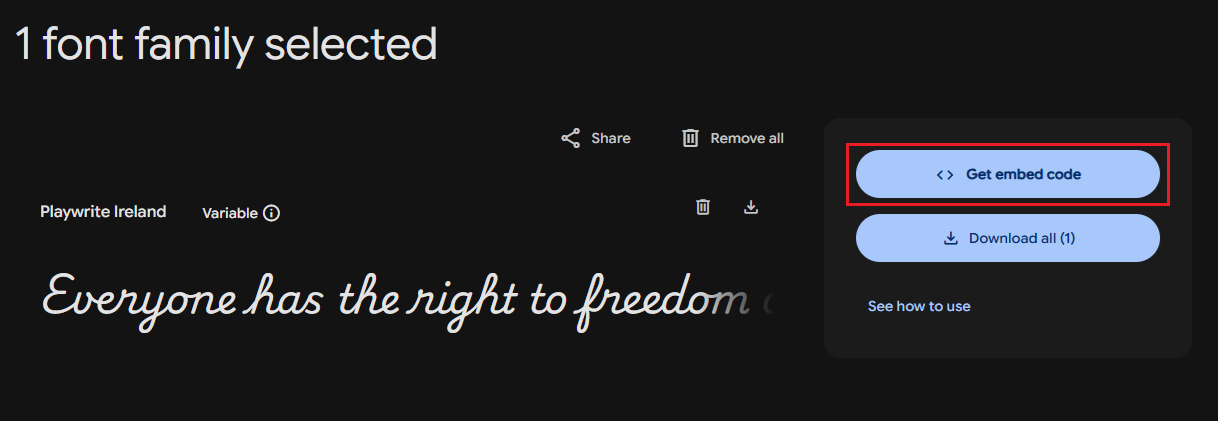
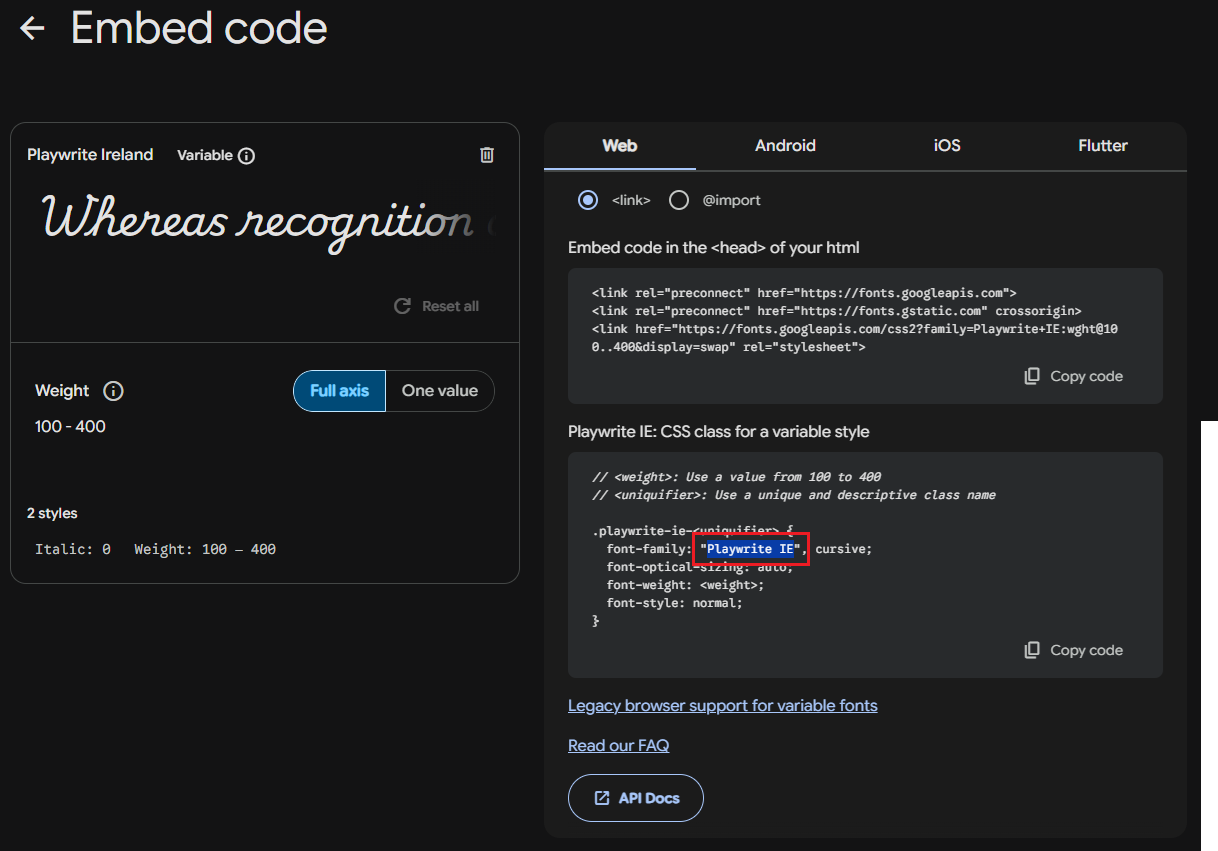
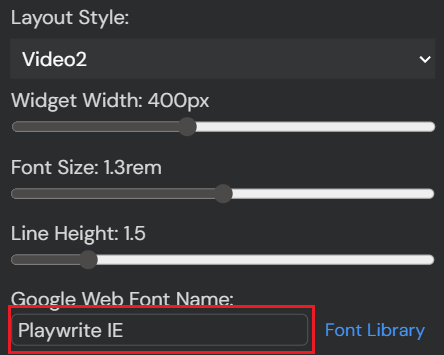
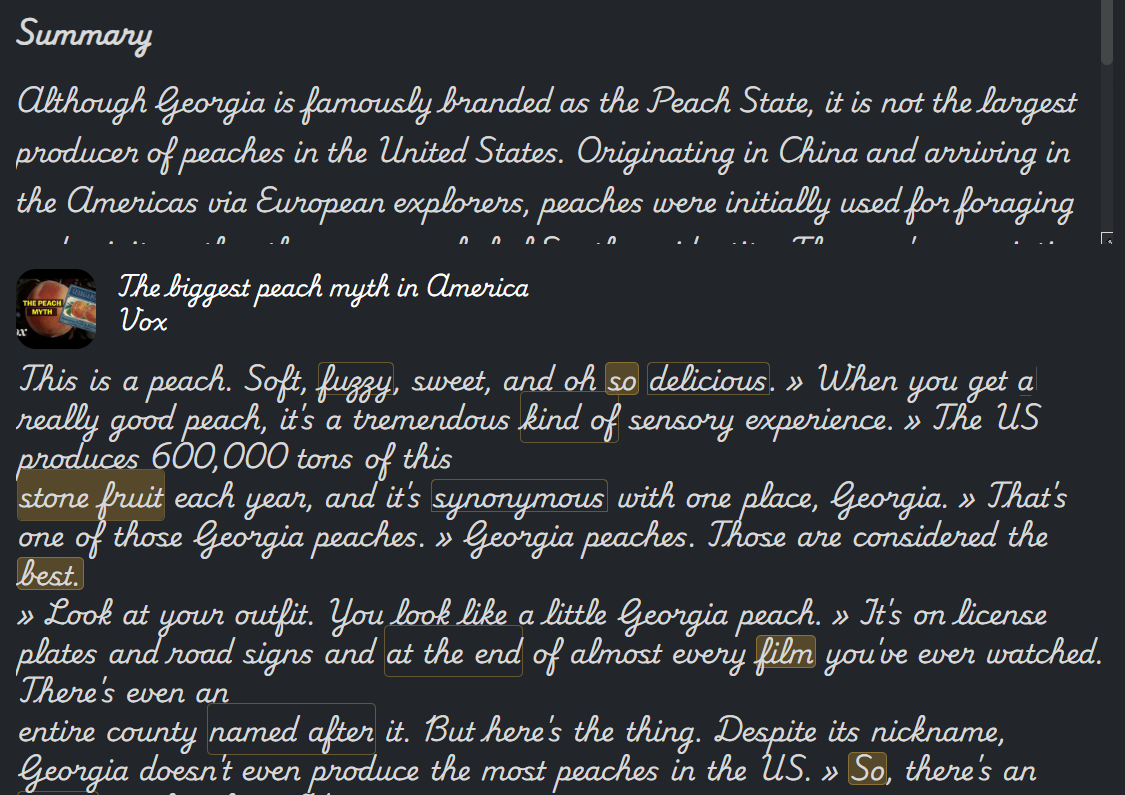
You can change the font used for the reader by your own preference.
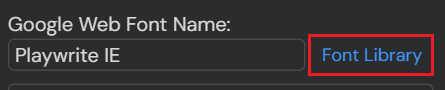
Visit Google Fonts.
You’re amazing!!!
Could you please add a mode that blocks the video display while still retaining the playback controls? The current setup isn’t effective for video podcasts imported from YouTube.
I’m not sure what you want. If the content is audio-based, use the audio layout.
v12.8.0
Hello. I was wondering if it would be possible to add an option for translating all selected words, similar to the way LingQ does it? Thanx.
I’m not sure what you want.
Oh, I meant the translation of those two or three words.
For the languages I learn, a two- to three-word chunk is an idiom or compound noun or something. Therefore, the dictionary for the base form works well.
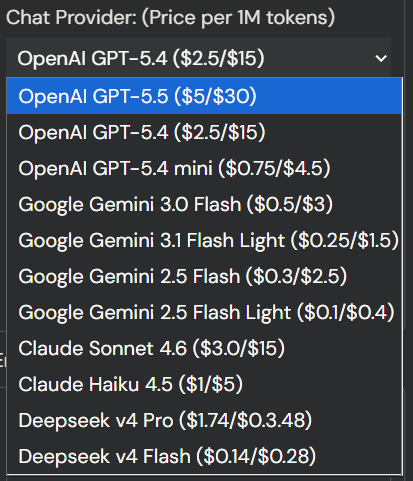
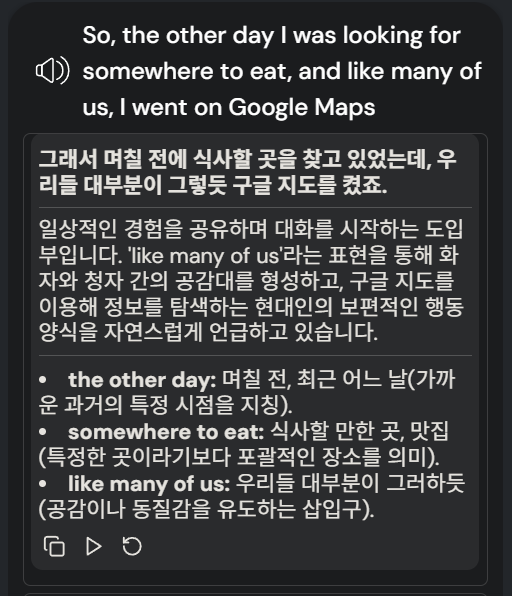
One way I can think of is just asking for the translation through chat.
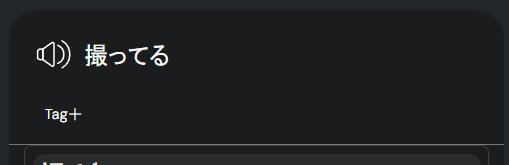
I love the add-on but I have noticed that when it is active it does not allow me to add tags to LingQs when I Make them. Only real issue I have had with it
I didn’t notice the problem. Since I don’t use the tag system, I just hide that element to remove the useless coin icon. I’ll fit that on the next update.
v12.9.4
v12.10.0
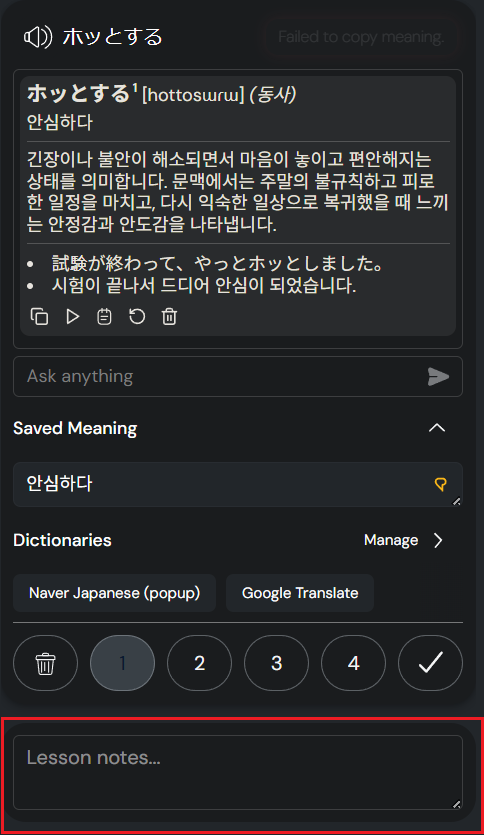
It’s just a notepad. You can jot down while you read/watch content. The memo is saved in your local storage, so it is preserved if you close or refresh the lesson.
One way is removing these lines
if (container.childElementCount > 1) smoothScrollTo(container, container.scrollHeight, 300);
if (isNearBottom) smoothScrollTo(chatContainer, chatContainer.scrollHeight, 100);