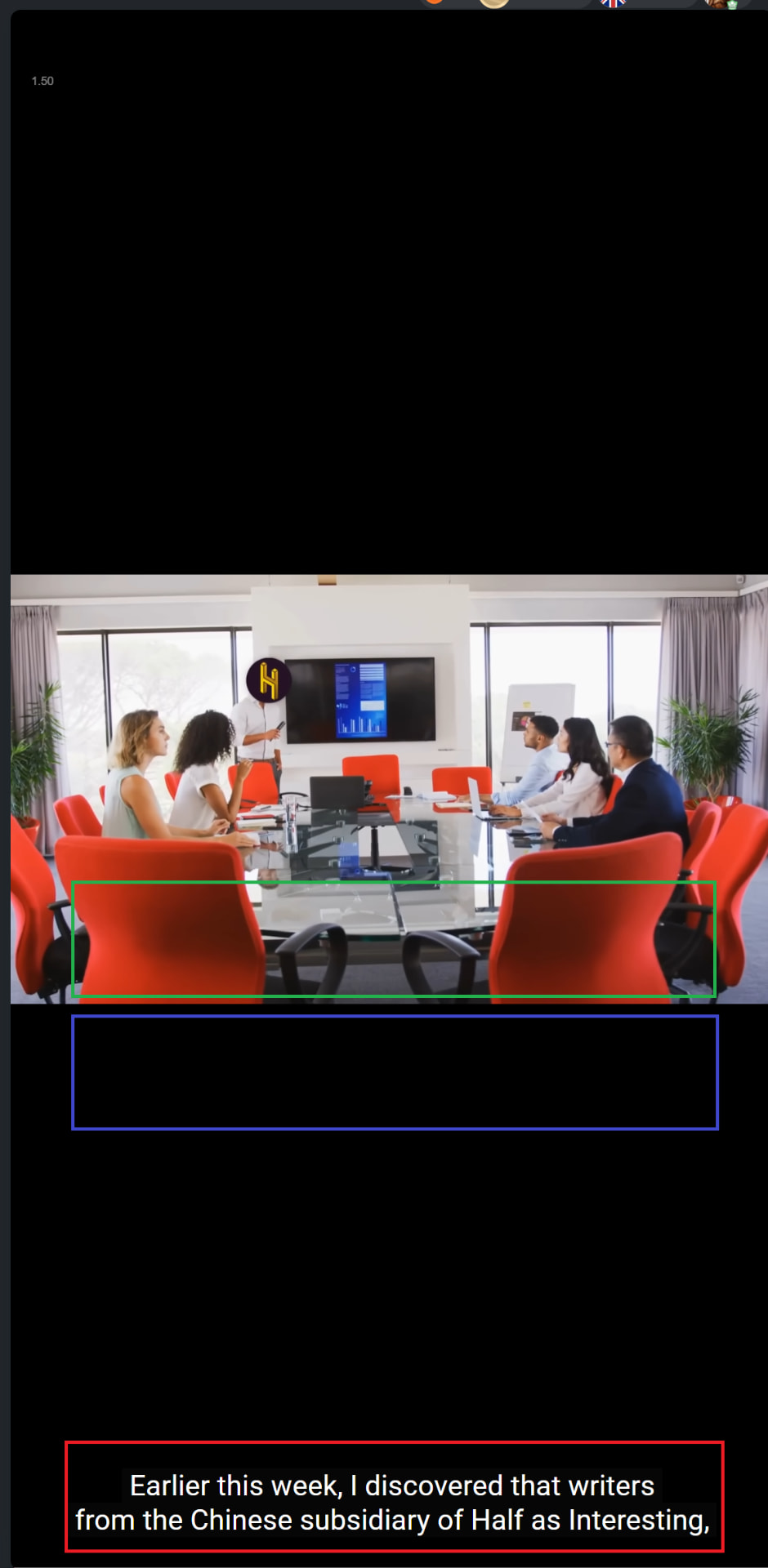
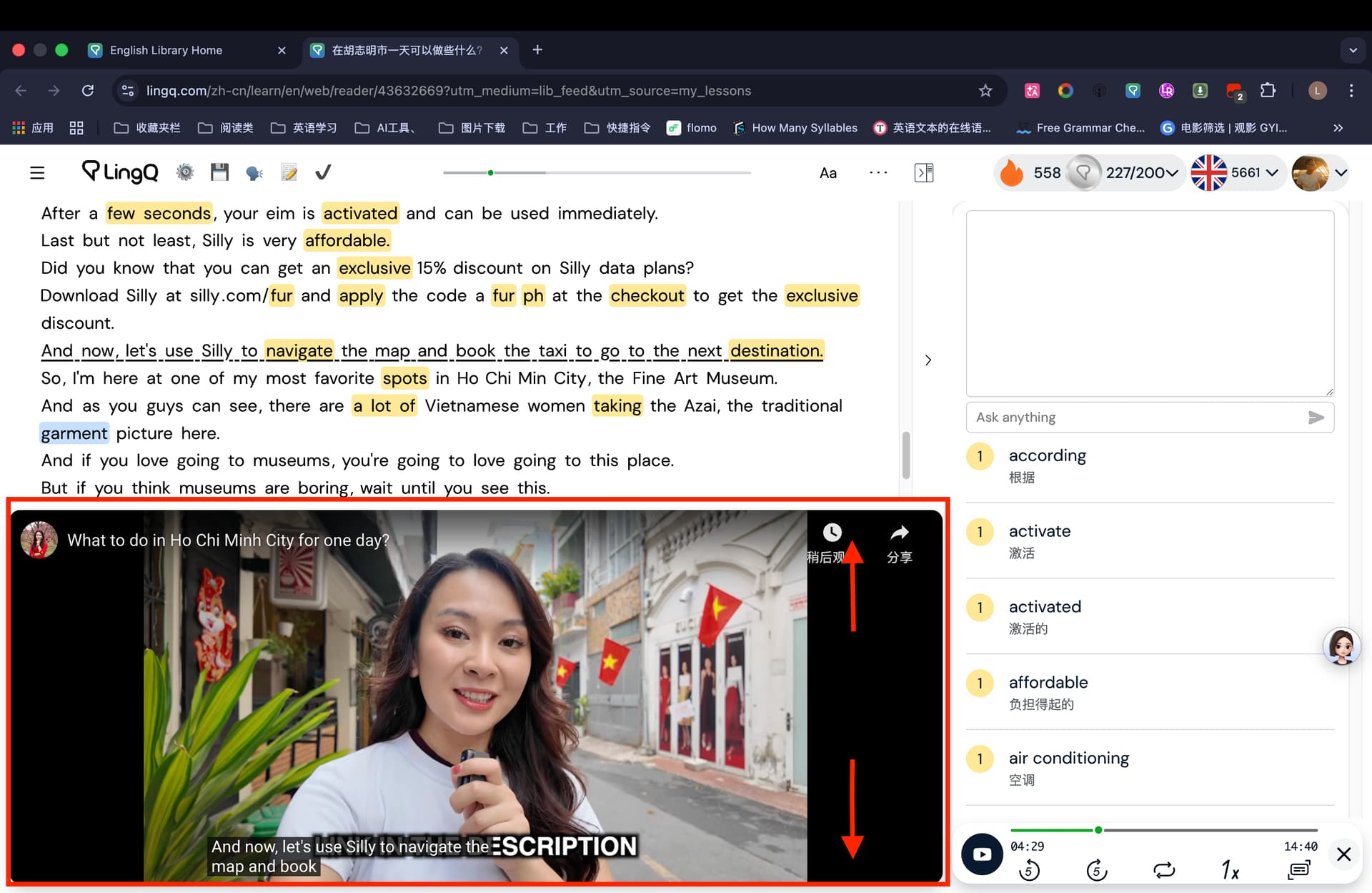
Could you tell me which of the top or bottom areas can be adjusted when the video is in full-screen mode? I’d like to make it a little smaller.
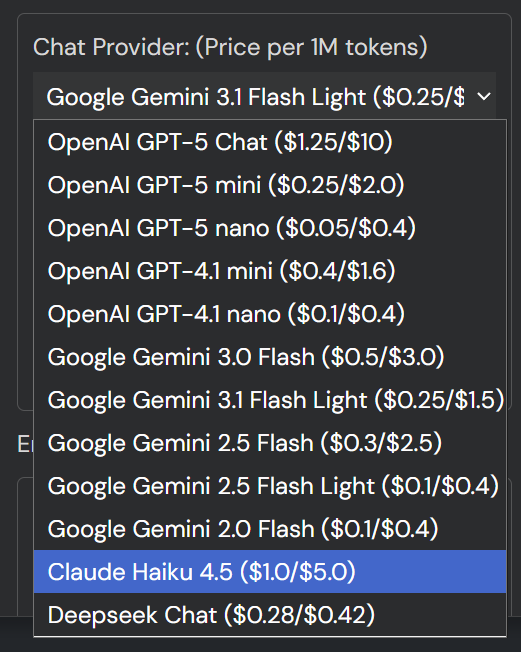
Hi! I do not know if it is just me, but not one of the Gemini models does not work.
which model did you try?

Now models work well for me. The problem occurs when Google’s server is unstable (if you generate the response by clicking the “regenerate” button, it’s certain). Try other providers’ models like GPT.
If the source code caused the error, an error message should have been displayed in the message box.

Although before, I just highlighted the word and the model immediately gave out a translation and explanation in Russian.

Oh, I forgot, Yes of course, my bad. Thanx.
-
Support the Claude endpoint.
-
Implement response streaming to the quick summary. (The loading time of the quick summary when opening a lesson is decreased.)
v11.5.1
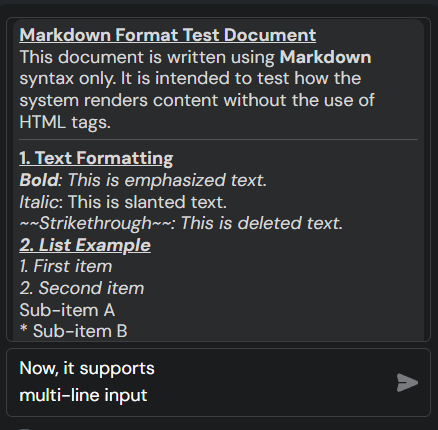
- Implement multi-line input in the chat widget input.
- Implement markdown fullback (When a reply follows markdown format, not HTML, it is automatically converted to HTML format).
Download Script
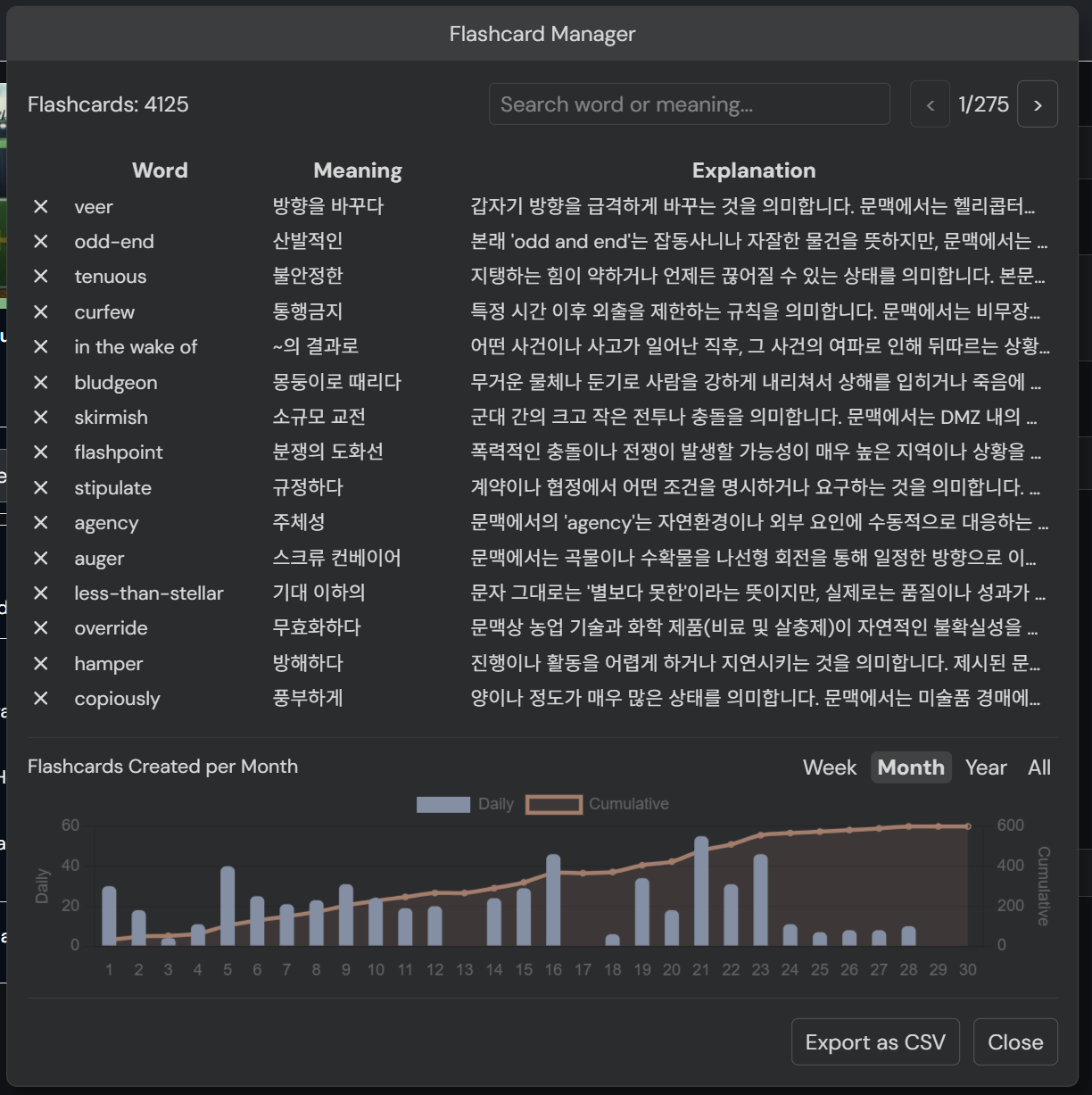
v11.7.0 The page automatically turns after the last sentence is finished (“focus on playing sentence” should be enabled).
1 Like
v12.1.0
- Add a built-in flashcard DB option.
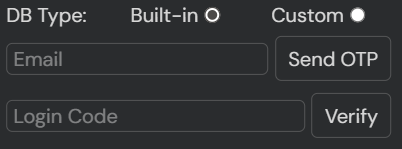
With the built-in DB option, you don’t need to set up your own Supabase project to use the flashcard saving feature. Email address is the only thing required.
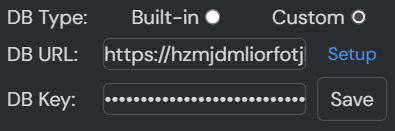
Of course, the existing custom DB option is still usable (this option is recommended to prevent potential data loss or any other issues and to keep your data private).
Download Script
If it was helpful to you, you can

Is there a way to update the script while still retaining the parameters I’ve personally modified?
There’s no way. Which part of the code do you want to update? I may make that adjustable or change that part.
1 Like
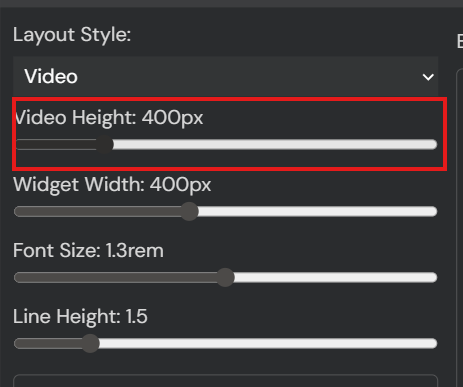
Every time, I adjust the font size for the word definitions and fix the dimensions of the AI explanation box; otherwise, the AI window jumps around as the text changes.


I added a slider that you can set the maximum height of the chat widget to. I think it can fix the issue. update to the version 12.1.2
1 Like
Is it possible to implement the mode-switching buttons externally—similar to the position indicated by the red box?

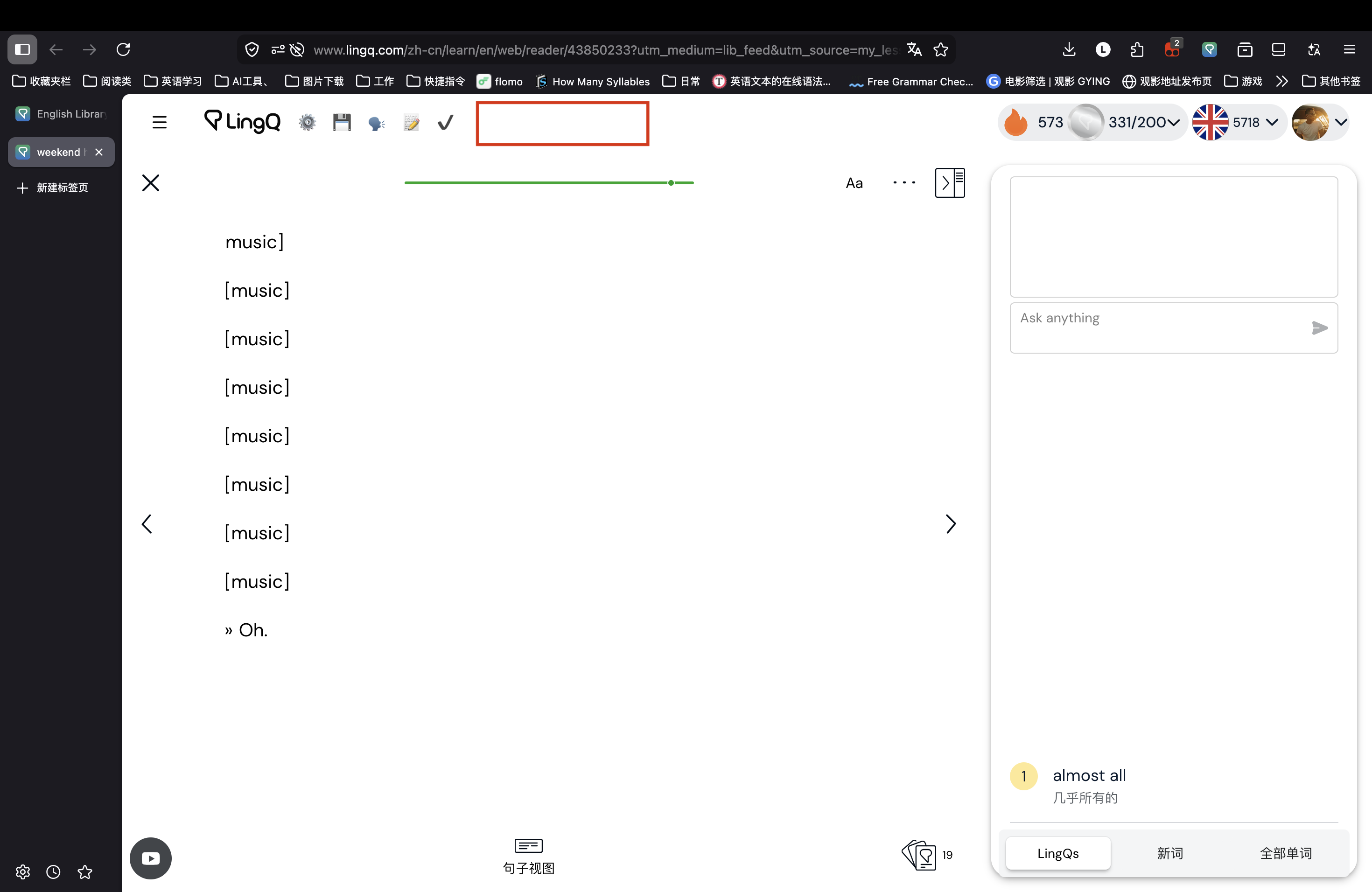
v12.3.0
- Enable the shift + arrow key action in the lesson finish page. (You can move to the next lesson without mouse movement.)
- Add subtitle relocation and font size adjusting logic for embedded YouTube videos.
The caption is displayed in the green section, instead of the red (default).