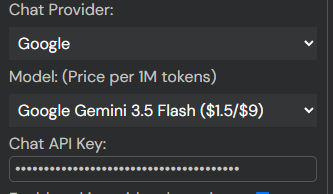
v12.10.4 Support new models: gemini-3.5-flash, gemini-3.1-flash-lite
v12.10.5
- Fix the unintentional horizontal scrolling in the paging mode.
- Fix the CSS issues on the progress bar and the end page in the reader.
1 Like
Hello author, could you please add a mode where the video is on the far left, the text is in the middle, and the glossary is on the right?
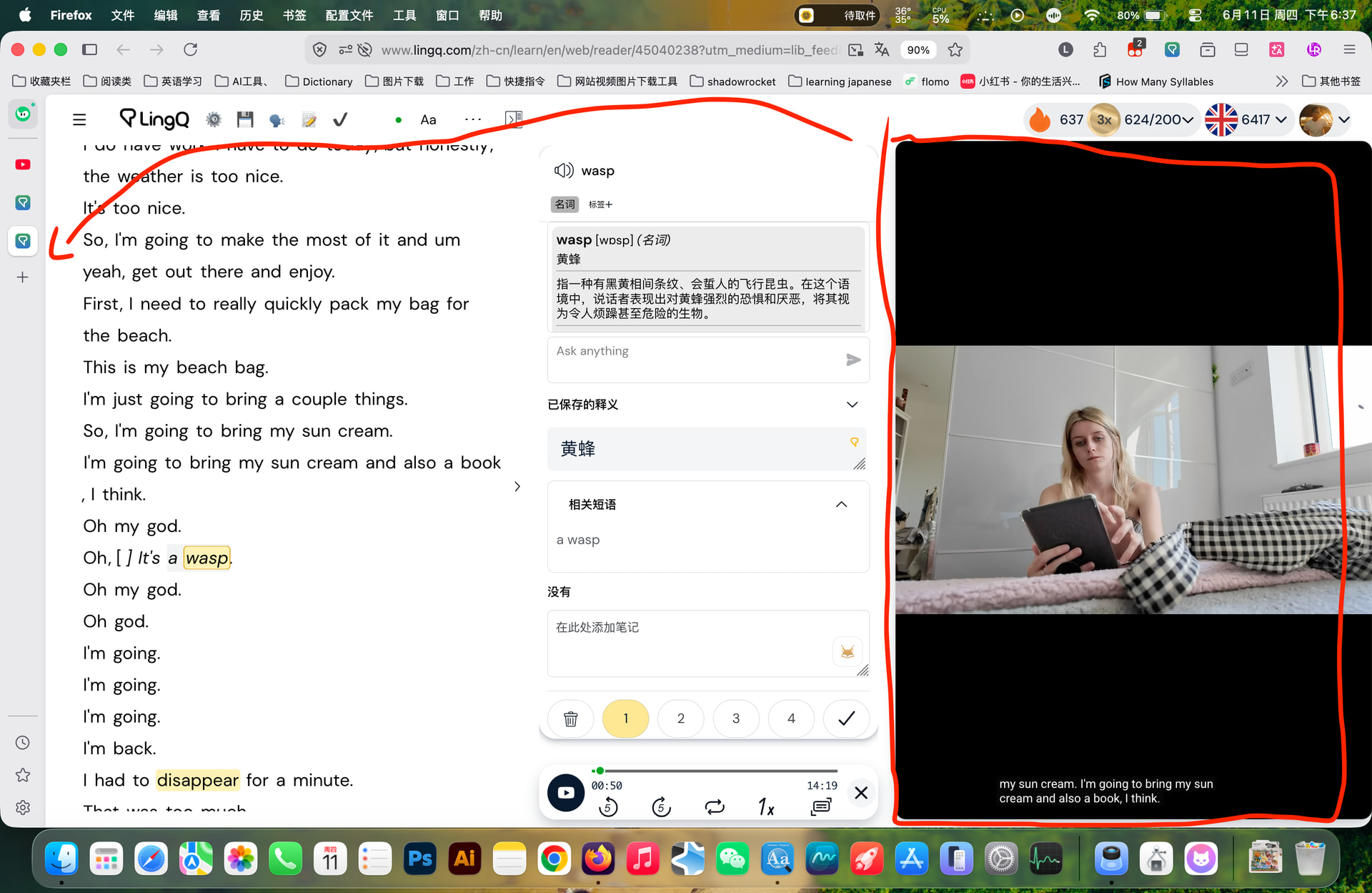
I’ll add the mode in the next update.
v12.11.0
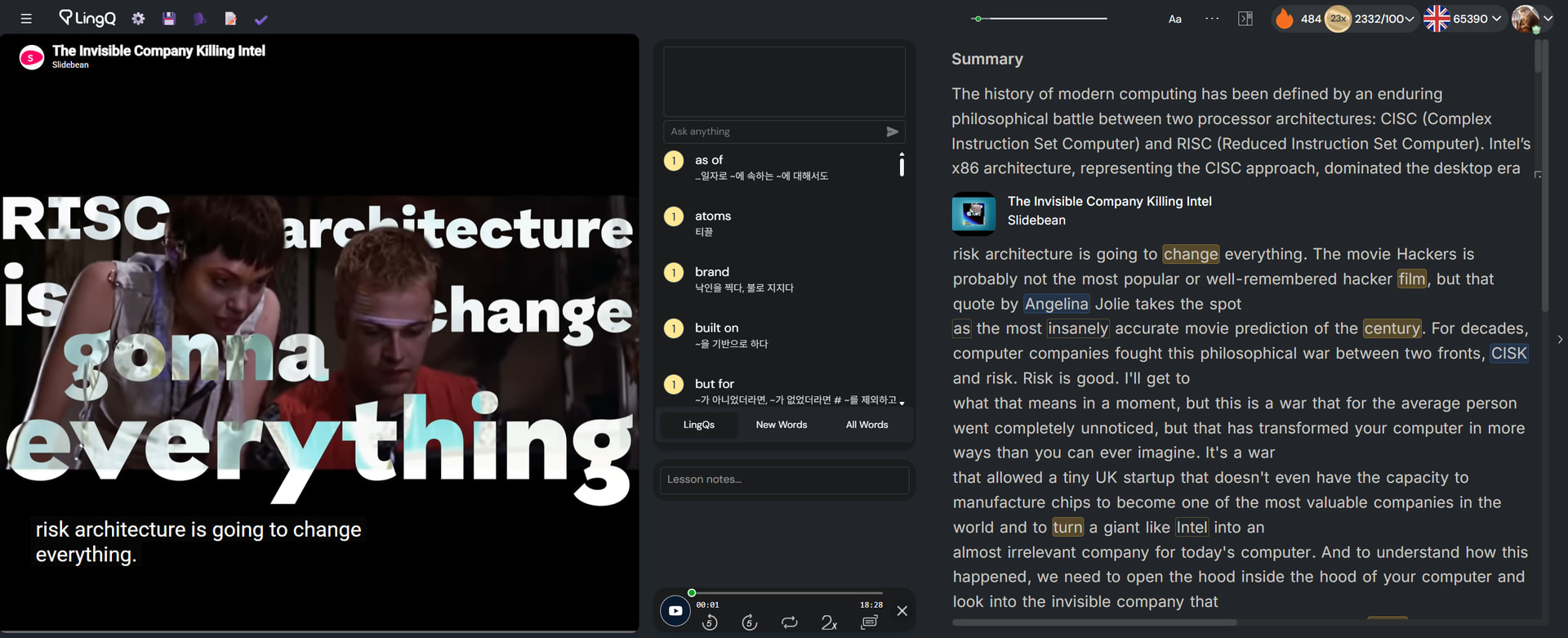
- Develop a new video layout. (Video3)
- Modify the subtitle location adjusting logic.
Download Script
v13.0.0
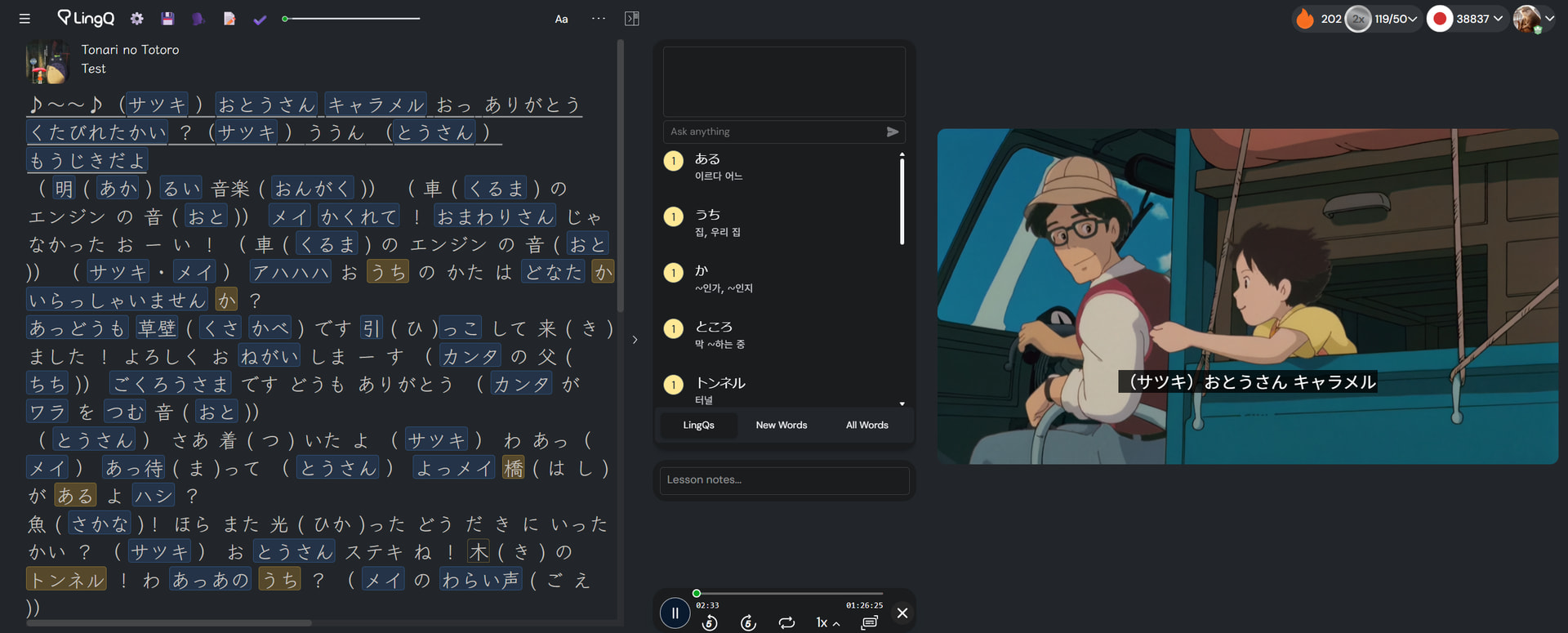
- Develop the “Local Video” layout.
You can use LingQ with your video (not only a YouTube-uploaded video)
The video is not uploaded anywhere. That’s played in your browser locally, so there’s no copyright issue.
This feature is what I have wanted to implement from long before but didn’t find a way to develop. But a few days ago I came up with a way to do it in a simple but efficient way!
How to use it
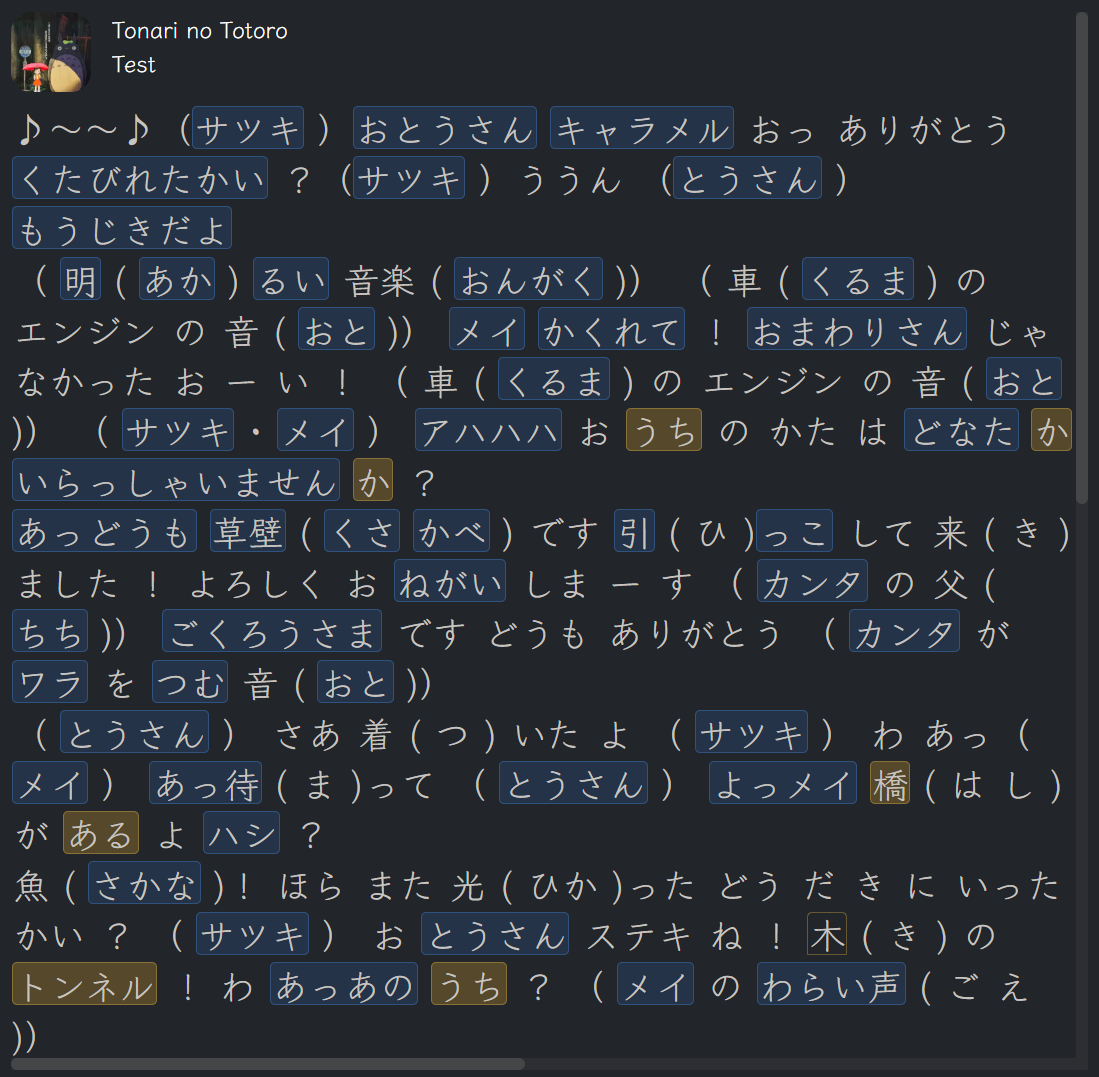
- Prepare a lesson with the audio and subtitle of the video. Basically, it is an audio lesson.
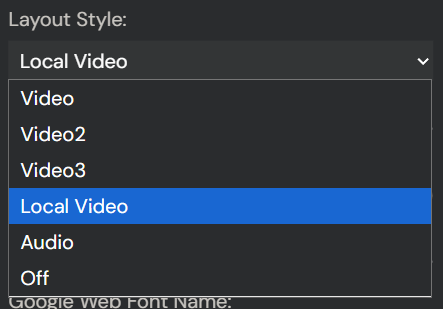
2. Select the “Local Video” layout in the setting.
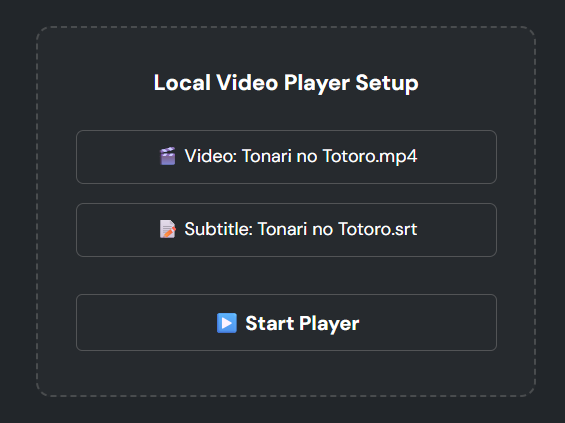
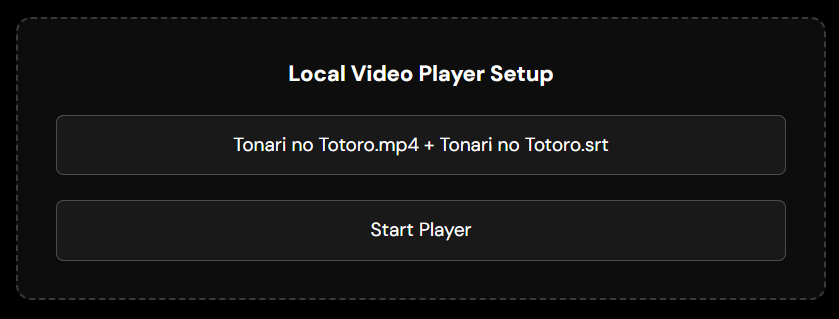
3. Select the corresponding video and subtitle (optional) file for the lesson.
4. Click the “Start Player” button and play the lesson audio with the space bar.
5. The video is synced to the audio and subtitle automatically.
With this feature, you can watch a movie/anime or whatever you want inLingQ.
Download Script
If it was helpful to you, you can

1 Like
This is the very thing i suggested that lingq do so im very happy to see this! Great job! I just wished that the local video counted as listening time but still very cool to see
I think it is counted as the listening time since it utilizes LingQ’s audio player!
EDIT so i just realized that you have to click play from the lingq player or else it will not sync up. I was playing from the video player and it does not sync up together when you do that. This is really cool.
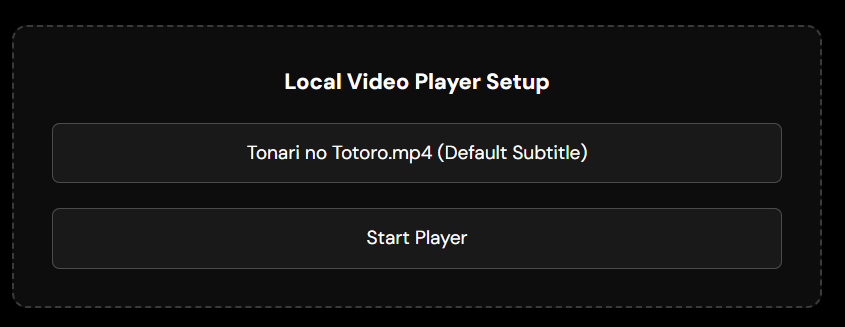
v13.1.1 Implement a “use lesson subtitle” option.
If you choose a video only, the default (lesson’s) subtitle is utilized.
You can still choose a video together with another subtitle!
1 Like
Improved the style for better usability and more straightforward UX. Update the add-on. It will work as you expected.
2 Likes
v13.1.2
Fix the local video player css.
Make the subtitle font size determined by the caption-font-size option.
1 Like
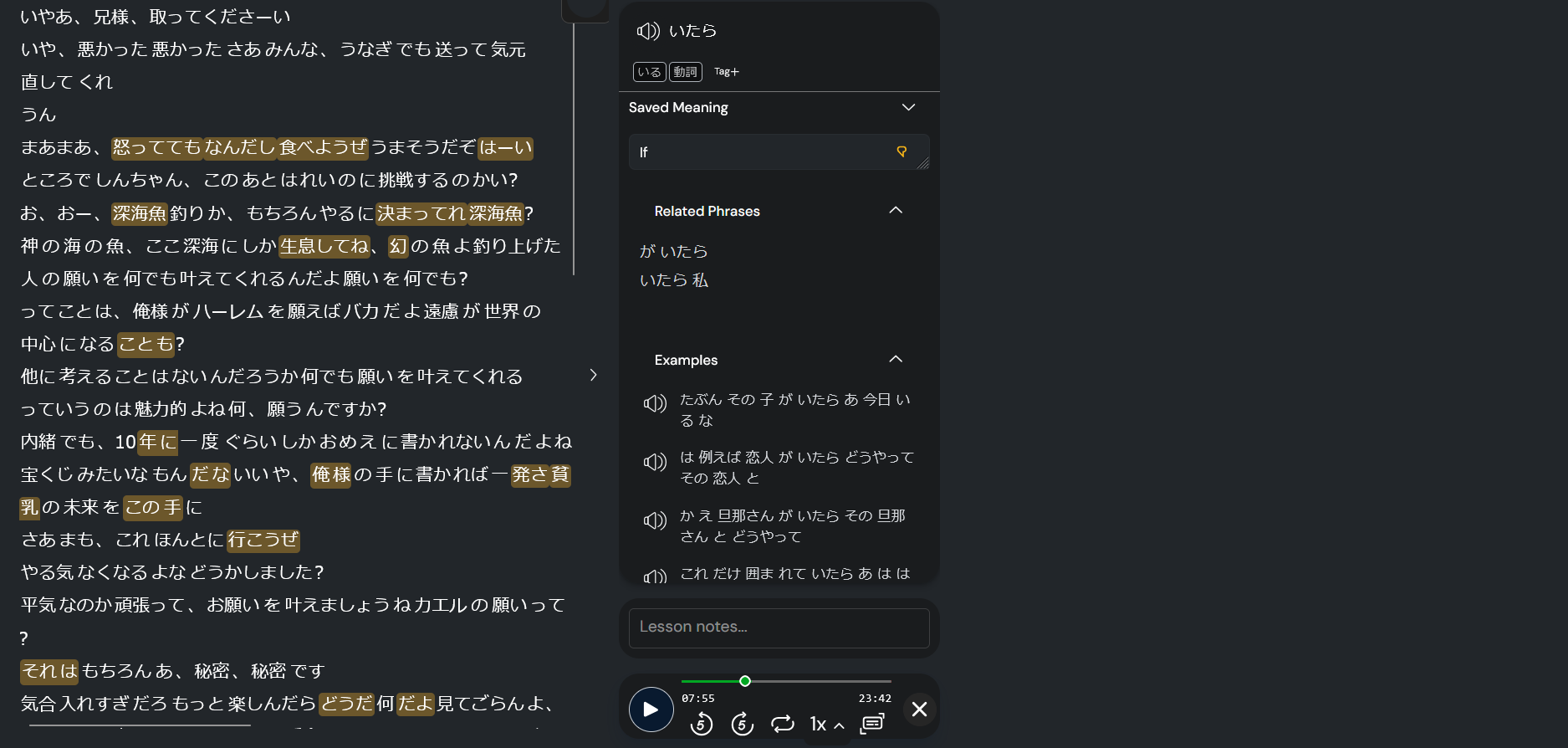
Hey there i updated the script to the latest version on firefox and i noticed i cant import a video anymore. I chose the local video layout and couldn’t get it to show. I also tried deleting and reinstalling the extension a couple of times
1 Like
I fixed that issue on v13.2.2. Update and try again.
2 Likes

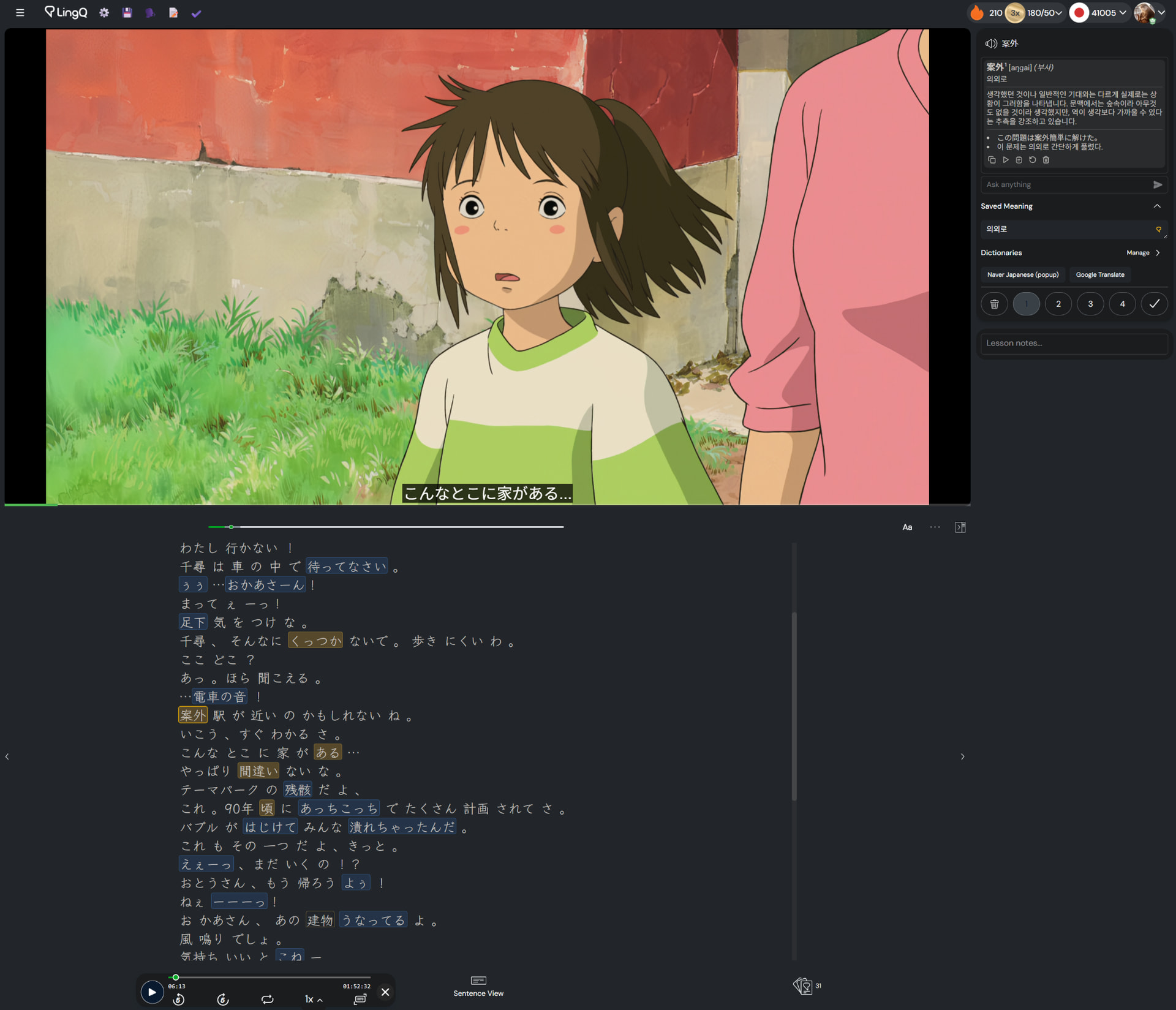
Is it possible to add focus tracking when jumping to the highlighted yellow words? Currently, if a yellow word is located off-screen, I have to manually drag the scrollbar to the corresponding page to see it.
You are saying the ← , → , or ‘b’ keyboard action, right?
I didn’t know about that issue since I only use mouse to select a word.
I already implemented the playing-sentence focusing feature for video/audio lessons, so that might be helpful.
Yes, I use the left and right arrow keys to navigate between words; if a word falls outside the visible area, I have to drag the scrollbar to its location to see it.
v13.4.2
- Add Cerebras as a new LLM provider.
- Implement an error correction logic for the pronunciation of word cards.
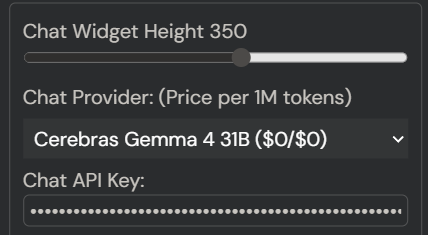
For now the API is free with a rate limit: RPM 5 and TPD 1M.