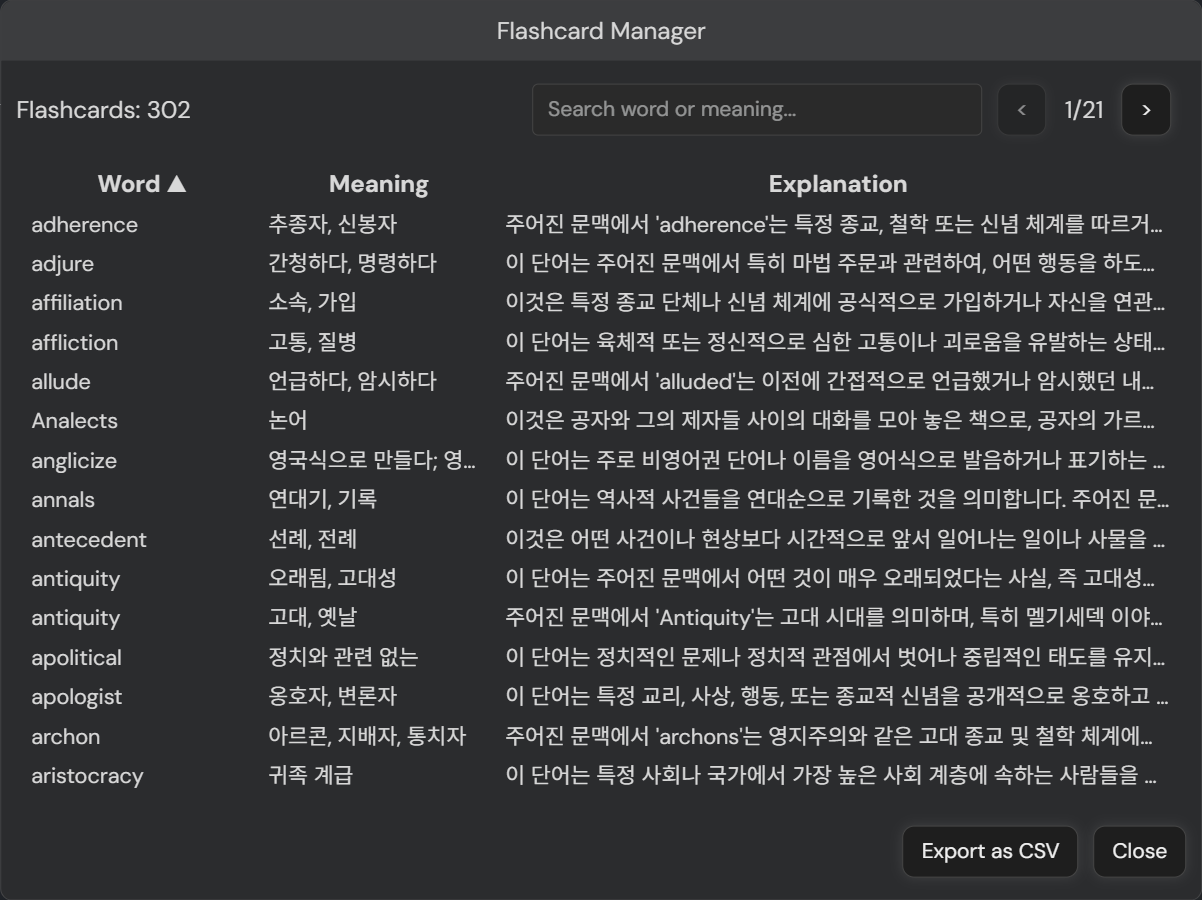
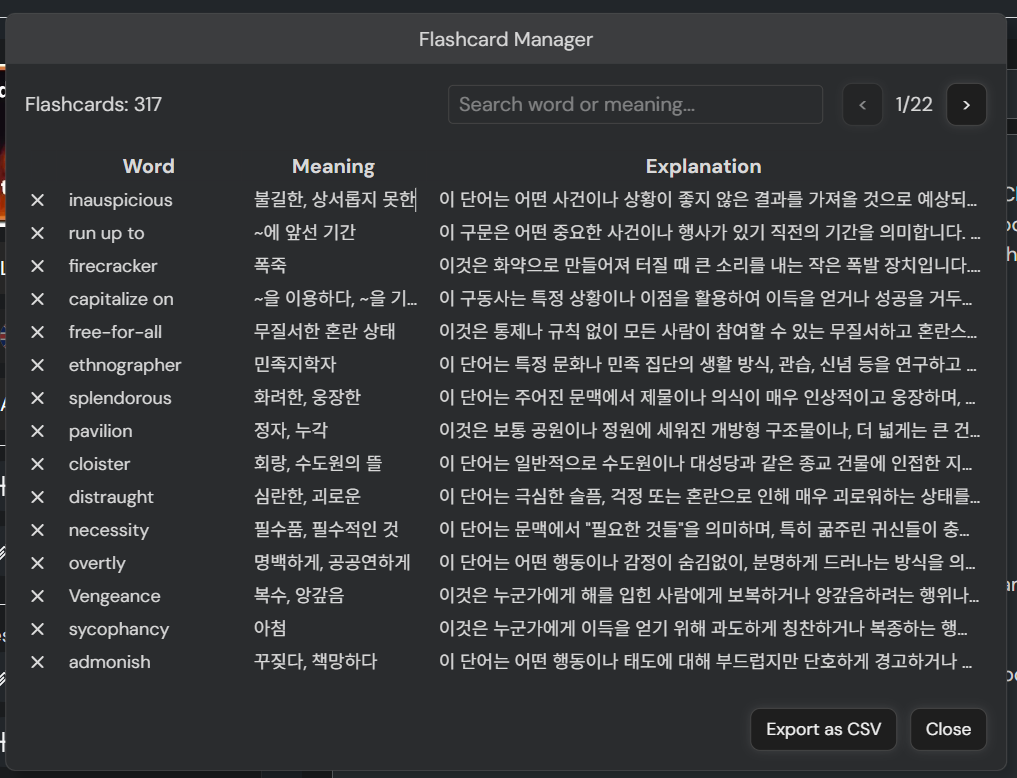
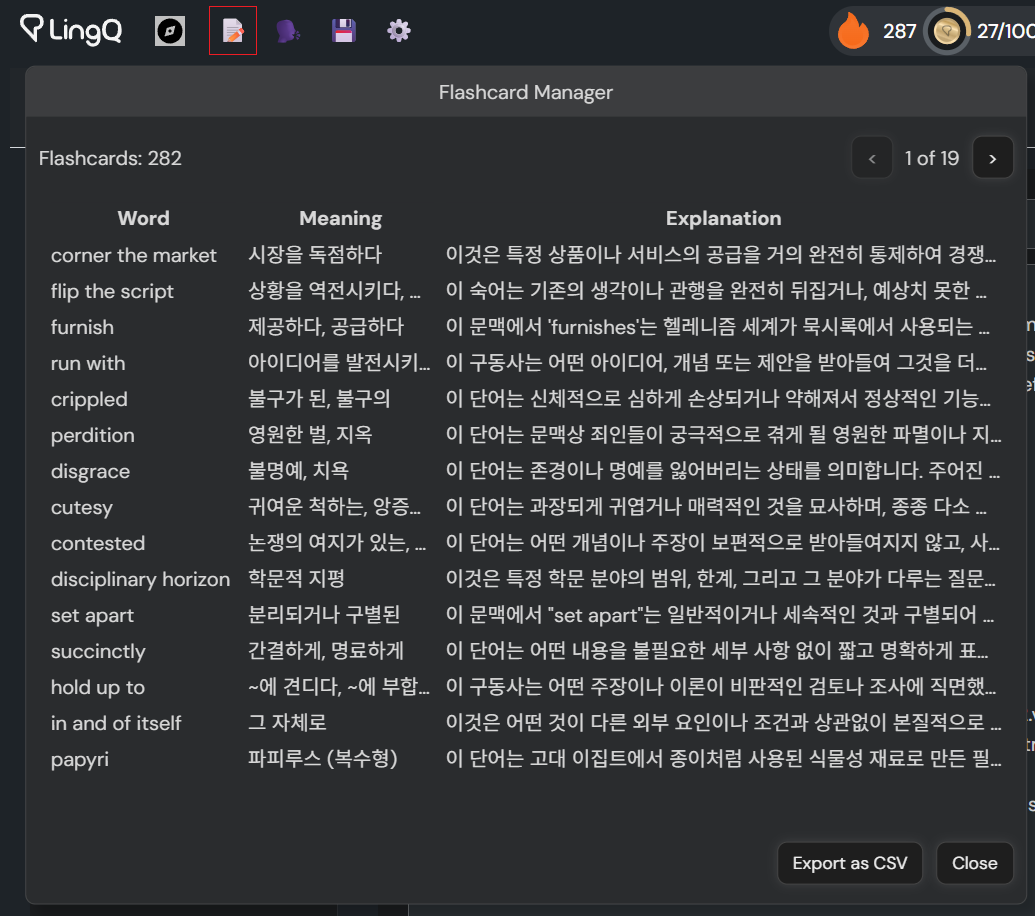
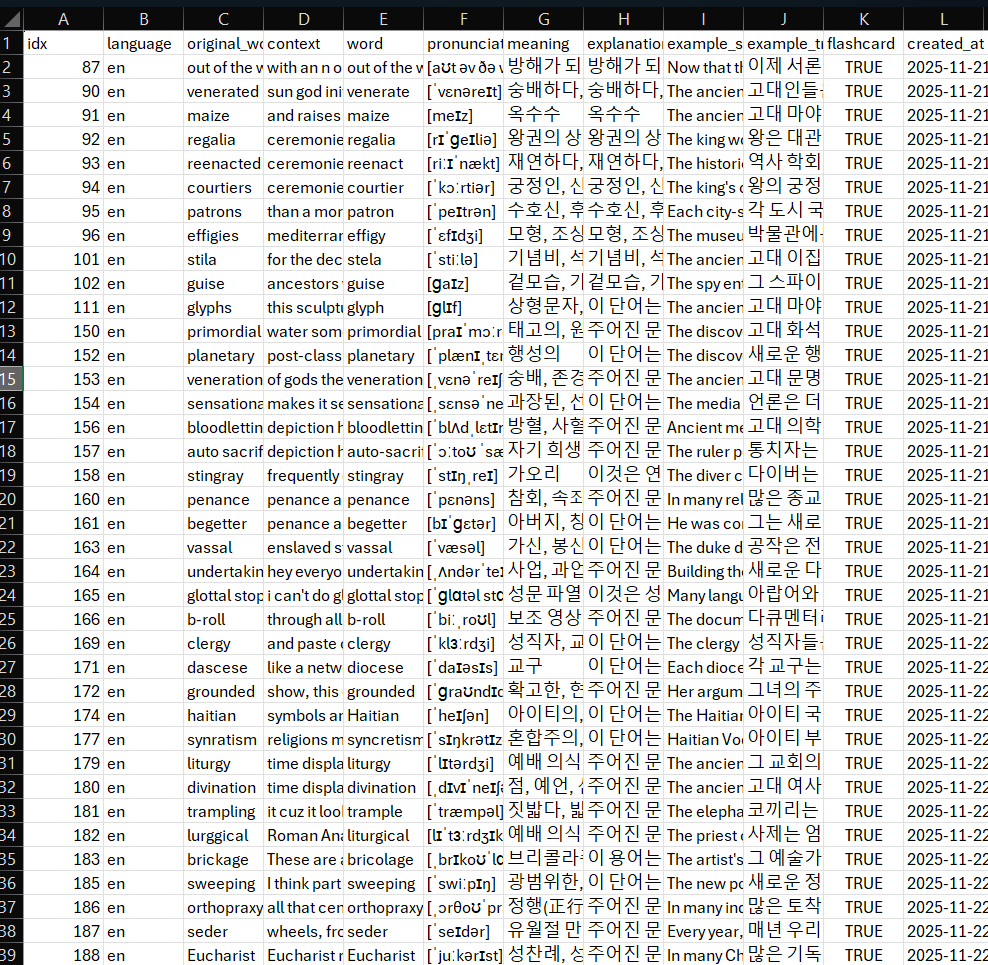
v9.3: Implement flashcard manager and CSV export
I’ll develop the sorting/searching feature soon.
v9.3: Implement flashcard manager and CSV export
I’ll develop the sorting/searching feature soon.
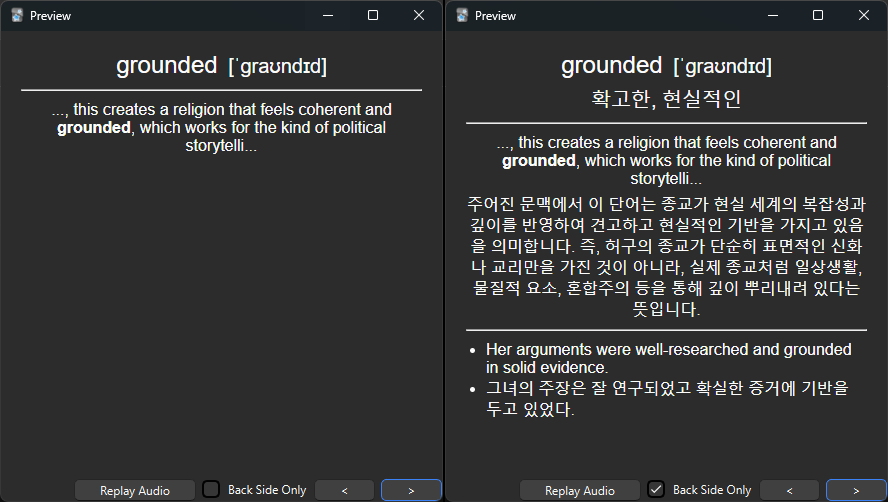
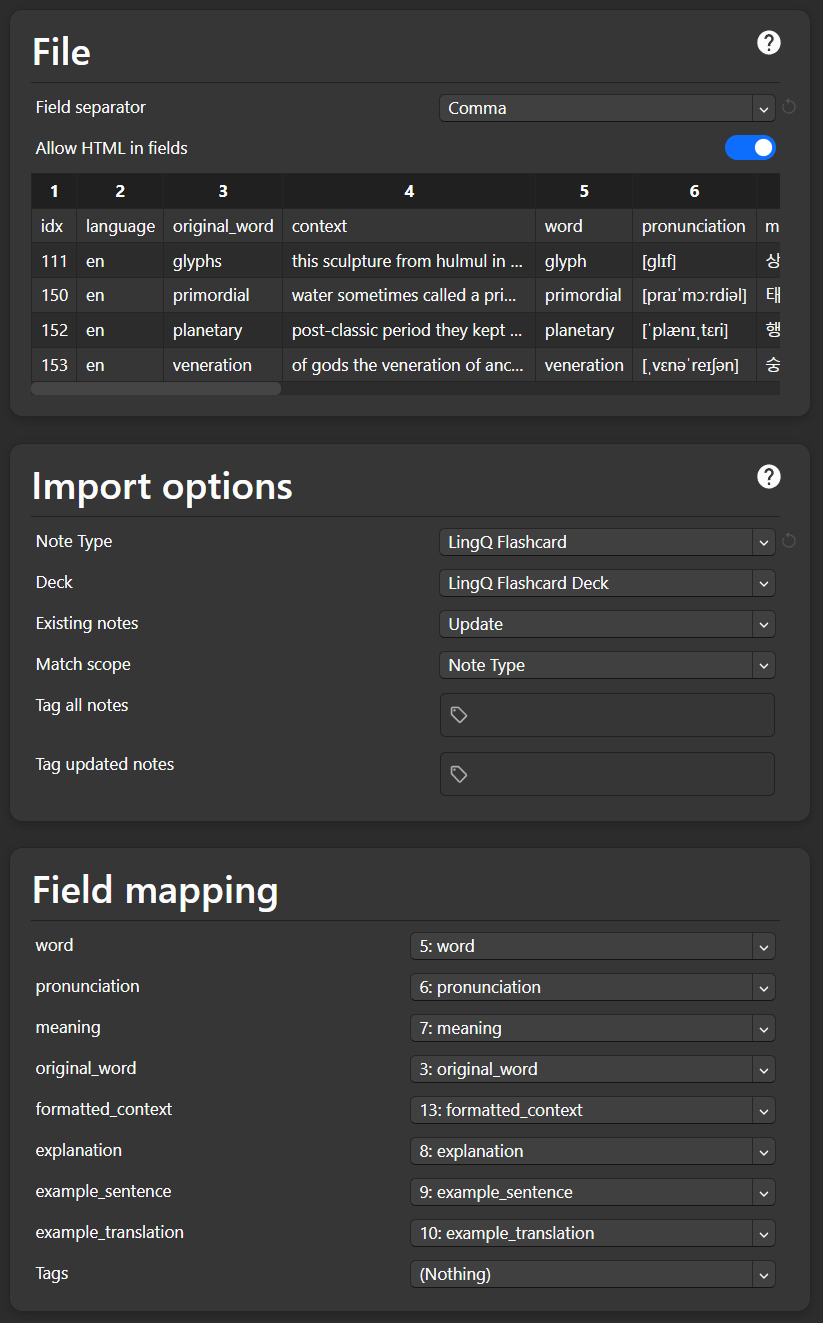
v9.5: You can import the flashcard CSV into Anki using a matching card template.
The card includes its meaning, pronunciation, context, explanation, and a sample sentence & its translation.
Follow the steps below to install and use the Anki template:
LingQ FlashcardThe way I use LingQ with the addon
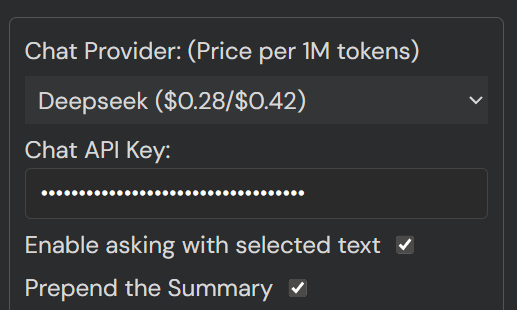
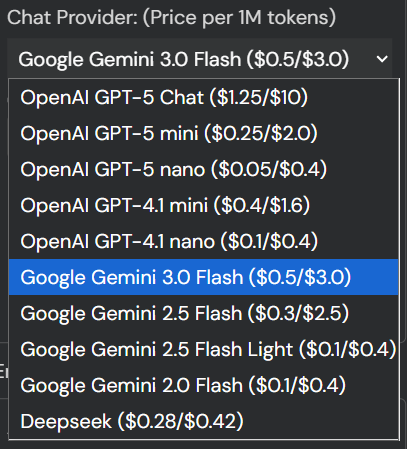
Hello, could you please add an AI model API interface?
v9.6.3: Make the embedded youtube player cleaner (Remove overlay elements harms readability, appearing when pausing the video).
Before/After
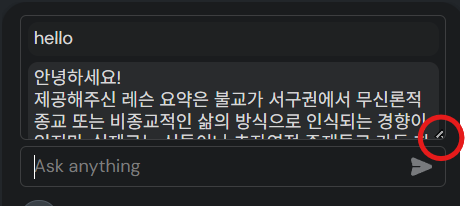
Hello, could you please improve the AI text box generation so that it doesn’t keep expanding? Could it be changed to a fixed size or use a scrollbar?
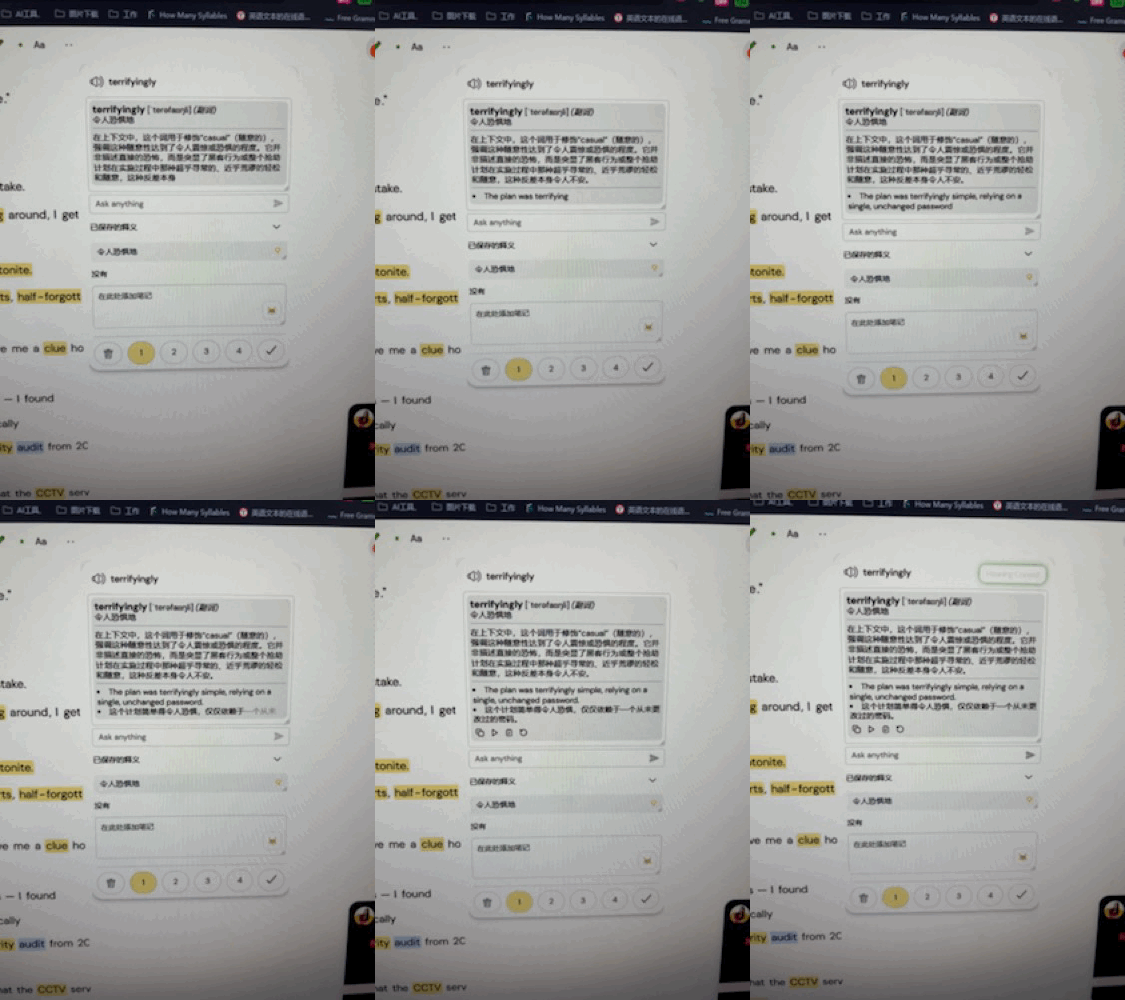
It already has the maximum height. If you want to shorten it, change the max-height: 300px; from the code:
#chat-container {
    margin-bottom:5px;
    border: 1px solid rgb(125 125 125 / 35%);
    border-radius: 5px;
    min-height: 100px;
    max-height: 300px;
    overflow-y: auto;
    resize: vertical;
    padding: 5px !important;
    scrollbar-width: none !important;
}
Great, now it can maintain a fixed size.
Is it possible to have a sentence-by-sentence mode so that the video doesn’t reload every time I click play?
I don’t understand what you mean.
Currently, when using sentence mode in LingQ videos, the playback reloads every time a sentence changes. Is there a way to make it play as smoothly as audio?
It’s LingQ’s default action. It plays video from the timestamp whenever you play to sync to the text(subtitle). I don’t think I can change its action.
I recommend you use the page mode; the add-on is basically made for the mode.
v 9.7.0: Add a non-scroll mode. Improve the system prompt.
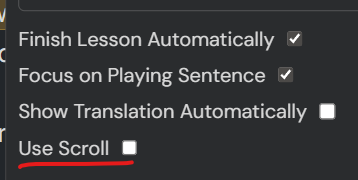
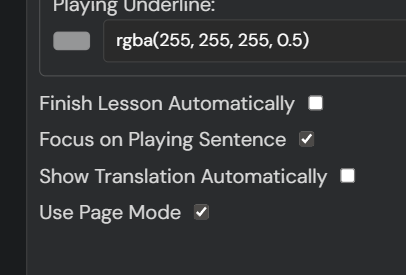
If you uncheck the ‘Use Scroll’ and refresh, the page mode is enabled, and the next page button is appended.
Since LingQ doesn’t load and highlight all the LingQ words in the scroll mode, it is better to use the page mode if you want to see all the LingQ words highlighted.
v9.7.2 Removed the ‘Use scroll’ feature due to the unfixable bug (a chunk of words was omitted in the viewer). Use the ‘off mode’ to read content without scrolling.