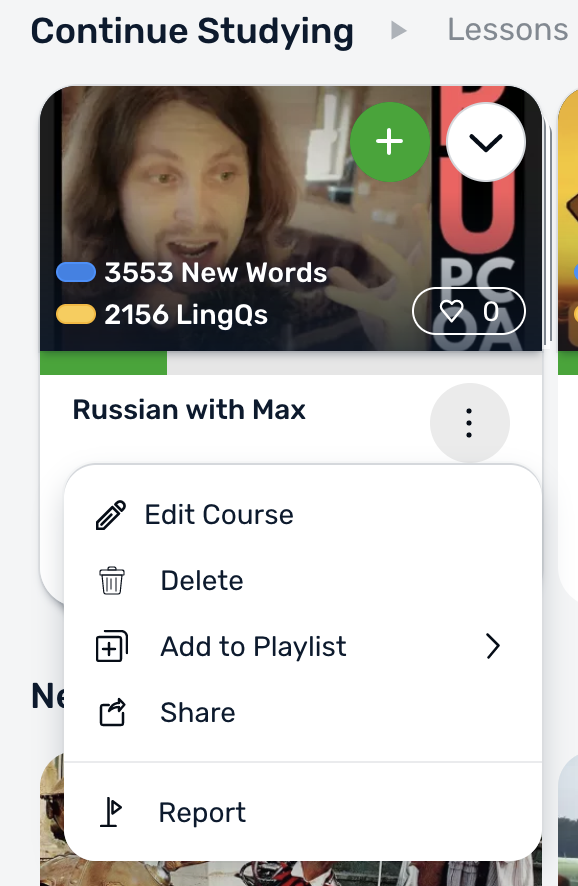
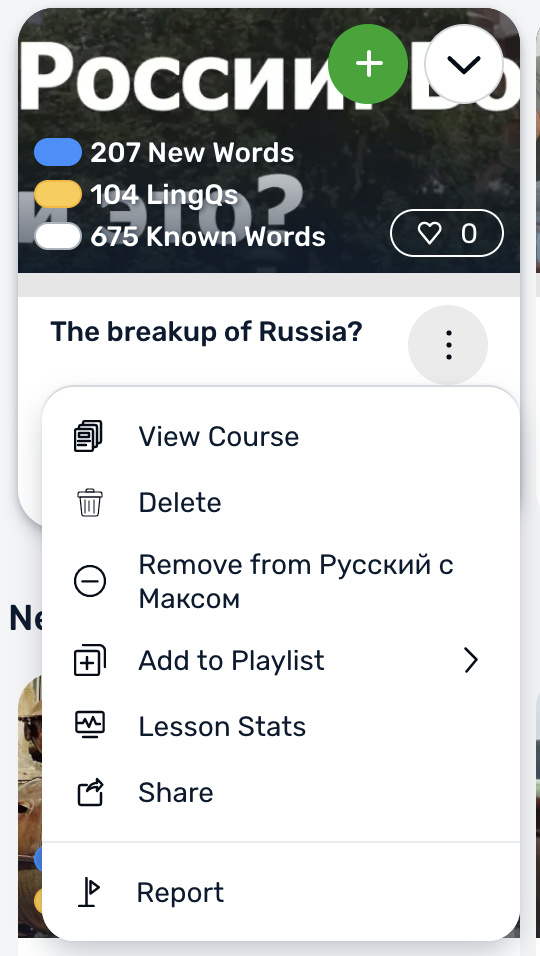
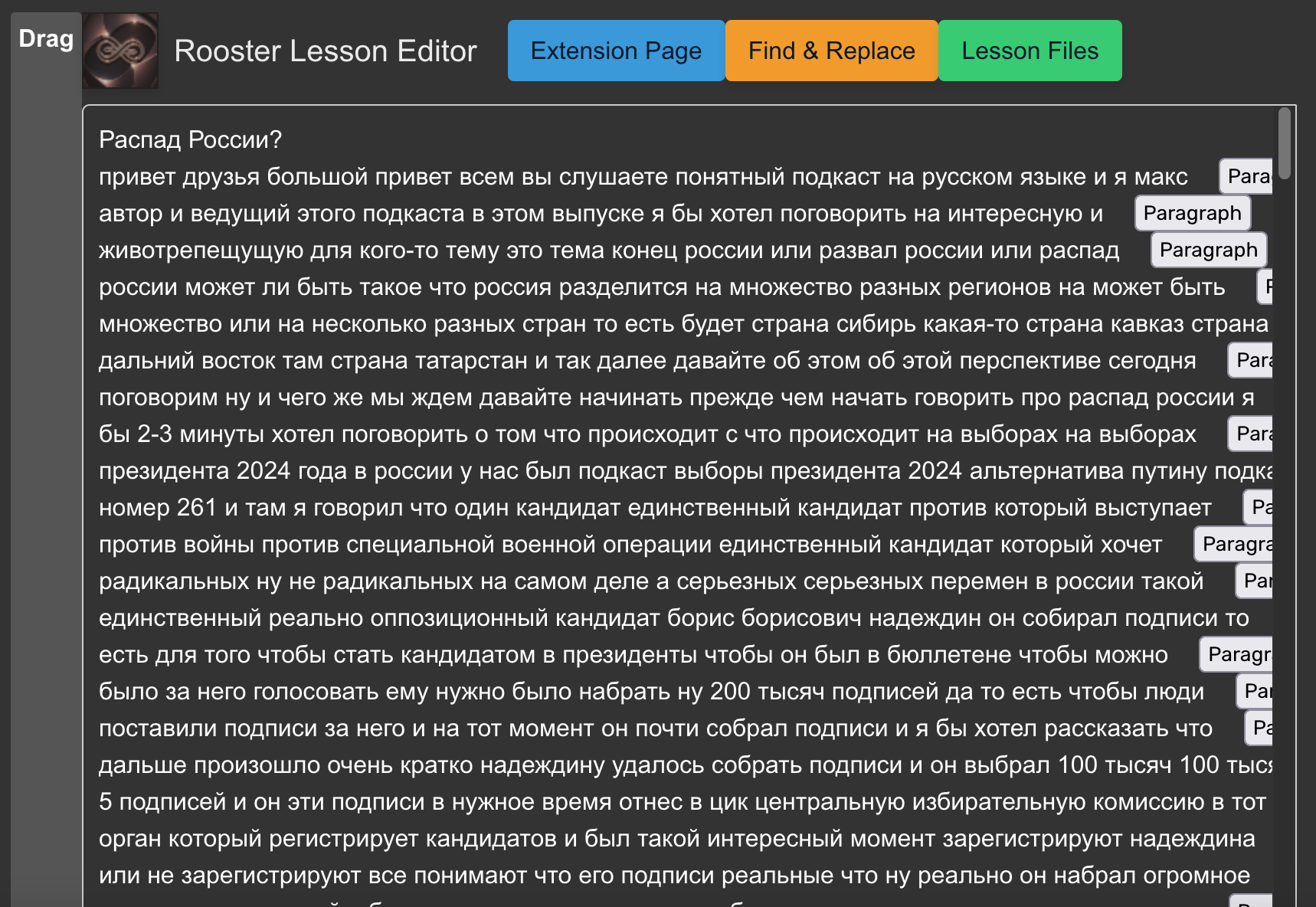
Right clicking on a course shows “Edit Course.” Very handy. Could you please add “Edit Lesson” to a lesson? As it stands now in the Web app, I have to open the lesson to get to Edit. I am constantly opening a lesson just to edit and add an audio, for example - or change the title.
I agree. The hover over lesson should also provide the opportunity to edit a lesson. I shouldn’t have to open it to get to the edit. (which will also artificially increase the reading stats).
In addition it would be nice, if the text of a lesson could be edited in page view in a similar fashion as it is possible in sentence view. The back and forth between both views can get quiet annoying when one has to make several edits to a text, especially as often when switching back to page view the reader jumps back to page one.
@vernmartin Does one of @roosterburton’s extensions automatically upload the audio for YouTube videos or is there a mass import? Personally I have little use to import the audios of Russian with Max into LingQ, as I study the videos directly on YouTube. You can either use Language Reactor or @roosterburton’s extensions. Might save you from needing to manually download and upload them.
Support him at the minimum level ($3/month) and get access to his YouTube audio on his Patreon Supporters exclusive podcast (his “Comprehensible Russian Podcast” is of course publicly available).