I found a makeshift fix to this issue.
I think it is the only—as far as I know—possible way to use LingQ before the team fixes the issue.
I guess that this problem is caused by the paging feature of the reader. And by disabling the paging, the problem doesn’t happen for me. This is not a perfect solution, but it makes LingQ usable.
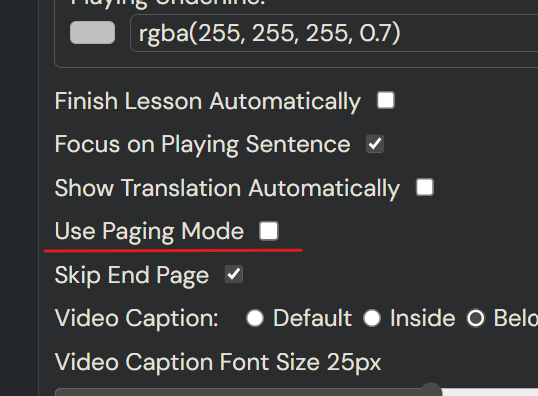
Install this Add-on and disable the paging mode in the setting menu and try again. It will work as properly.
With paging

The selected word is not displayed properly.
Without paging
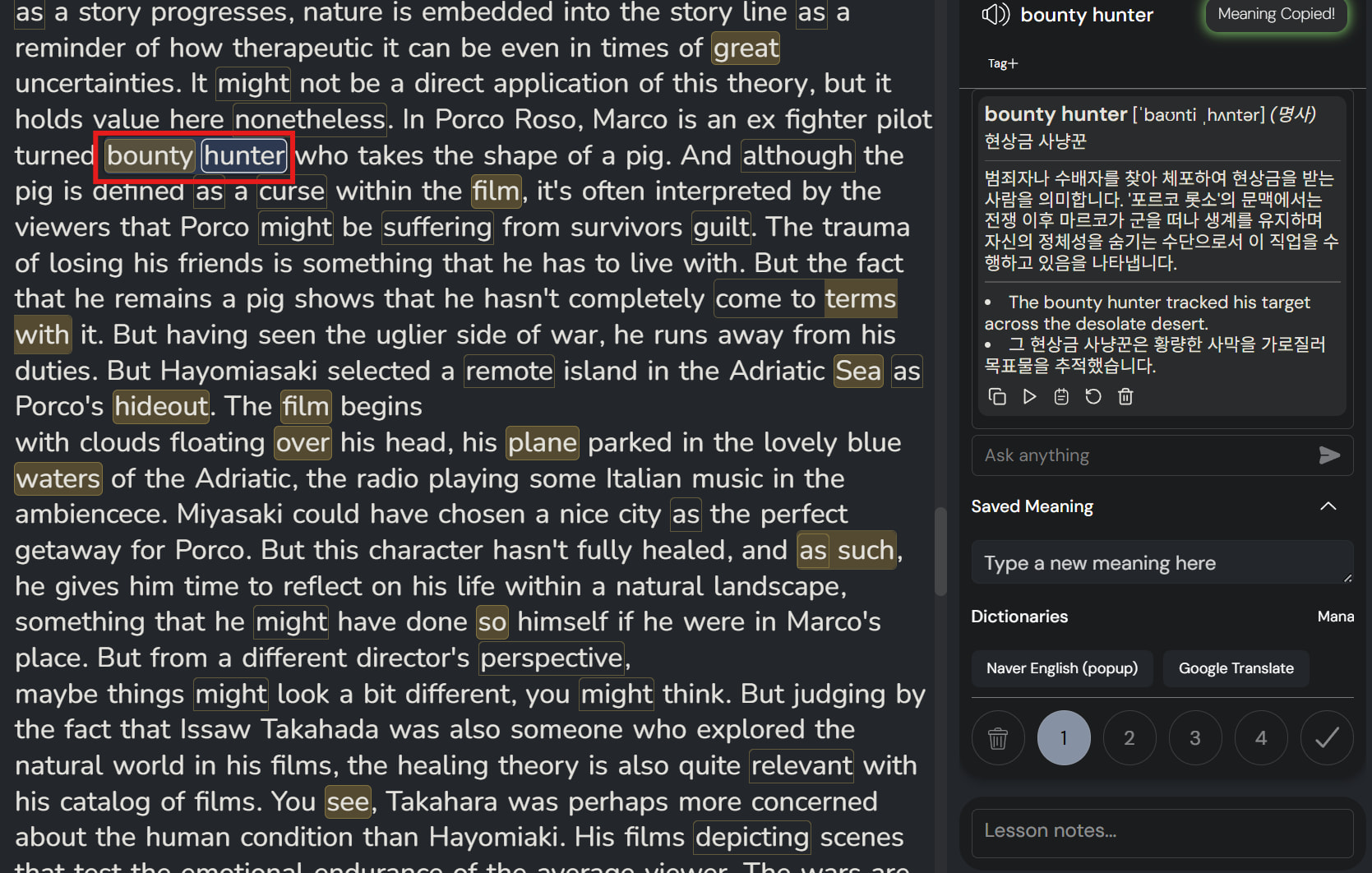
Work as I expected.