This is driving me crazy too.
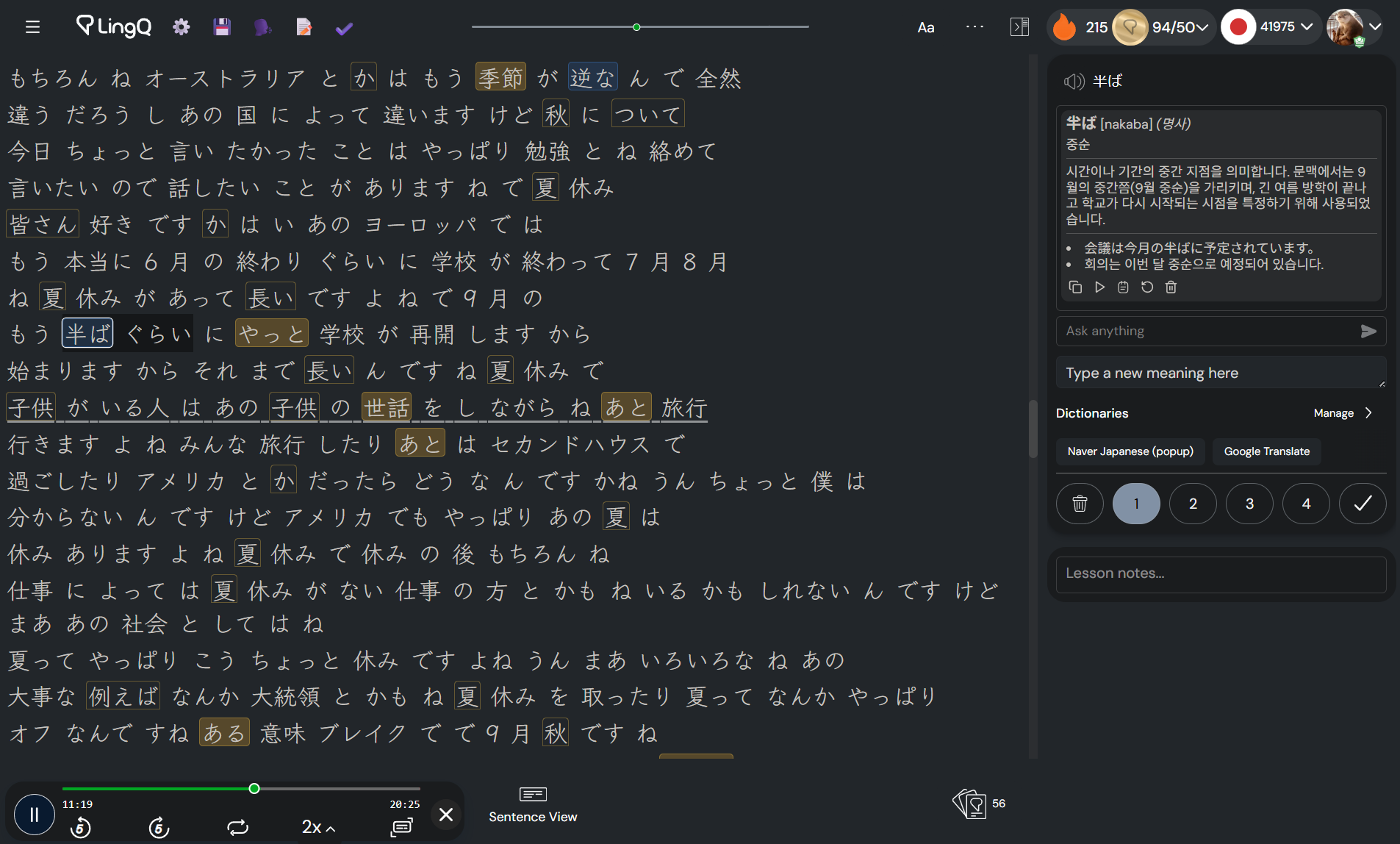
Experiencing this issue on desktop with YouTube transcripts. Maybe it’s better on mobile? Either way, unacceptable for how much I’m paying each month.
This is driving me crazy too.
Experiencing this issue on desktop with YouTube transcripts. Maybe it’s better on mobile? Either way, unacceptable for how much I’m paying each month.
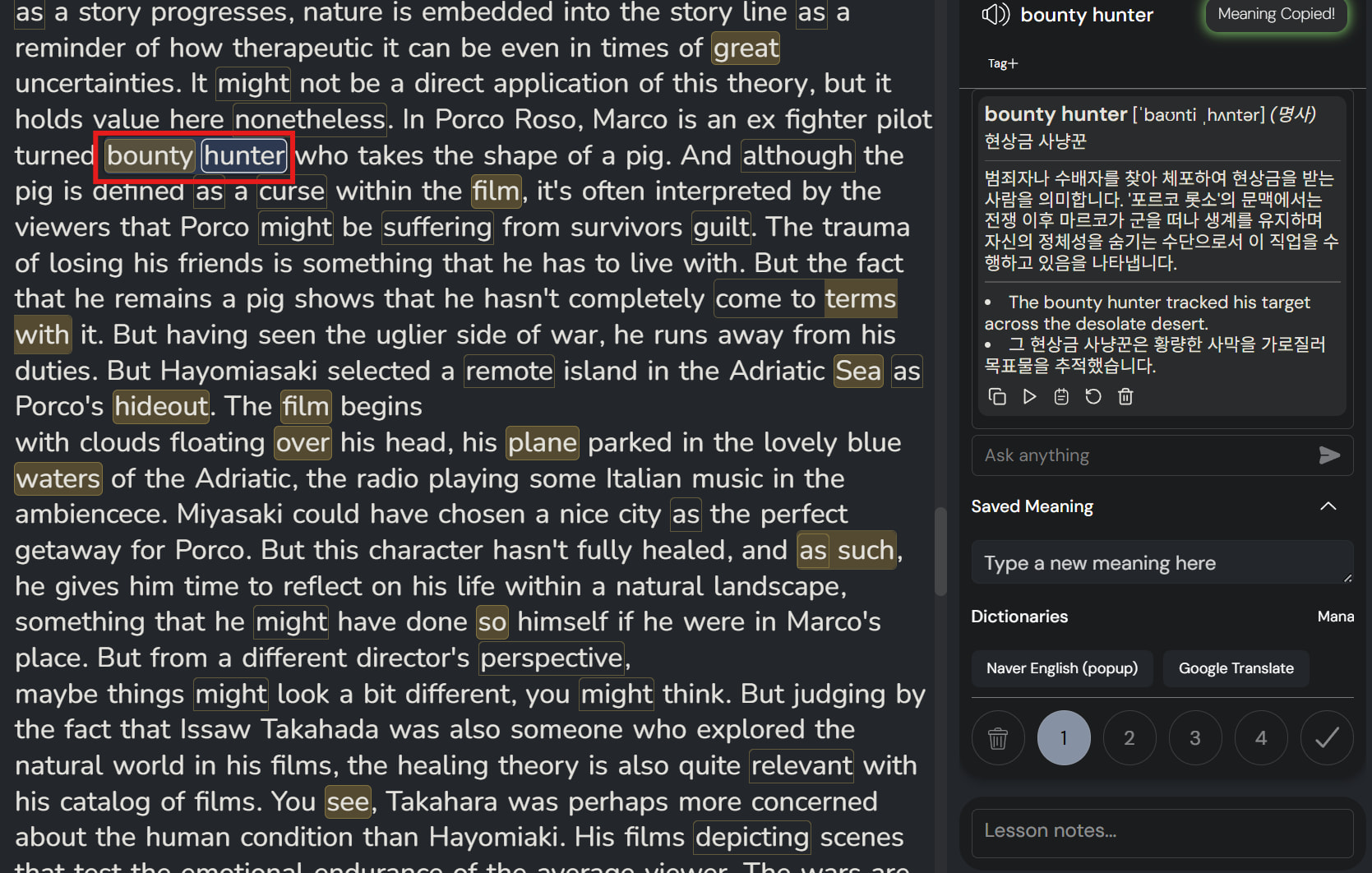
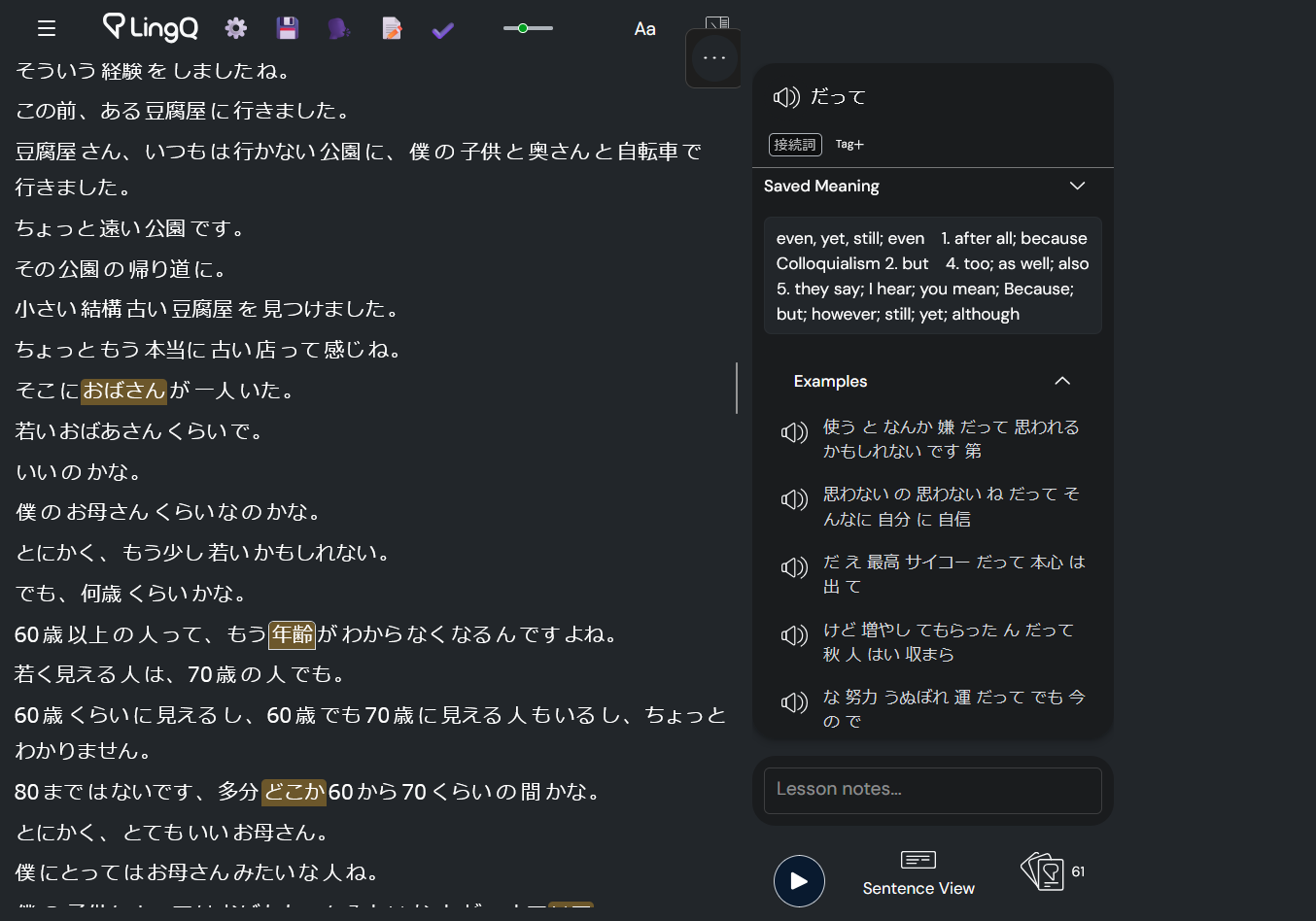
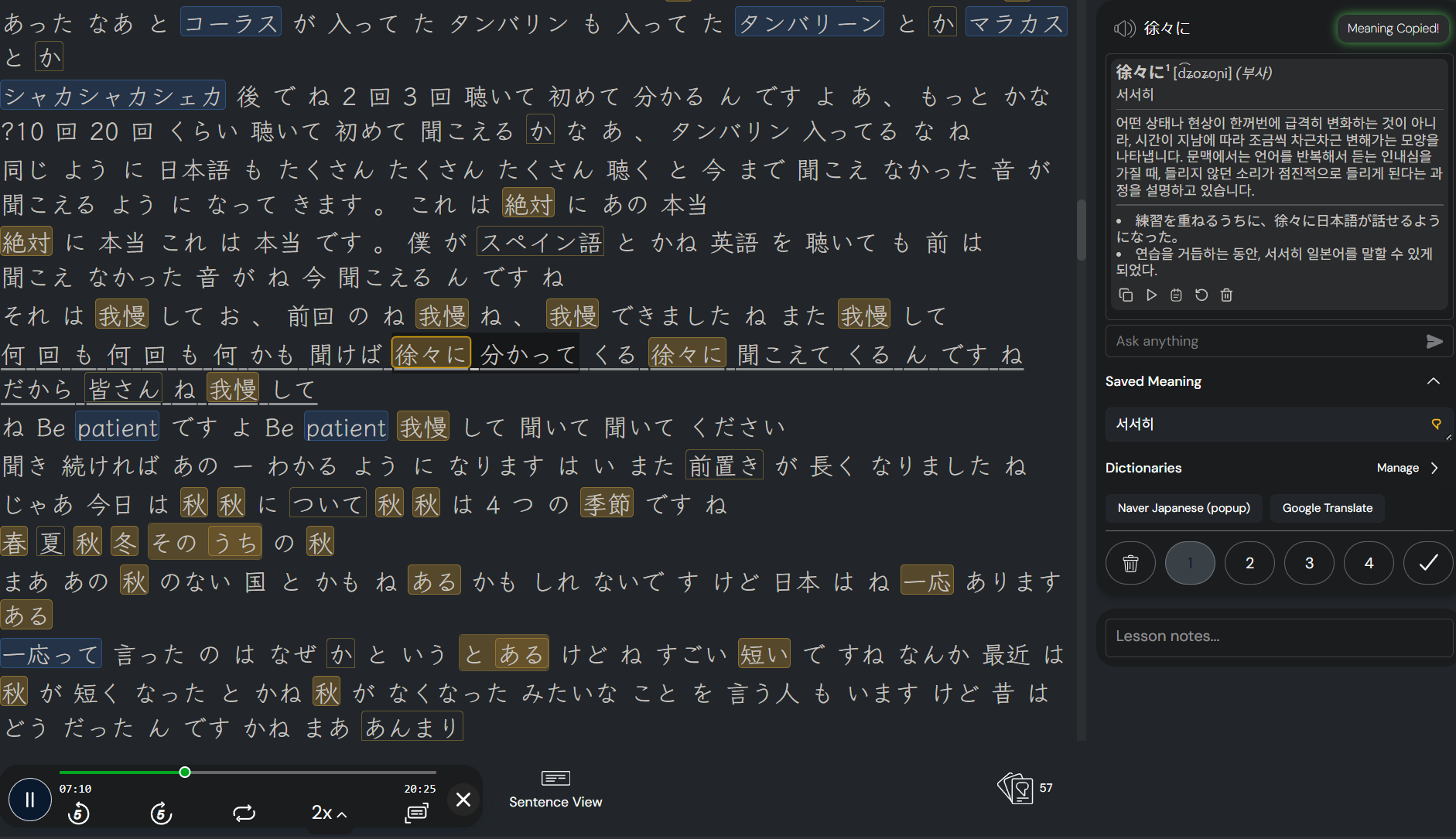
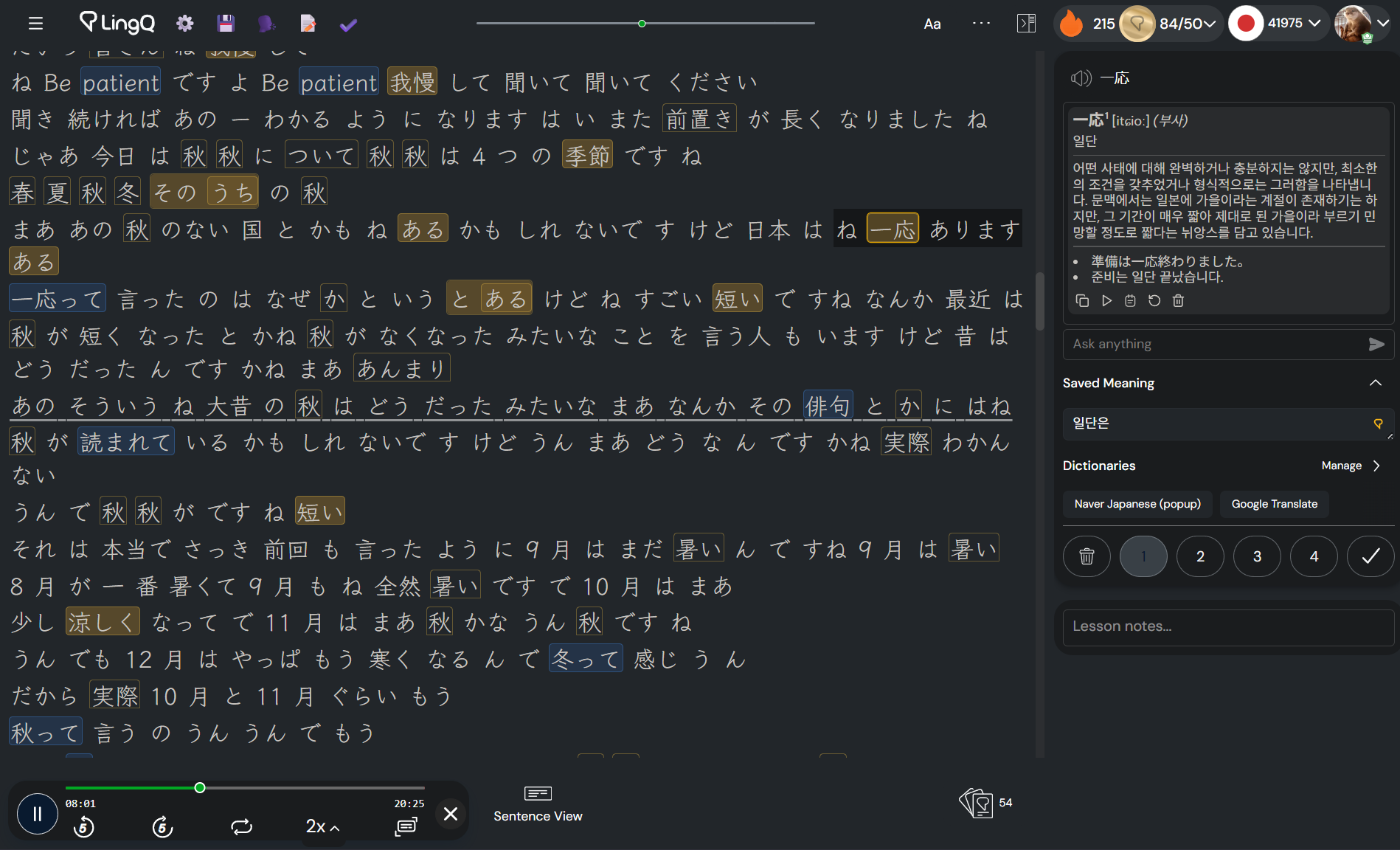
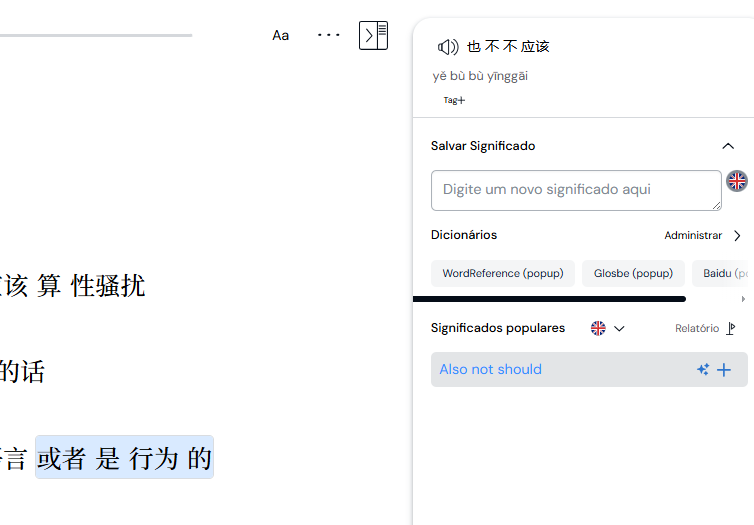
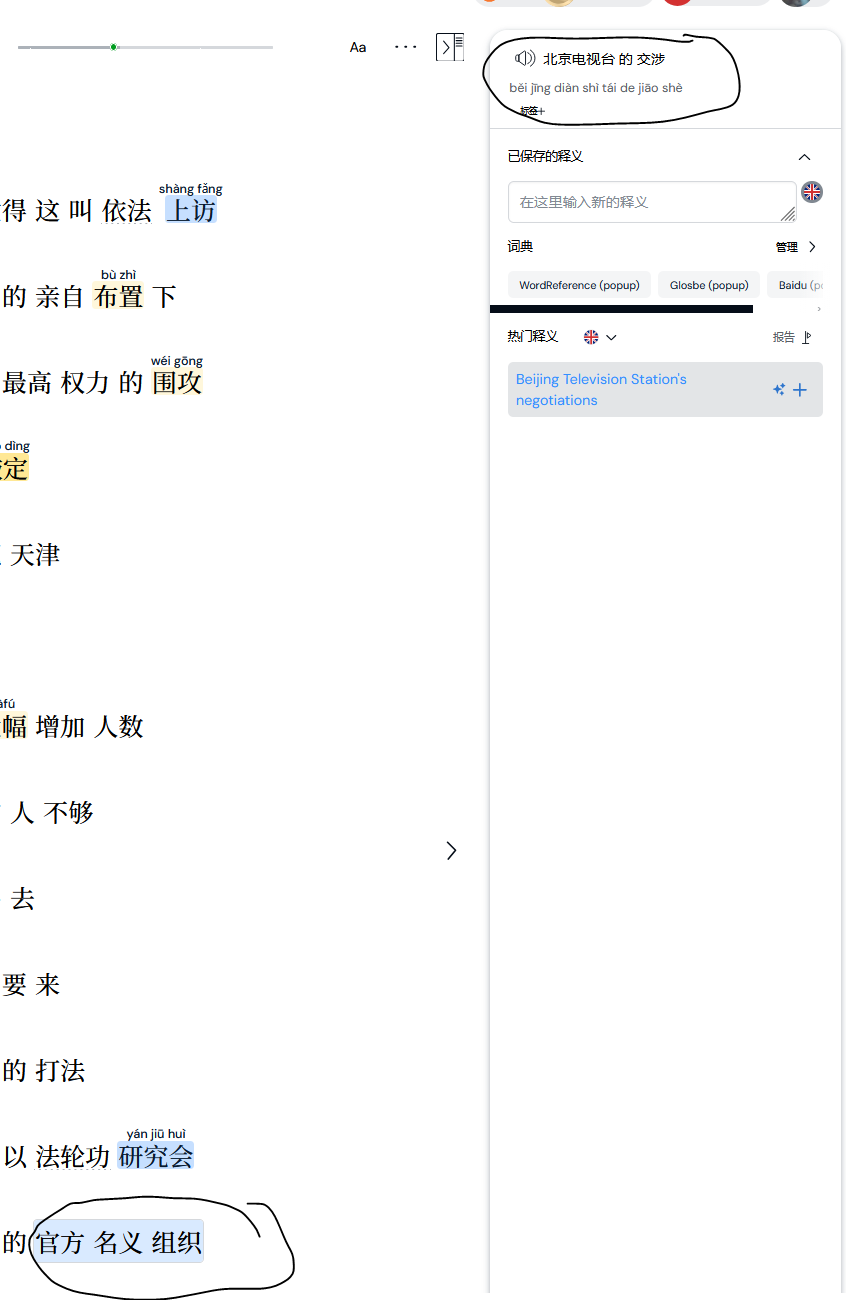
It’s a total disaster—it’s impossible to create new Linqs or change their status: I click on one word and another one appears; nothing is working properly! Que se passe-t-il ? LingQ est devenu inutile @zoran
We apologize for any inconvenience. Our team is aware of the issue and we will hopefully have this sorted out soon. I’ll check what’s the status here and get back to you shortly.
I found a makeshift fix to this issue.
I think it is the only—as far as I know—possible way to use LingQ before the team fixes the issue.
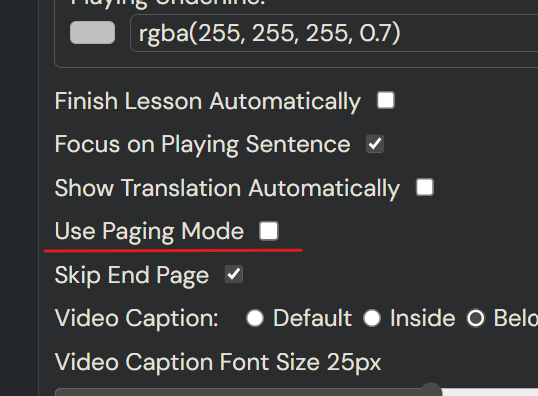
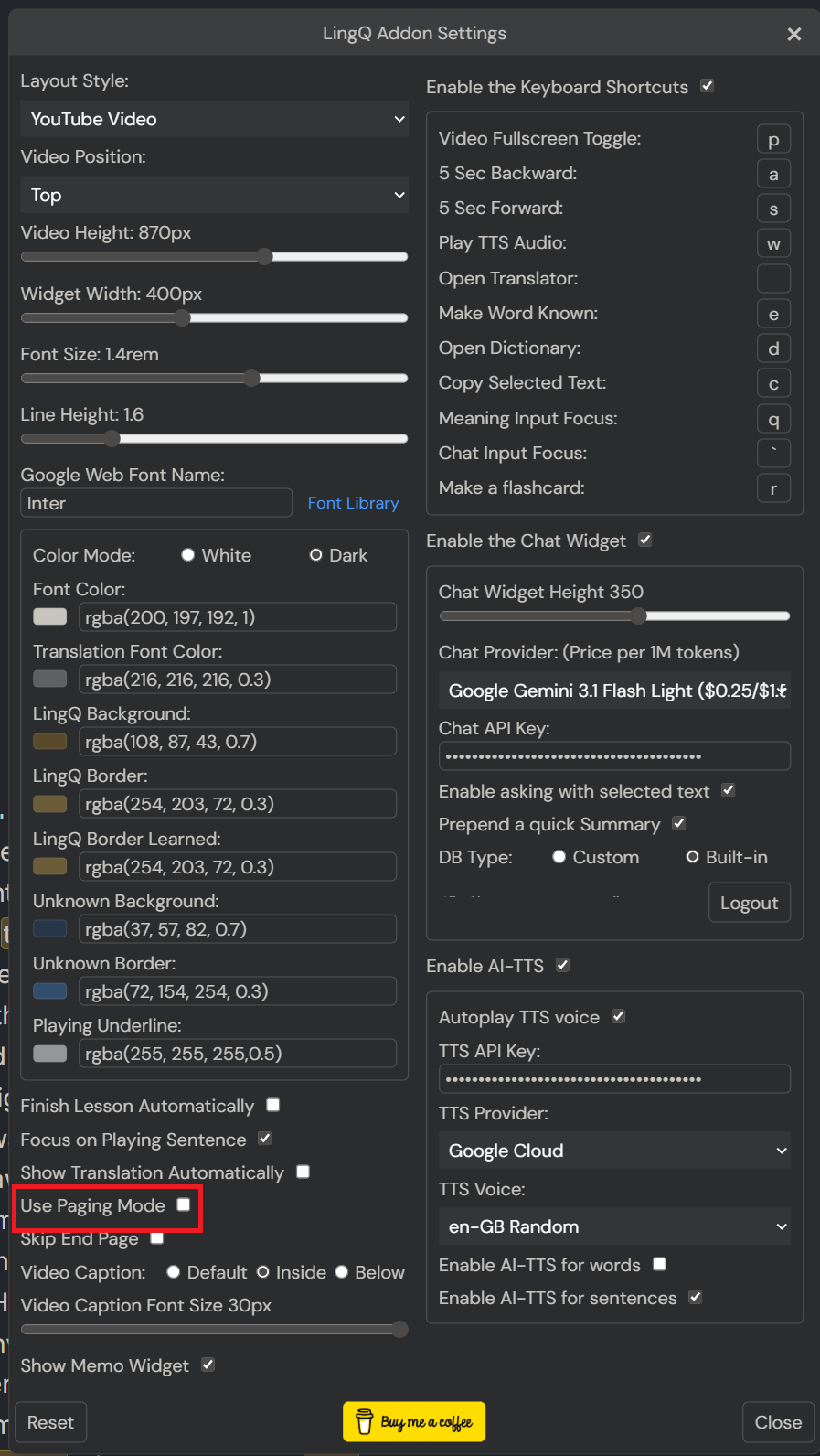
I guess that this problem is caused by the paging feature of the reader. And by disabling the paging, the problem doesn’t happen for me. This is not a perfect solution, but it makes LingQ usable.
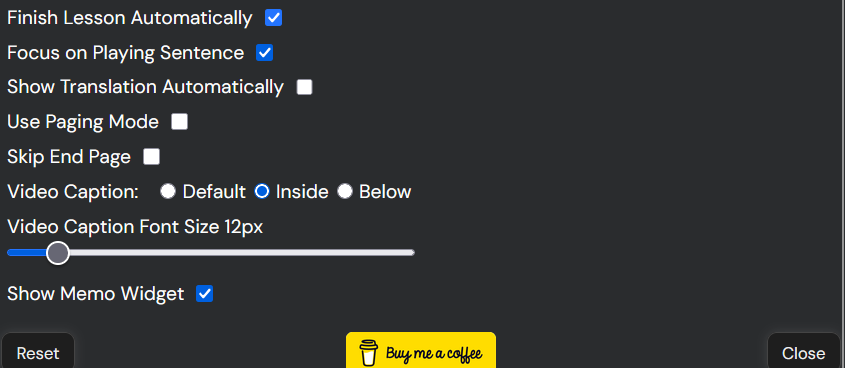
Install this Add-on and disable the paging mode in the setting menu and try again. It will work as properly.
thanks i will give this a try
It has improved a bit, but there is still a chance of problems arising.
However, compared to not using it at all, it is a significant improvement over LingQ itself.
Hey unfortunately for me i still experience the issue. It works for a bit but its like the more i click words it just kind of devolves and gets worse. I mean its not like its your fault in any way but i appreciate you trying to find a workaround. I made sure to disable paging and also tried to reinstall just in case but its the same thing.
Then, I don’t know what’s the problem 
I tested with 20-min transcripts for both Japanese and English, and both worked well.
yeah its odd for sure. I’m using Firefox but im not sure if that has anything to do with it. Again i do appreciate the help though.
I have the exact same problem the last couple days. This bug is so annoying I have to quit my lessons after a few minutes.
SUPPORT TEAM: You need to respond to this issue and fix it promptly!
for me multiple words in a row did work but at some certain point errors started to show up. This was also on a old lesson. I have not tried it on a newly imported lesson yet. If it works flawless for you even on older lessons then maybe there is another factor here such as zoom in on the browser or text size in lingq or font but its hard to say
Hi everyone,
All issues mentioned on this thread should be solved now. Sorry about any inconvenience.
It happens again. Please fix this bug.
@zeesc @vet8t6z79pc4 Can you please check again now and let me know if you still have the same issue?
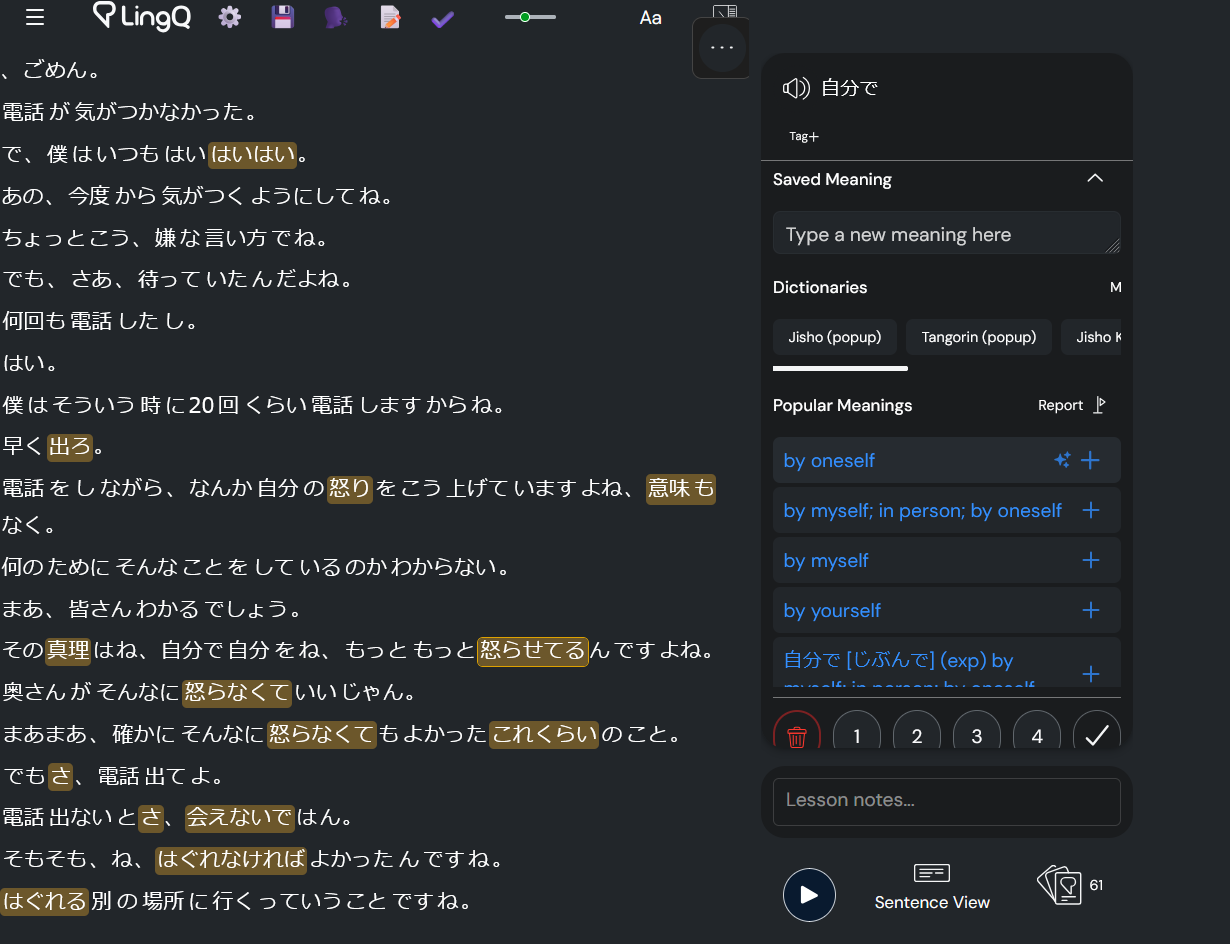
Getting this issue too with all asian languages as well @zoran. Japanese, Cantonese, Korean, etc.
Japanese, Cantonese seem to be the worse ones for my case