[BUG] LingGQ Importer failing

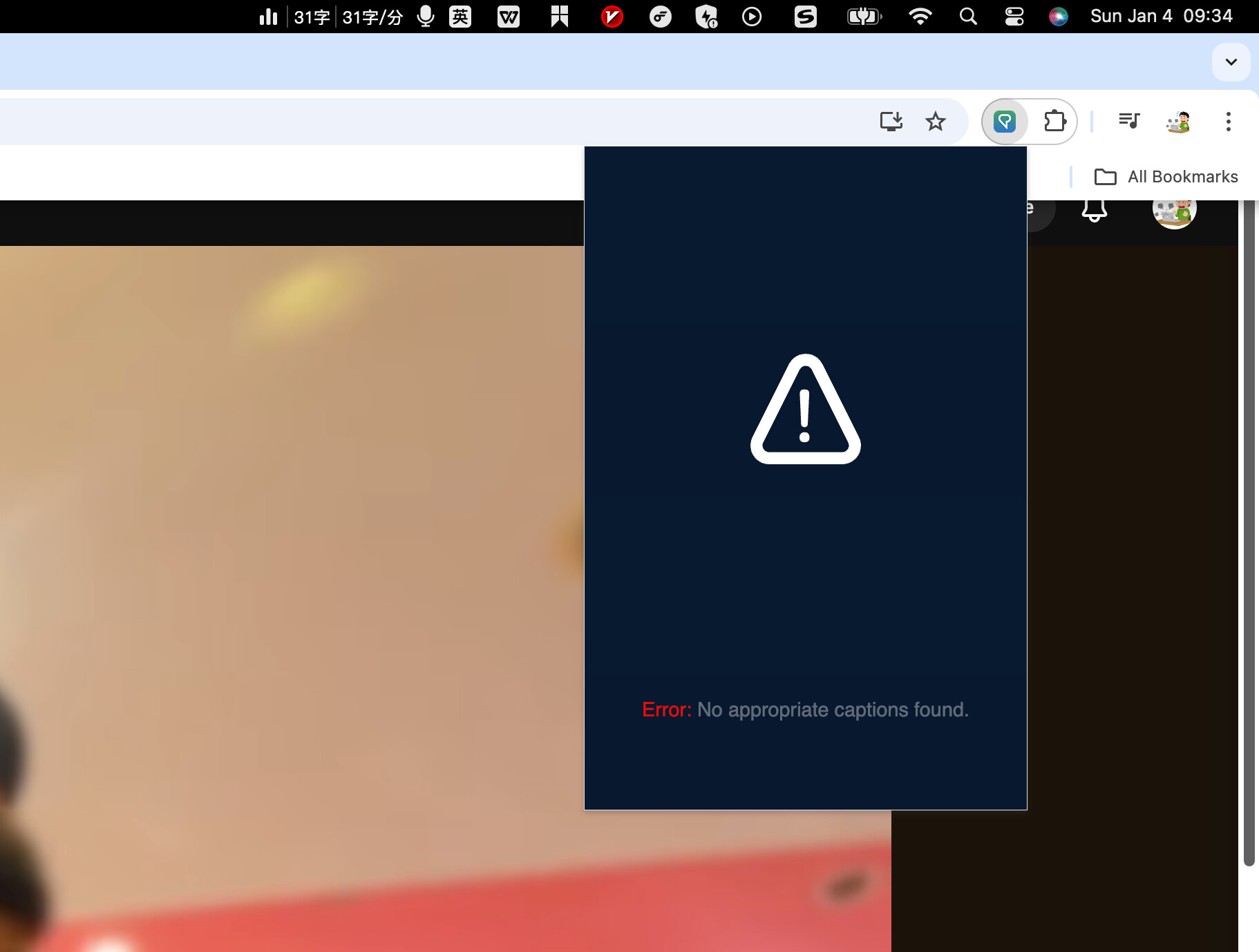
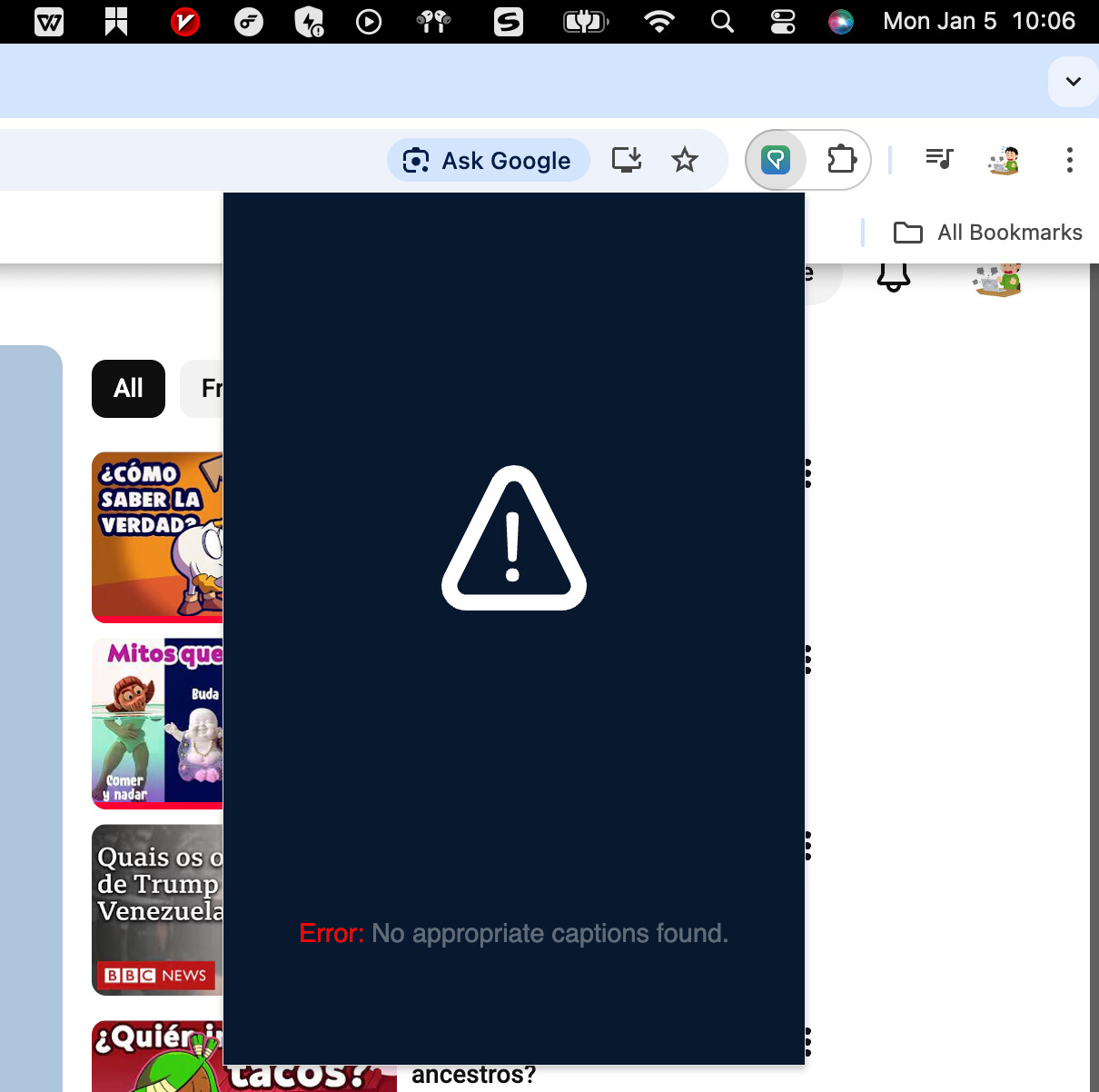
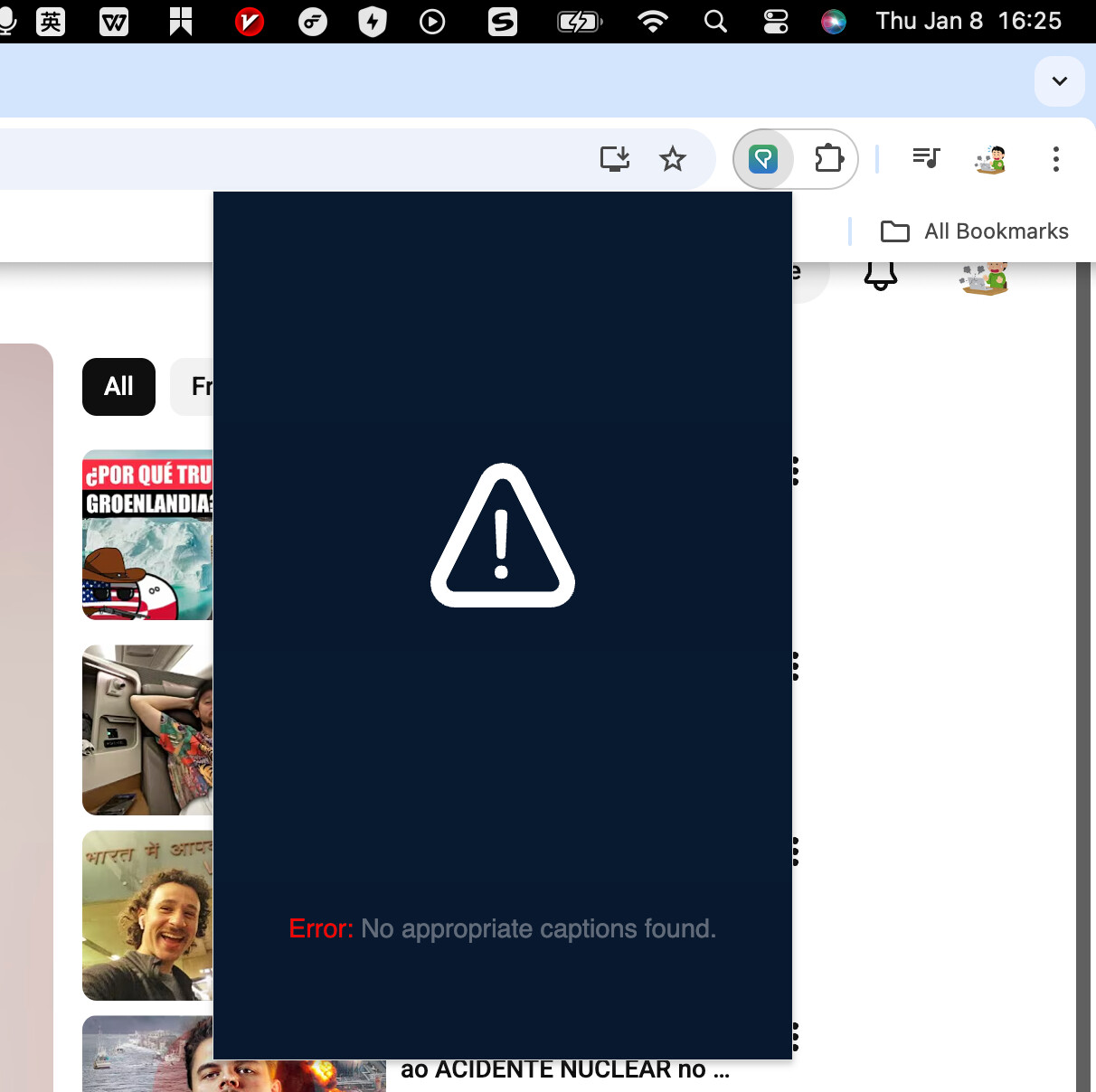
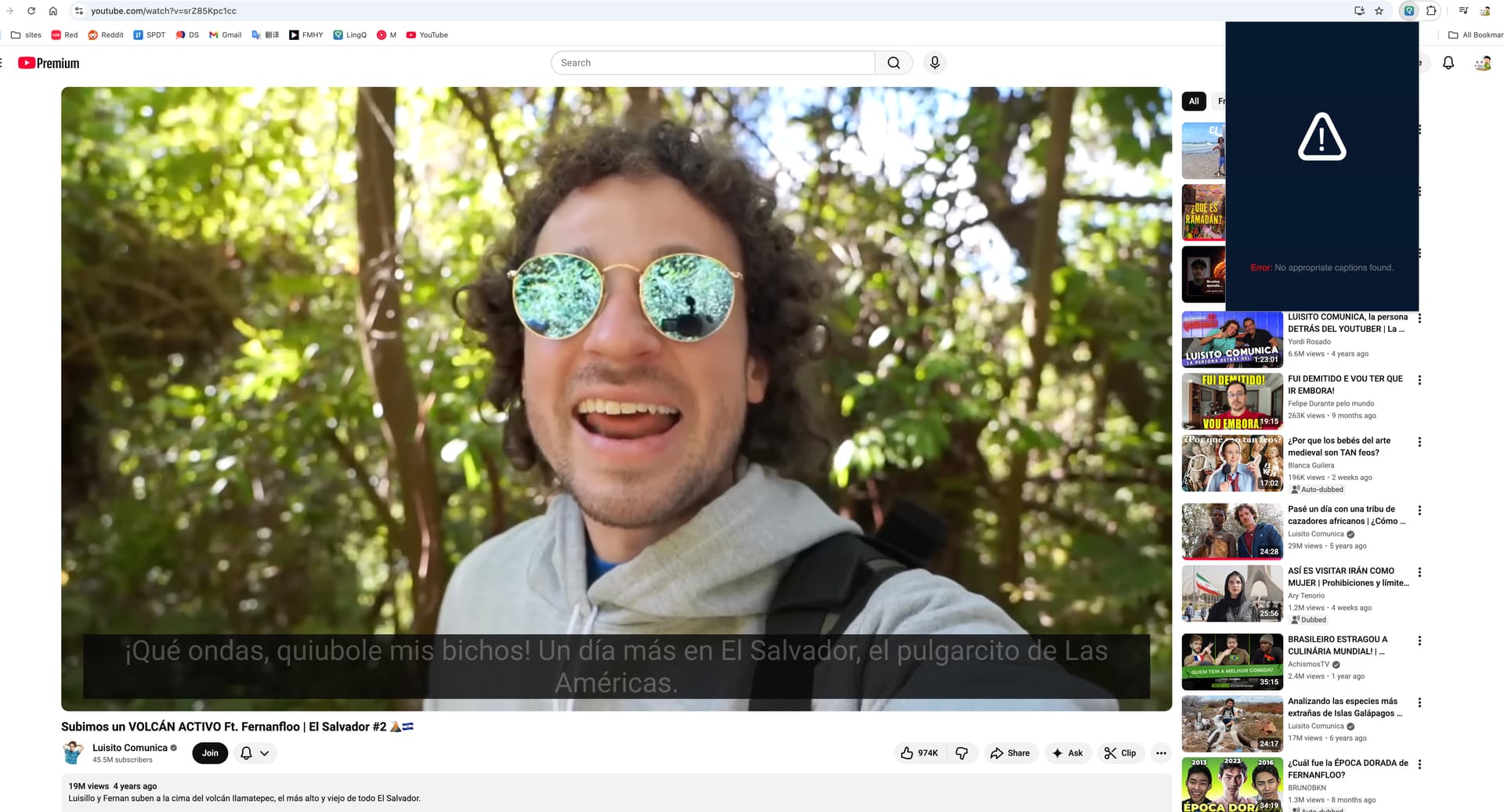
@zoran Hi Zoran, my LingQ importer isn’t work as well, I use Chrome, removed and reinstalled (many times) the LingQ importer extension which was updated at 11th Dec. And I can’t import any YouTube video, no matter what language I tried. When I used my phone or my iPad to import, it’s still the same: No appropriate captions found. But I can import texts and articles from other websites.

As well, I have reopened my browser、my computer and switched devices, but still doesn’t work, please help me check it out. Thank you.

@JInyo Can you please provide example video URL? Thanks.

i’m using chrome and the linq importer is not working at all for me. “No appropriate captions found.” for every single video.

@zoran Hi,
Having the same problem. I’m using LingQ on a Windows laptop (Chrome browser). “No appropriate captions found.” https://www.youtube.com/watch?v=g1i2VEYFZyw, however, it is not a video related; the same issue persist with different videos. LingQ Importer 2.3.36

2 Likes

it’s not working for every single video, even for those I previously successfully imported, even for those recommened to import on LingQ homepage

@JInyo Can you update the extension to December 31st version and let me know if it works?

No, it doesn’t, I’m doing with extension 2.3.36, with this video under Spanish slothttps://www.youtube.com/watch?v=srZ85Kpc1cc

Jan 4, it still doesn’t work. 5 days past since I first mailed you to report this issue

We pushed another fix regarding YT imports on Friday. Sorry to hear you still have issues. I’ll let our developers know.

1 Like

Jan 5, looking forward some good news soon

Get this all too often. Is itever going to be fixed?

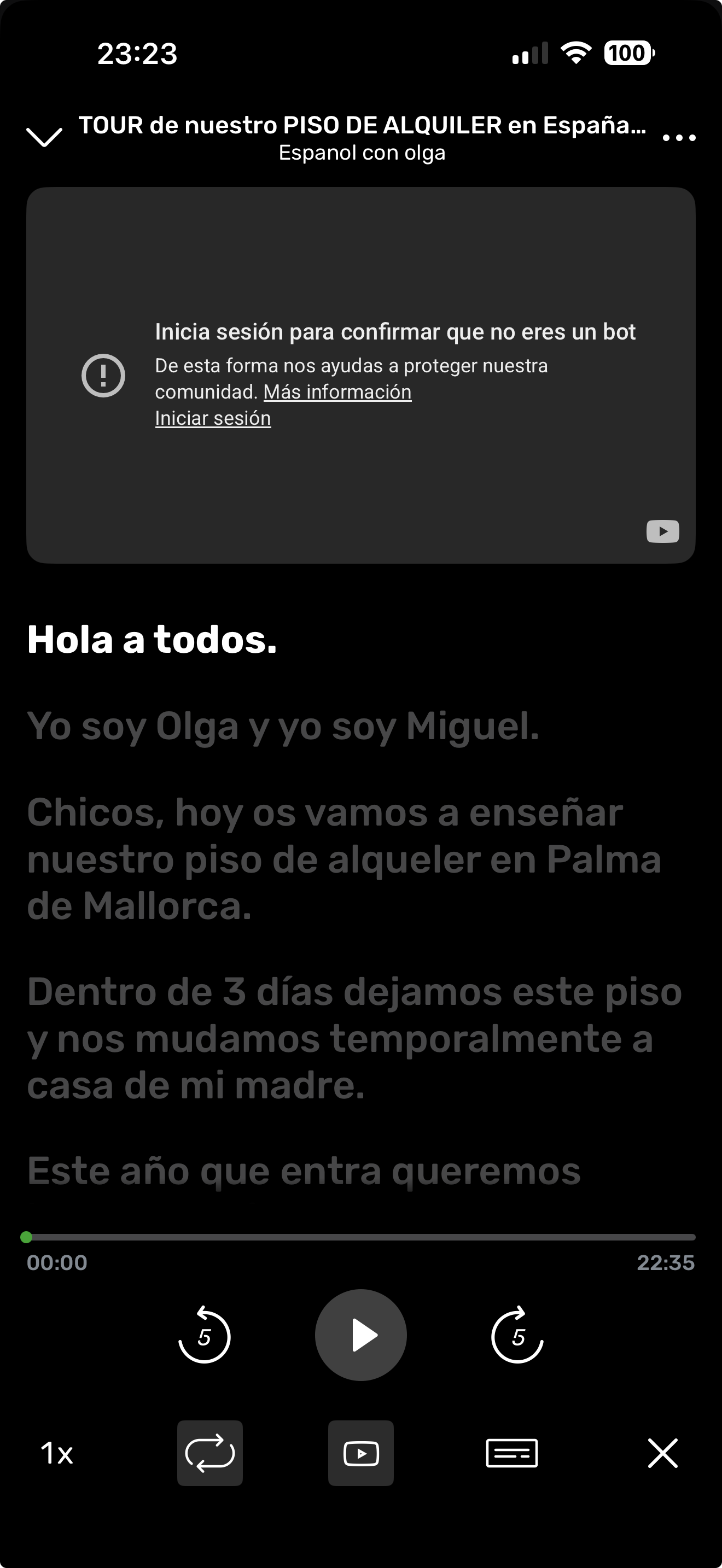
@rpwyqs7hmc That error message isn’t related to LingQ. Are you using VPN by any case?

1 Like

image

it’s really annoying……… if you guys are not willing to or not able to fix the problem, can I get my annual subscription refund ???

@JInyo Can you try to clear browser’s cache and then give it another try?

1 Like

Happening to me again. Wondering if I should ask for refund as it only works sometimes really slows down progress.

@rpwyqs7hmc As I have already replied above, that error message isn’t related to LingQ. Are you using VPN by any case?

Hi Zoran, apologies I didnt see your earlier message as it had started working again. It seems you are right ive turned off vpn and its now working. My bad. Sincere apologies.

Hi Zoran, did the development team shared something on how the VPN caused this error?

@LinVega Sorry, but no. I don’t have that information, but they did confirm the displayed issue isn’t on LingQs end, but YouTube’s.

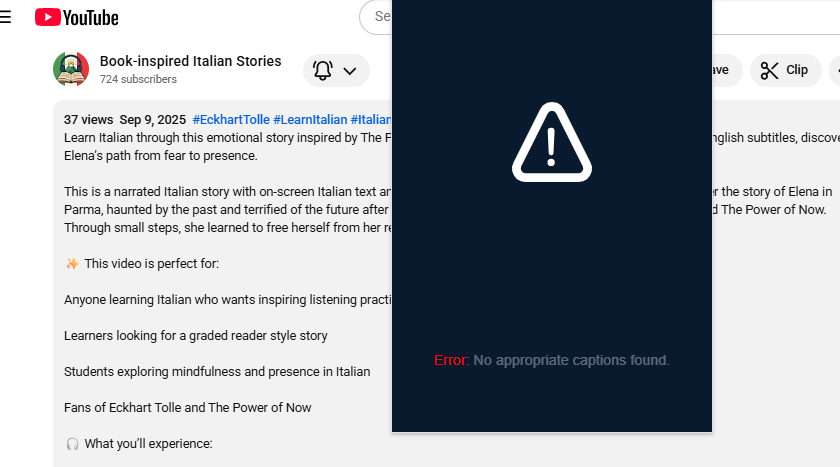
@zoran , the SAME PROBLEM with another video:

I need this lesson imported TODAY!! It’s enough about the issue in YouTube imports! Help us!! It’s sad and annoying, all the time don’t know if LINGQ will work or no.
2 Likes