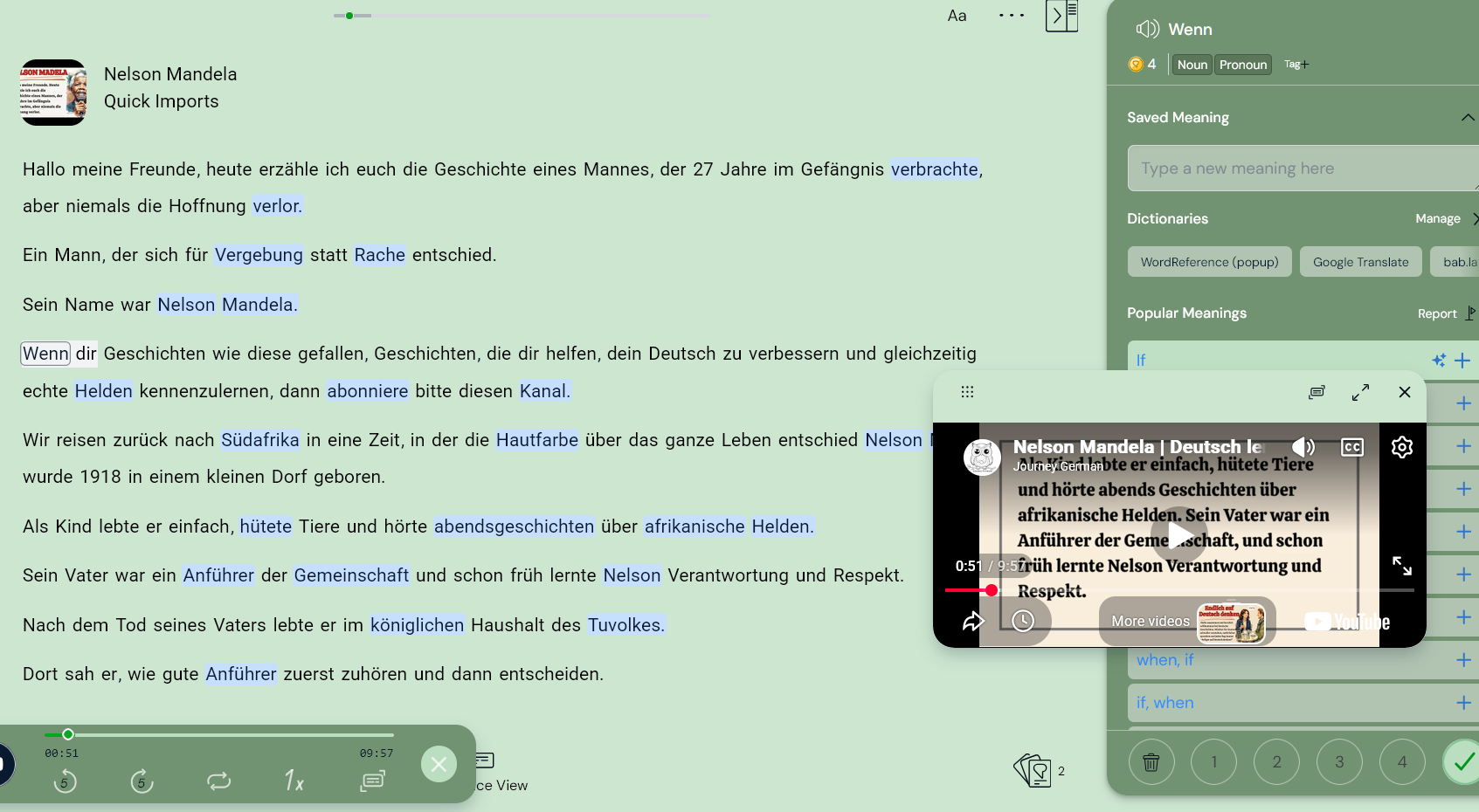
after I import a YouTube video to Lingq, there is an embedded video box while playing the text on the Reader page. The point is, that it does not fit anywhere and I’m interested in listening and reading, not watching an embedded video. When I close it, also the playback stops. Is there an option to hide it? Even though I try to move it somewhere else, it is always covering some part of the reader. I know there is a workaround: downloading the video first as MP3, but it’s a bit of extra work. Any ideas on how to handle it?
I’m using Firefox and in this browser the video window can be moved outside the LingQ window. But there is left a empty window in the original video position. There is now two video windows. This second window (with no video) can be moved outside the text area. For example on the left of the text, where it’s not hiding the text.
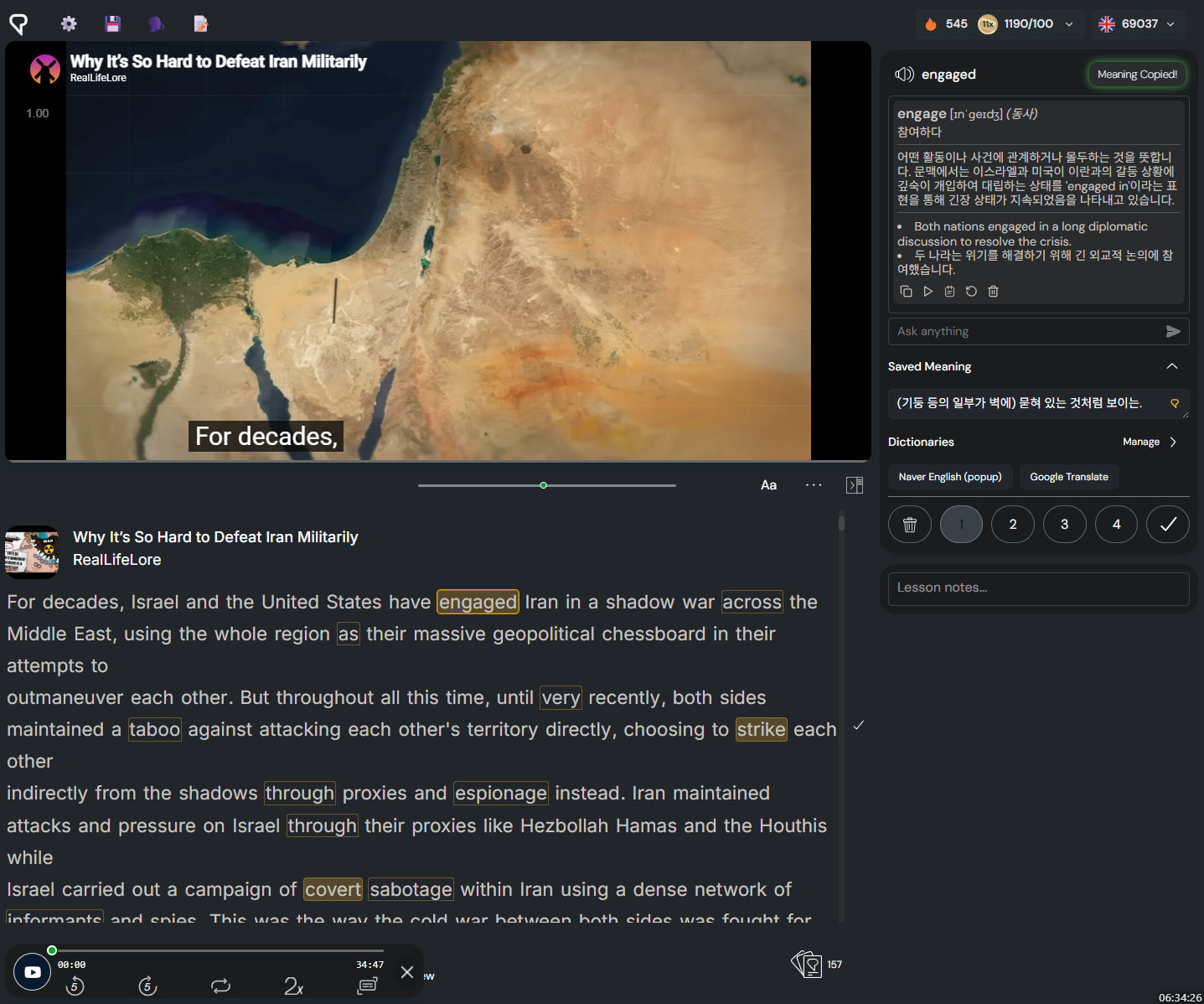
It’s crazy that we need to use an external script for such a basic layout feature. LingQ desperately needs to invest in UX before a better app comes along and wipes it out.