Use LingQ without importing lessons

Those who are assiduous LingQ users and language learning enthusiasts might have come across a similar service called “Lingua Verbum”.

Its creator claims to have been a LingQ User who decided to come up with his own app because LingQ was lacking some features he would like to use.

One of these features is one that I also wish LingQ had: the ability to read articles on the web and create LingQs without the need to import a lesson and read it on the LingQ website.

Sometimes, I don’t want to create a new lesson/course, I merely want to read that random content I found (I know that’s why LingQ comes with the pre-set “quick imports” course, but anyway)

One other feature I wish LingQ had was the ability to use it on YT/Prime Video/Netflix with double subtitles such as the “ASB Player” or “Language Reactor” web browser extensions.

Currently, we have the “Rooster Player / Language Master” extension, made by @roosterburton which is an amazing tool, but setting it up might be a bit complicated for those unfamiliar with computers usage.

I honestly wish he and the LingQ developers could work together and make those features something directly integrated with LingQ itself

It would also be great if LingQ had its own video player mobile app, such as “Lingo Tube” or “language player”, which allows users to play YouTube videos with double subtitles on their smartphones.

One last thing would be: the e-ink technology has been improving considerably, it would be great if the devs came up with optimizations for those kind of device in the future.

(I’ve bought myself a Boox Palma 2 with the intention of using the LingQ app on it to read/listen to ebooks, and I’ll share my experience here in the future after I use it for a while, I hope it is good enough in order for me to not need my Kindle for reading ebooks anymore and be on LingQ all the time instead)
10 Likes

I made a demo of this exact thing a couple years ago but went full steam on extension instead. It can work in a couple ways.

  1. Direct LINGQ login via App (expose your LINGQ login to me directly) and the requests are sent directly to LINGQ with credentials. I demoed this with the username/password method and it went perfectly. OAuth flows might be different (Google login etc)
  2. Proxy with individual users API keys. (User supplies their LINGQ API key (persistent, not session based). Full API control. It’s still a trust issue, I could perform any action on that account. LingQ could expose a restricted API key that allows selective API calls.

In terms of designing the App, could probably knock it out in a week with Agentic workflows. If interest will go ahead.

1 Like

Hi Rooster, I had very limited success installing your extensions, which is too bad, because they are so useful.

Is there any way you could put your extensions together with Lingq, and have buttons to click that say “Install”?

Hi Giraffe

Manual install is the only option as the extensions arent hosted on the Chrome/Firefox web stores. Can send me a DM if further help needed.

Quick POC, for React Native App (IoS/Android/Web). Full app would take around ~30 hours dev time.
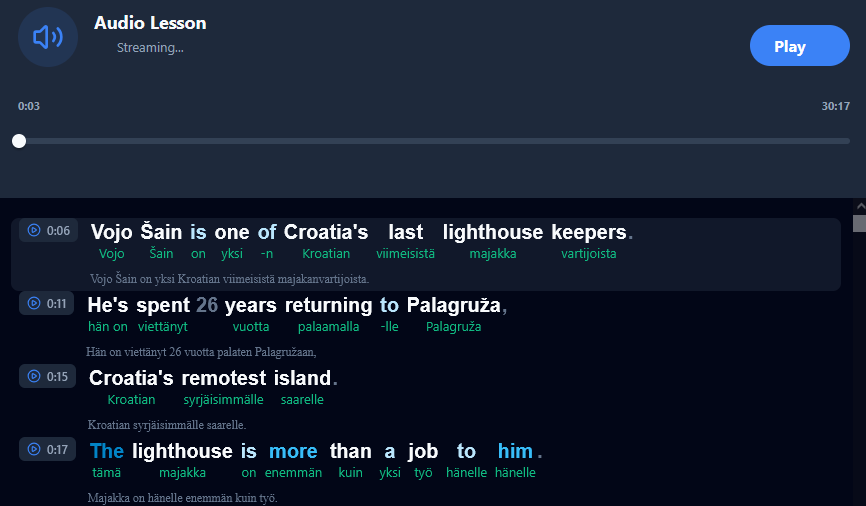
LingQ/LanguageMaster/AI/Video Players in 1 app

2 Likes

I submited this requested 2 or 3 years ago about Lingq making their own version of language reactor or to improve their video player. It’s great that multiple people are expressing interest for this now. Unfortunately i don’t think it’s getting even considered because it’s never a unified request. Best option is to vote on this tyoe of suggestion in the ideas part of the forum.

Vote for it here: Text in video lingq integration

1 Like

Vote for it here to make lingq devs more aware we want this: Text in video lingq integration

1 Like

looks nice! I like that the translations are right below each sentence as well. That right panel would look great on a mobile device, I think.

Have you ever tried the Lingua Verbum service? I wish LingQ had something like that too.

Not yet. Will have a look after this project.

Was just a POC - This is more of what im thinking for a LingQ video player on mobile.

I could go a bit crazy with it but going to keep myself scoped for now.

Other than articles and online videos. Such an extension could even work on browser based ebook readers. Example, calibre content server. I can then enjoy the books with their original layout/formatting preserved

There are also web browser text based games where such an extension could be used.

In the future this extension could even work for comics or any image on the web (or through camera using mobile app) using OCR features. We can then spend the day walking around the streets of Toulouse…. on Google Map and learn by translating, marking lingQs on streets signs, ads and notice boards using the extension.

The power of these coding agents is really incredible now. What would have taken me months last year is now almost entirely implemented in 3 days.

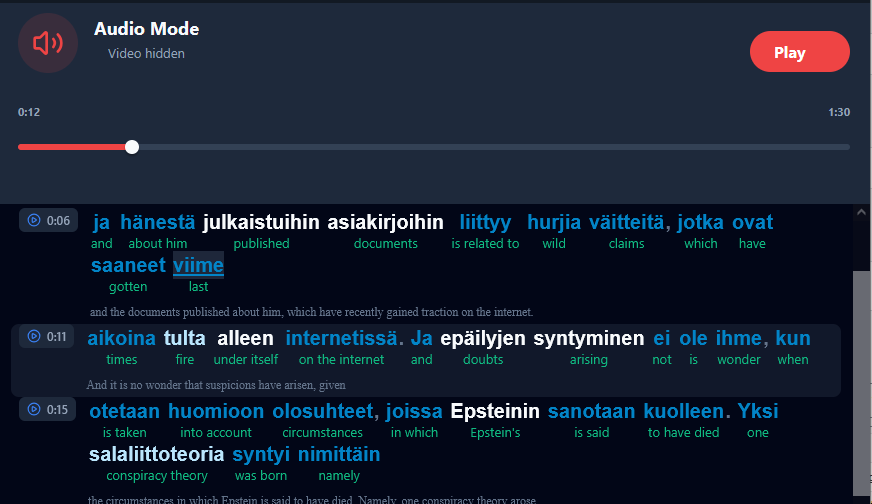
Fully integrated LingQ YouTube Player with all the trimmings.

If all goes to plan, Web version will be available in ~2 days and Mobile versions soon after that.

If I’ve missed something important or there are any development requests just LMK.

Current Logic
  1. Onboarding
    → Forces user to login to LanguageMaster
    → Forces user to enter their MasterLingQ purchase details
    → Forces user to enter their LingQ API key
    → Optional input of Gemini/GPT API keys (for extended AI translations on secondary word click)

  2. App Loading
    → Checks user is logged in to LanguageMaster, LingQ and that the MasterLingQ key is still valid.
    → If any fail force the user to reconnect before dashboard is available.

  3. App Loaded
    → Arrive at the Dashboard, ready to watch some videos and learn some languages.

Extra Special Case logic
  • If a YouTube Lesson is marked as EXTERNAL on LingQ (would usually require importing via extension) then contextual translations and word transliteration are unavailable but can be accessed without importing.
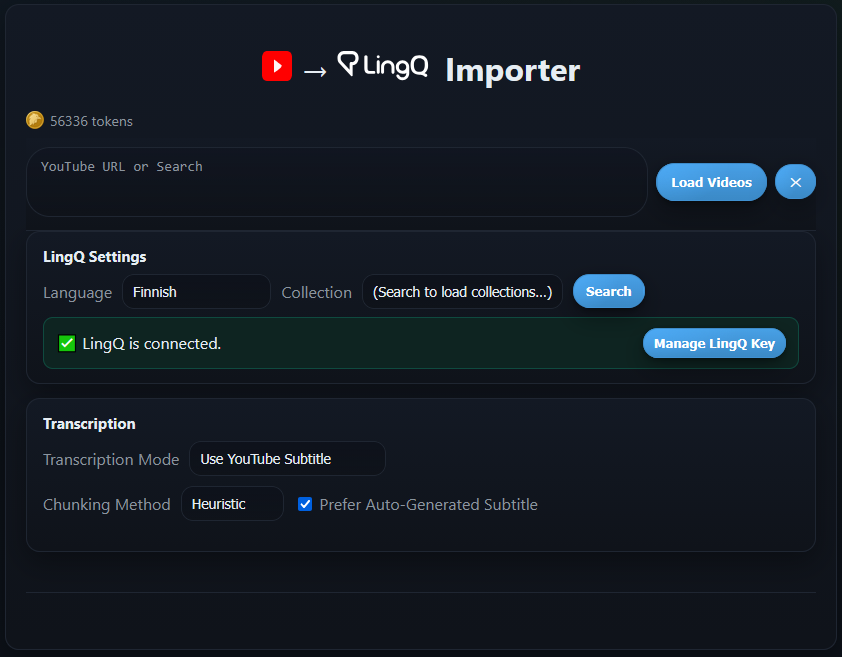
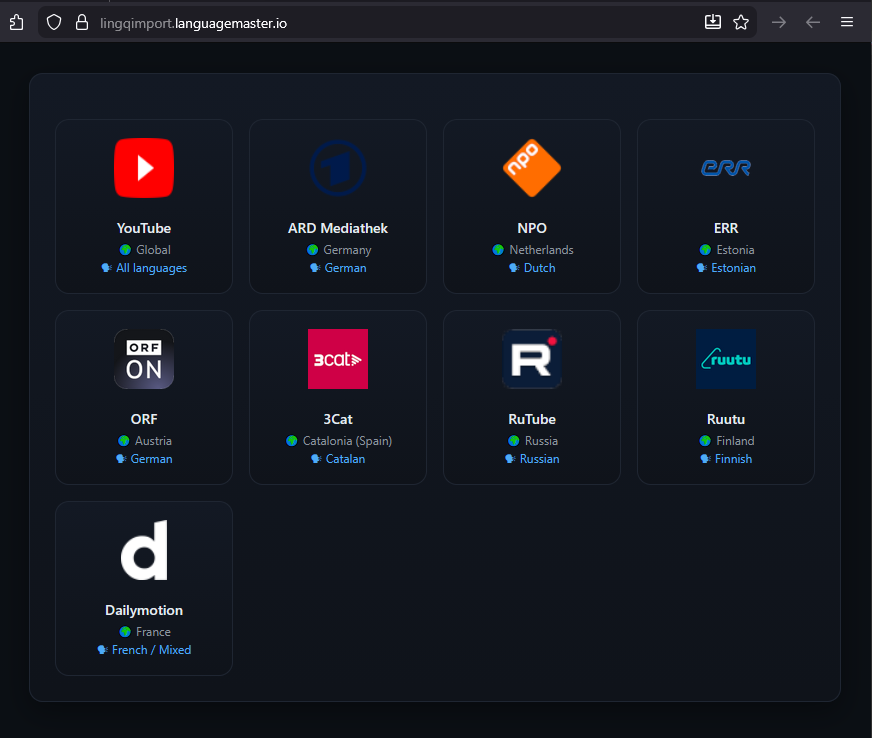
  • Lesson creation is currently rerouted to the LanguagMaster LingQ Import proxy page which allows more advanced YouTube importing and importing from various video websites.

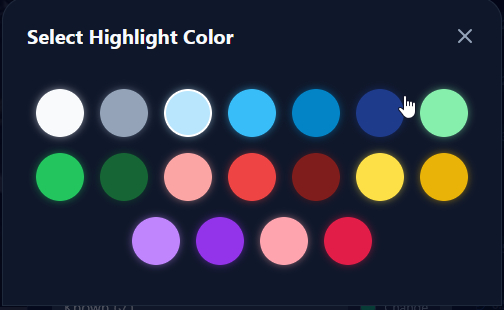
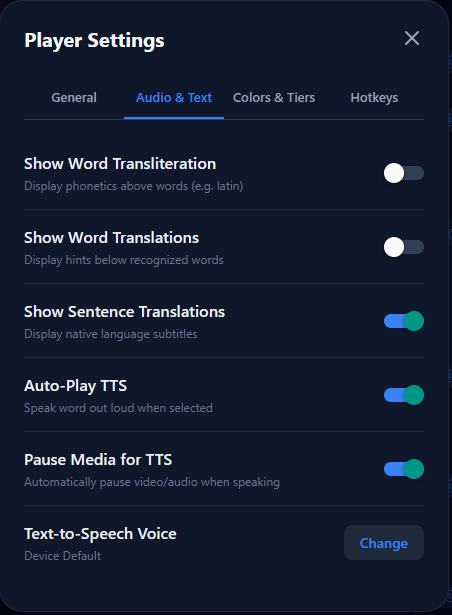
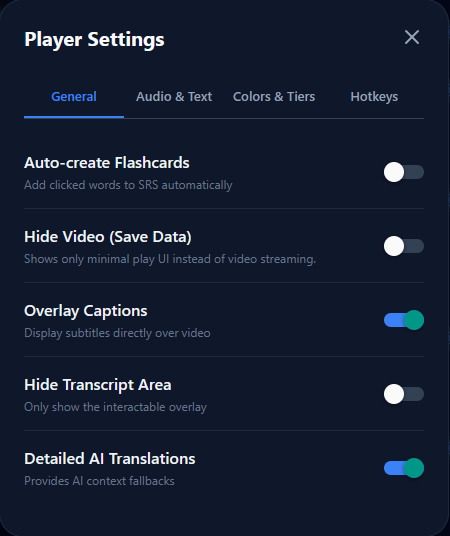
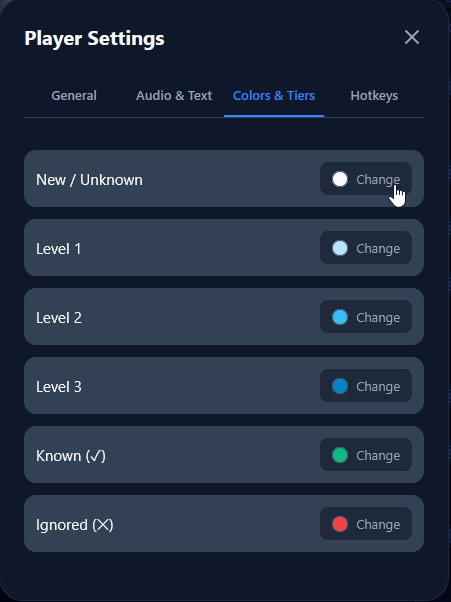
Web App Demo and a look at updated fonts/colors/advanced settings

Collapsed Screen / Mobile demo

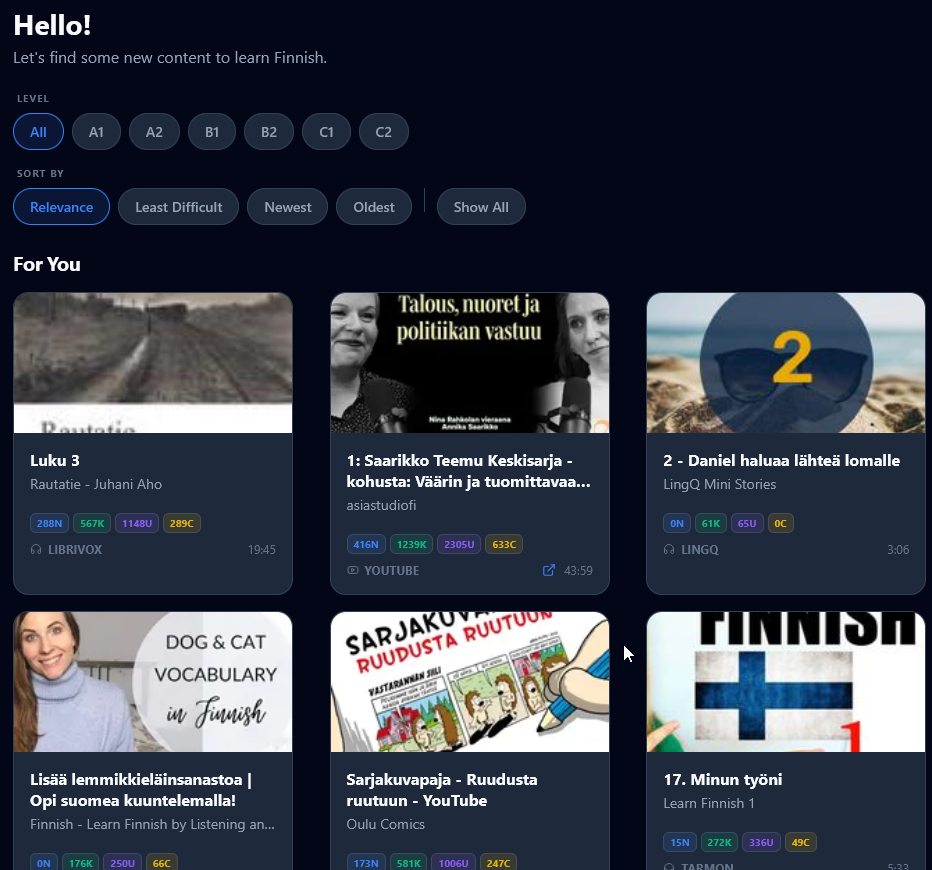
Dashboard & Connections

1 Like

It’s looking great! You have a great vision of what the LingQ app and browser version could look like and all the potential it has!

Did you have an opportunity to have a look at the Lingua Verbum?

It somehow has the ability to import LingQs, so I was wondering if there could be a way around, to use it in order to create Lingqs instead.

Sorry if i was unclear here. This app is LingQ. (It runs through languagemaster as a proxy)
It has direct access to your LingQ data and any actions made directly affect your LingQ account. cards created, words read, words updated, listening time etc.

Project is largely complete now, going through final testing stages and different languages for the UI before release.

App is going to be pay walled by MasterLingQ extension ownership. Since you requested this tool ill send you a free copy (usually $40usd) when ready.

Final Touches

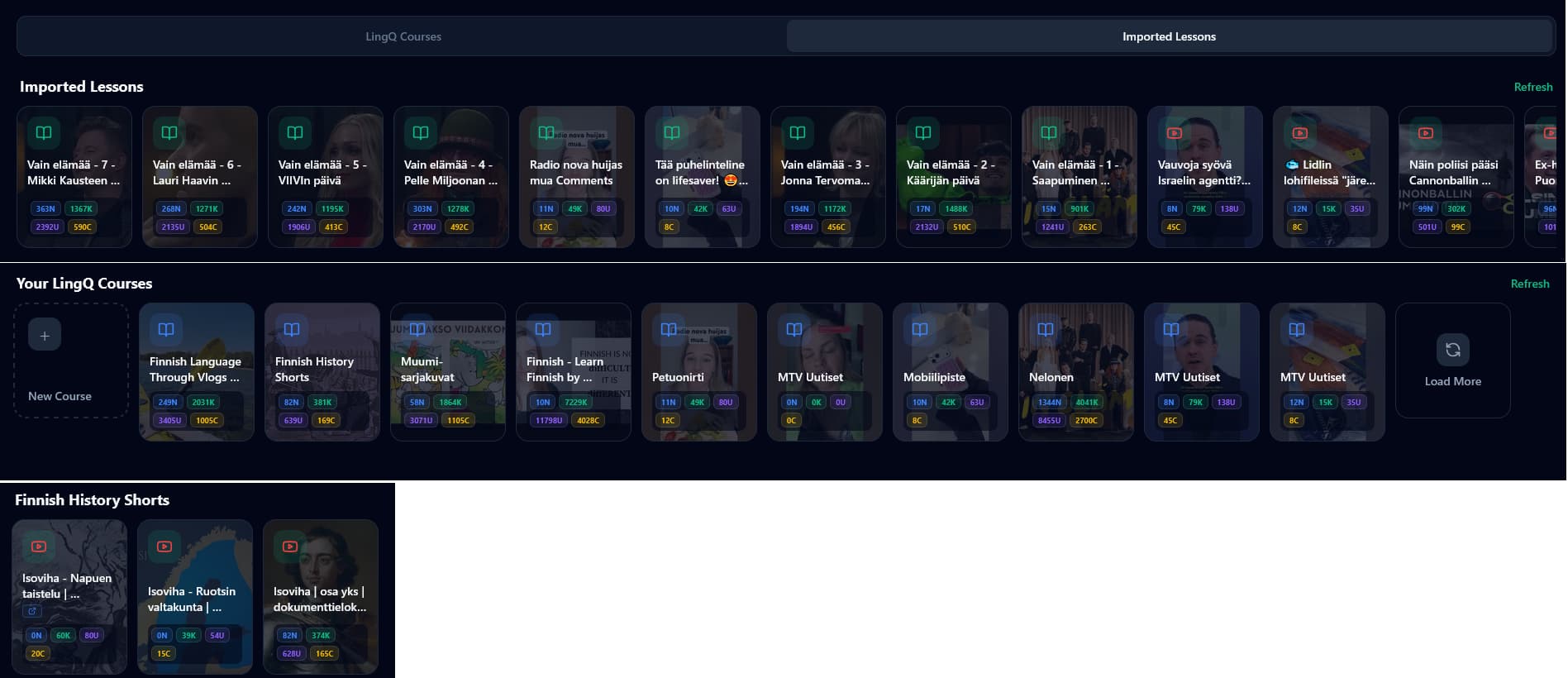
Imported Lessons Tab Switch
Load More Courses / Load More lessons in a Course
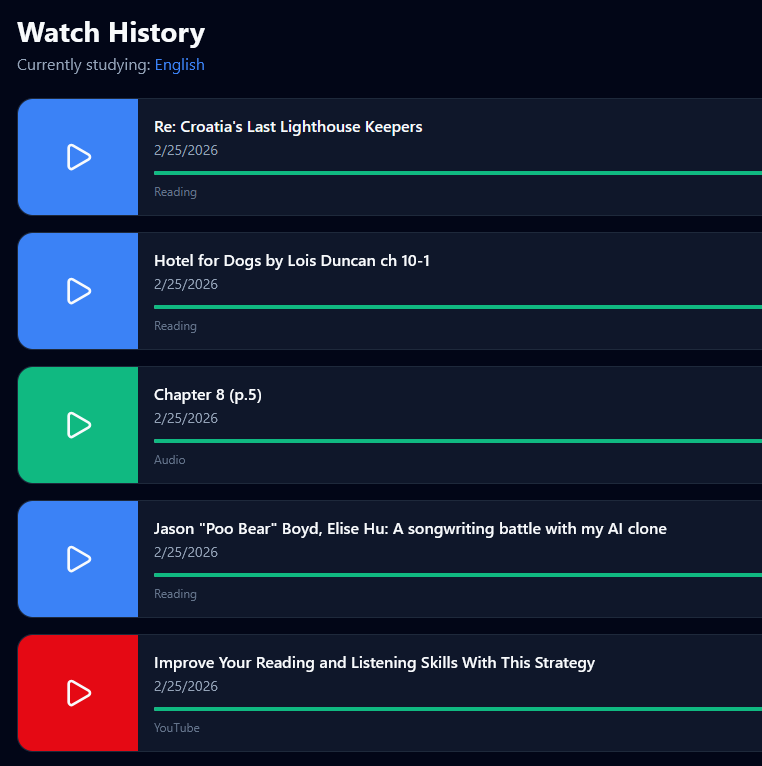
Visual identifiers for Text / Video / Audio / external Lessons
Word Counters for Lessons / Courses
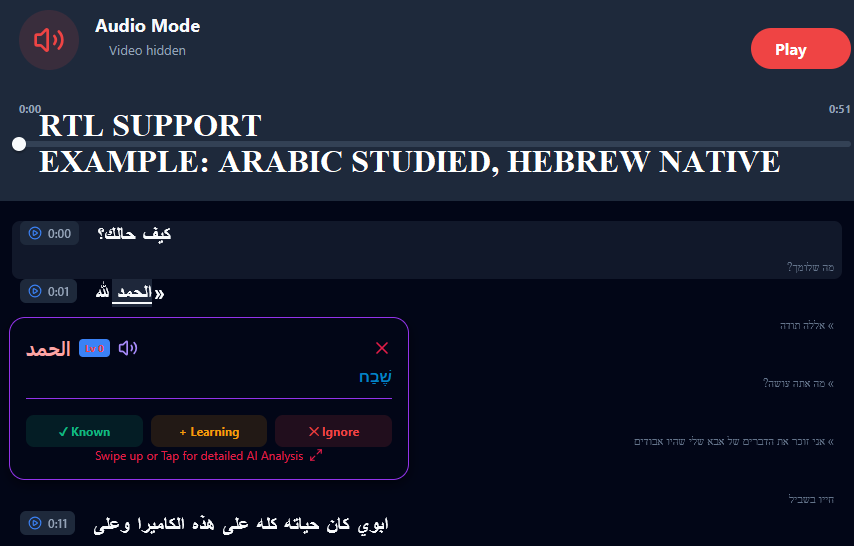
Right to Left support for Native and Studied Languages that require it
Automatic chunked loading of Longer lessons to reduce lag and keep actions snappy


History and Recommendations

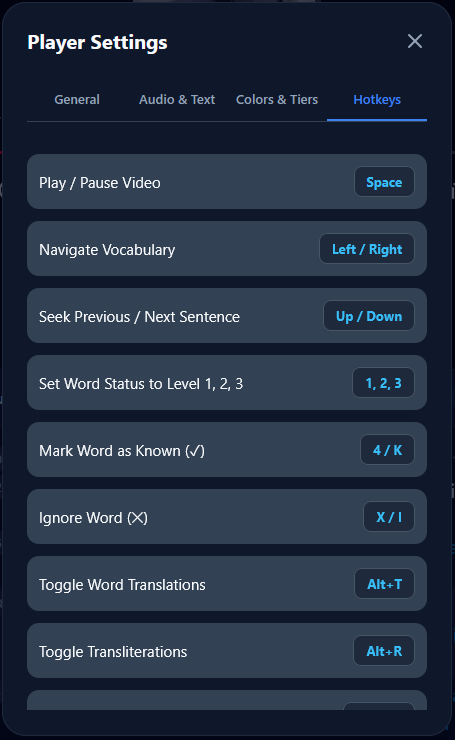
Player modes

Video Importing

Final Touches

Web App 1st Release here → https://lingqapp.languagemaster.io
Mobile APP versions, Overview and Walkthrough guides soon. will make a post later.