I had to play around with the settings as I had changed them during all of this, but I think I was finally able to get back to what I had by selecting the white and black circle to the far right in the “Aa” dropdown
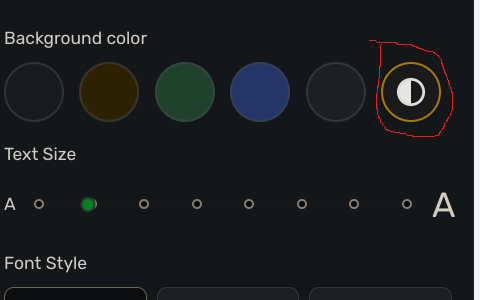
and then selecting the default dark theme highlight style under Settings.