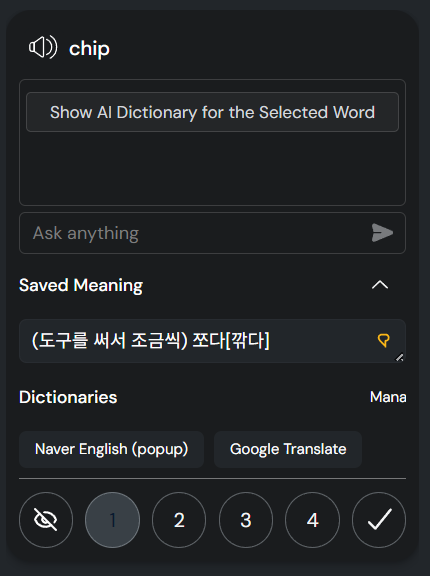
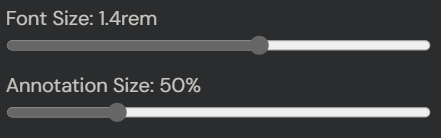
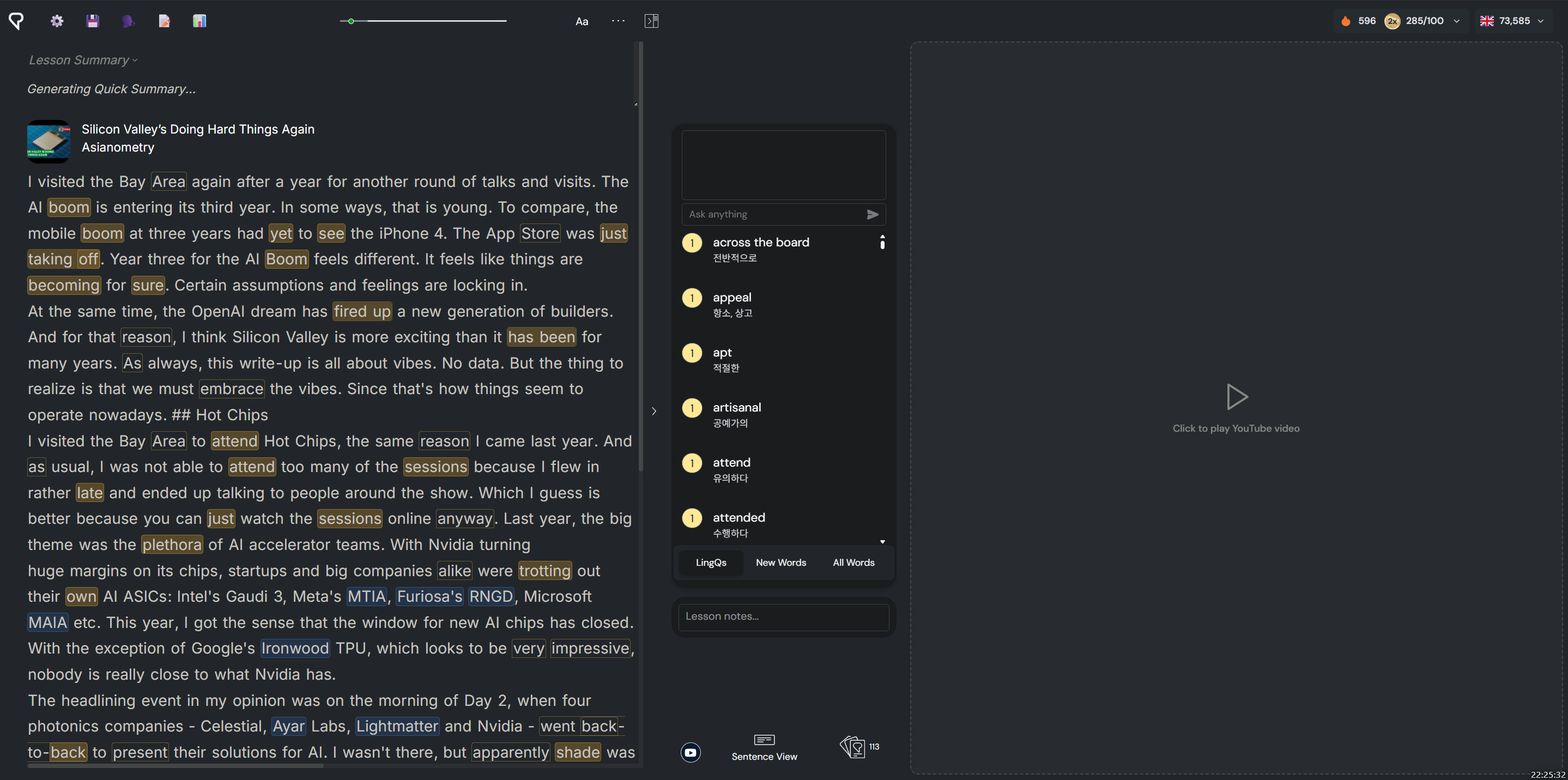
LingQ Addon: AI Tools & Custom Layouts for an Enhanced Learning Experience

v16.0.0

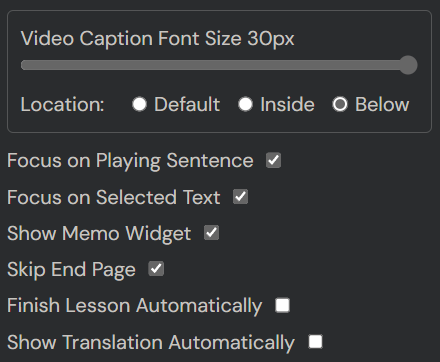
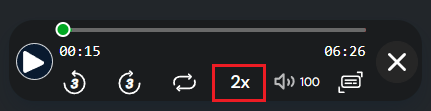
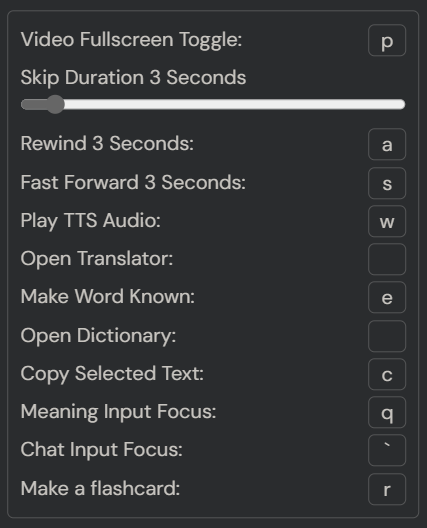
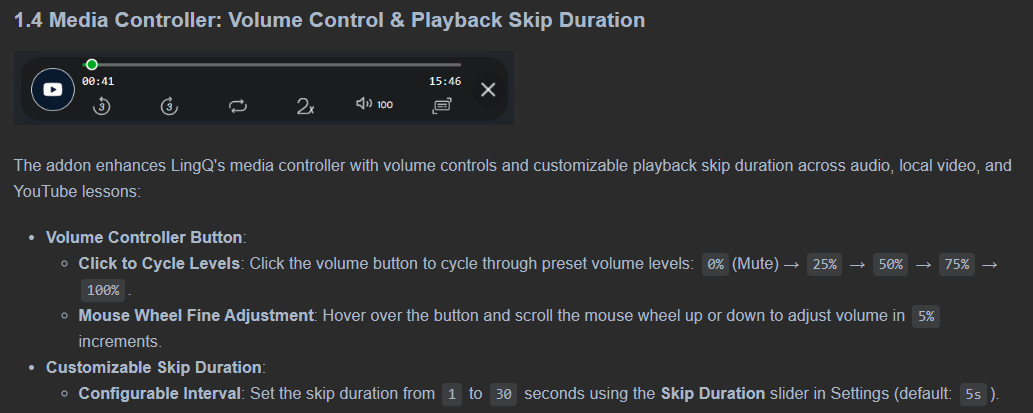
  • Add customizable playback skip duration and volume controls
    You can change the duration of the (backward/forward) jump and change the volume of the LingQ lesson audio/video.


Download Script

v16.3.0

Download Script

v16.8.0

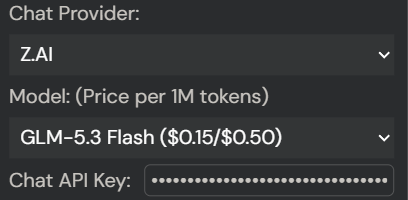
  • Support Z.ai’s GLM models: If you live in China or want to use a cost-effective model, try it.
  • Implement reasoning streaming for OpenAI models.
  • Implement reasoning streaming for Anthropic models.
  • Implement caching for Anthropic models.
  • Implement explicit caching for OpenAI models.

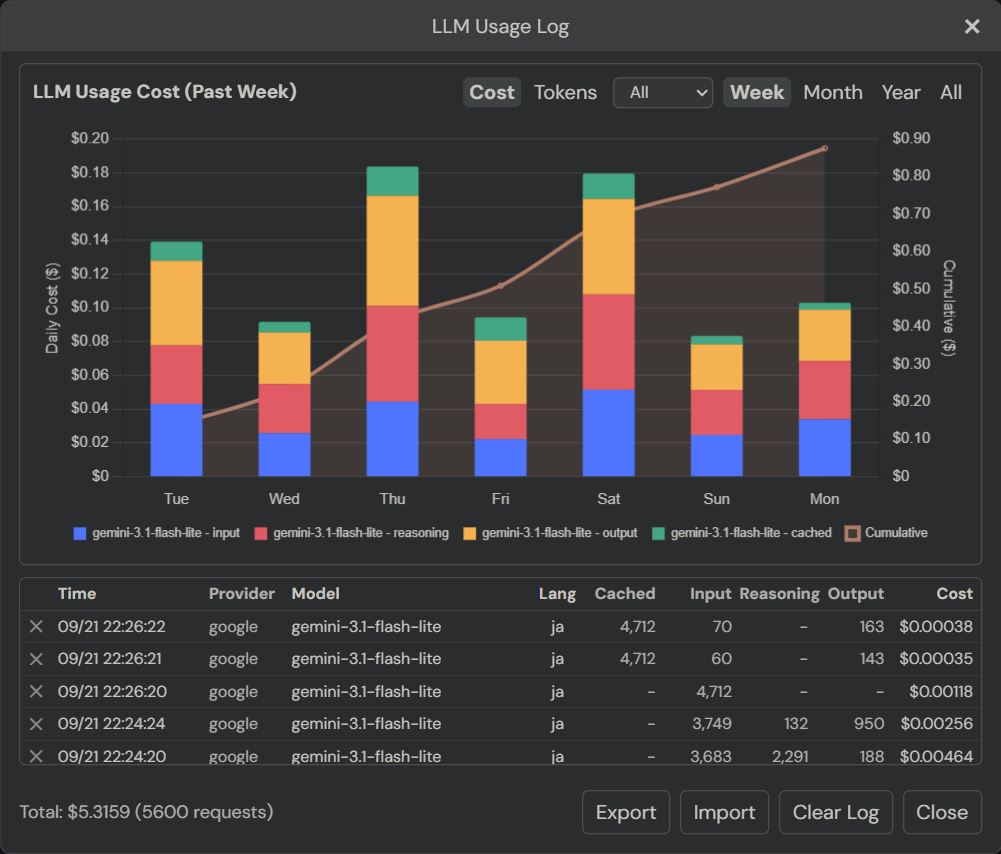
Today I implemented explicit and implicit caching for every provider.
Below is sample pricing for a single AI dictionary lookup.

Model Cost (without caching) Cost (with caching) Cost Savings
DeepSeek Flash $0.00096 $0.00023 76.4%
GLM-5.3 Flash $0.00091 $0.00027 70.3%
Gemini 3.1 Flash-Lite $0.00141 $0.00039 72.4%
GPT-5.6 Luna $0.00127 $0.00039 69.2%
Claude Haiku 4.5 $0.00743 $0.00230 68.8%

Download Script

v16.8.2

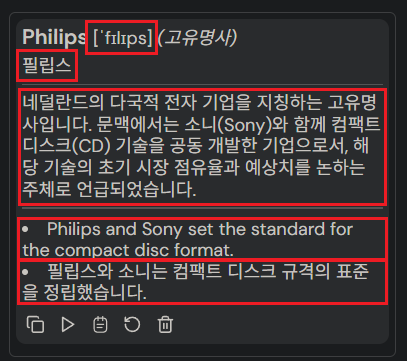
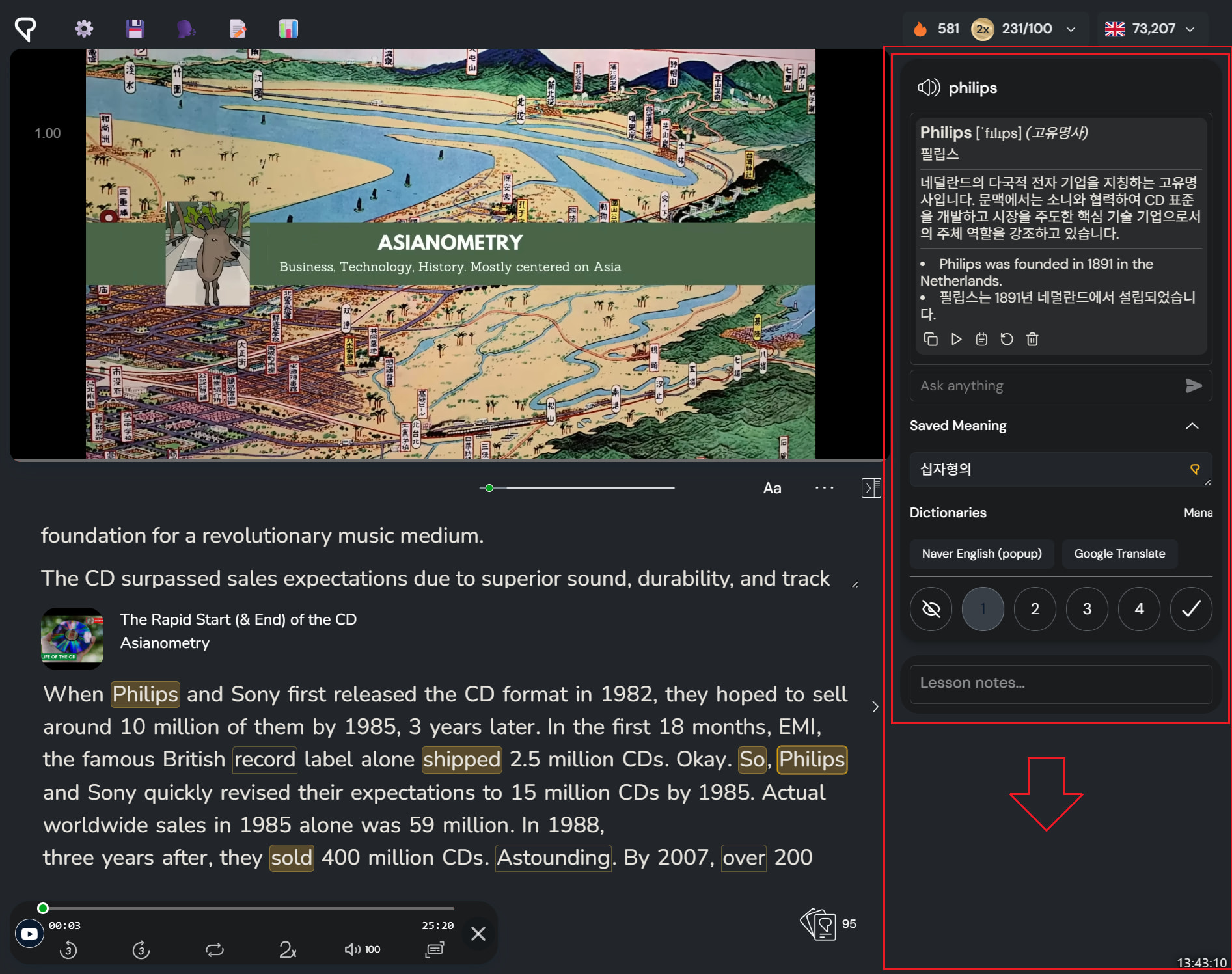
  • Make Pronunciation, Meaning, Explanation, Example Sentence, or Example Translation fields in an AI dictionary card editable.

    Hold Ctrl (or Cmd on macOS) and click on the Pronunciation, Meaning, Explanation, Example Sentence, or Example Translation fields in an AI dictionary card.

v16.9.0

Download Script

https://greasyfork.org/en/scripts/533096-lingq-addon

v17.0.0

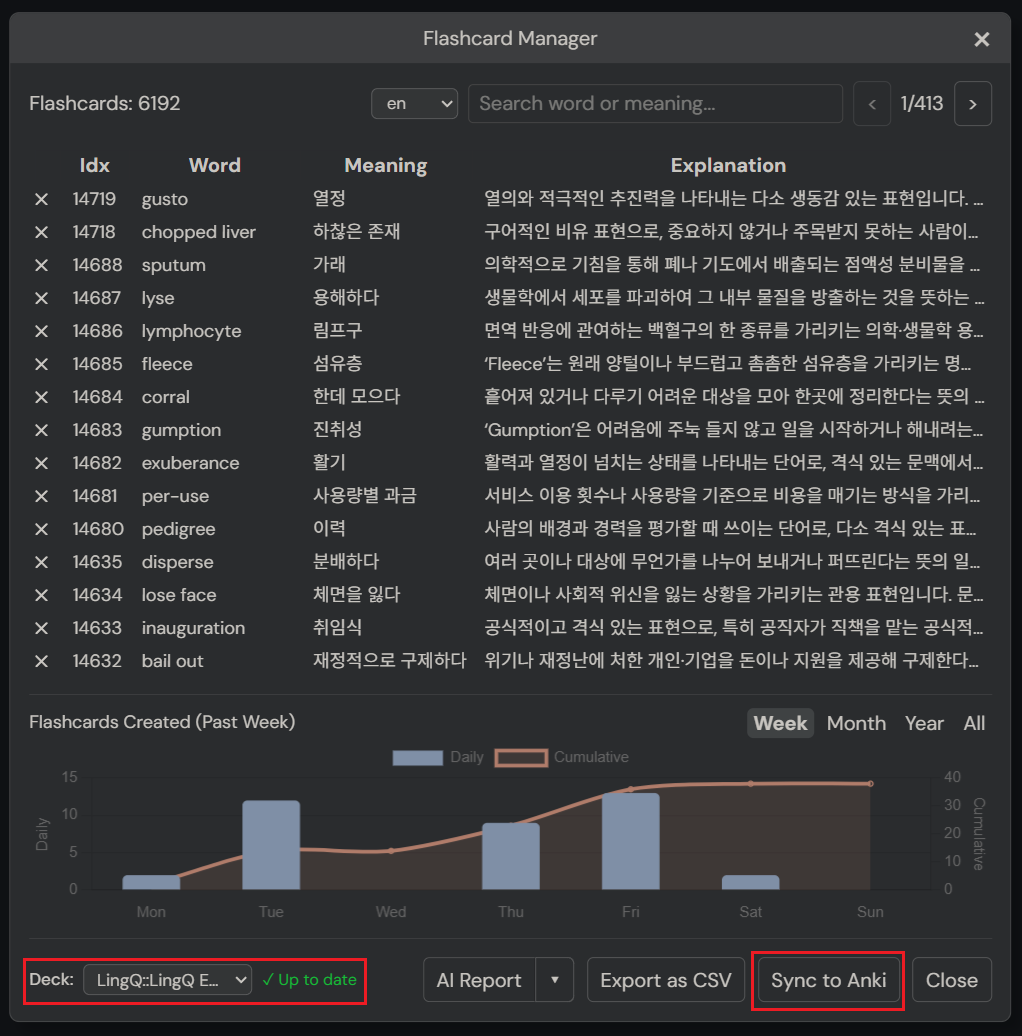
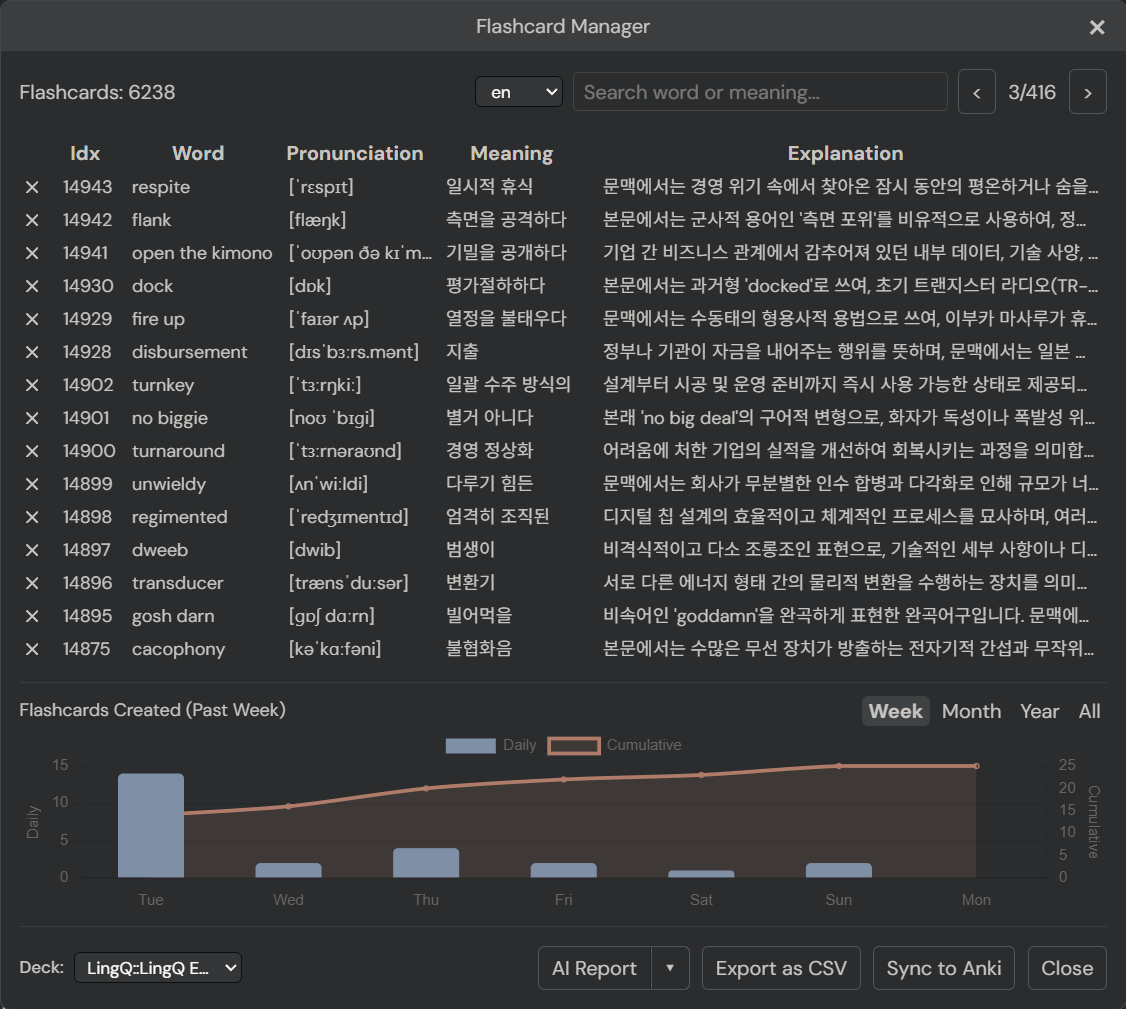
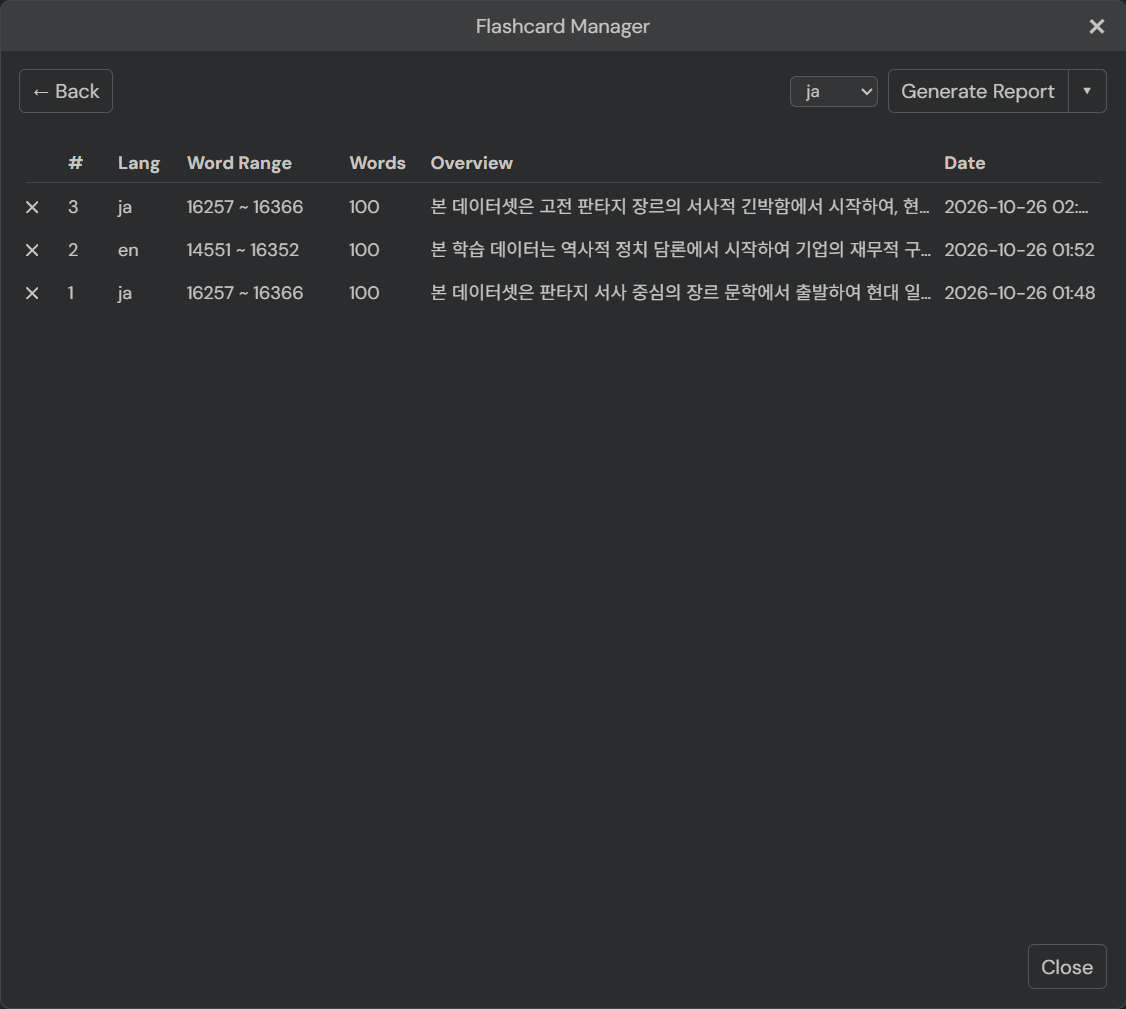
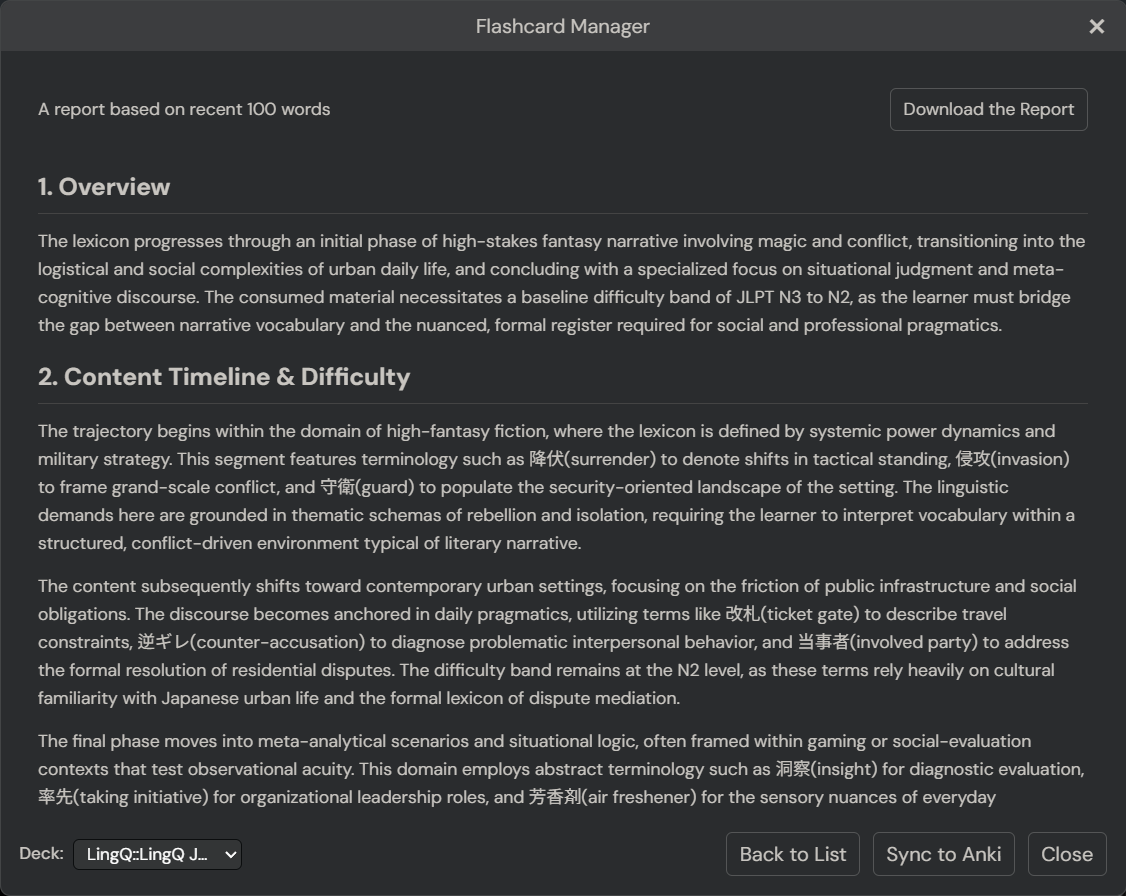
  • Integrate Anki-Connect direct sync in Flashcard Manager

    You can sync your flashcards to Anki automatically with the Anki Connect add-on.

Download Script

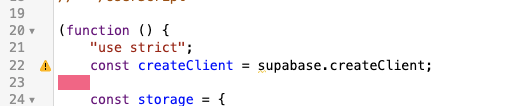
This script worked fine until today. Looks like line 22 has a warning. Any suggestions? Thanks.

It’s related to the external library loading. If there’s no issue to use, just leave it.

At first the script wasn’t loading. Now it is without me doing anything different. Thanks so much!

1 Like

v17.3.0

Download Script

v17.5.0

  • Support new Claude models (Haiku 5.5, Sonnet 5.5)
  • Improve a system prompt regarding its pronunciation generation.
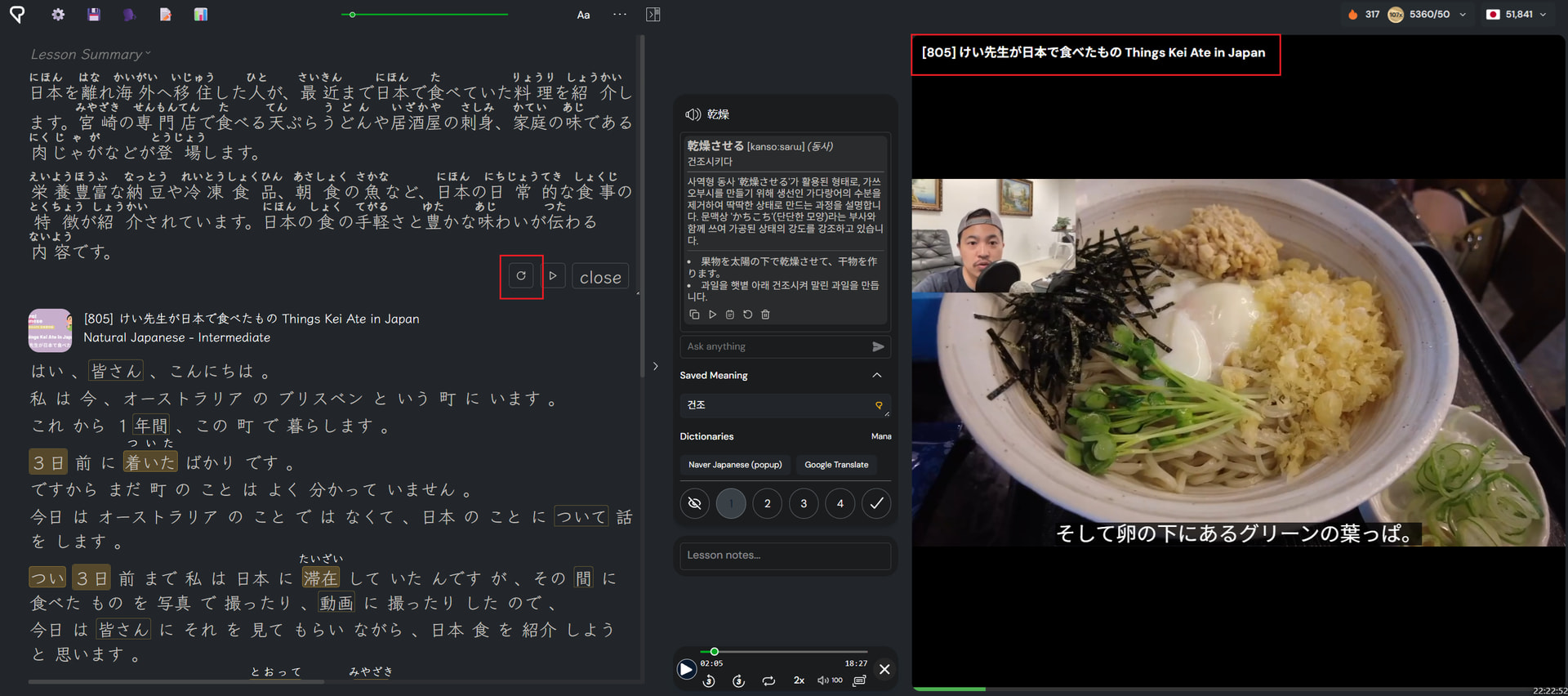
  • Add a title to the local video player. It is displayed when mouse cursor is hovered on the upper section of the local video player
  • Add a regenerate button in the quick-summary section.

Download Script

v17.5.7

Download Script

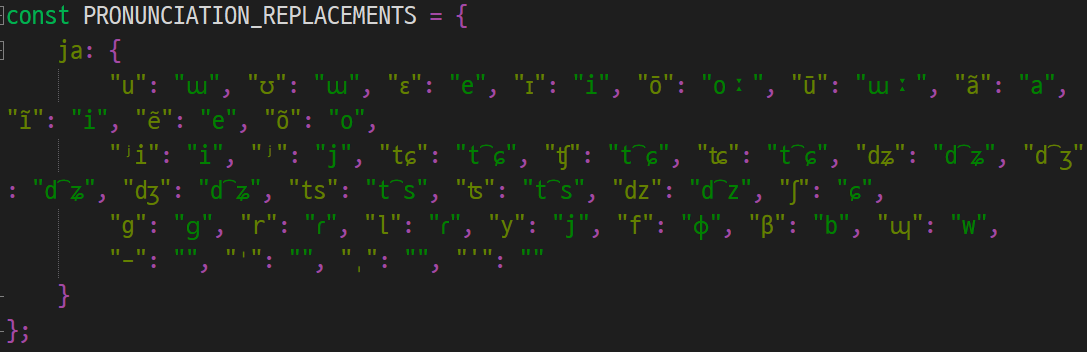
  • Implement a processing logic for the (Japanese) pronunciation generated by AI considering Japanese phonology. Now the obvious errors in the (Japanese) pronunciation are corrected automatically.
  • Make the user chat message editable (Ctrl + click)
  • Decrease the search delay in the flash card manager popup.
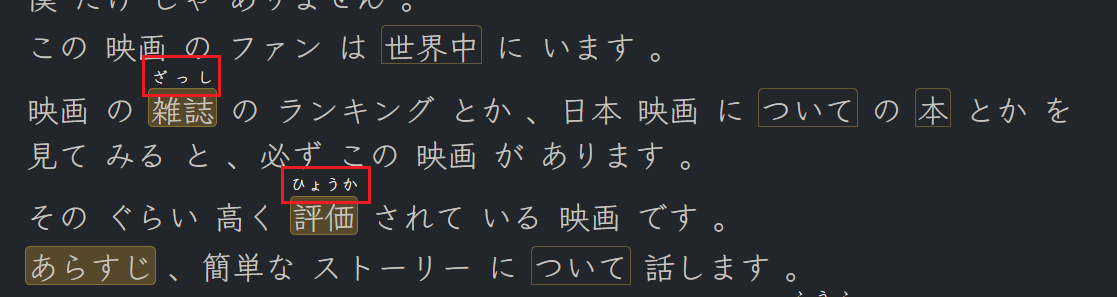
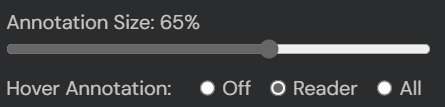
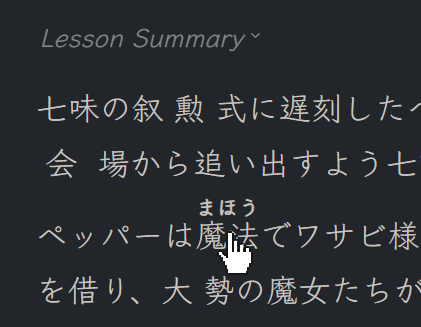
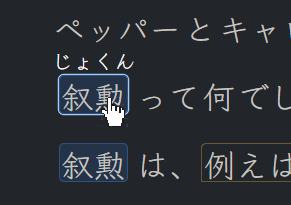
  • Implement the “Show Annotation on Hover Only” feature: If it’s turned on, all the annotations are hidden and displayed when you hover a cursor over the word. It is applied for both the quick summary and the content in the reader.


Download Script

Hi! Is it possible to start audio/video playback from a highlighted word in the page view?

it doesn’t have that feature

v17.8.3

  • Supports TTS voices for 19 additional languages (30 voices each): Bulgarian (bg-BG), Czech (cs-CZ), Danish (da-DK), Greek (el-GR), Estonian (et-EE), Finnish (fi-FI), Hebrew (he-IL), Croatian (hr-HR), Hungarian (hu-HU), Lithuanian (lt-LT), Latvian (lv-LV), Norwegian Bokmål (nb-NO), Punjabi (pa-IN), Romanian (ro-RO), Slovak (sk-SK), Slovenian (sl-SI), Serbian (sr-RS), Swedish (sv-SE), and Cantonese (yue-HK).

Download Script

I know. I mean it’s possible to make that feature?

Not sure. Basically I read all the content, so I’m not sure about the utility of that feature.
Also I think it’s not that much simple to implement that.
v17.9.0

Download Script

A similar feature to what I’m asking for is already implemented in LingQ itself — in the menu highlighted in the red square: ‘Close synchronized text’.

Sometimes I just want to listen to or review a specific excerpt. It would be great if there was a way to loop it