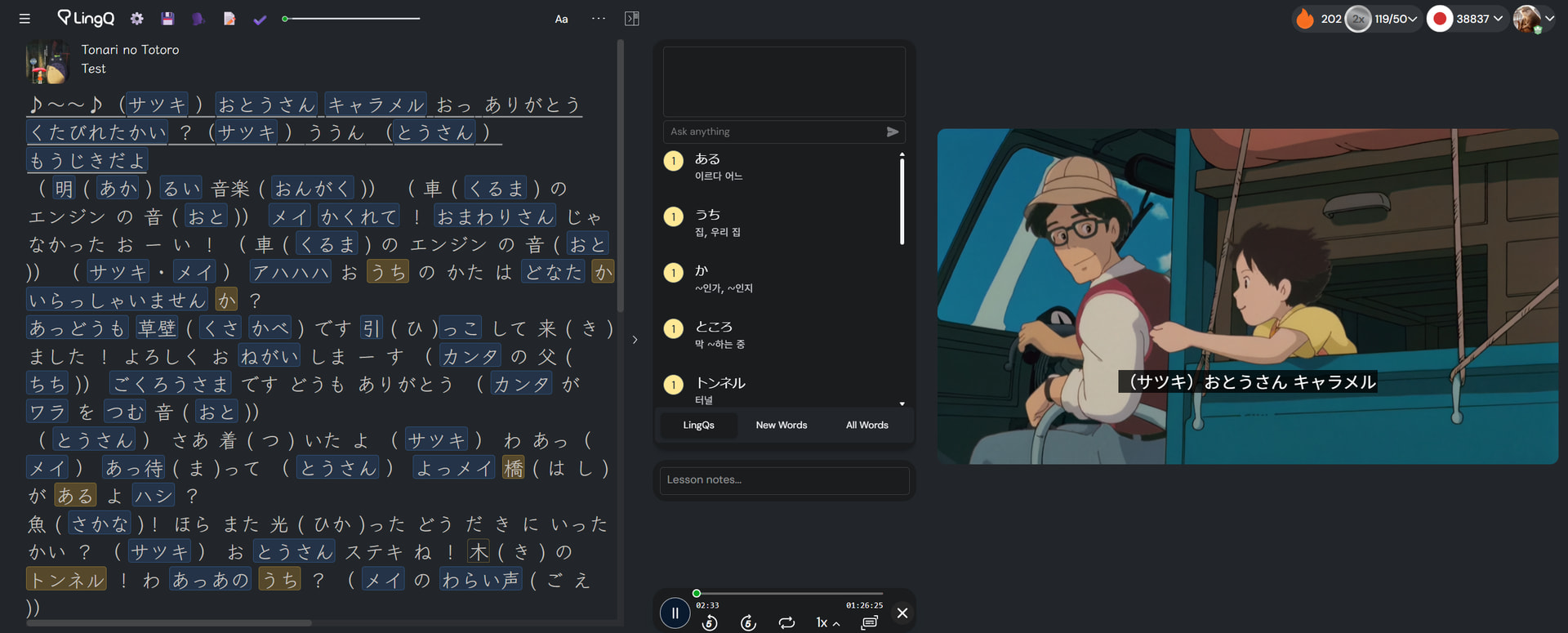
v13.0.0
- Develop the “Local Video” layout.
You can use LingQ with your video (not only a YouTube-uploaded video)
The video is not uploaded anywhere. That’s played in your browser locally, so there’s no copyright issue.
This feature is what I have wanted to implement from long before but didn’t find a way to develop. But a few days ago I came up with a way to do it in a simple but efficient way!
How to use it
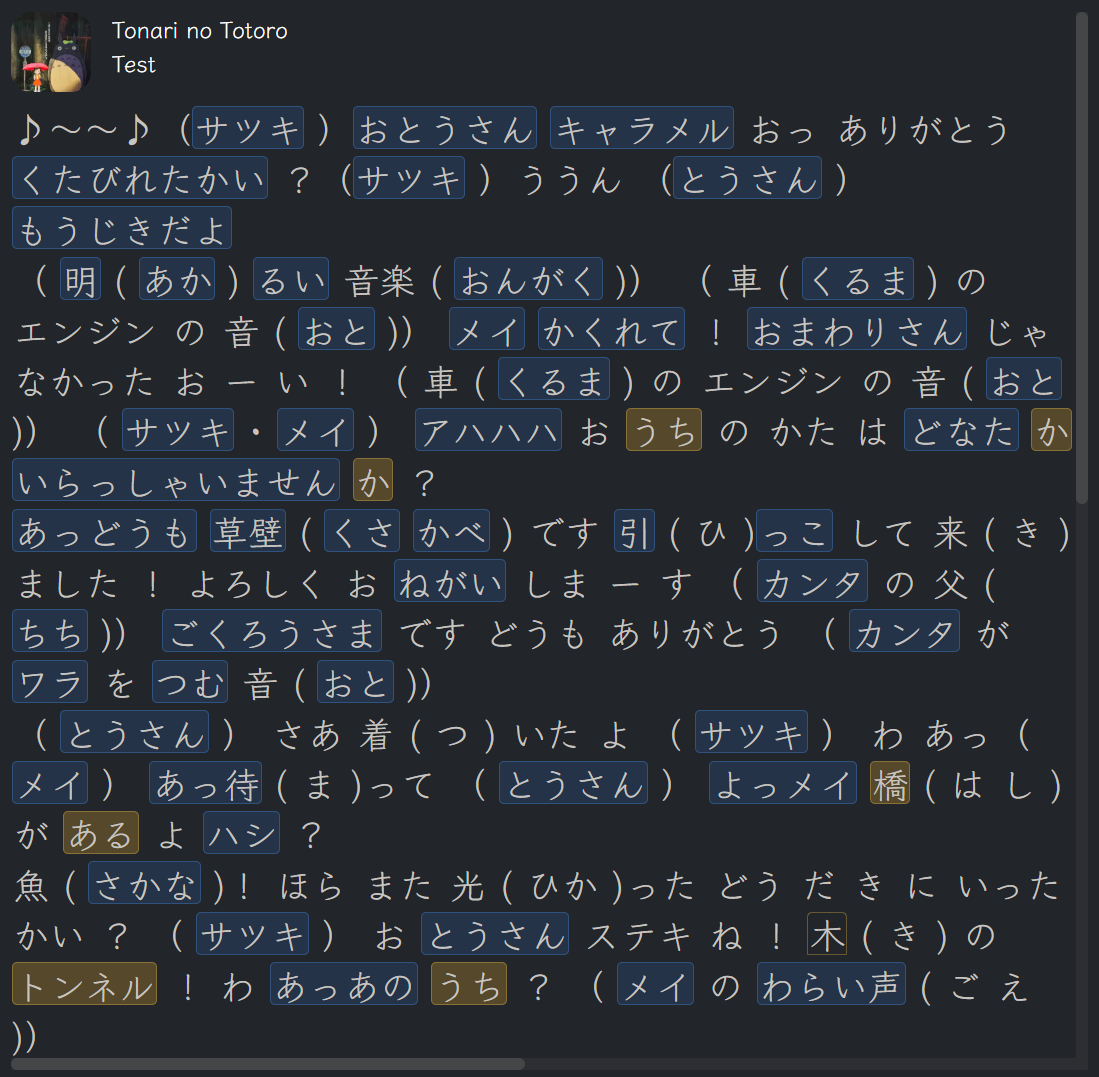
- Prepare a lesson with the audio and subtitle of the video. Basically, it is an audio lesson.
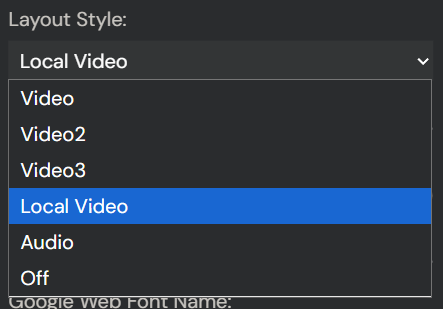
2. Select the “Local Video” layout in the setting.
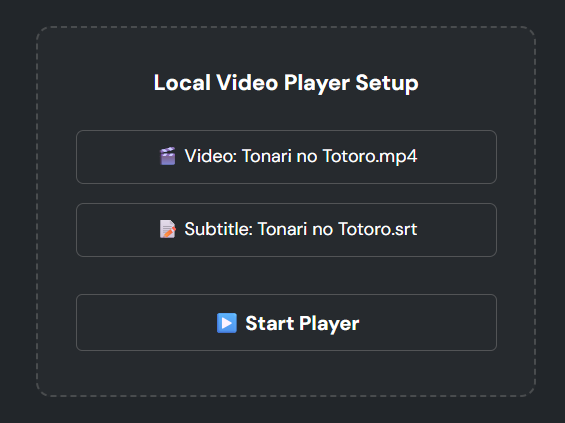
3. Select the corresponding video and subtitle (optional) file for the lesson.
4. Click the “Start Player” button and play the lesson audio with the space bar.
5. The video is synced to the audio and subtitle automatically.
With this feature, you can watch a movie/anime or whatever you want inLingQ.
Download Script
If it was helpful to you, you can
