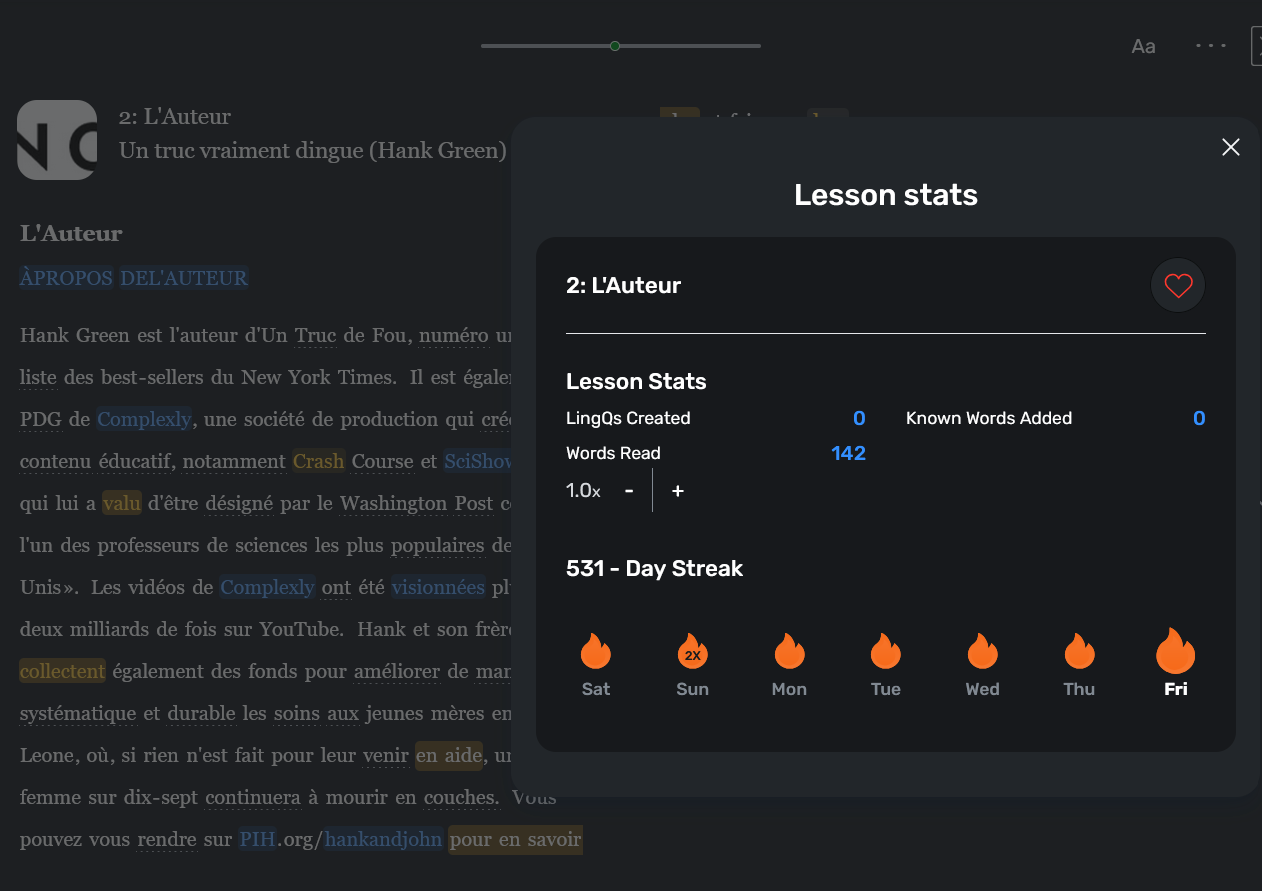
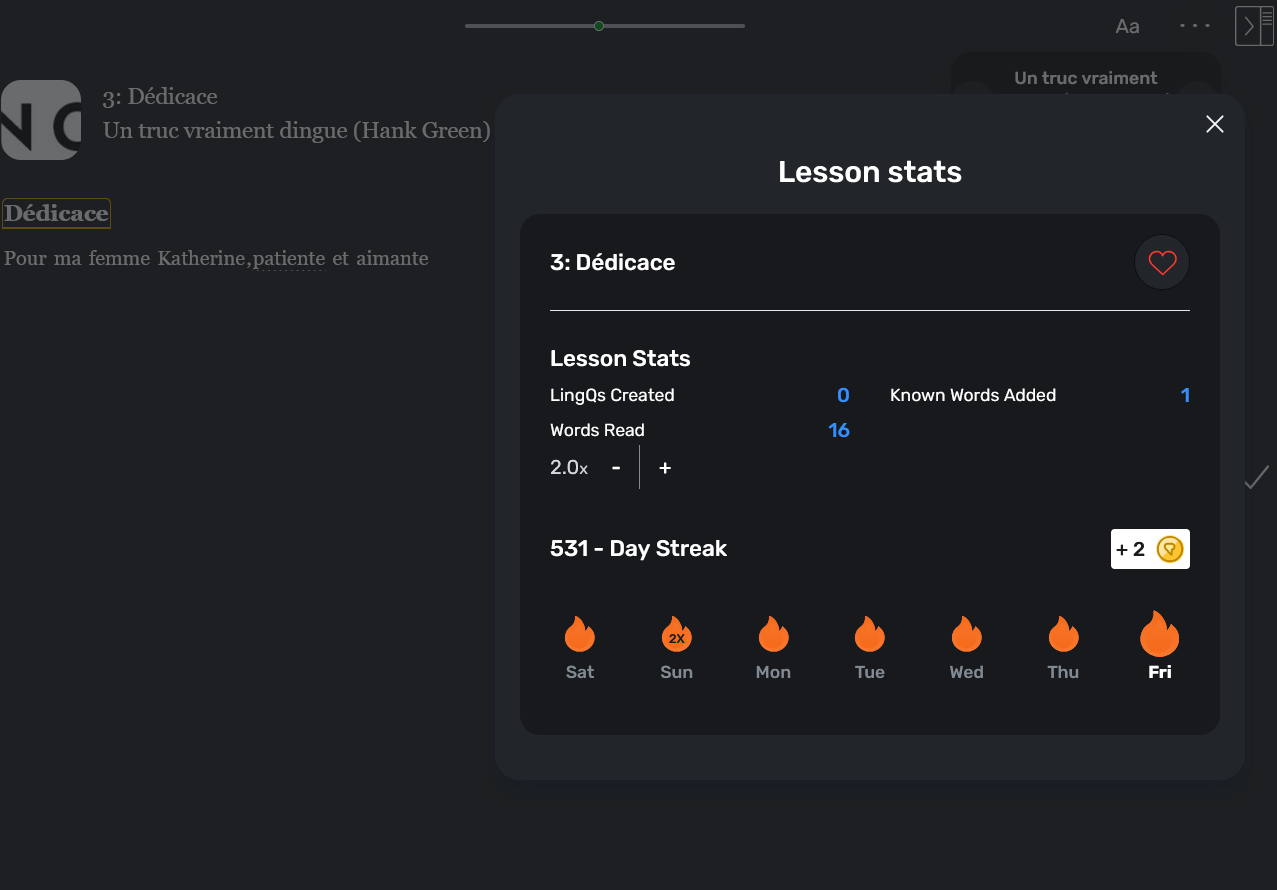
Is it possible to choose how the books are split into lessons? I’m kind of struggling with “new” chapters splitting, as it sometimes results in LingQ lessons being this long
Would be really great to have options of splitting by book chapters or 6k words like it used to.
And while we’re on the topic of importing books, would be great to have the opportunity to choose the book/course cover while importing it, cuz as of right now it rarely chooses the actual book cover, and while manually changing course and lesson covers for every single one of them is an option, it takes a lot of time, would be great to be able to change the image for the whole course in one go
Regarding the covers…it used to be that you could add the cover to the “course” and it would propagate across all the lessons that didn’t already have a user uploaded picture. Somewhere along the way this behavior seems to have changed. Would like to see to see it propagate across all the lessons again.