Thanks. Same was happening to me.
Same here. Got resolved a few days back but back to not working again, so frustrating especially since I just paid for the app, only to have the most promising function stop working for multiple days…
@q4smvvkjth What doesn’t work for you? What app version are you on?
Sorry to hijack the main issue here, but I already asked somewhere else and haven’t got a reply yet. Correct me if I’m wrong, but as far as I remember, when importing from YT (at least from a computer and the web extension) LingQ automatically recognized which course to import into (assuming it was already an existing course in my library), but now I have to find it on a list and select it manually. Is that going to be fixed, or am I hallucinating and that feature never existed?
I’ve been trying to import Yotube videos with Korean audio, but keep getting an error saying captions aren’t available for the video. I’m on version 6.0.3(4). This was an issue about 2 weeks ago, got resolved a few days ago for about a day, then stopped working again after I installed the latest update 
I’ve also tried deleting and re-installing the app multiple times.
The extension just remembers the last course a lesson was imported to, except when creating a new course, then one needs to manually select that course again, for some reason.
@Atlan You need to select a course you want to import a lesson too, LingQ can’t automatically recognize/know in which course you want to import a lesson.
@q4smvvkjth can you please provide example video URL you have problem importing? Thanks.
All that I’ve tried basically… but here’s one of them
Thanks, our team will investigate this.
I’m having utube issues once again! Using latest version IOS app.
Have deleted and reinstalled.
This repeating problem is frustrating when it’s the main feature of LINGQ that I use. Thanks for any help you can give @zoran
Hi @20915 ! Could you please share the URLs of the videos you are trying to import? A short description of the steps you followed and a screenshot of the error would also help us investigate the issue.
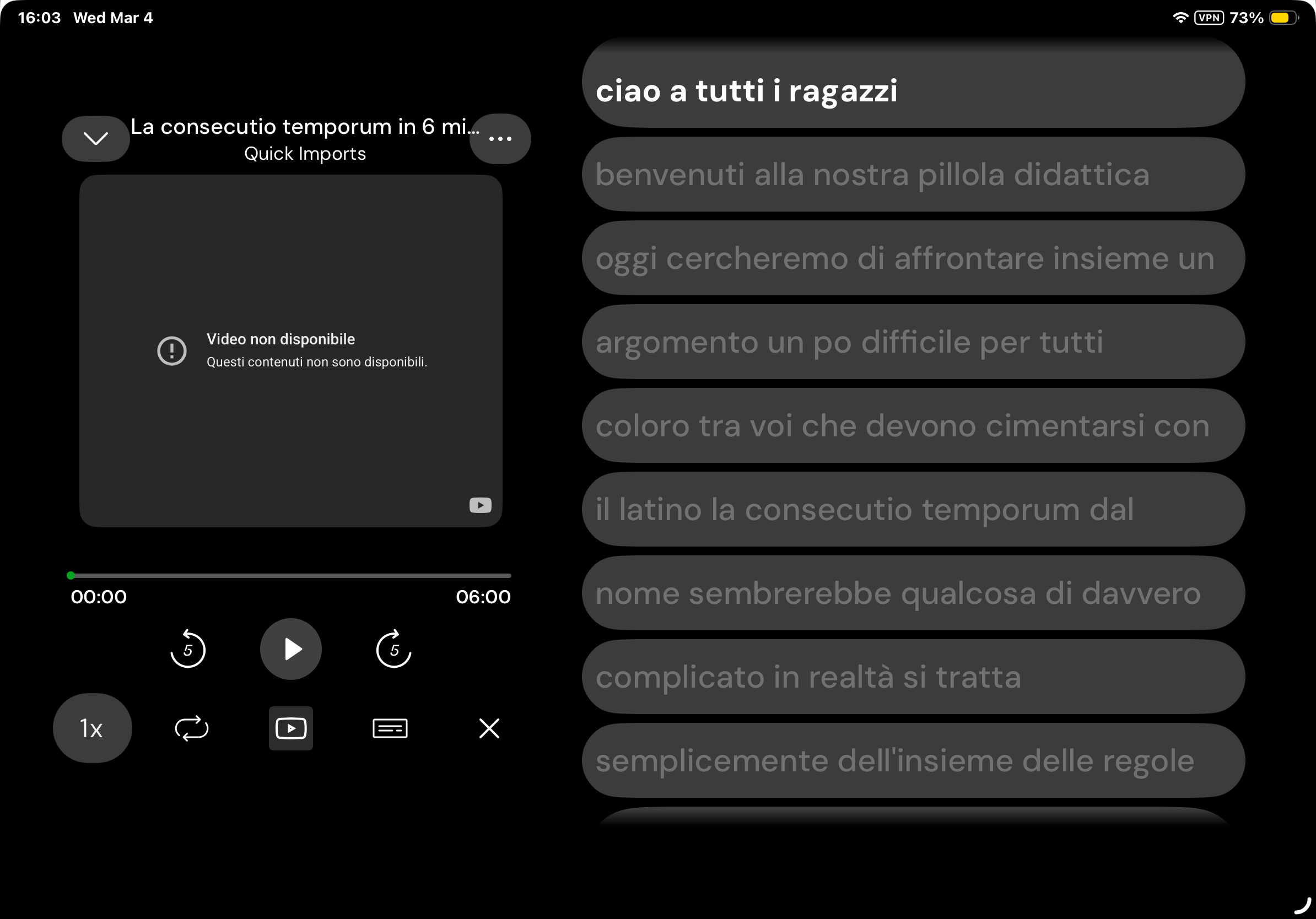
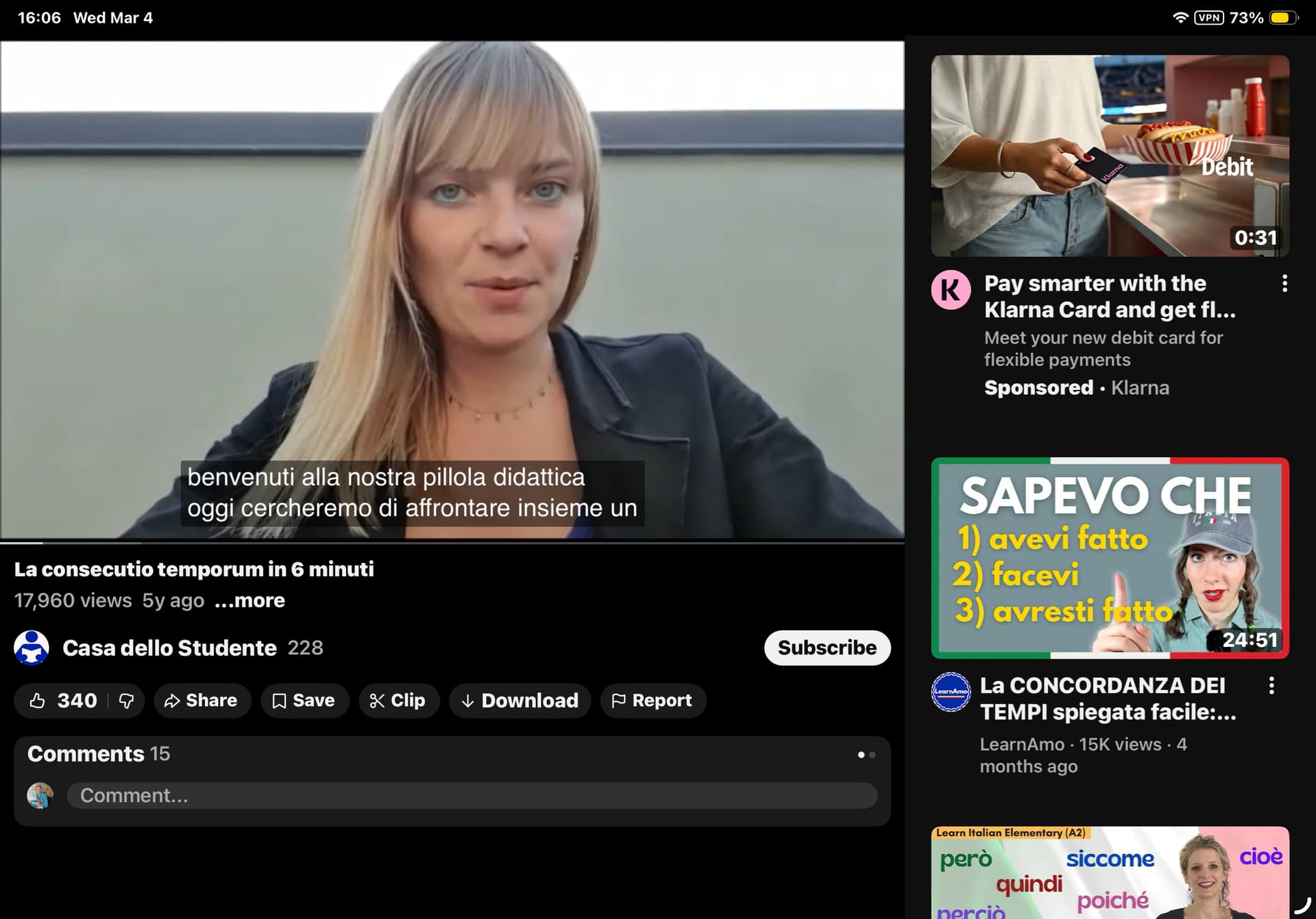
@20915 Thank you! As far as I can see from your 1st screenshot, the issue does not seem to be related to the importing itself. It looks like the YouTube video isn’t playing in the imported lesson on your side for some reason. Since we haven’t been able to reproduce this on our end yet, we will continue investigating.
Could you please let us know whether you encounter this issue in any other lessons with YouTube videos, and confirm that you are not using a VPN when this happens?
I’ve been encountering this problem with dozens of utube videos every time I have written here, this has been an ongoing issue for me . Using latest iOS on an IPad. Thanks very much!
Ps. Always the same message and I m always careful to select videos with captions. Thanks
@20915 I’ve just noticed the “VPN” icon in the status bar (top right) in your screenshot. VPNs can sometimes affect how YouTube videos load in embedded players within other apps.
Could you please check whether the issue still occurs with the VPN disabled?
Great idea. I never thought of that. Checking now . Thanks you