Chrome on Mac almost always works, but you have to open the link in a new window
Just adding that (probably like most people), this is an absolutely critical function for me.
We released Android app update to version 6.0.24. YouTube importing should work on this version. It should be soon solved for iOS and web too.
Working now for me on Chrome (both Windows and Chromebook)
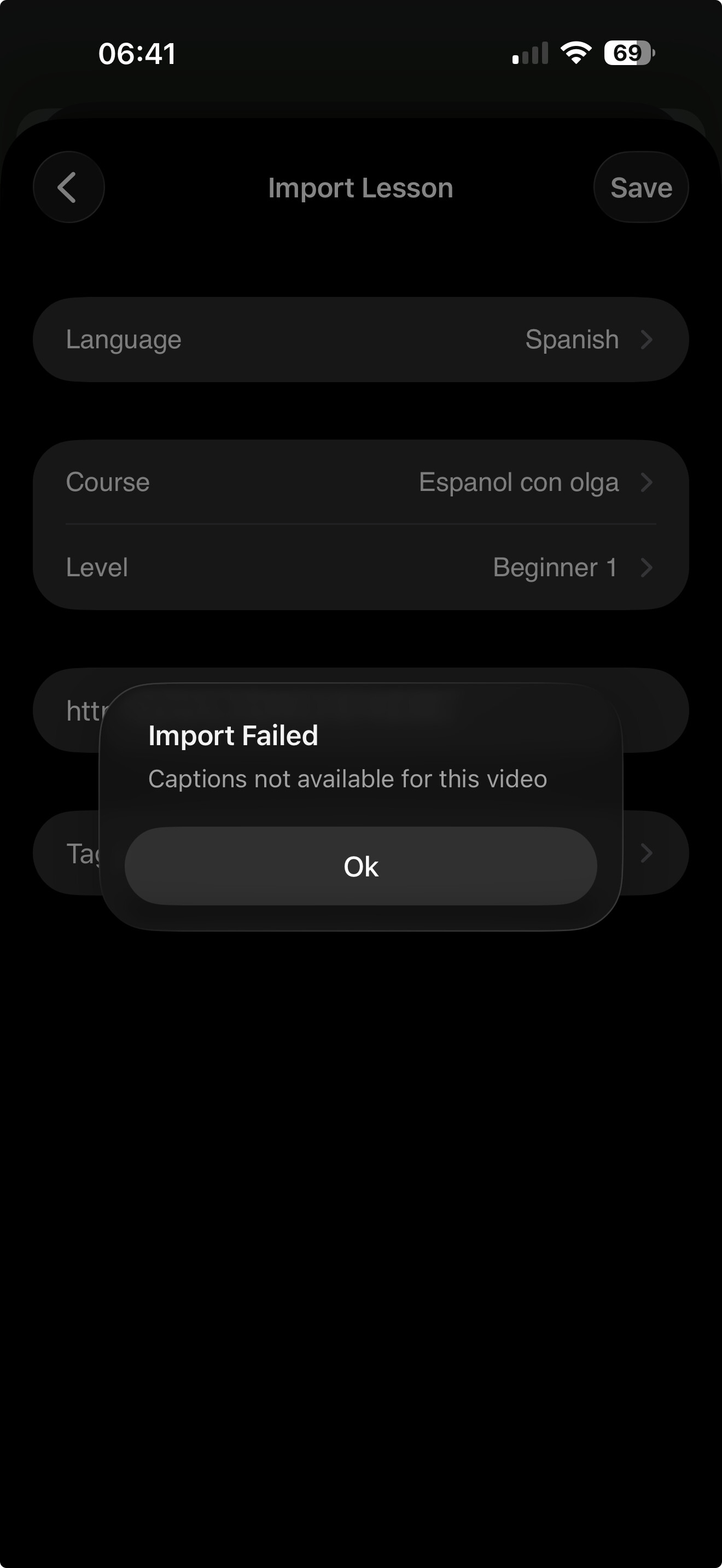
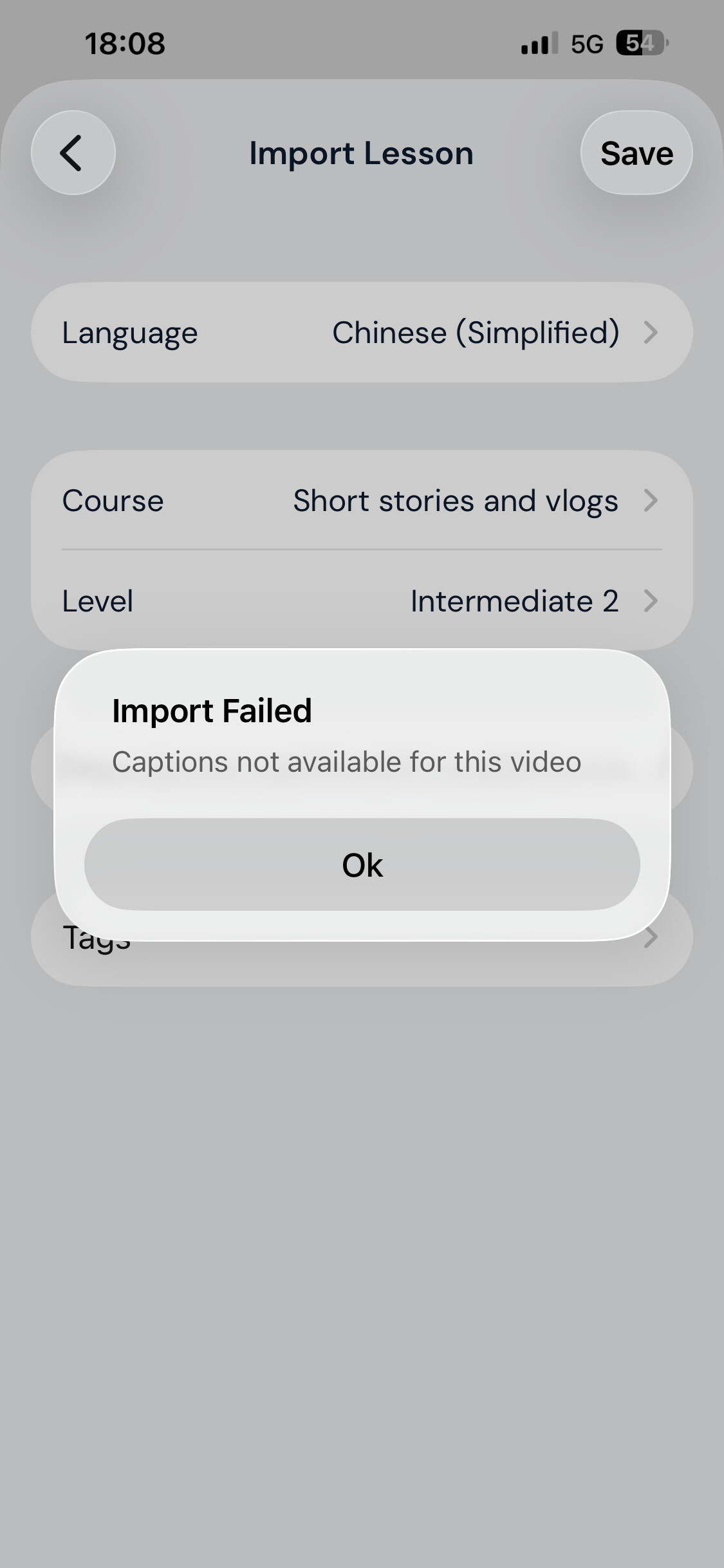
According to the message displayed when one opens the LingQ app, the problem is fixed and imports now work on all platforms. Unfortunately, on my iPad, (OS 26.2.1) imports from YouTube are still unavailable, and there is still an error message that there are no available captions.
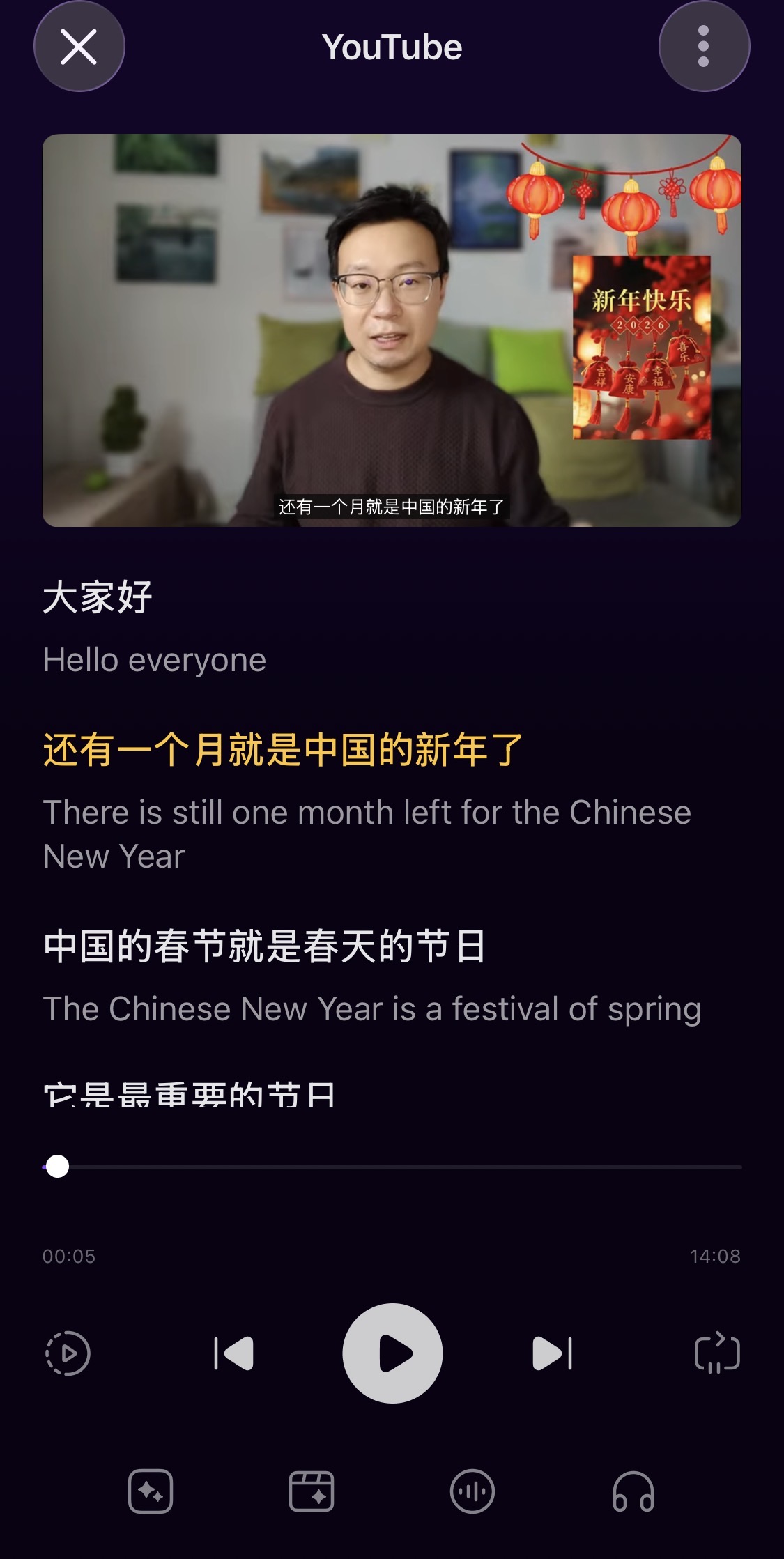
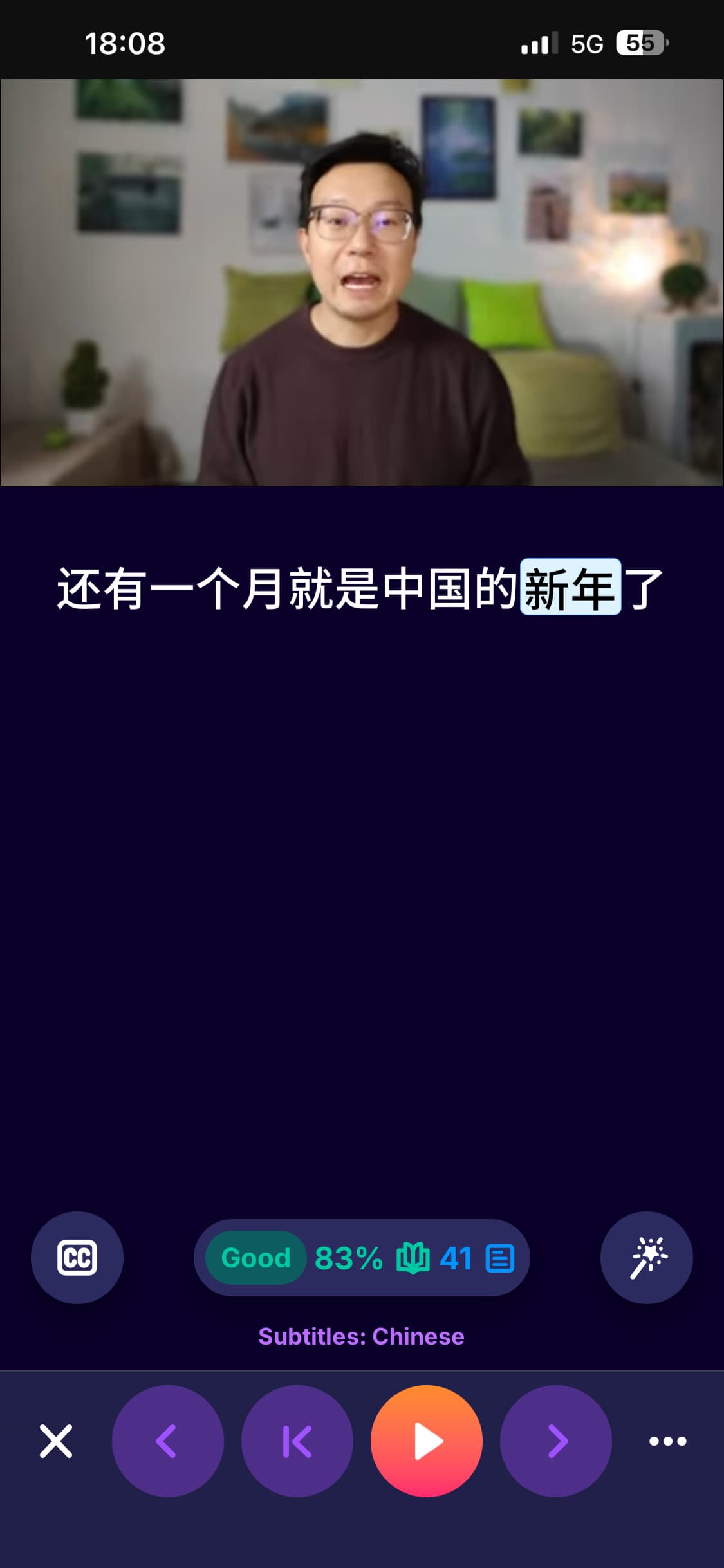
Why hasn’t other apps that use YouTube’s captions been affected? For example Trancy, there was absolutely no interruption when youtube made those changes. Their karaoke mode worked just fine. I used the same videos to test on 4 different apps LingQ is the only one that had problems.
Service interruption has not been resolved not on desktop, not on iOS.
The LingQ app says import is fixed, but on iOS iPad it’s not working.
It is working on my end but the course is not being selected automatically now, I need to search on the list and select it manually. It is of course great that is working again now, but, are they going to fix the selection or is it how we must do from now on?
Has anyone gotten it to work on iOS yet? I received the notification that it’s fixed on all platforms yesterday but haven’t been able to import on iOS for about a week now.
still not working on chrome in osx (macbook) neither in iphone youtube app
I’m not super familiar with Trancy, but just looking at their web page it sounds like they generate the subtitles for you with AI rather than using Youtube’s subtitles. Lingq, on the other hand imports the subtitles that youtube has if you are importing the video. You can, alternatively, convert the youtube to just audio mp3 and import that, and LingQ will use AI to create the transcript (like I think Trancy is doing).
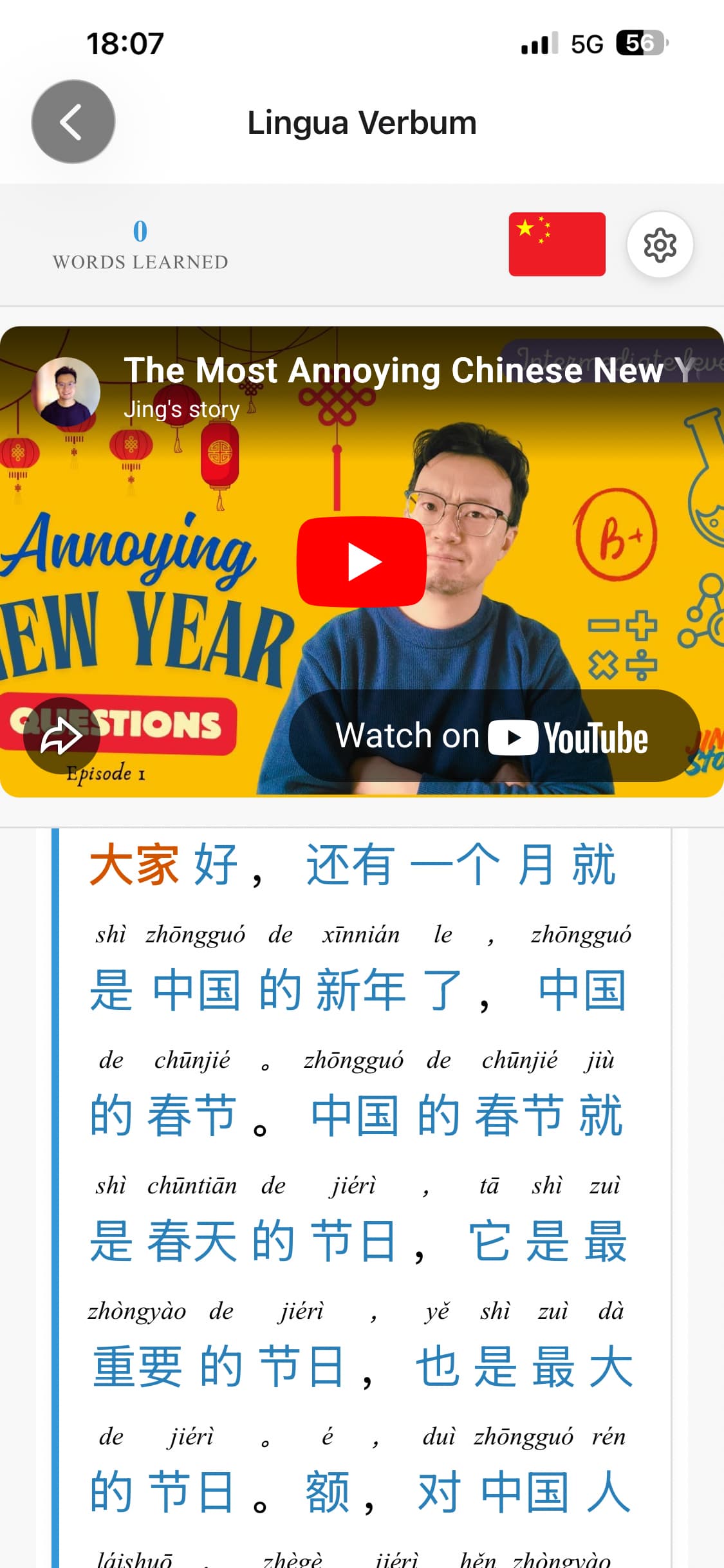
I do not think Trancy’s app is generating ai subs. It loads the subs almost instantaneously and they are 100% identical to the subs on the original YouTube video. The problem is how LingQ has coded their software and it needs to change as soon as possible. There is no question about that, I’ve tested with several apps. Including Migaku which has an import subs and a generate subs if subs are unavailable function, it works just fine to import subs. I tested with Lingua Verbum which is a LingQ clone which like LingQ if no subs are available fails to import. Every YouTube video I’ve tested with Lingua Verbum since LingQ imports has been down has worked just fine no problems importing at all. This has been an ongoing problem with LingQ for 3 years at least once a year, it’s time they did some research on how they can avoid it because it’s clearly possible.
The subtitles on this video are “burned in” (i.e. Youtube doesn’t have them. They added to the video “image” itself). You can tell this because if you click on CC and/or go to settings to change the subtitles, only the autogenerated ones are available. The producer of the video has not uploaded the subtitles to youtube, therefore LingQ can’t grab them to import (at least I think at some point LingQ stopped importing autogenerated subtitles…I could be wrong).
Care to share one of the videos you’re having an issue with?
1 Like
Yes, it says it’s fixed in the app but still not working. Has anyone tried deleting and reinstalling or anything else to see if it fixes it?
Are you on the latest app version?