I really like the new import feature. I only import audio files to be transcribed and it works great. It transcribes quickly and you can see when it is finished. Before it was hard to tell and I wasn’t sure if I had to give it more time before opening the lesson up.
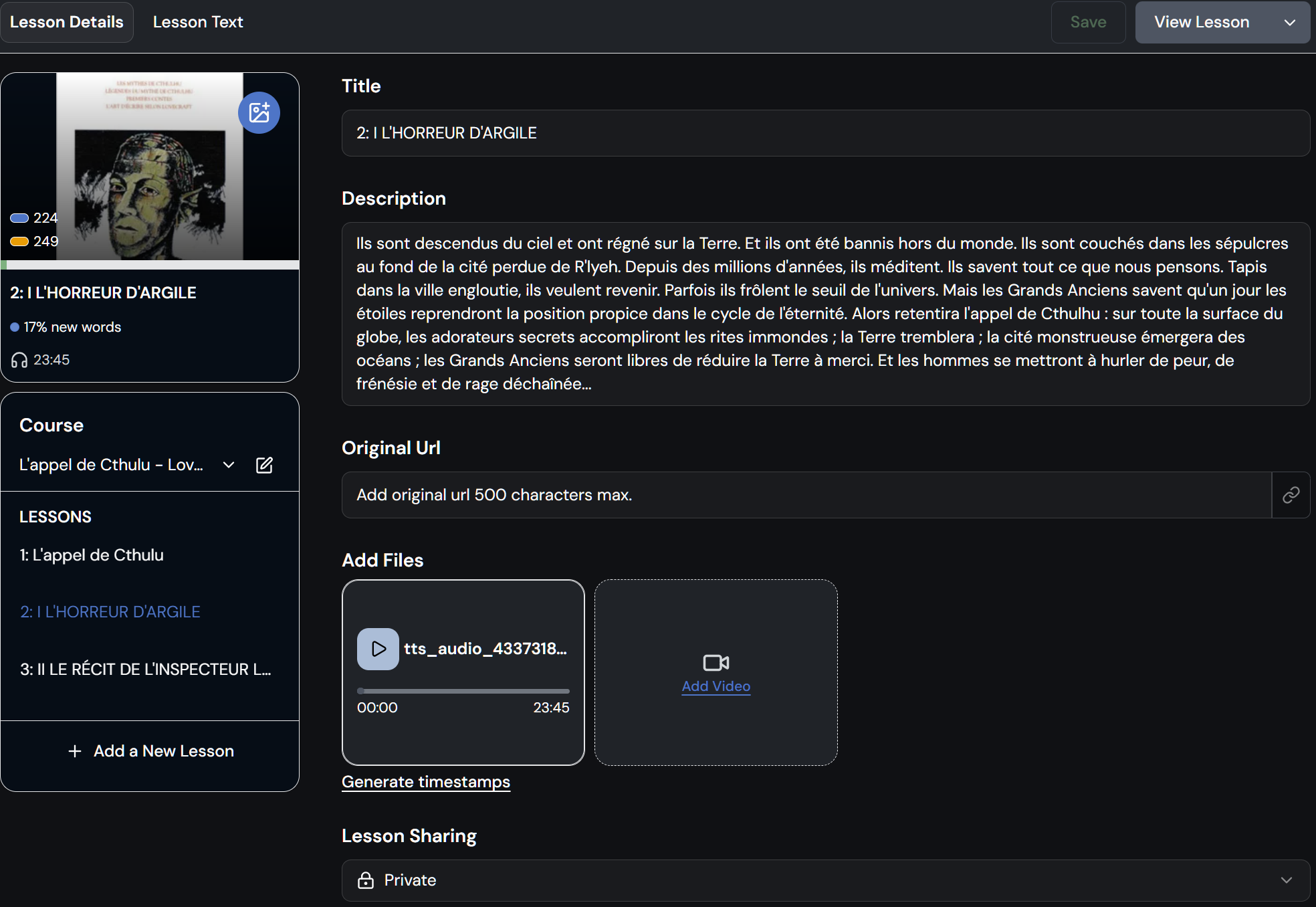
Can you make it so I can add a jpeg thumbnail on the import screen. At present, I need to go into ‘Edit Lesson’ after and add it then. But this is a minor thing.
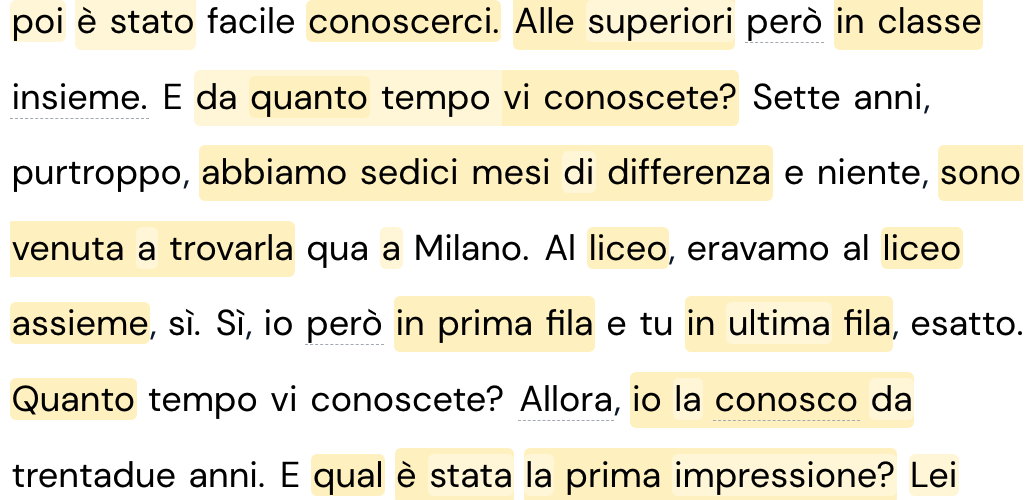
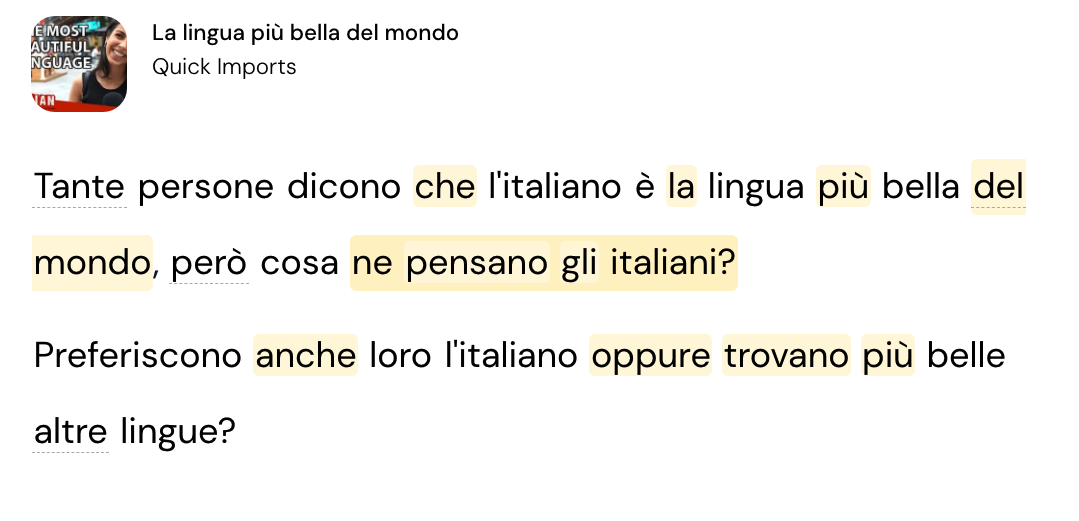
A second thing. The text seems to be very dense on the lesson page like this:
I agree. If you rely solely on Lingq to transcribe, that’s great – although as you mentioned adding a graphic for your lesson requires an edit to the new lesson. Also, if you’re adding a new lesson to an existing course it does not automatically choose that course during input. So watch out for that.
If, however, you don’t rely on Lingq to transcribe the new lesson, it is quite the downgrade from the long proven and quite optimal previous method.
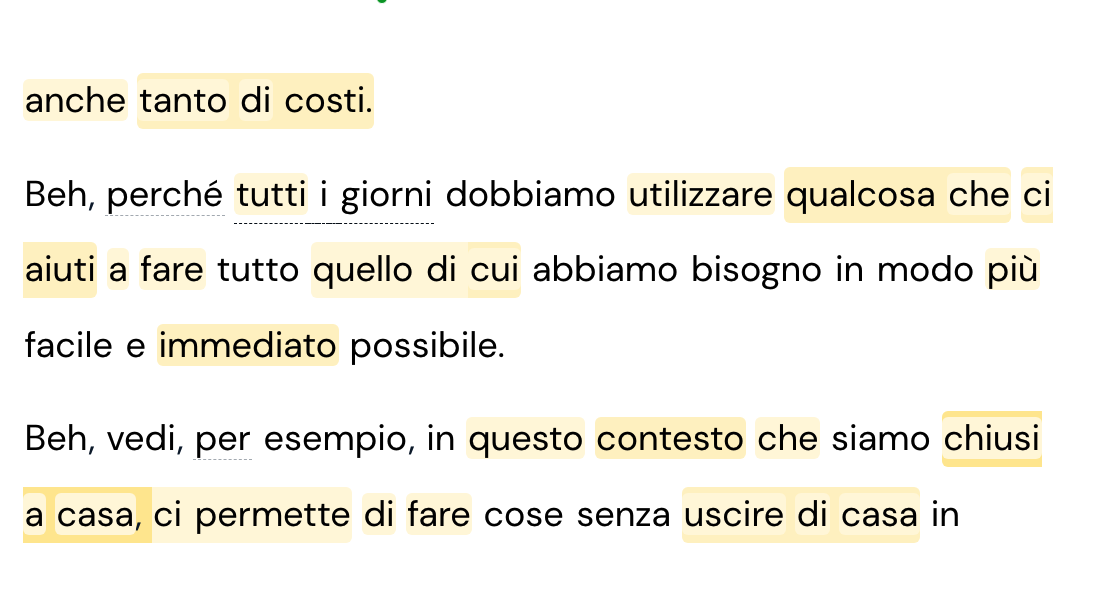
I just imported another lesson today and the spacing issue seems to have been resolved (as below). I am not sure if the team has made tweaks or not, but thanks anyway!
I imported the first chapter of a new book with the new system. For me, It is more cumbersome than the old one. It was easy to add title, text, graphic, and audio all in one screen and then generate the lesson. Now it’s a hodgepodge.
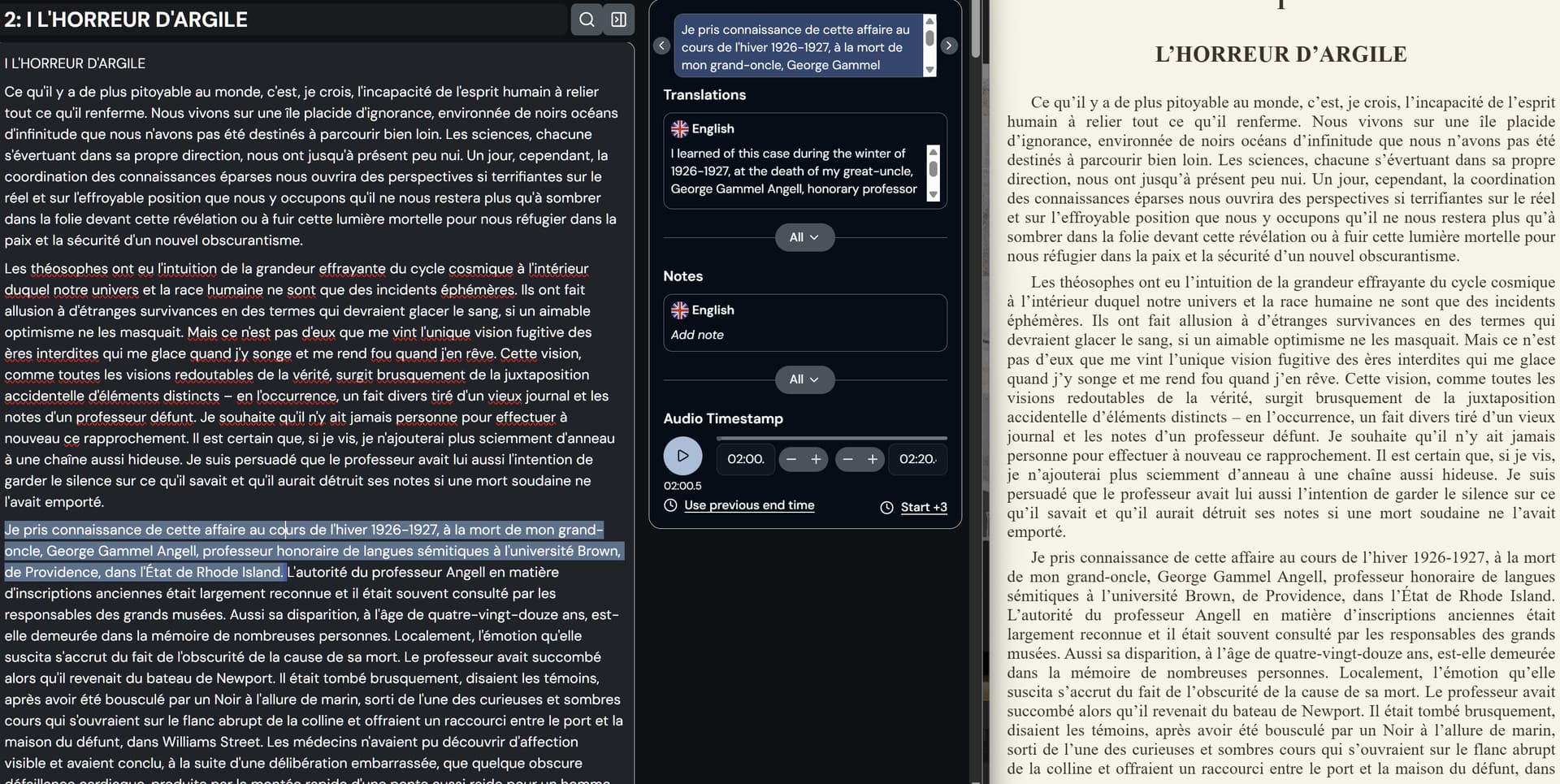
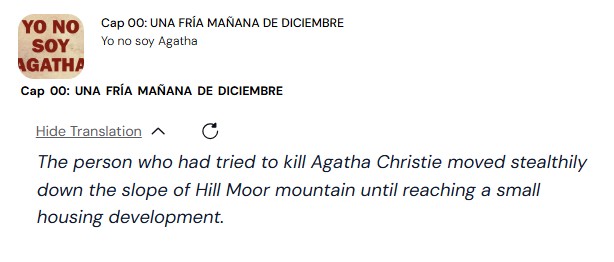
The audio doesn’t match the sentences nearly as well as previously and as for the translations, it places the translation for the first sentence with the chapter title and all translations are off by one sentence. If I add the chapter title as part of the text, then I get two chapter titles, but, except for the real chapter title, which still shows the translation of the first sentence, they all line up.