While the LingQ import plugin is broken due to youtube changes, here is a way to manually import a lesson
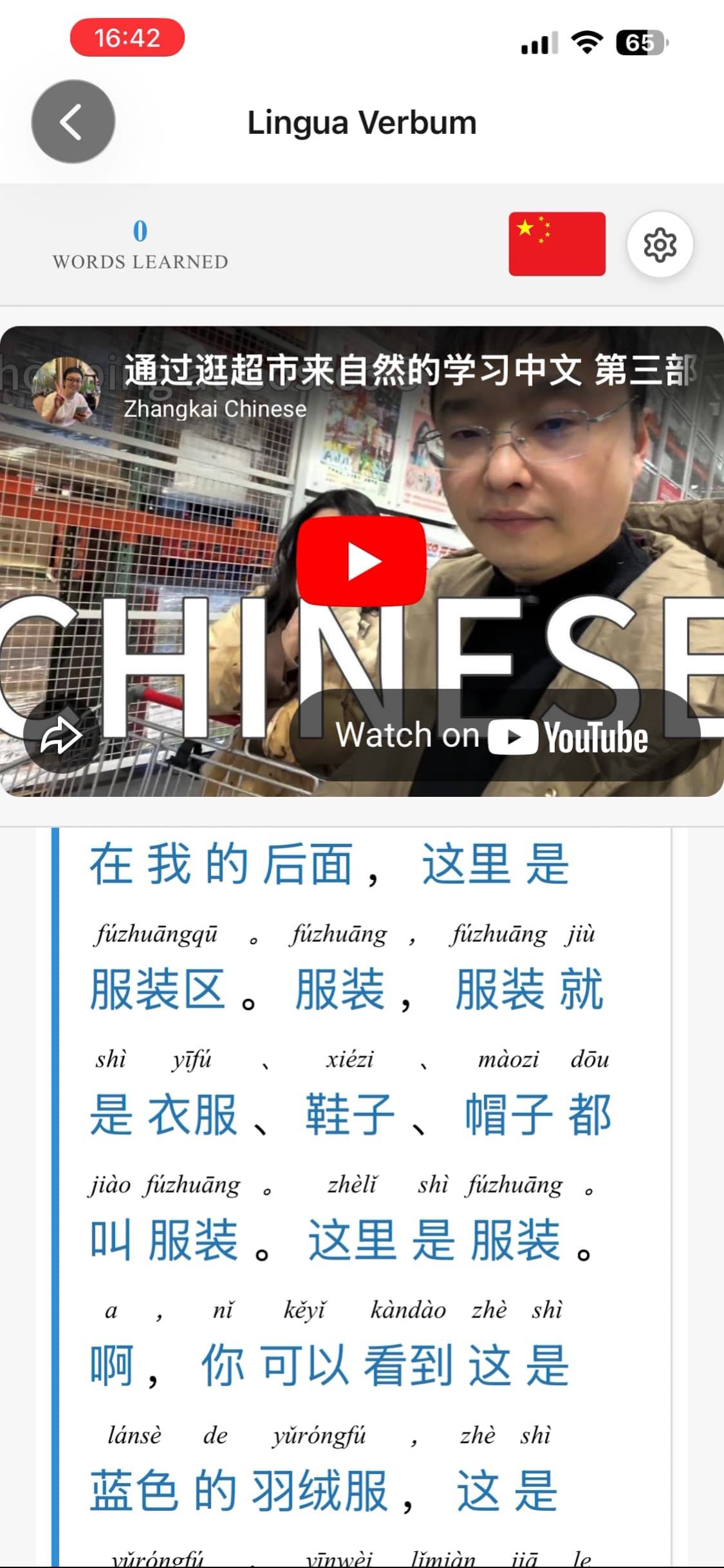
Click import, then go to a youtube video, scroll down & click show transcript, click the 3 dots, hide the timestamps, now you can manually copy and past the transcript inside a lingq lesson.
Now all you need to do is copy the link and past it under the video section on the import screen and hit the plus button.
This is a easy workaround but the only down side is you wont have timestamps.
Saying that the problem lies with YouTube is starting to feel like a slap in the face. Here are three other languages learning apps that are using YouTube subtitles normally, no work arounds and their iOS and android apps are working just fine also. So this problem is clearly localized to LingQ.
I saw YouTube post saying that it was only specific file formats that they were disabling and that most people use different formats? Could be the other apps had different methods for handling this stuff and LingQ got unlucky to be using the one that got taken down. I’m not an app designer but that’s my guess.
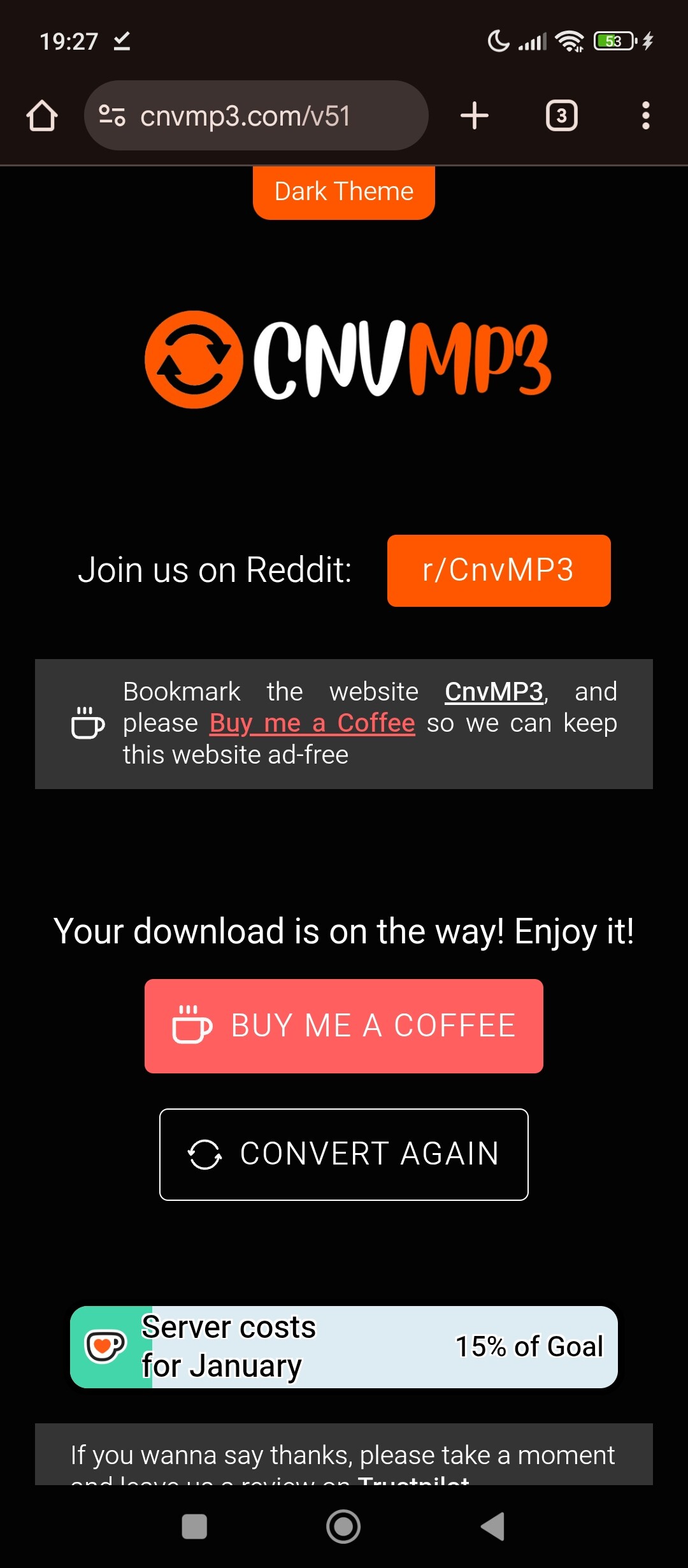
I use the first one to download the audio of the video that I want, and the I add a lesson with the audio, and I use lingq to generate the lessons.
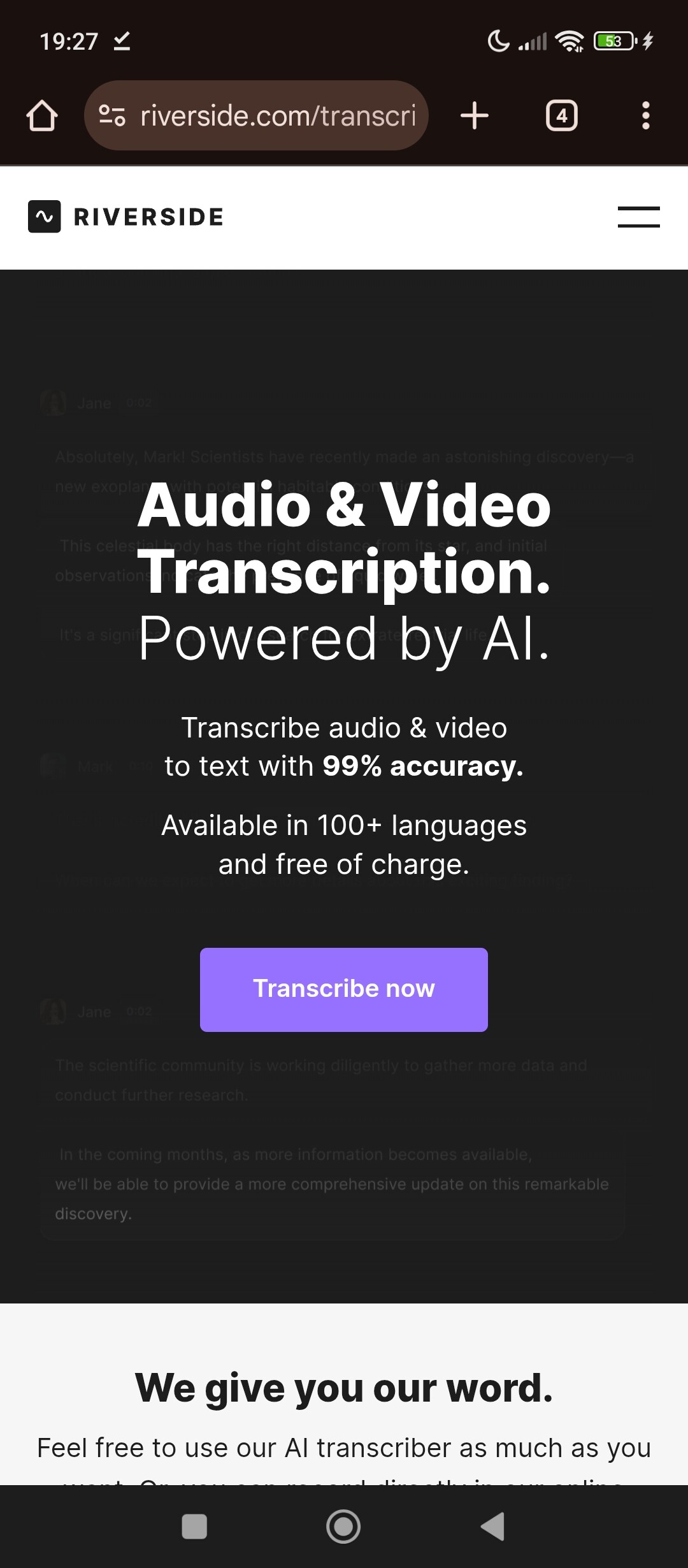
When I don’t have any minutes left, I download the audio and then with the second, I get the transcription of the audio and I come back to lingq and add a lesson with the text. After that I edit the lessons to attach the link of the video and it’s done.
Sorry I didn’t intend to accuse you. It’s just frustrating because LingQ should make the necessary changes to ensure an interruption of expected services doesn’t happen. Apologies again for replying to your post with my frustrations.
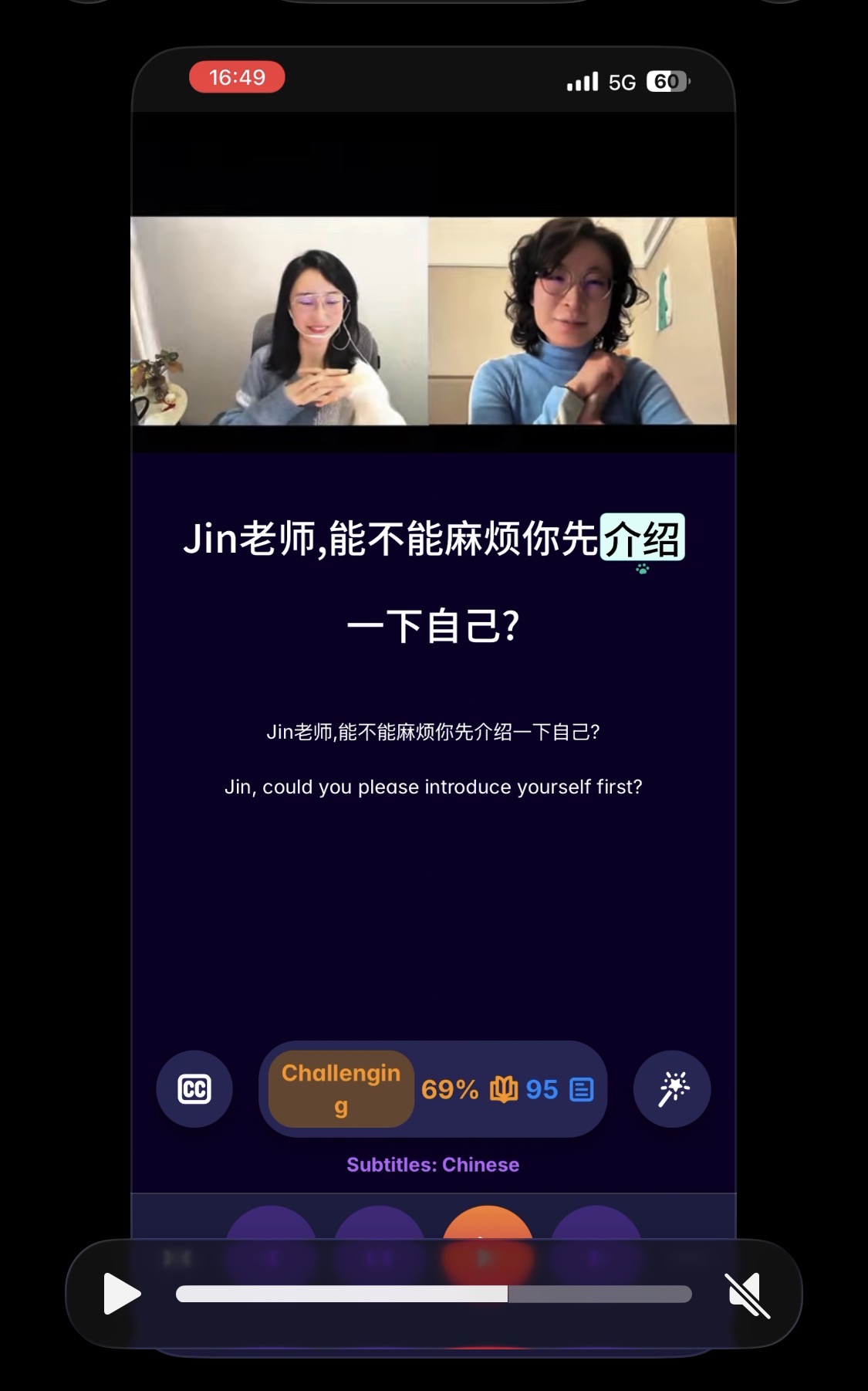
This is the way I always do it with YouTube videos. I know a lot of people like the YouTube import, but I find the video player window more of an annoyance than anything and prefer AI transcription over subtitles.
If I really want to watch the video part, I just watch it on YouTube. If the language is above my level I work through the language on LingQ first and then watch it on YouTube.
Here’s that post. Probably the videos in those other apps are related to the formats that aren’t affected and probably would import just fine into LingQ:
There is a work around for some…if you don’t care about the video part. Just go to a youtube to mp3 converter site. Paste the link to the video. Download the mp3…upload it to Lingq and let Whisper transcribe it. (or do elsewhere if you have another means). You’ll have a transcript then. Will work better for some languages than others. (ymmv)
I’ve literally tested each of those videos with LingQ as well as the other apps. The only app that doesn’t work is LingQ. My conclusion is LingQ needs to make an adjustment so that YouTube making caption adjustments doesn’t cause service interruptions to LingQs paying subscribers. It’s clear that the developers of those others apps have coded their software so their customers are not being asked to tolerate long service interruptions or use time consuming workarounds.
@roosterburton I’ve read several of your posts, and am intrigued. I don’t actually understand it yet, and I’m new to LingQ importing, so it’s on the back burner for me, but thanks for keeping in posting about it!
Can your importer create a transcript for videos that don’t have captions? For LingQ example, I’ve seen some learn Ukrainian YTs that don’t have UA captions. Or some Turkish Dizis that do have Turkish subtitles, but they have many errors. If it can, is that part of the one-off lifetime sub? Or is that a subscription service?




 Temporary issues with YTT/SRV3 captions files - YouTube Community