You can remove yourself using the links above, or install one of the many versions available on firebase app tester or uninstall the firebase version and install the google play one.
There is no mess here, this thread is fine. If you don’t want to contribute then don’t create spam.
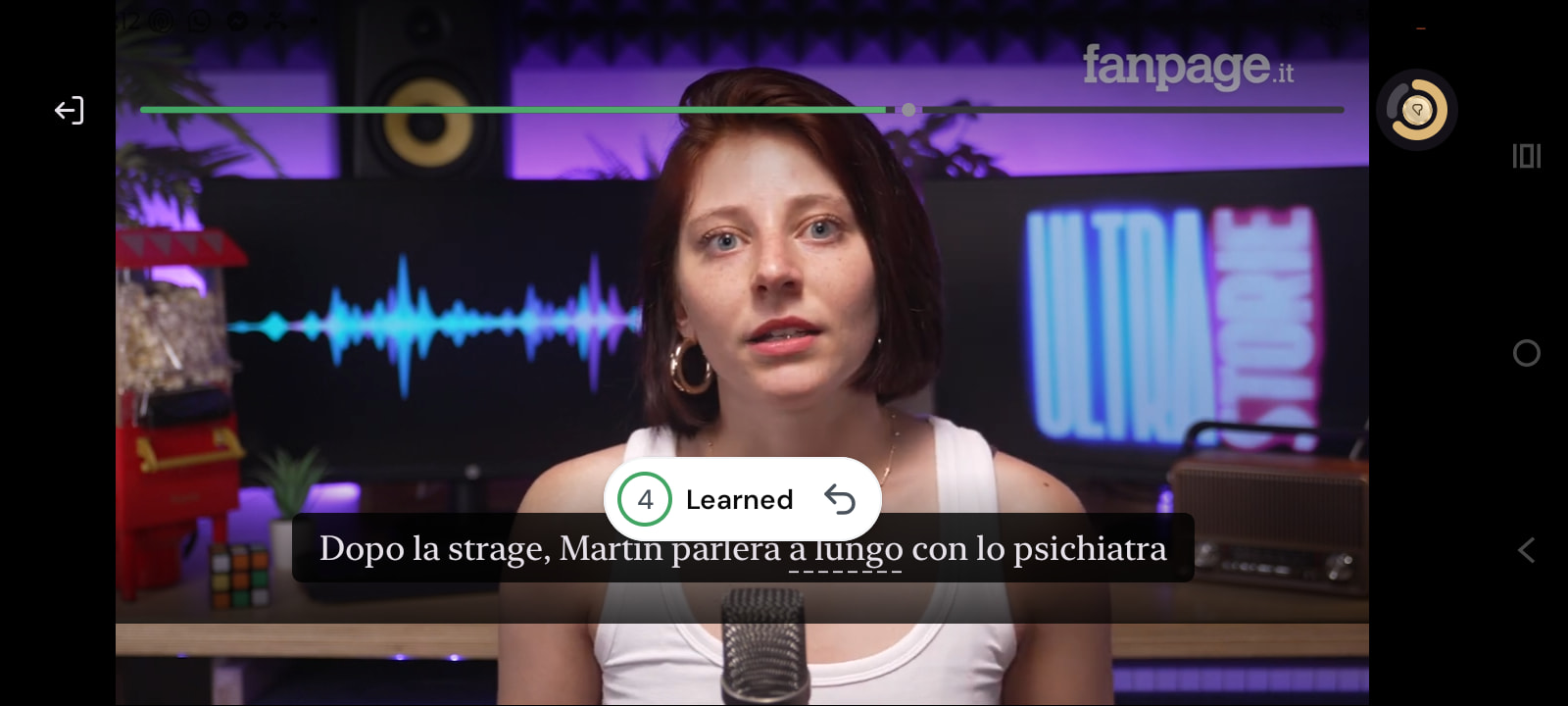
Would like a way to disable the confirmation bubble that comes up everytime you change the status of the lingq as it tends to linger and cover the subtitles. Apart from that the video play back is much smoother. I like that you can simply Tapp off of the lingq to unpause the video instead of always having the swipe the dictionary away like before l. Makes for a much quicker experience.
Although I would like if it was less cumbersome to access other meanings of a word instead of the AI generated one. Seems like now you have to go through a few steps to reach them.
Hi @joshmassarotti if you tap on the meaning in the small widget - it will open popup with all information about the word. Do you use it? Is it helpful?
@joshmassarotti also you can disable AI meanings in the Settings/Lesson/Show Contextual meanings. If OFF - you will see just first meaning from our dictionary, not the AI generated one.
No modo de rolagem, antes tinha uma opção de revisar cada frase, praticar a fala e desembaralhar as palavras. Esta opção foi retirada do aplicativo na versão Android? Pois achava essa opção muito útil para praticar fala e organizar as frases.
We are trying to figure out a way to keep it in the new design. Our goal is to make the experience less visually cluttered, but at the same time we do want you to access the controls you care about quickly.
I’ve just run through a few lessons and overall I think it’s just a nice step up in quality across the board – design very consistent for such a wide scope of changes, and so far no obvious defects through the full main lesson workflow.
I think the grumpy folks above are just hyper-tuned to the previous word pop-up: after 30 min of using I think this will go away as just different.
Anyway the main difference will be for new users: overall “feels” much more modern and responsive – though the specific feature set has not actually changed.
Tomorrow I will test the offline syncing stuff: previously was quite annoying having to fix all of the vocab after a long session offline through a flight.
YAY
SHowing stats prominently is generally good. Known words is great.
Better is you use the 1,000 format.
Coins is a pointless statistic. I want to know if I’ve done enough today.
Words read today: not here. It should be.
Stats shows 7 days activity. No one cares. Make it today.
Stop making us dig for stats.
At least screen 2 says I’ve met my goal. Actually screen 1 too.
go through all the screens I need to to check on all my languages.
My languages shows 3 languages. I do 4 daily. More unnecessary clicks.
Wuthering heights shows “37:05 min” on the lessons screen. not the % of words I know. Another pointless statisitc.
Lingqs of the day might work on the android home screen. I’d like it on my garmin watch I think and yet I doubt I’d actually use it.
It’s all pointless if I can’t see my % words In KNow (not words not blue).
WHat are the weird symbold at the botom of a lesson. I don’t trust random Lingq functions due to enforced words turning blue).
In sentence mode, English is bigger than my target language - it should be smaller.
I should be able to always, always be in sentence mode.
Variable speed audio is great. Buy only if there are shortcuts.
No shortcuts so I can’t make the audio start after a delay. Another 100,000 clicks this year. No way.
It’s still not telling me at the top of the page how many words I have read and whether I have met my goal.
I watched a video (rare). Page mode doens’t show translations. Sentence mode keeps stopping. Amazing potential, currently awful.
Very poor update for what I want. I’ll keep using the web version.
New Word popup settings (Lesson Settings > Word popup): open the long-press popup on tap, with optional word, pronunciation button, tags and dictionaries, as the original experience. Always Show Status moved here.
The expanded popup closes when you tap outside it on tablets.
The looked-up word is bold in the popup’s sentence.
Tags and dictionaries sit under the meanings in the expanded popup.
More compact dictionaries row.
Word highlights no longer cut through transliteration.
Reader
Sentence mode translations are italic and scale with your font size.
The theme popup opens at the bottom of the screen.
In full-screen video, the status confirmation shows at the top, clear of the subtitles.
Home and Explore
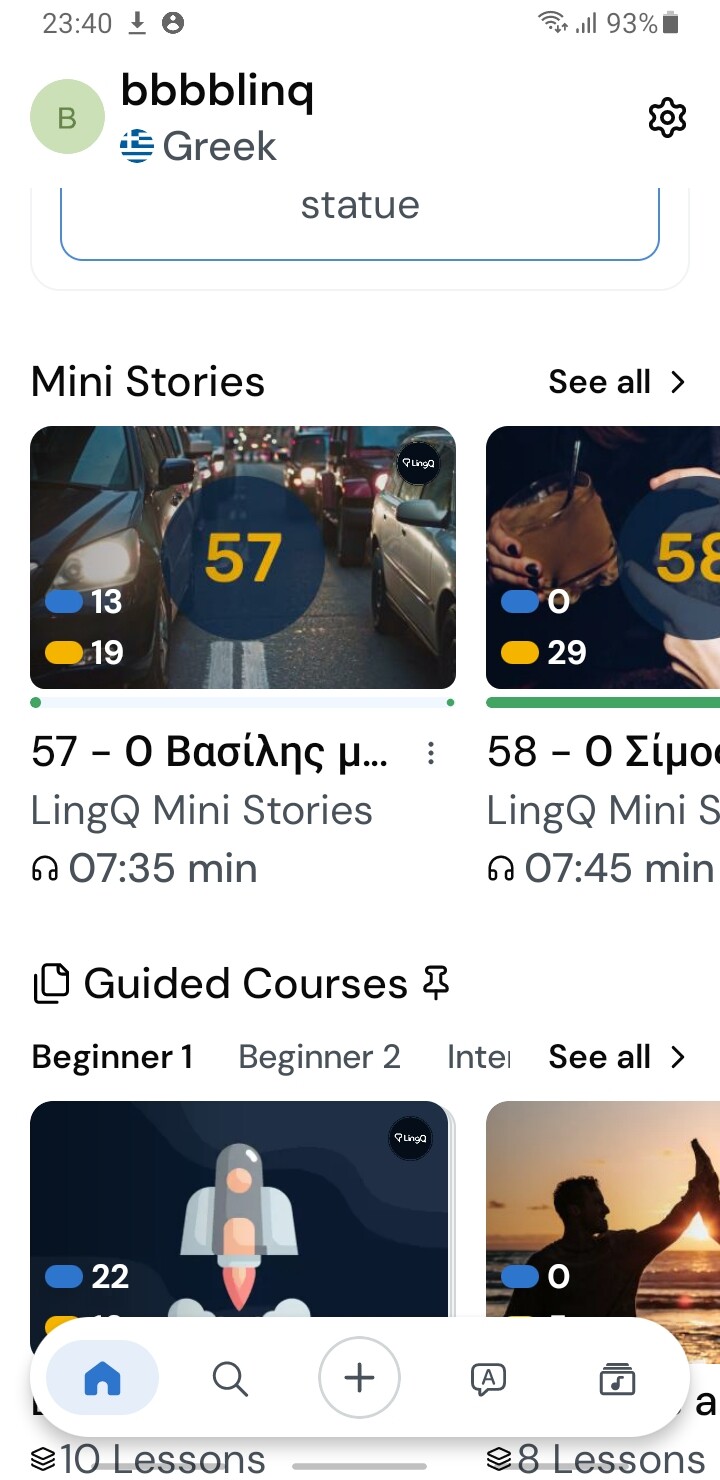
Lesson cards show known words and the percentage of new words.
Known word counts use thousands separators.
The side menu lists five languages before Show more.
Week Overview shows the last seven days.
LingQs of the Day stays on Home after refreshing Vocabulary.
Short courses no longer show a spinner that never stops.
Other fixes
Switching languages no longer resets your dictionary list.
Lesson Complete shows the Lynx comment already written for the lesson instead of generating a new one.
Sentence review shows Skip instead of I don’t know on unscramble and speaking.