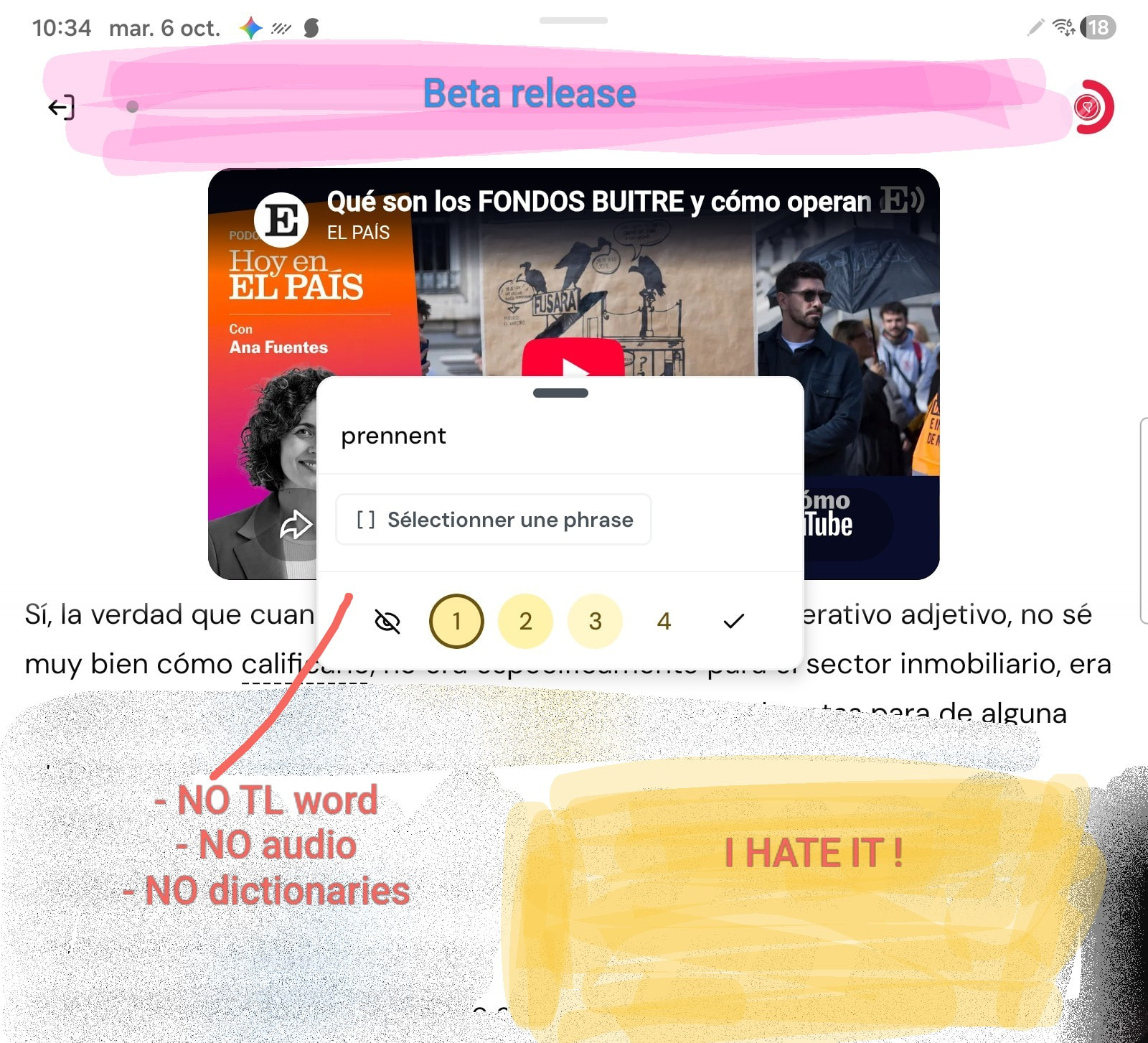
Hello everyone. We released a complete rework of the Android app, that includes the all new Home screen, and the new Reader. First version is v7.0.9 and anyone can join using this link https://appdistribution.firebase.dev/i/17d13a2893679438
You can also join via Google Play and get your updates there. The updates are slower to be available, but might be more convenient (via Android: https://play.google.com/store/apps/details?id=com.linguist or via Web: https://play.google.com/apps/testing/com.linguist)
Changelog v7.0.9:
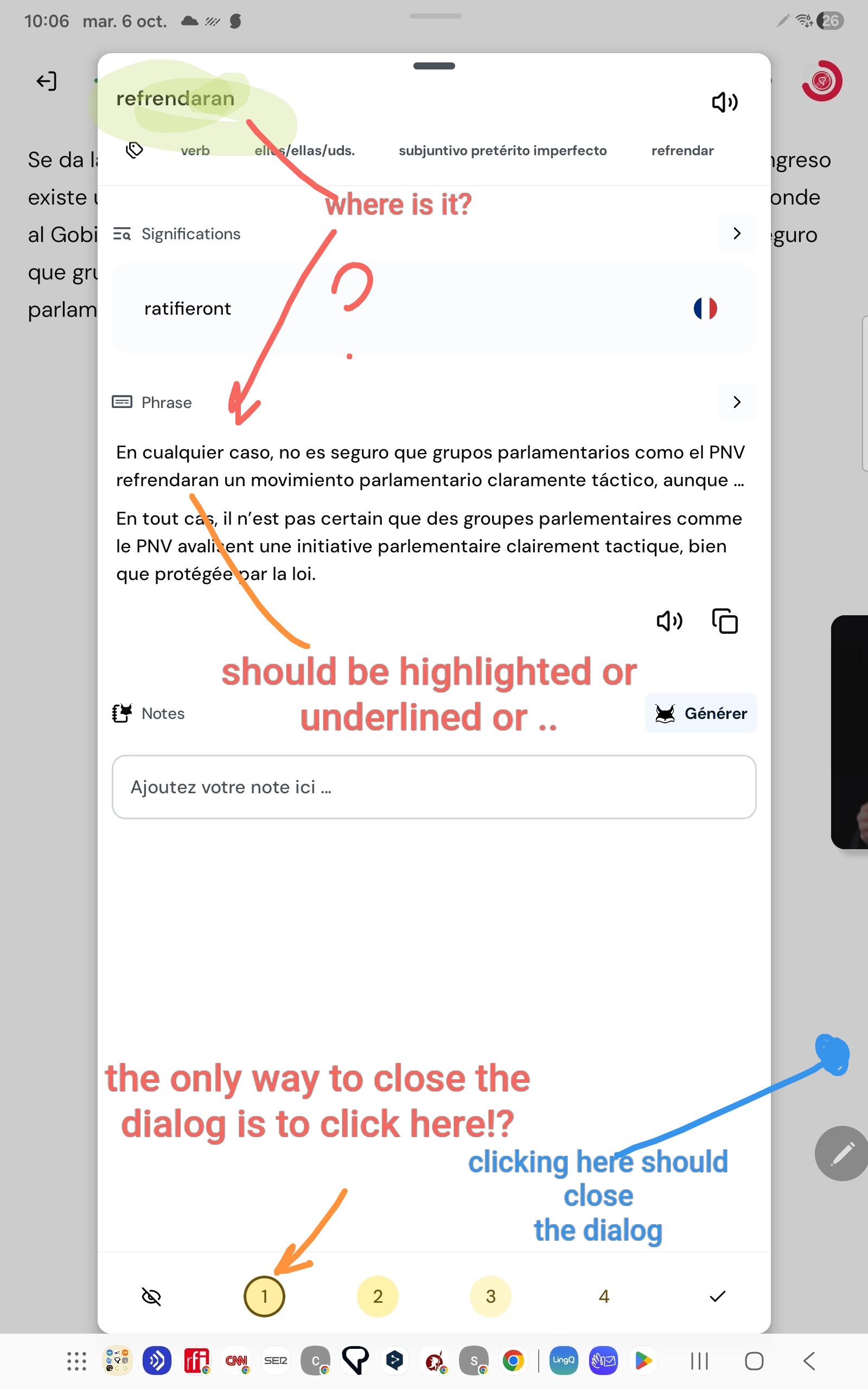
- New Reader. Streamlined mode switcher, where you can easily change between page, sentence and scroll modes, as well as keep the previous selected mode when reopening the lesson. New small word widget with simplified views, long press widget for more details. Expanded word widget with new sentence details so you always have the sentence context close by, and better organized structure to help you focus on what matters to you. New phrase selector where you tap on the first word and last word instead of dragging your finger around. New suggested phrases accessible by just tapping on the text. Audio scrolling mode similar to the video mode, that replaces the old karaoke mode that had no word interactions. Streamlined menus with the most important settings at the top and context based depending on what you are looking at.
- New Home and Explore screens. Our goal with the new Home screen is to make it easier for you to pick up where you left off when coming back to the app. A more focused home screen with what matters to you and your language learning journey. What we have in it, the content, the recommendations, the widgets like vocabulary and playlist, the stats, all of it will be reviewed based on your feedback. What you see at first will be our opinionated vision, but the goal is for this screen to be your Home. The Explore screen is what the old Library is, where you can still find all the content you are looking for, with the better filtering options and tabs at the top so you find more easily what you are looking for.
- New design with cleaner look and colors and more consistently applied throughout all the app.
- New Side navigation and Profile screen. We wanted to have a place where you can see your progress in all your languages and thats what the Profile is for. The side nav is to make it easier to access everything else, from switching languages to grammar guide, Challenges, notifications, etc. Both these and the Home screen have the goal to make the app experience your own.
- New playlist screen with streamlined look and controls.
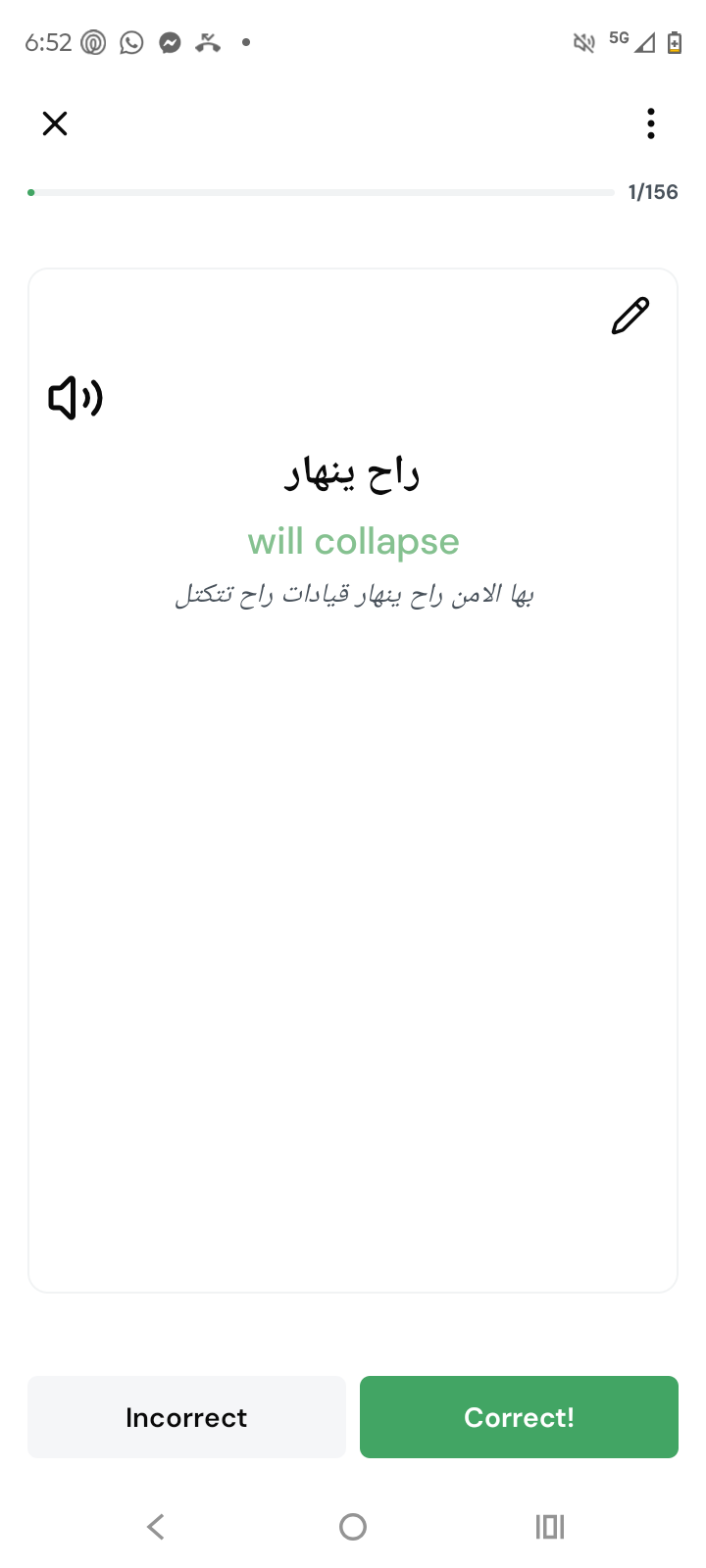
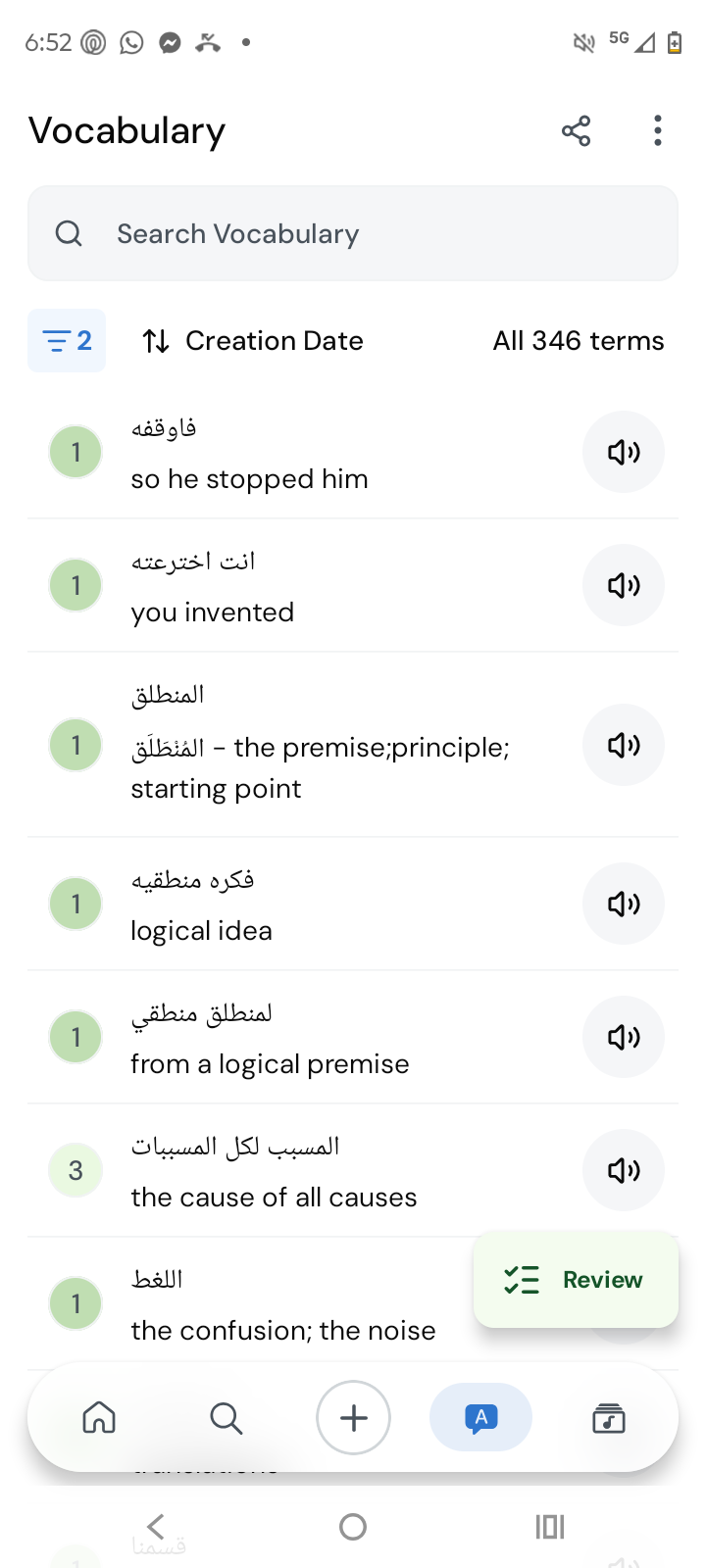
- New vocabulary screen which tries to make it easier for your to find what is important to you.
- Full Compose UI conversion. Compose is the relatively new UI framework for Android apps from Google. Converting fully to into it from XML has enabled us to deliver a higher quality UI and UX. This release fully converts the app into Compose, including better navigation, smoother screen transitions, faster performance and better look and feel overall.
- Reworked network and domain layers, including better error handling and a new sync engine which will enable us to have a more reliable offline mode. You should expect more reliable updates on your data, faster loading times, and clearer error messaging. This is a work in progress, and it was very important for us to internally spend several months using this version to make sure everything still works. Hopefully it does, but do let us know if you catch any inconsistencies or other issues in your data.
The beta group for the Library on web is not the same as this. As this is a complete rework of the app we cannot give access to users from a single production version, so we need to use Firebase for now. We hope to use the same beta grouping everywhere after this beta app is released to production and always have a single version pushed out. For now, the advantage here will be that if you are unhappy with the beta, or if for some reason it breaks your current workflow, you will be able to easily go back to the production v6 app.
We hope you join us on making LingQ v7 the best version yet.