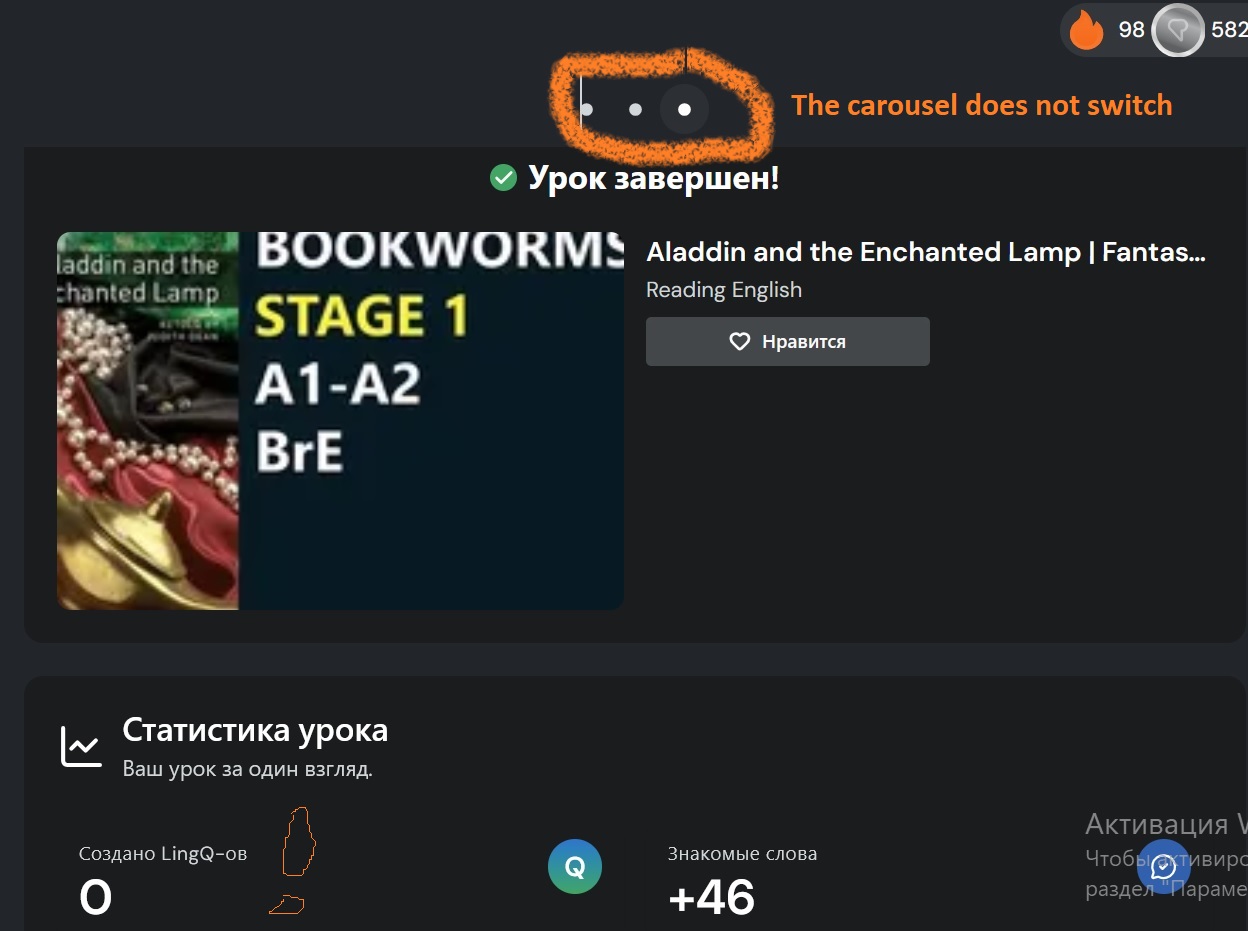
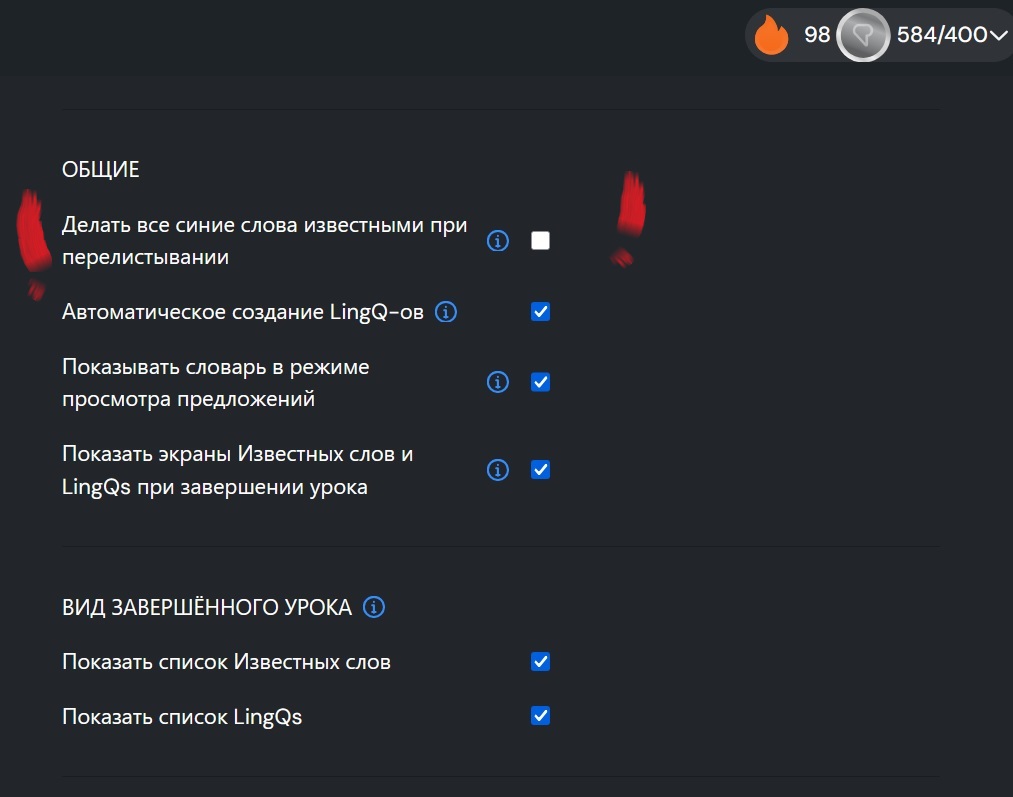
I use the next method. At first listening, and then reading a lesson without marking unknown words. Next, I click ‘finish the lesson’ and sort words. (The ottion of ‘Make all blue words known when flipping’ is disabled)
Today I’ve worked on the web app which has marked all unsorted words as known ones. And I cannot fix it because the slideshow does not work
I once suggested adding a simple way to undo or remove known words you mark as known as accident in this exact scenario, but I was told it wasn’t a priority for the team.
As a result, the only way to fix it is to manually go back and create a LingQ for every single word again with a translation. That’s pretty time-consuming and painful.
In the end, I just deleted the entire German course and started fresh. That solved the problem immediately.
I’ve been much more careful ever since — I don’t listen to anything new anymore unless I’m actively using LingQ and LingQing or if it’s in a Playlist.
P.S. If you want to listen to new lessons and new content without creating LingQs or marking words as known, you can use Playlists. Just add the lesson to a playlist and listen as much as you want — it won’t automatically mark any words as known, but it still records your listening time on your profile.
I don’t think they’re going to add it anytime soon, to be honest. I’ve been suggesting the same thing for over two years now and it’s never been made a priority. The team probably just doesn’t see it as important enough right now.
Creating a voting poll post is easy — you just go to the Feedback section and make a new post, then click the plus button and select poll, then people can upvote it. But even if it gets 50 or 100 votes, I doubt it’ll change anything. They’ve seen these requests before.
If you’ve got hundreds (or thousands) of words marked as known that you don’t actually know, the fastest and cleanest solution is still to just delete the course and start fresh. That’s what I ended up doing when it happened to me. Trying to manually fix every word is painful and not worth the time.
My honest advice: delete it and restart. And from now on, only listen to new content through a Playlist if you’re not actively LingQing — that way nothing gets marked by accident.
Unfortunately, it’s just not that easy to add an undo feature. Otherwise, we would add one. Having said that, we do want you to deal with your words on the first pass, which is why that feature exists. It is actually quite convenient to move a bunch of known words that way rather than by having to click on each one.
All you’re missing is the blue highlighting, all other features are the same and then as you click on previously known words, all your word totals adjust. Yes, your totals may be offer for a short time while you finish the lesson but that’s just fine. In the end, everything will be correct and you will still have created LingQs for the words you don’t know.
I would not recommend deleting lessons unless you really need to.