Thank you! It’s Japanese.
本好きの下剋上 22 第五部 女神の化身I
Will it changed to that the user can have the book challenge for each of their target languages? Just like the standard/ regular challenges such as 90day challenge can be done separately with the target learning languages.
Hi there, for now it’s just one book at a time in the challenge, but the more requests we get for this, the more likely we are to implement it. Thanks for suggesting!
I’m brand new here.
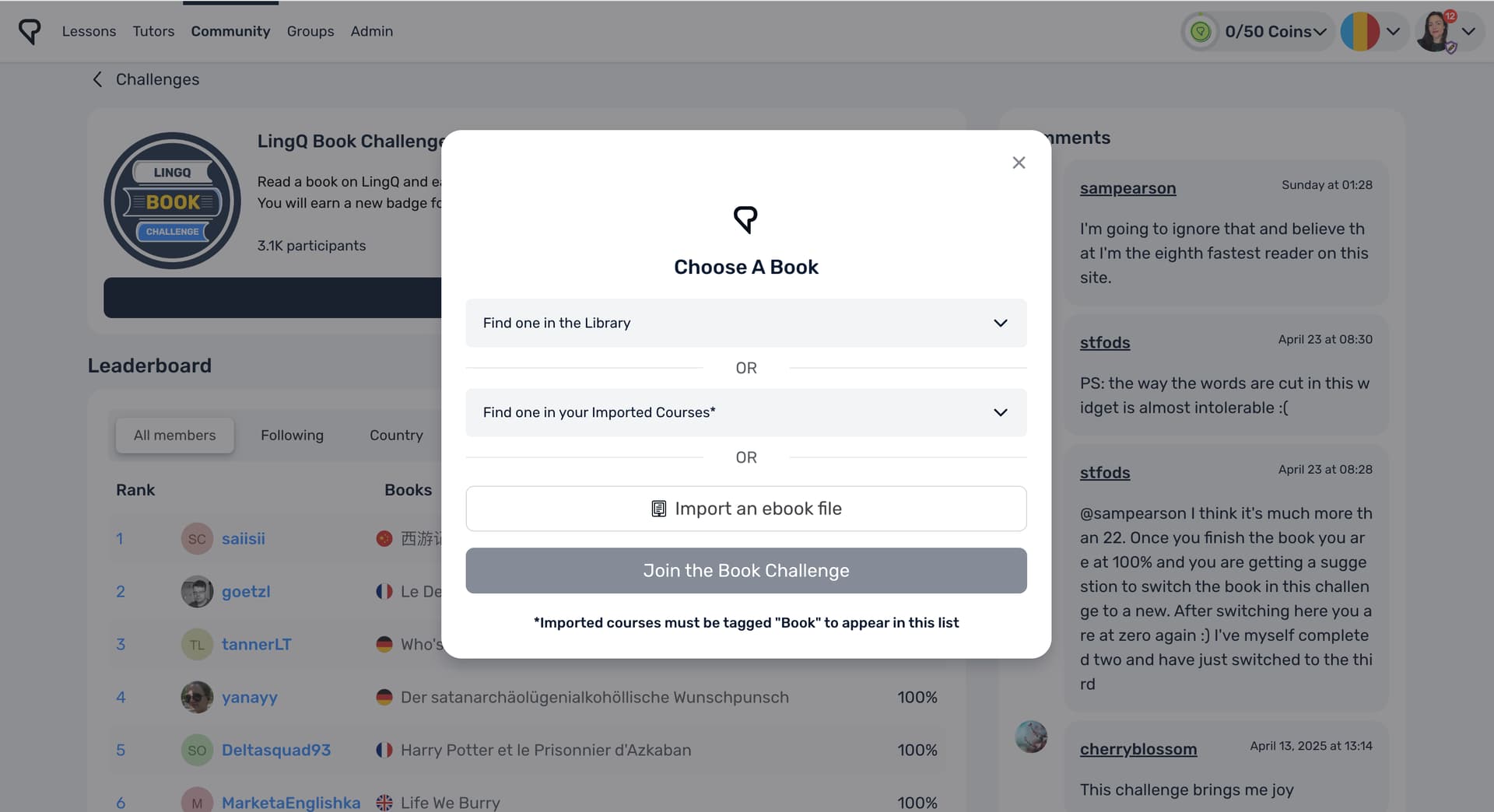
This says “Choose a book from our language library,” but I can’t seem to find that anywhere. Please advise.
I’ve done the challenge multiple times and love it but haven’t been able to add my latest book despite it being tagged book. Any ideas of how to problem solve this? The book is Anne of Green Gables in Indonesian.
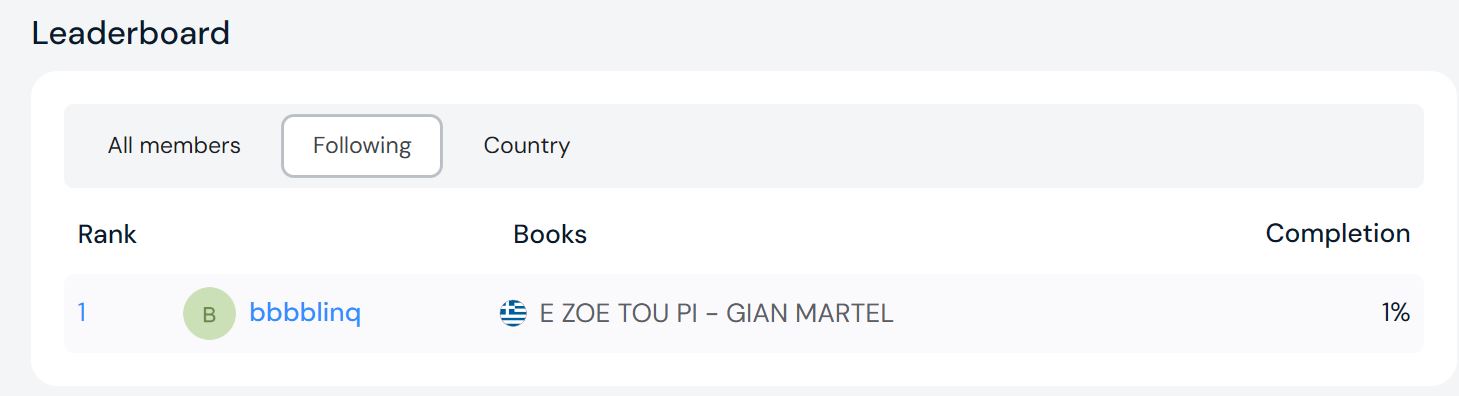
Commenting for visibility, I’d also like this challenge for each target language and the option to filter by language, which I think would be more useful to most users than filtering by country.
Here’s the same. I would like to use the book challenge for each language, since I often read books simultaneously - especially in different languages.
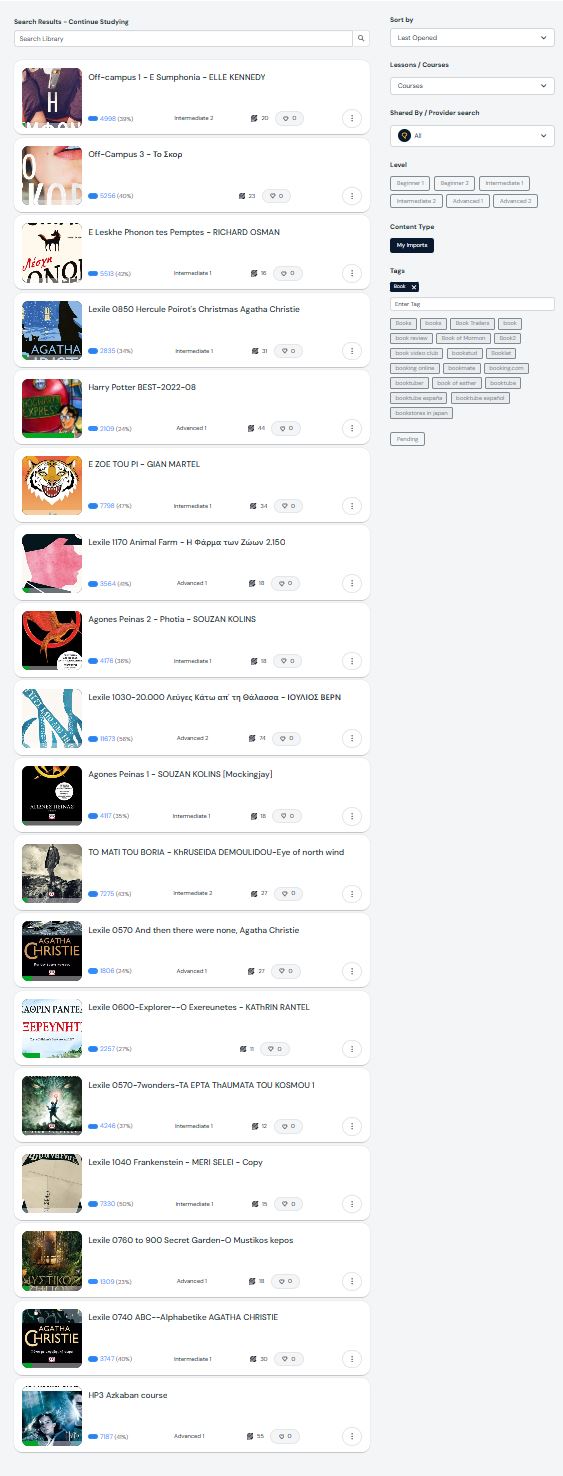
And I also wonder if there’s a possibility to mark an imported book as a book for the book challenge. My imported books yet don’t appear in the list. If anyone has a tip for me, I would appreciate it.
I can’t see how any of it works. It seems to think I barely read a book.
You need to tag it as ‘Book‘.
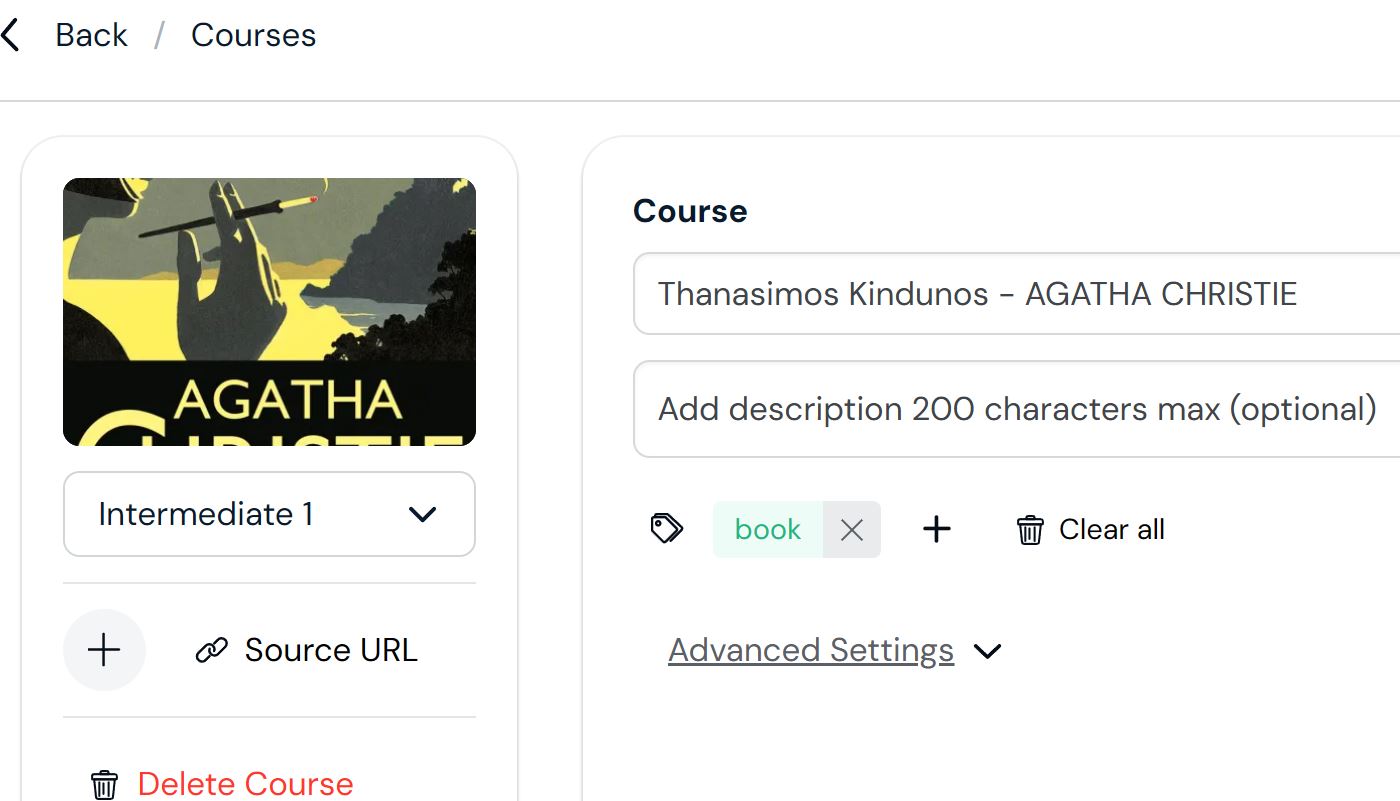
Ok, that worked now. Thanks! ![]()
I have a problem about finishing a book. I chose “Histoire littéraire” in the French course. I finished the book, but it still shows that there is one “new” word. I looked now twice through all lessons. It is presumably one of this suddenly appearing combination of two words with a hyphen which is now treated as one word. The percentage sticks at 97.78% and I don’t know what I have to do to move it to 100% so that it is registered as “read”.
I now found the one word which was still marked as “new”, but the percentage still is at 97.78%. Any recommendations what I should do so that it moves to 100%?
Hi there! Sorry to her this, sounds very frustrating.
When in the course view, can you see a lesson that doesn’t have 0 next to the words count? Perhaps the title in that chapter?
Let me know if this doesn’t work, and I will help you figure it out from there. Thanks.
Thank you for your reply.
All the lessons in this course show 0% and all word counts are 0. I even click through all of them again, because this helped previously occasionally, but not this time.
The percentage for the course stays at 97.78%.
It would be great, if you could help. I can obviously just choose another course and go without the badge, but I think such glitches are demotivating.
It is still a problem. In fact now LingQ thinks that I finished the course only 91.11%.
I really like the book challenge, but with these glitches it is super frustrating. @Elle.LingQ.Team1
I’m so sorry about this, Jenna. Frustrating indeed.
I spoke with the team and it may be that this is related to a hyphenation issue we are in the process of fixing. This will be fixed in the coming days and then I am hoping your course will show 100% complete. If not, please let me know and I will see what else I can do. Apologies for the inconvenience.
Up to now nothing is fixed and it seems that the challenge shows a new percentage virtually each time I open the challenge. I think I will probably give up the challenge - at least for this book.