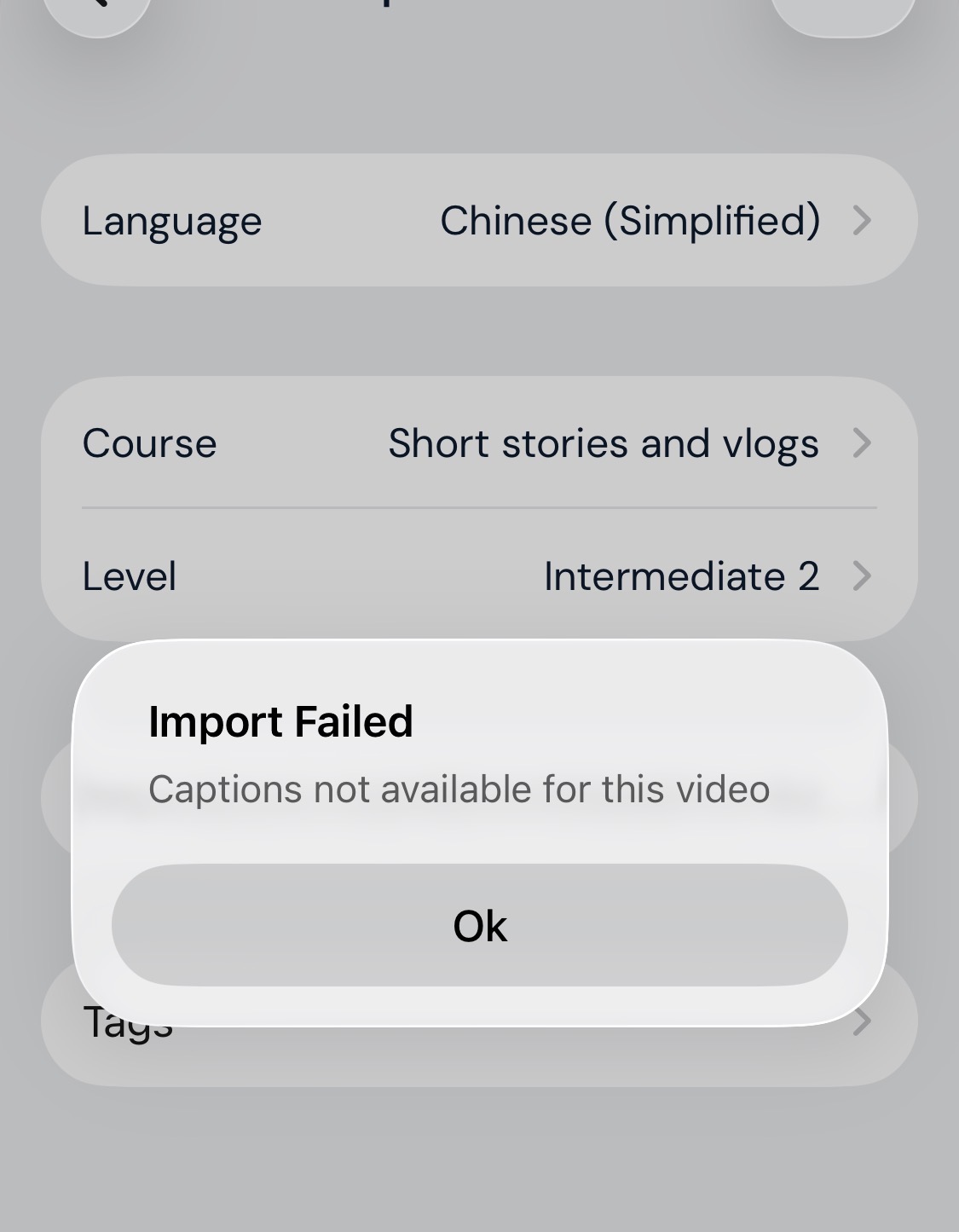
I’m trying to import multiple videos with available subtitles and it’s failing every time.
5 Likes
Ditto - can’t upload anything but also have same issue on my PC
2 Likes
The same for me. I can’t upload anything.
2 Likes
Same for me It was fine a couple of weeks ago, but now nothing is working.
2 Likes
same for me………. i reported days ago, then was fixed and now is out of order again.
working on windows pc
1 Like
LingQ import is also unuseable for me.
3 Likes
Same here, never had a problem with youtube imports before but now it won’t work on IOS or google chrome. Same error on both.
1 Like
I think the video itself has to have captions enabled, so Lingq can carry it over. Not all YouTube videos do unfortunately. At least that’s what I’ve found
same here. it is also completely broken on desktop (macos+ff) as reported in another thread.
1 Like
Same problem, both Mac and iPhone.
1 Like
Hi everyone. YouTube is temporarily limiting access to captions, which prevents video imports to LingQ. We’re monitoring the issue and will re-enable imports as soon as possible.
In the meantime, refreshing a YT page can help in some cases.
3 Likes
I’m using 2 other iOS apps that access YouTube subtitles, they aren’t having any problems. 1 of those apps essentially does the same thing as LingQ with the exception that it separates speakers (if multiple) when importing the captions into the app. I’ve been using it all day to import YouTube videos with no problem. 
3 Likes
Seriously? I am sorry but this answer is almost insulting
what apps are those?
1 Like
@martin_romangette again, this problem is related to issues on YouTube’s end. They are working on it as it seems and it should hopefully be back to normal soon.
In our experience, in some cases, refreshing a page and tried importing again worked fine. Sorry, but I don’t see how that suggestion is insulting.
1 Like
Lingua Verbum which is very similar to LingQ. It’s YouTube imports are working just fine there. The other is Migaku which is also working fine with YouTube imports. Whatever problem YouTube Is having with exporting captions it seems to be isolated to LingQ as far I can tell.
7 Likes
May I ask, why do you decide to use both of them? Do you use both with their premium features? Is it worth it?
1 Like
You can buy credits on Lingua Verbum, I bought some a while ago to test it. I would say if you are satisfied with LingQ you don’t need both. Not sure if you meant Migaku as well, Migaku I have premium and it’s definitely worth it. You can import YouTube video with or without subs and Migaku will generate their own in their iOS app. The process is quick and smooth. I use LingQ for extensive listening practice, Migaku is better and easier to use for intensive listening practice. You can also use Migaku on Disney, YouTube, Rakuten Viki (great if you are learning Chinese, Korean, Japanese. Lastly Migaku flash card system is better. Hope that helps.
4 Likes
Thank you very much for your reply, I will probably check Migaku out 
1 Like
In the meantime, what I’m doing is to manually copy the video’s transcript. It’s located at the bottom of the video’s description. Once you click the button “show transcript”, it appears alongside the video. Then, you can paste the text into a new lesson and attach the video as a resource…
1 Like