So I’m looking for youth level stories like 완득이 or 어린 왕자. I already have the second one but it’s an example.
I’m willing to pay, but the stories that I find online use their own readers and so I can’t import it to LingQ.
Where do I stories that I can take the text from to import it?
I also found a DRM-free e-bookshop. (I didn’t use it, but it seems you can download raw text when you buy it.)
I also recommend YouTube videos for language learners. I also think literature is a really nice learning material, but YT video also worked well for me.
DRM is unfortunate. Thanks, I’ll check that website out.
Youtube videos would be fine but the AI transcripts have too many mistakes. I’ve been reading fairy tales but even with a paid AI to write a transcript, there are still a lot of mistakes. I’ll check out your recommendations though I prefer fiction.
You can get non-DRM books from the platforms I mentioned earlier. (Google books, Upaper)
For my target language (Ukrainian), it’s almost impossible to buy ebooks online that I can import into LingQ. So I download the free copies I can find, and I buy an English Kindle copy on Amazon so that the author gets something for it. That might be a useful solution in other languages as well.
2 Likes
I have no issue to import Ukrainian ebook into Lingq.
I buy them on yakaboo.ua. Then they propose different format:
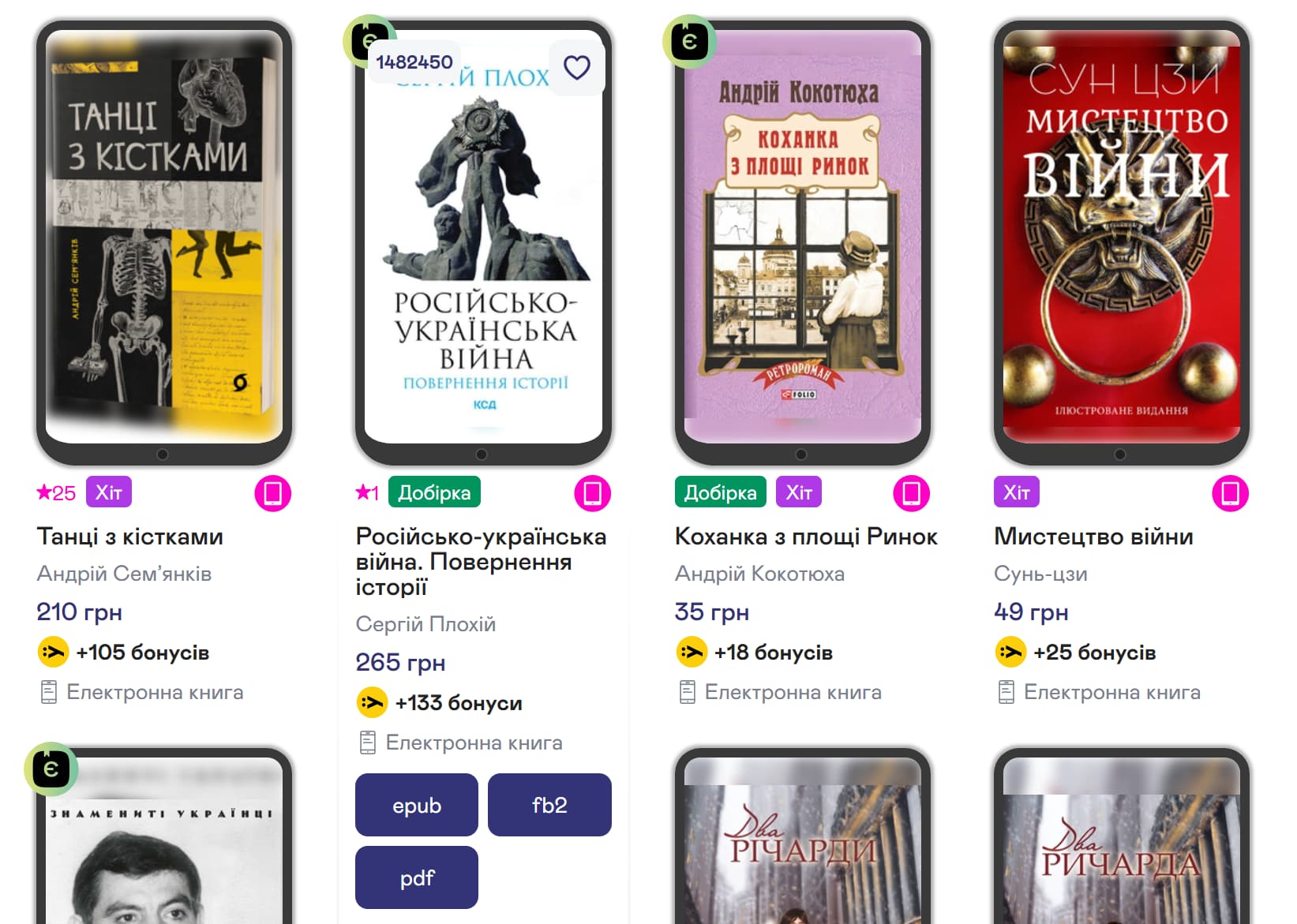
2 Likes
I’ll try to get these to work. Thanks.
Use oceanofpdf.com. It has most of the books you need, and no nasty ads or pop-ups
@vet8t6z79pc4 upaper doesn’t work for me, unfortunately. When I try to setup an account it just kicks me back to the main page when pressing the confirm button. I’ve already tried a different browser, but no luck. It’s generally almost impossible for foreigners to sign in on any korean site it appears. Either you need a korean phone number or you get weird glitches or “suspicious behaviour” warnings (which has been the case on Naver). 
@all Korean learners: where do you usually get your ebooks from? Did any of you find a way to login on a korean site?
EDIT: I was able to sign in to Kyobo. They ask for a phone number, too, but if you leave the respective field empty it works, too. Haven’t bought something there, yet, though.
I buy ebooks from Kyobo and Alladin, but you can’t remove the DRM so I read them on their respective ebook readers.
I also buy from Google Books so that I can import into Lingq.
Yeah, I’ve bought a cheap book on Kyobo and can’t even use screen capture. It’s a workbook so my intention was to actually print it out. 
So, in regards to Kyobo: Even though you cannot create screenshots with the app open, it is possible to capture the screen using NVIDIA’s screen capturing. I assume it is storing directly from the graphics memory, thus the DRM cannot recognize it. That beeing said the quality is mediocre.
I managed to sign in to upaper. However, there aren’t any payment methods I can use. Samsung Pay would be an option, if only I had a recent samsung device. Mine is not supported. I am more and more convinced that korean companies don’t like foreigners buying their products.
For some reason, all the Yakaboo books I wanted to buy said they were DRMd to the Yakaboo reader.