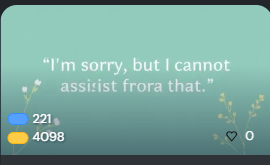
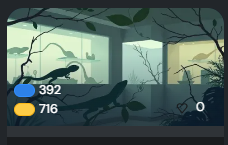
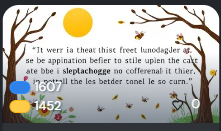
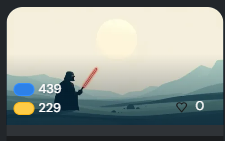
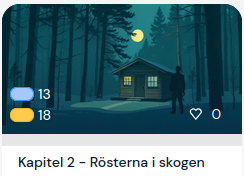
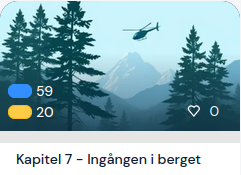
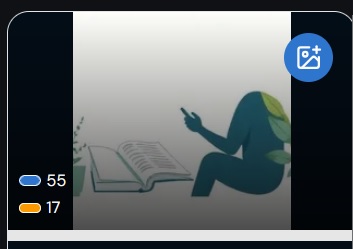
Here are some screenshots of my Catalan AI generated lesson pictures that made me shake my head because they made no sense. Maybe you have similar weird AI pictures in your library. Give me something to laugh, please.
However grammar lectures got very neutral, almost empty canvases. (Like your first two pictures.)
Would be nice to be able to toggle between the generated one and the one I uploaded for the course, on a lesson level. At the moment, if I don’t like the generated one, I have to upload again the one of the course to the lesson.
Yes it’s ridiculous. We should be able to set the Course picture and have it automatically transfer to the lessons. But no, we’re stuck with generic AI creations or manually changing every lesson.
Here’s the square version of the AI image for my French podcast transcript. The podcast is about tennis and the title is Roland-Garros 2026 - J6 : nouveau séisme, Djokovic éliminé !
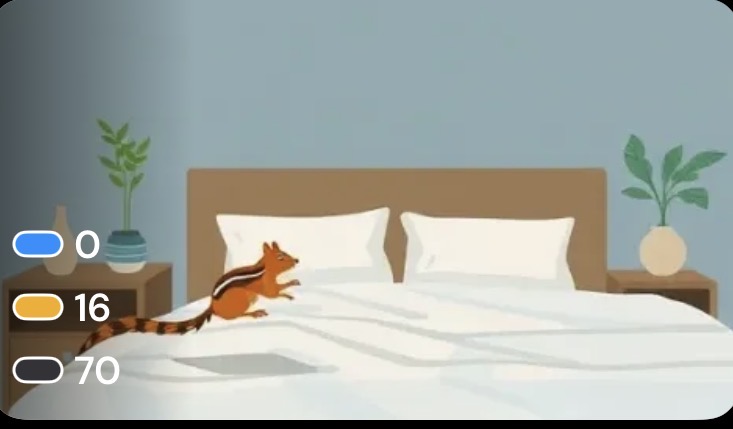
This is a very cute one — so far the only useful one out of many. It was a one paragraph story about a chipmunk we found in our bedroom written in Russian by my wife. Great illustration!
It’s a nice bonus feature, but I don’t really pay much attention to things like that as long as I can read without bugs — which, for the most part, have been sorted out. LingQ has a lot more useful features that actually help you learn a language.
@asad100101 This thread was created to be a bit funny and entertaining, and also to show that the AI creation of pictures is not working perfectly (yet) with “smaller” languages. (Of course there are also perfectly matching AI pictures and sometimes I keep them, because they fit.)
For some people the picture is important to find a certain lesson. I have more than 600 imported lessons in just one of my studied languages and the lesson picture is a way to find the right lesson. So when a lesson picture does not fit at all - or is a bit weird - it registers the minute the lesson is created.
@all Please continue to show your funny or (perfectly matching) AI lesson pictures. I just got a mountain (?) and a few leaves as a result for an old (mountainless) folk tale.
Not a huge feature, but I do like that my self made courses are differentiated with an image, not just the default icon. I know I could add my own, but often I can’t be bothered to.
I like them. Most of my courses are self-made and I´d rather put my limited energy on learning, rather than finding photos for the lessons and courses.