Here is a list of updates from over the past few months. Some have been available already for a few weeks and others were just released or very shortly will be depending on the platform. We hope you appreciate the updates and, as always, look forward to your feedback. Especially now with our integrated Requests forum!
Automatic sentence audio and translation when paging
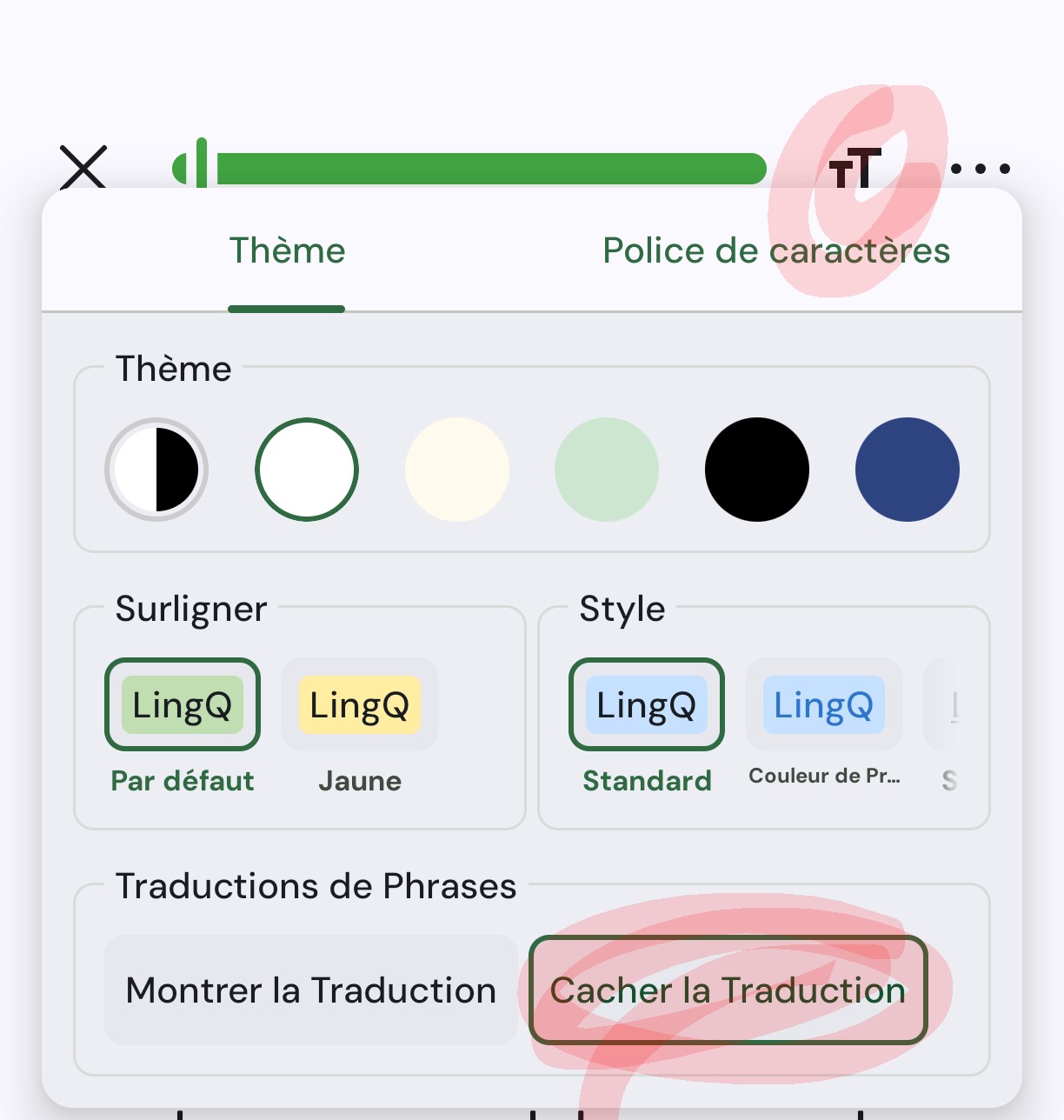
This is a commonly requested feature for those of you who use Sentence View in the reader. You can now adjust your settings to enable the sentence audio to play automatically or the sentence translation to show automatically or both when you page. It’s a great way to get more listening in and save clicks and taps! (Web and iOS, Android coming very shortly)
New Ideas & Requests Forum
We have had a separate feature request page hosted outside the forum on Canny but we have now transferred those request and this function inside our forum to make it much more convenient. See what others have suggested and vote up those features you would like to see. Have ideas or features you would like to see on LingQ? Post them in the new Ideas & Requests forum so others can vote on them. We look forward to your ideas!
Additional updates and fixes
Enhanced word list in web reader. You can now adjust status easily in the list.
AI voice enhancements. Both inWorld AI voices for Premium users and 11Labs AI voices for Plus members have been improved and additional languages added.
Notes are now separated by dictionary language so you can create notes in different dictionary languages and they will be kept separately
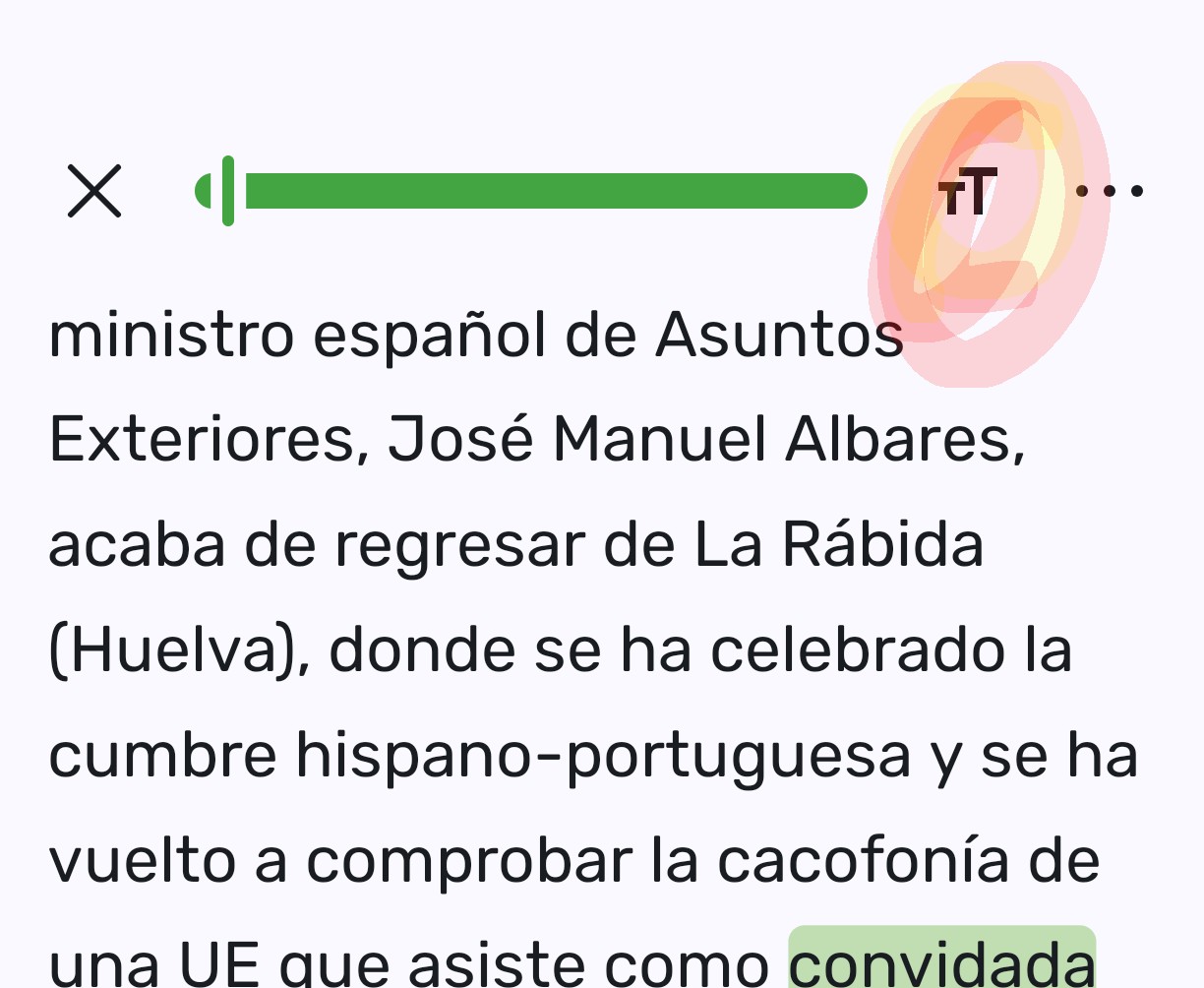
iOS new look and feel, new colour scheme for highlighting. The iOS app joins the Android app in having the new look and feel and optional new highlighting colours. Adjustable in settings.
Fixes to YouTube import issues. We are always playing a game of catch up here, as YouTube makes changes, but this seems to be a more robust solution for now.
When using the Import extension all fields are now remembered for subsequent imports to make multiple imports from the same source much more efficient. Also, an auto open option has been added so that lessons imported with the extension open automatically.
Vietnamese word components are now grouped and treated as single words. This resolves the issue with Vietnamese that is written with spaces between word components which aren’t actual words themselves.
Automatic tracking of listening time for sentence TTS when no lesson audio file is present
Sentence mode fix for YouTube video playback on iOS
Performance improvements in lesson opening time on Android and iOS.
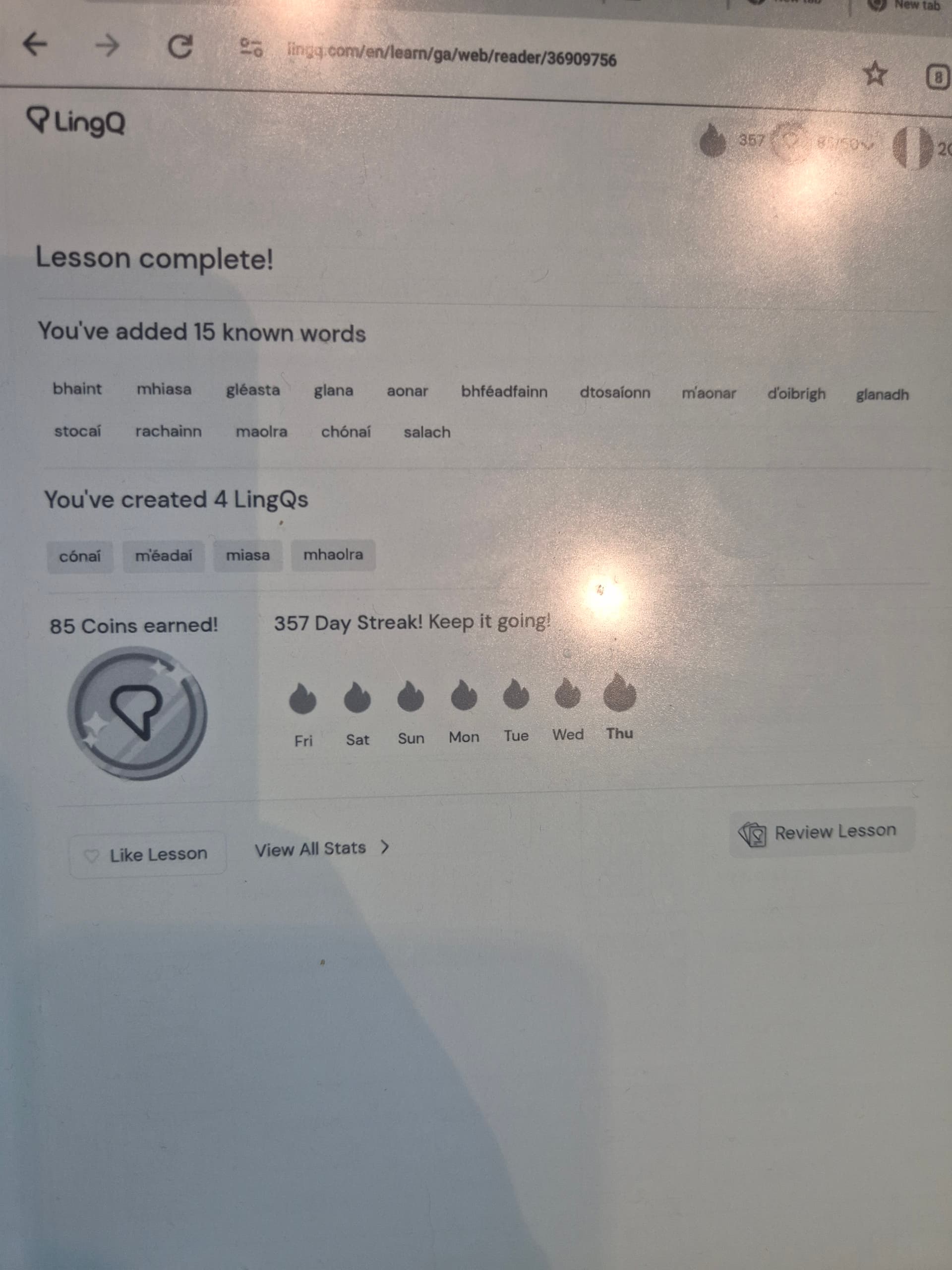
It brings up the “move all words to known” message at the end of a lesson just because you click on next. The default is to move to know on that pop-up. Could you move the default to not moving words to known or ideally never ever ever move all words in a lesson en mass to known?.
Do you know what “mhiasa “ means? Neither do I. I picked up my device and it added 15 words i don’t know. Now I have to find them and get rid of them. Please remove the awful function that adds random words.
I agree - this change is wonderful and has already had a positive impact on my learning. I’d still love to see a way on iOS mobile to play a YouTube video and show more of a page view, where I can link as the video plays (like I can on the web version) but this change helps quite a bit!
Hi. I haven’t been able to use the youtube import function for Korean videos for a month now despite the updates. I understand it’s an issue your team has been continuously working on but I’ sure you can also understand it’s extremely upsetting as a user when THE key function of a service I paid for has become unusable as soon as I paid for it and has gone unresolved for a whole month.
Here’s one video (among many, many others I tried) I haven’t been able to import foe your reference. Please please fix this. Thanks.
I can’t find the message of someone saying “just don’t press the button”. The pop up defaults to adding (unwanted) words and it has gone off several times when I havn’te consciuosly pressed it - perhaps when I picked up the device. I think it allso triggers when you press the side bar - where fingers are whne you pick up a phone.
I’ve started to recommend Lingq but fixing this would make the app useable for me. I still use the web version because of this unwanted “feature”.
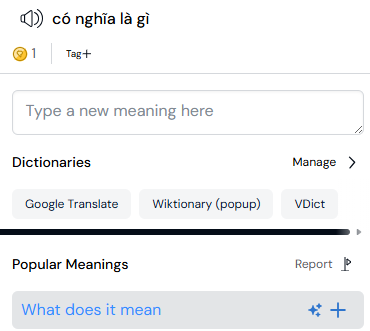
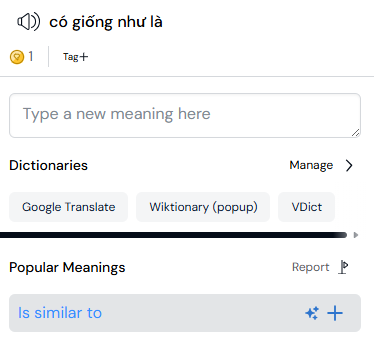
Because each letter/word has several meanings. Now it is hard to see each meaning of single letters/word.
If possible, I would like to disable this feature.
Thank you,
Vietnamese word components are now grouped and treated as single words. This resolves the issue with Vietnamese that is written with spaces between word components which aren’t actual words themselves.
Thanks for the update! Especially with Vietnamese words now being grouped. But I’ve noticed lately it’s not saving the new words. For example I’ll read an article, add 10 new words from it, come back to it tomorrow and it still think I don’t know those words. Curious if anyone else experienced this with the new update for Vietnamese.
Thanks!
@q4smvvkjth I checked this specific video you posted and it doesn’t have Korean subtitles available. You can only import videos that do actually have subtitles available in your study language (under CC icon on YouTube).
@shigelife Sorry, but it’s not possible to disable this. It’s not a feature, it’s a change in functionality that should bring improvement to Vietnamese learners.
I agree with the previous comments, there really needs to be an option to disable the new Vietnamese word-grouping feature, or at least a way to ignore grouped items and interact with individual morphemes or words instead.
I’ve been using LingQ for Vietnamese for a while. Before this feature existed, I manually created over 4,000 entries labeled as “sentences” that are actually multi-syllabic Vietnamese words, each with custom definitions. With the introduction of this new feature, these entries now appear to be overridden by the new grouping behavior, which effectively breaks a large amount of prior work.
In addition, the feature doesn’t just group words, it often groups entire phrases. For example:
At a minimum, there needs to be a way to click through to the individual words or morphemes inside a grouped item. Ideally, there should be a toggle to disable word grouping entirely.
As it stands, this feature significantly disrupts the way LingQ can be used for Vietnamese. Please provide a way to turn it off or bypass it.
That wasn’t the case before though? I have other videos in my import library that only have auto-generated Korean subtitles, just like the one sent previously.
Thanks for the incorporation of word parsing in Vietnamese, this was a long-term issue that was hampering my use if LingQ for Vietnamese. Looking forward to wrinkles being ironed out.
Confirming that this is still an issue and is making the system pretty difficult to use, progress and new LingQs don’t seem to be being saved at all. I appreciate that new functions are difficult, but (much with the introduction of this feature which was long-requested), the more frustrating part of it is the lack of detail/warning.
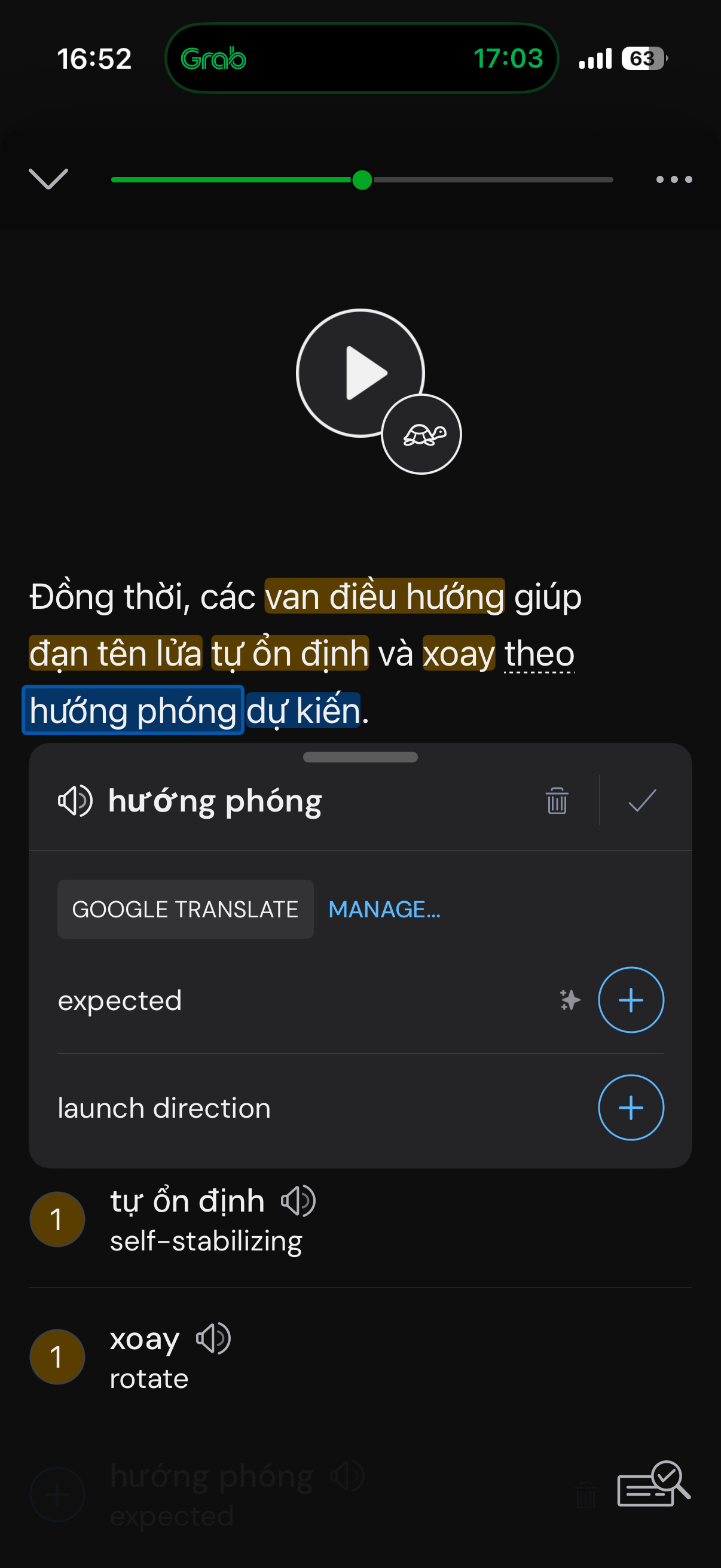
Also wanted to raise that the suggested translations seem to be having some sort of “off-by-one” error. In the example attached, for instance, having clicked hướng phóng (launch direction), the suggested translation is the correct one for the next word along, dự kiến (expected). This occurs for almost every term I look up, usually an adjacent term but sometimes another nearby term.
Happy to provide additional detail on either issue if it’d help.
@q4smvvkjth The previous video you posted above doesn’t have auto-generated Korean subtitles. It doesn’t have Korean subtitles available at all.
This one, however, does have them and importing should work. I tested this one on my end via Chrome extension and imported it successfully. Are you unable to import this one?
How do I turn off the sentence translation to show automatically ? I can’t find it in the settings and have togglrd pretty much everything off, yet it still shows, not something I personally want.