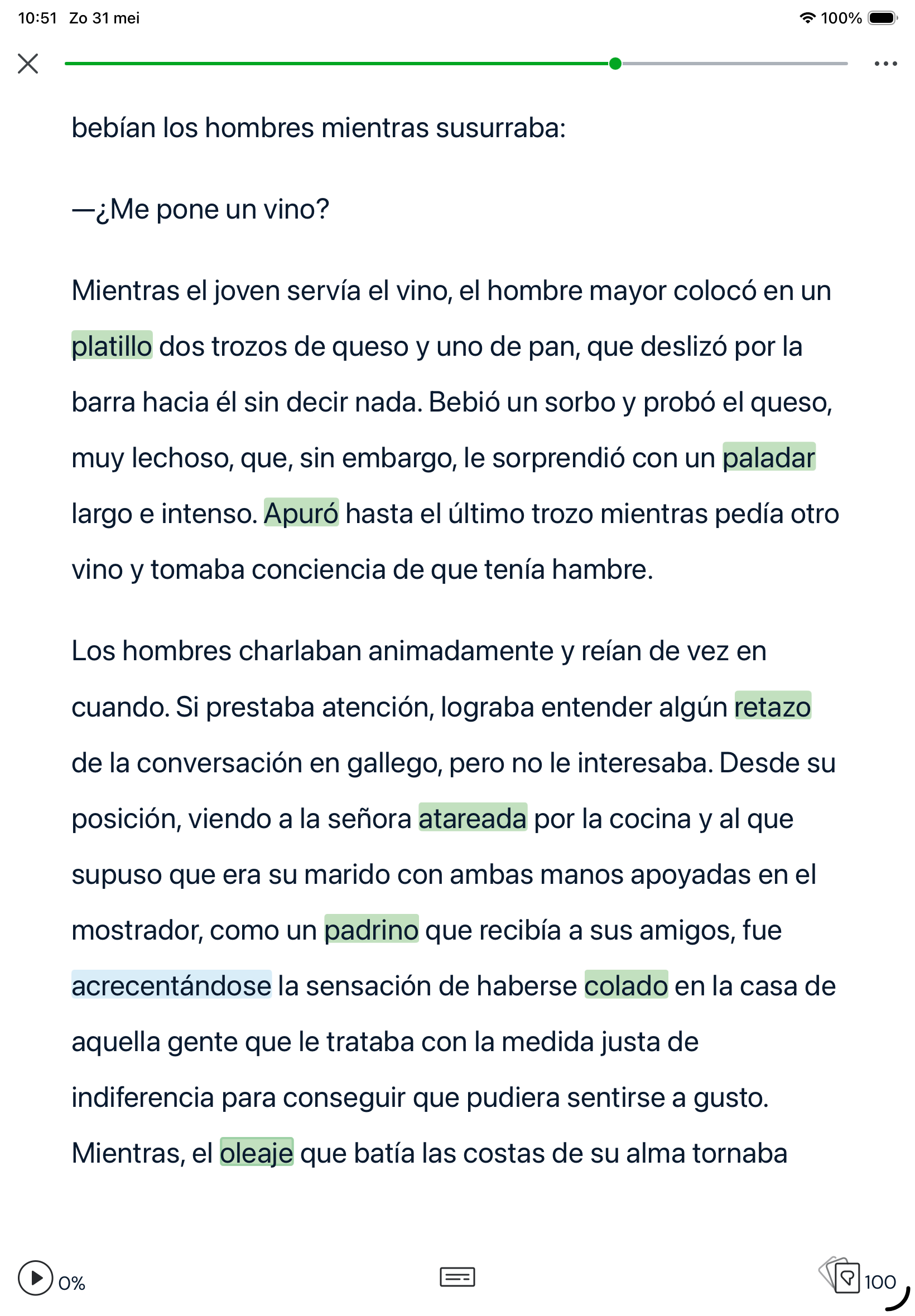
I just bought a new iPad (2025, 11th generation). On my laptop, my iPhone and my old iPad I can distinctly see the difference between unknown words (blue) en the link for new words (yellow)
On my new iPad unkown and new are about the same colour, something between blue and grey,
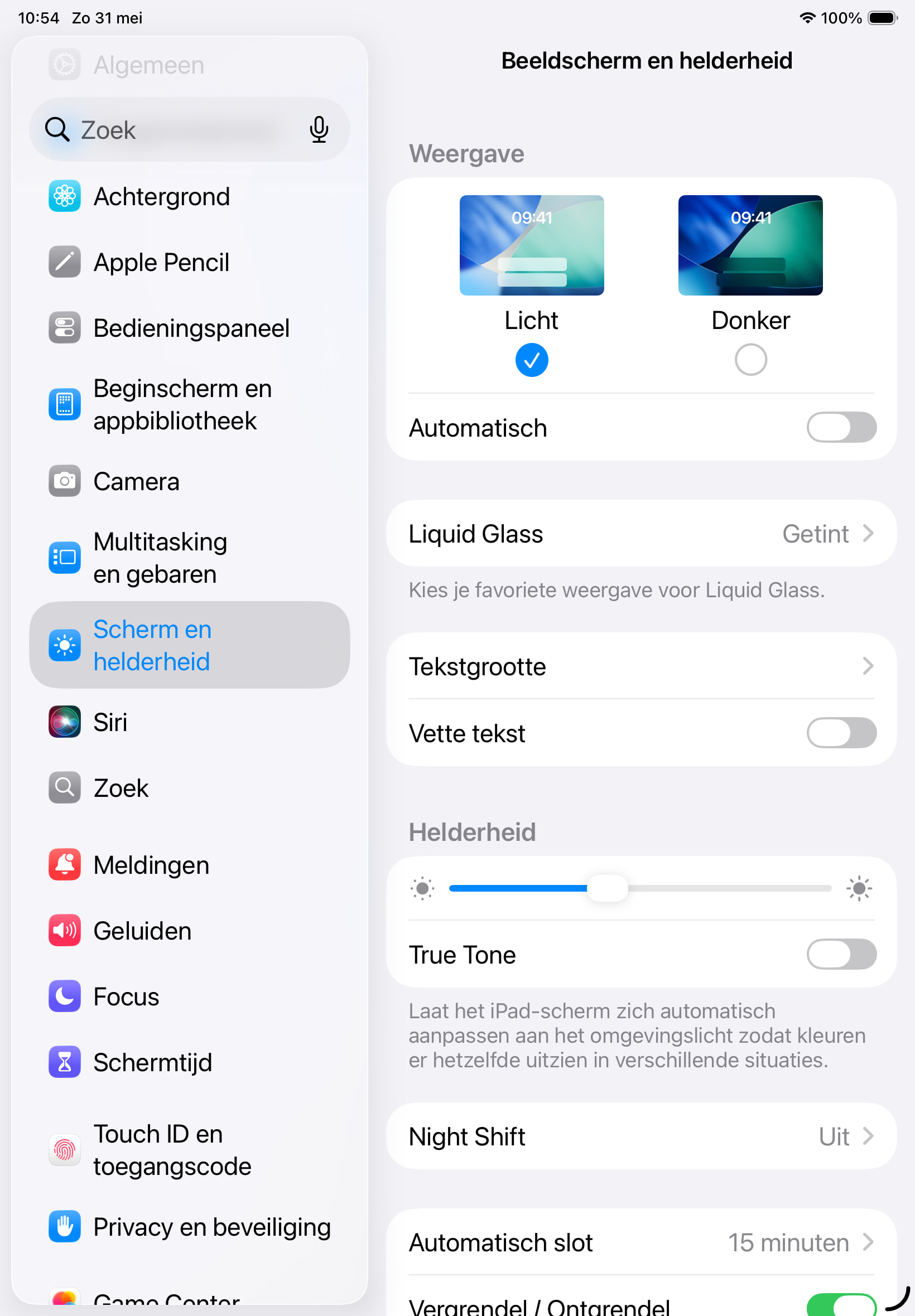
I hope you can help me, Zoran! I don’t know anything about highligting style, I did not select anything. I’l try to send you a screenshot of a page with text, there is one word blue: acrecetándose and the other coloured words should be yellow. And a second screenshot from settings that might help…
@benscheelings Have a look at the settings in your LingQ app. Within a lesson, in the right top corner you see three dots. There you find the settings regarding the app. Under “Reader” there is the option “Highlighting”. And within that setting you can chose whether your lingQs should be yellow or green. I guess with your yellow-ish background color blue almost looks like green.
This helped me a lot, Fer.weh! There was no option Highlighting in the dutch version, but I found “wordt gemarkeerd”, and there I had the option Groen or Geel (= Green or Yellow). It was set on Groen, and I switched it to Geel. Thanks a lot!