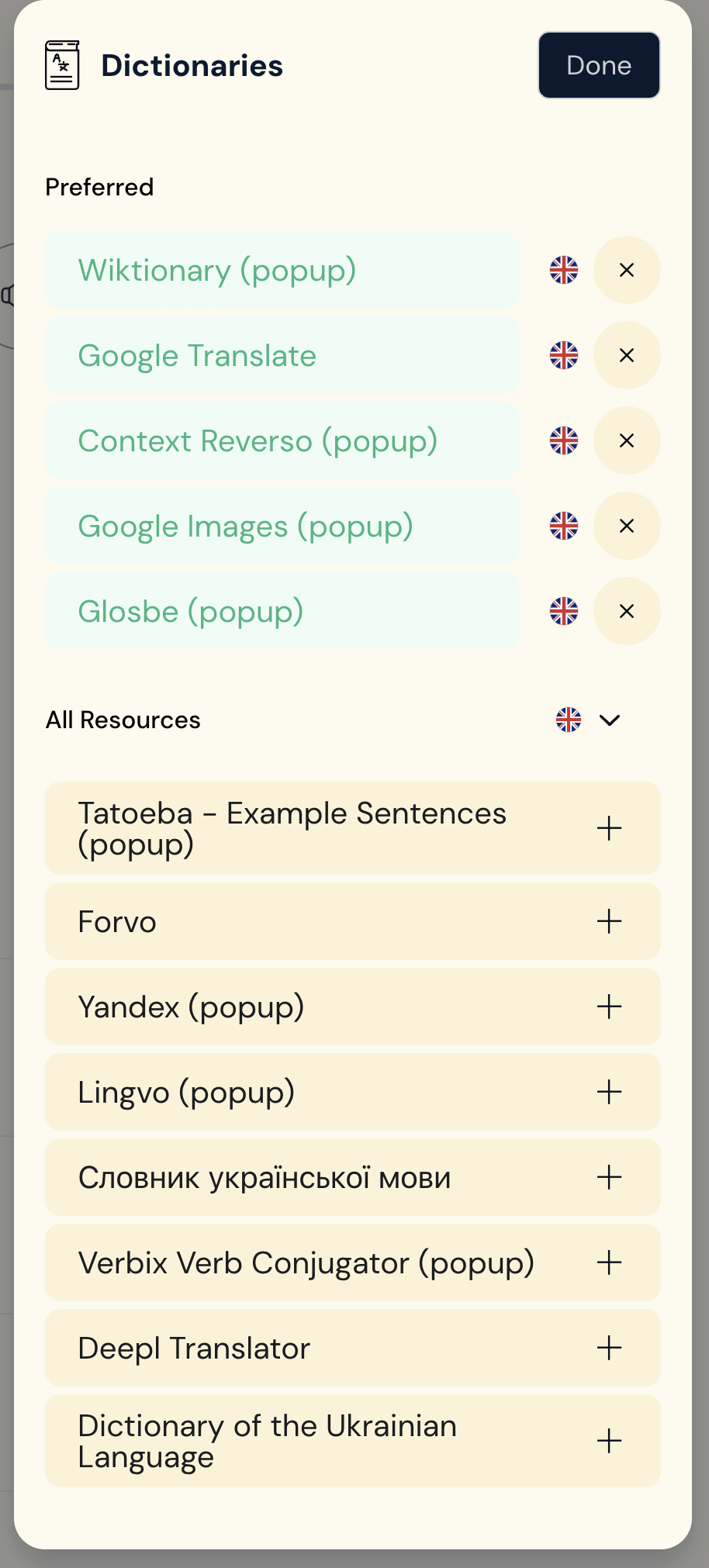
Today, I changed my Dictionary Language from English to Japanese for a short time, then back to English. Now, two of my most used dictionaries are gone!
Thanks for your quick response, but no, I still don’t see them. Yesterday, the caption is from my macOS desk top. Today, below from my macBook. Same thing.
Another strange thing, from a few months ago, related to Interface Language. I cannot change it Japanese → Eng. , Eng. doesn’t stay, but Japanese → French, changes to French but after a day, it resets to Japanese. I’d like to keep my environment in the language that I am learning. But this problem is a minor one, so I didn’t report. I wonder it’s somehow related to the Japanese setting???
I hope your team can figure out the dictionary problem quickly, because I need them! Thank you!
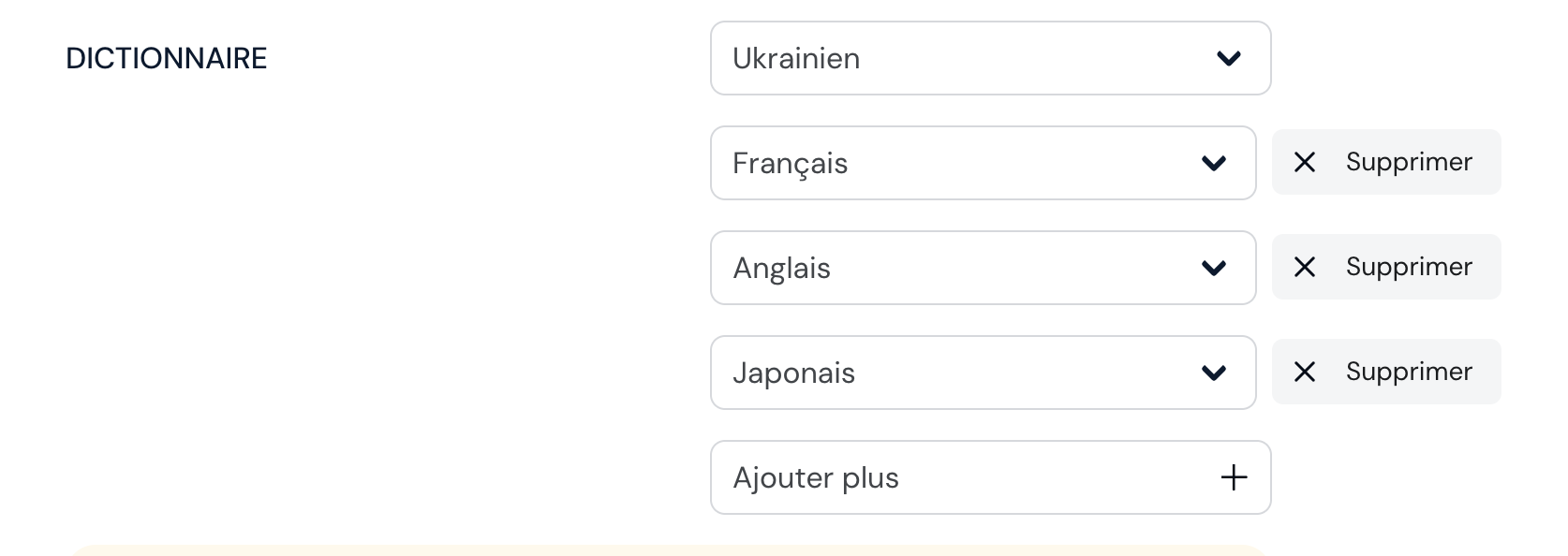
If I change my main dictionary language to Ukrainian, then I see both Goroh and Slovnik. But I want to keep other dictionaries (Fr, Eng, Jp.) also, and I used to be able to do so.
So please change it back, or at least add them to the English dictionary list.
I don’t know how LingQ intends to organize the dictionaries, but surely learners want to see the meaning of a word in multiple languages, right?
Edit: Correction to my last sentence. So, from the pull down menu I can choose other selected languages (in my case Eng, Fr, Jp or Uk) and show general meaning of the selected word in Fr or Jp, That helps. I mainly use Goroh/Slovnik (in Uk) to find nominative or infinitive case of the word, so it’s OK if the pull-down Uk menu doesn’t show any general translation for a Uk word. Anyways, sorry about the confusion,
Please add Goroh and Slovnik to the Eng. dictionary list. That would fix my problem, or at least I think so for now. Thank you!
@AtsukoK The Goroh dictionary is available for Ukrainian > Ukrainian combination only.
Slovnik - Azet dictionary also doesn’t have Ukrainian to English combination available at all, so it can’t be added for that combination.
I read in Ukrainian using English as my primary language, so my main dictionary is set to EN. I know Goroh and Slovnik are UK-only dictionaries, but I use them to find the basic forms of new words (e.g., nominative for nouns, infinitive for verbs). I consider this essential to my learning.
Until yesterday, I was able to open both Goroh and Slovnik while using the EN dictionary setting. Now, they have disappeared from my list.
Could you please let me know how I can get this working again? I would like to avoid having to manually switch my main dictionary settings between EN and UK every time I need to check a word form.
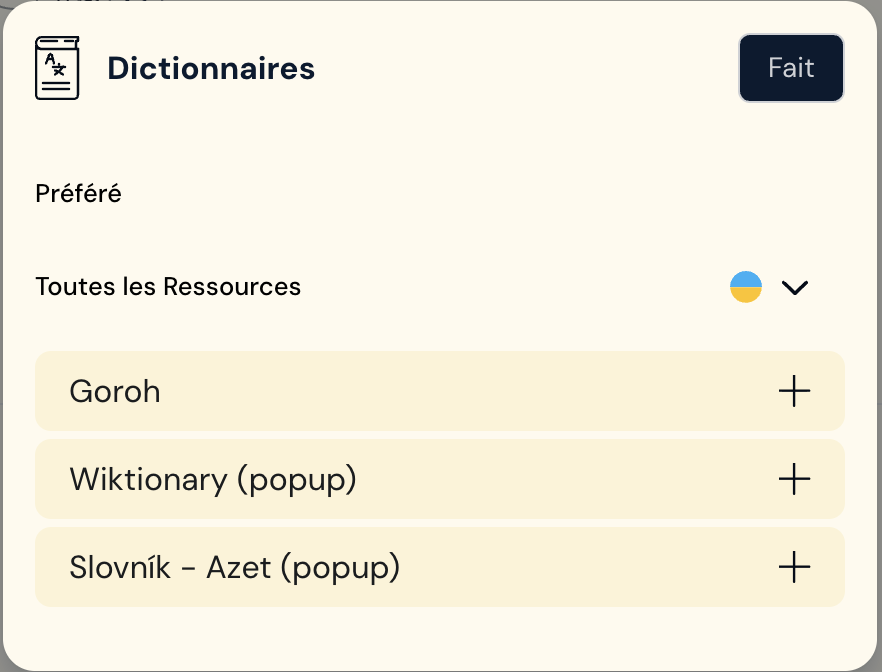
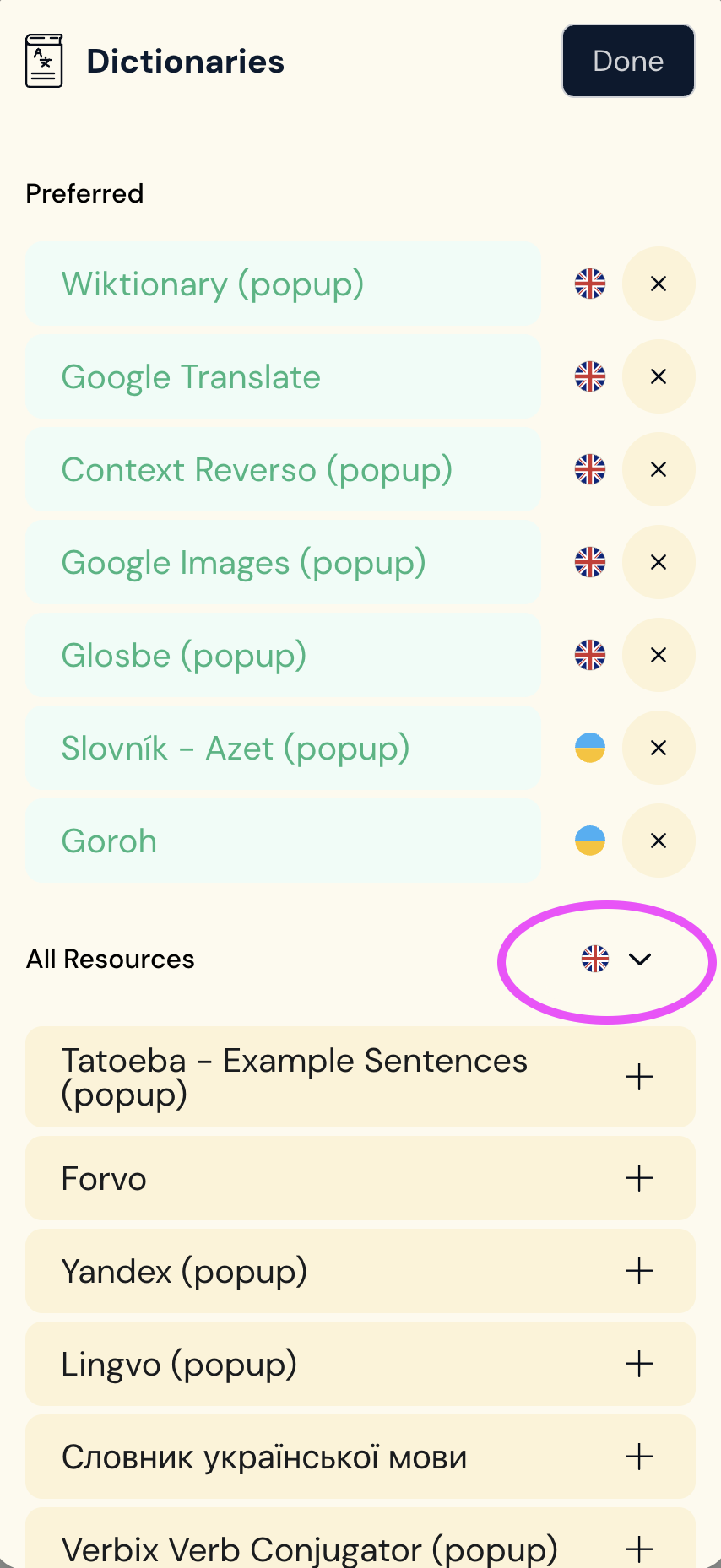
AtsukoK: Doesn’t it work for you to change the language next to “Toutes les Ressources” to Ukrainian (while English is your main languange) and you chose the dictionaries?! After you press “+” to add the chosen dictionaries and close the window with “done” the Ukr → Ukr dictionary should be added. For me at least it works.
@AtsukoK Yes, I think you should do and you were doing what @Fer.weh mentioned.
Two dictionaries you used was never available under English dictionaries list because simple UK > EN combination doesn’t exist for them.
Regarding the interface language: Do you use a saved link to access your LingQ page? Within that link an interface language and a target language are saved e.g. …com/en/learn/uk/…