Example lesson. For the most time if you playback the video the current sentence gets underscored by a black line.
Since two or three days this black line disappears once you press the space bar to pause the audio. Y
I am using chrome on a windows 11 device.
If you refresh the page the line is there again and works fine until you press space bar again.
3 Likes
Thanks, we will look into it.
The same thing is happening to me on Firefox. Started September 30th.
1 Like
It’s reported to our team and we will have it fixed.
1 Like
我这里也发生了同样的问题,导入YouTube的视频字幕后,会有这样的情况。
这是课程链接:登录 - LingQ
Same issue for me on all videos, both with Brave and Chrome browsers on Windows 11
1 Like
I use Firefow on win10. I have the same problem with one of my languages, but not an other.
I also encountered this problem today, and it only appeared in the past few days.
It wasn’t a problem only for me!
How long will it take to fix this problem? It affects learning and use.
Hopefully soon, our team is looking into this.
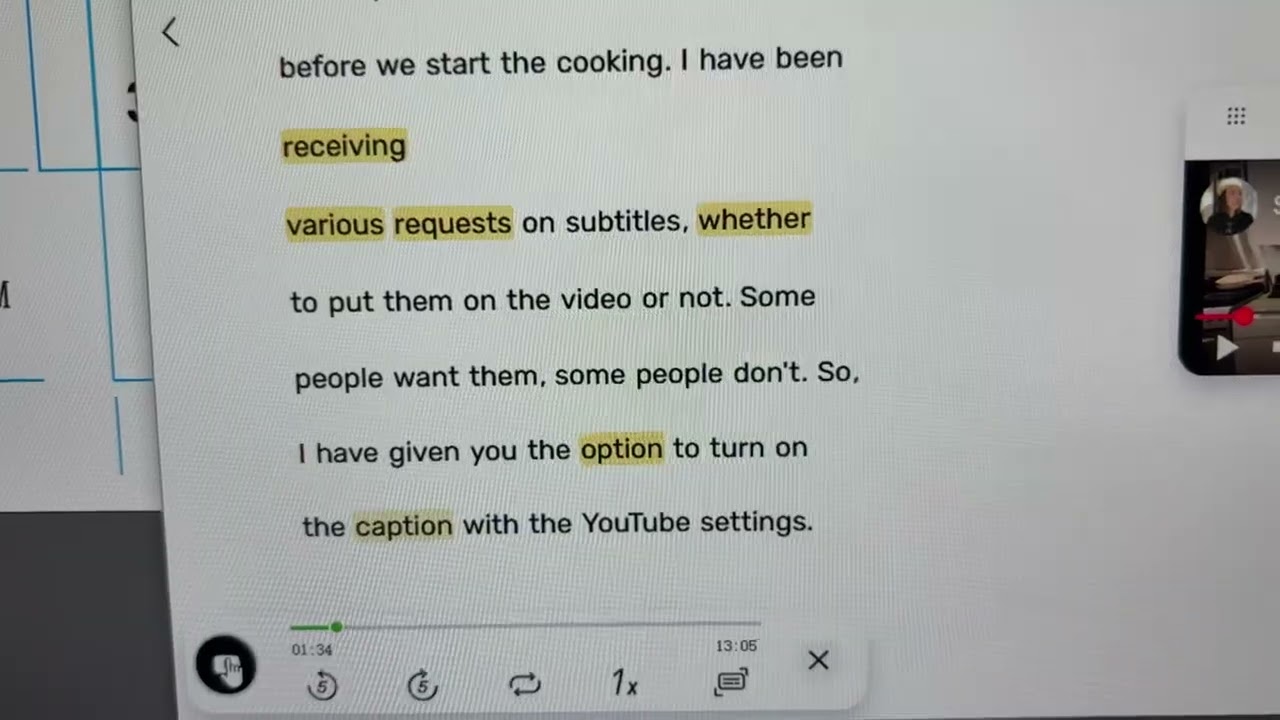
This is the underline disappearing when I restart the playback after pausing. Please fix it as soon as possible.