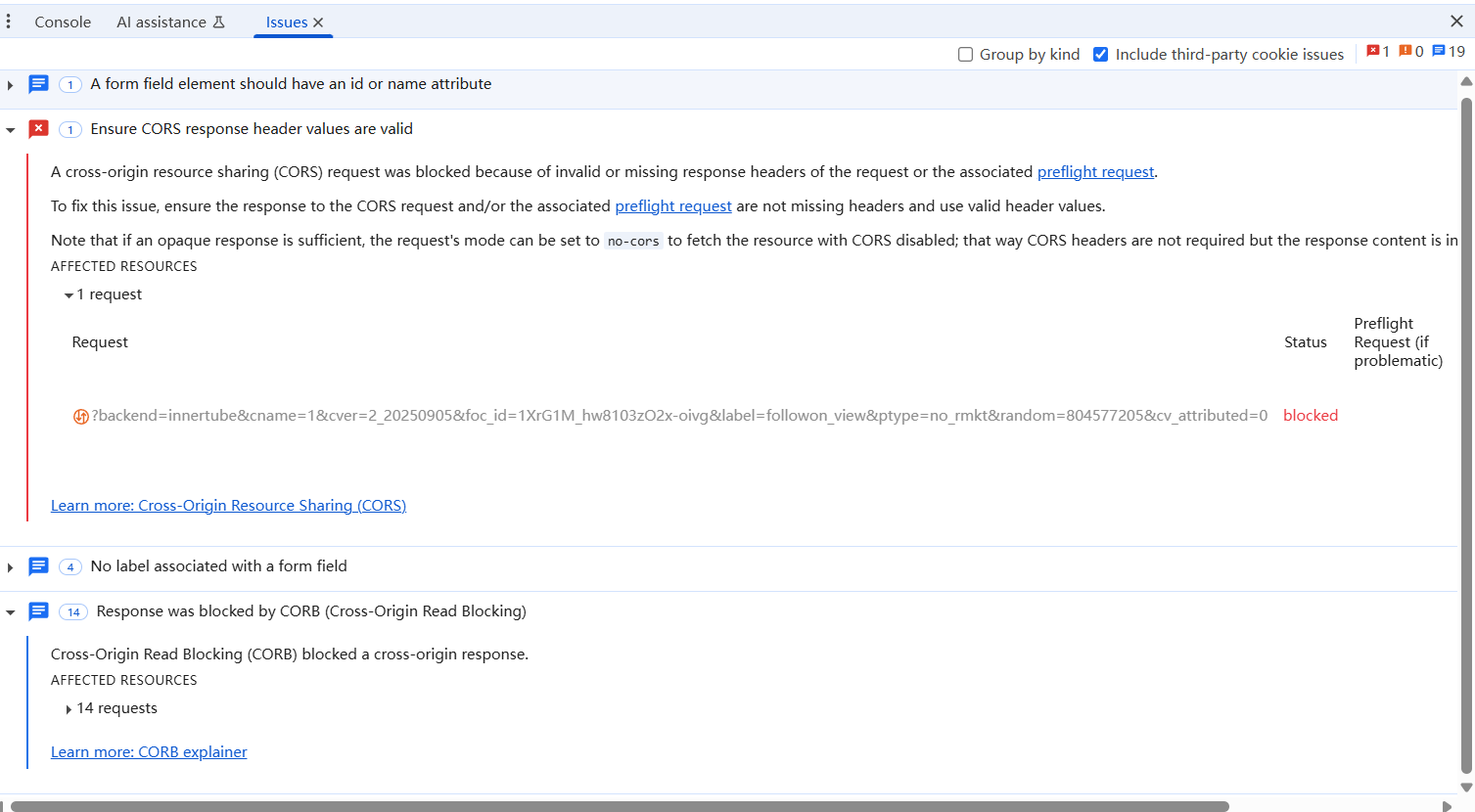
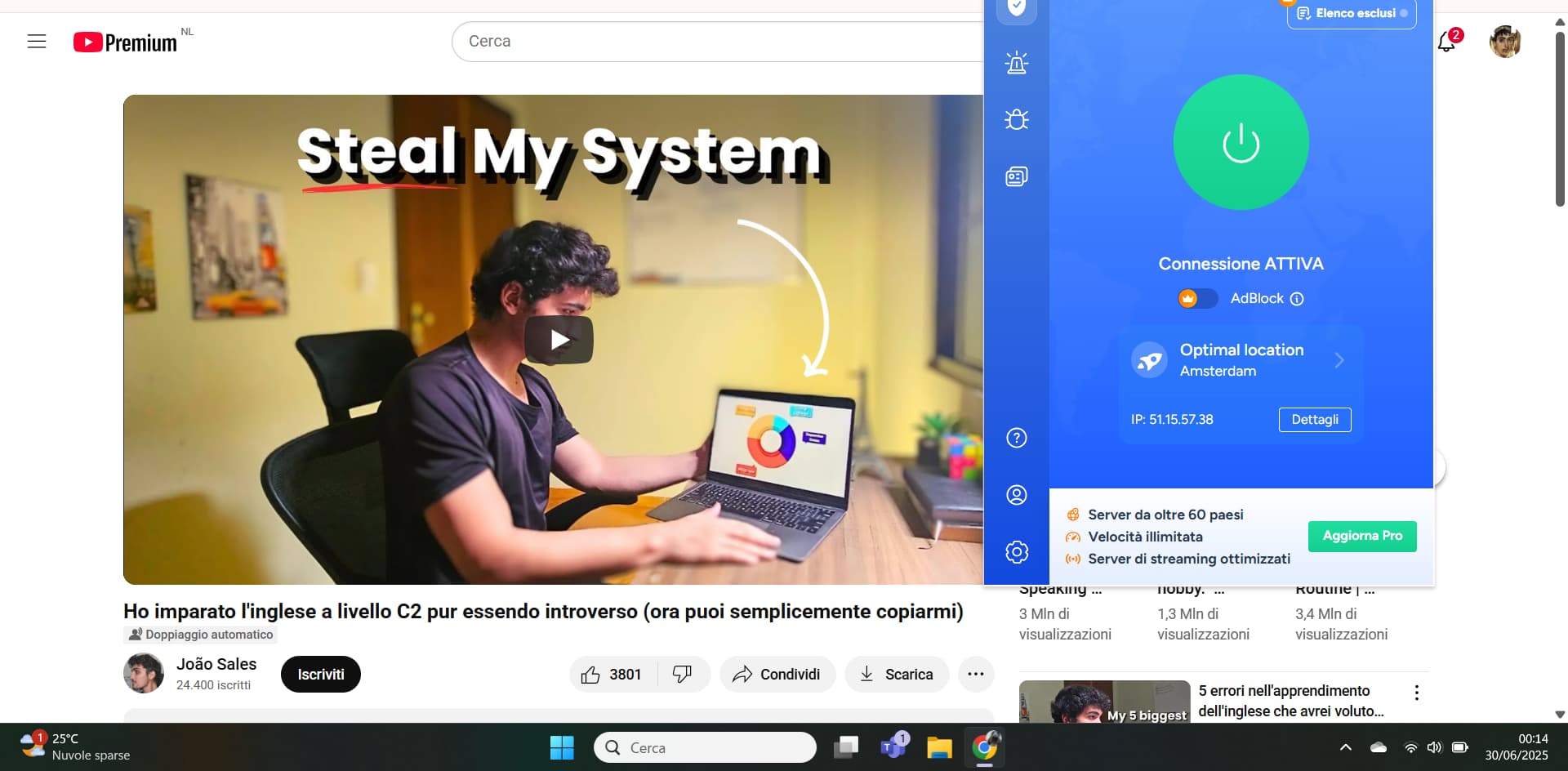
at the moment with VeePn (free extension on chrome) it works. Since it has a free version it randomly assigns ip address… for now everything is ok. I enter the video that interests me… I activate the LingQ extension… and nothing… then I activate VeePn, refresh, and I can import the video on LingQ. I don’t know how well it will work and if I will be forced to subscribe to VeePN, but this way I can take full advantage of my LingQ subscription.
The really huge problem remains: outside the United States or some countries… using import videos from YouTube would seem impossible. I hope they solve it: is it possible that no one noticed before… I doubt it.
@antoniogiglio Thanks for the update. We will investigate that further.
1 Like
Yes, I’m experiencing the same issue with Antonio, regardless of the type of YouTube videos—just like in the screenshot he showed.
1 Like
Hello, it’s currently working again on MS Edge. This isn’t the first time it’s happened—whenever the LingQ importer issue occurs, it looks just like in the previous screenshot from other comments: ‘Error this’ and ‘Error that.’ I did try deleting and reinstalling the LingQ importer. Thank you!
1 Like
I can confirm that at the moment it’s the only way to be able to use LingQ (a platform that I truly love) to the best of what it offers. Importing videos from YouTube and studying what interests me is truly rewarding and stimulating (and this is the secret to learning a language)… but unfortunately the lingQ extension does not work anywhere (in Italy)… with VPN Yes… without no. I don’t know. Is it possible that there aren’t other active users from Italy who can confirm this theory?
Whin I try to import from YouTube its saying no appropriate captions found. But I can see the subtitles
1 Like
try with VPN (VeePN it’s free)… if work… there is something for the lingQ team to think about. I can only import videos with VPN now… but a few weeks ago it wasn’t like that: it worked.
I am using a vpn and it still doesnt work
1 Like
@NolaNewGal What browser are you using? Are you on the latest extension version?
Mcrosofft Edge latest
@NolaNewGal Thanks. Do you have problem with anything you try to import?
@zoran I can’t import this video: https://www.youtube.com/watch?v=H8Y8kLNZB5k
The error message says: ‘Error: No appropriate captions found.’
At least for YouTube I know they are very often changing the format (I don´t know the exact technical description) which often make any 3rd-party unusable. And of course YouTube never publish any technical details of changes. Everything to make it harder for 3rd-party to use YT (without paying fees).
1 Like
@Loyes Thanks. Do you have issues with anything you try to import or just that one specific video?
All YT videos cannot be imported
1 Like
I was able to import that video without issues. What extension version you have installed?
Not working for me either – latest extension version on Chrome (just downloaded it today). Trying to import this video gives me the ‘No appropriate captions found’ error. Feeling the captions shouldn’t be an issue given that I got it through the ‘Entertainment → lessons’ section and the video has likes already by others.

1 Like
@submariini Sorry to hear. We will look into this.
1 Like
Hi Antoniogiglio, have you solved this issue by using US proxy server? I tried US server but still facing the same error.
1 Like