I have been studying Japanese for roughly a year, and decided to return to LingQ later, to see they’ve: not listened to the community at all and invested into ai instead. The idea that finishing a lessons = all words known is completely ridiculous. I just thought I was clicking next page, and now I somehow according to LingQ know about 800 words. I don’t understand the logic. Yes, I could go back through and reclick all the words I don’t know but eventually thats gonna stack up and Im losing time I could just spend on learning the language instead. This setting has been requested numerous times on the site: Make a setting so finishing a lesson doesnt mark words as known.
5 Likes
I don’t understand why this is a problem? I think you can turn it off if you like, I did that with the mark-known-at-turn-of-page option. However it seems like a non-issue. If you don’t know words are you not investigating at all? If you click just once it makes them yellow so only words you read past with understanding and never interacted with should remain blue, which are the only ones auto marked known. Also it always has 2 pages after a lesson, first a page that shows you the new lingQs where you can look at them or mark them as known, and then a learned lingQ page where you can mark them as unknown if you don’t actually know them. There is already an built-in feature to confirm things, that you’re apparently choosing to ignore much how you’re additionally choosing not to interact with unknown words (which if you did, they would be yellow and you wouldn’t have this problem). If you’re using this app I don’t see why you wouldn’t use the main benefit of it which is the ability to click unknown words and get a translation as you read. I realize that you probably just misclicked and got frustrated but the feature isn’t the problem here. Just pay attention. I would agree the auto mark after a page is frustration as following the text on a first listen is something I do sometimes and I don’t always use the special mode but I see no reason to click “finish” if you haven’t actually finished it, and I turned off the auto mark per page already myself so it’s not an issue anymore. Check if you haven’t, it’s probably an option you can just turn off if you really don’t like it.
2 Likes
You are focusing on known words, when for me at least the problem is when there are large numbers of words that I want to ignore. This is a chore to do both during a lesson as well as at the end of a lesson. It would be a real improvement for me if we had a setting where all blue words would be ignored at the end of a lesson, instead of added to known.
This might not be relevant to you depending on how you approach certain things like transparent loanwords from English, quoted text not in your TL, proper nouns (place names, names of people), abbreviations. I personally ignore (almost) all of these, so I have to deal with this rather often. Of course, the examples I give might not come up that often depending on the material you study.
He only wants “All these words will be ignored” instead of “known”. I do not think it is too much to ask, tho I personally do not care too much about it since I do it manually.
1 Like
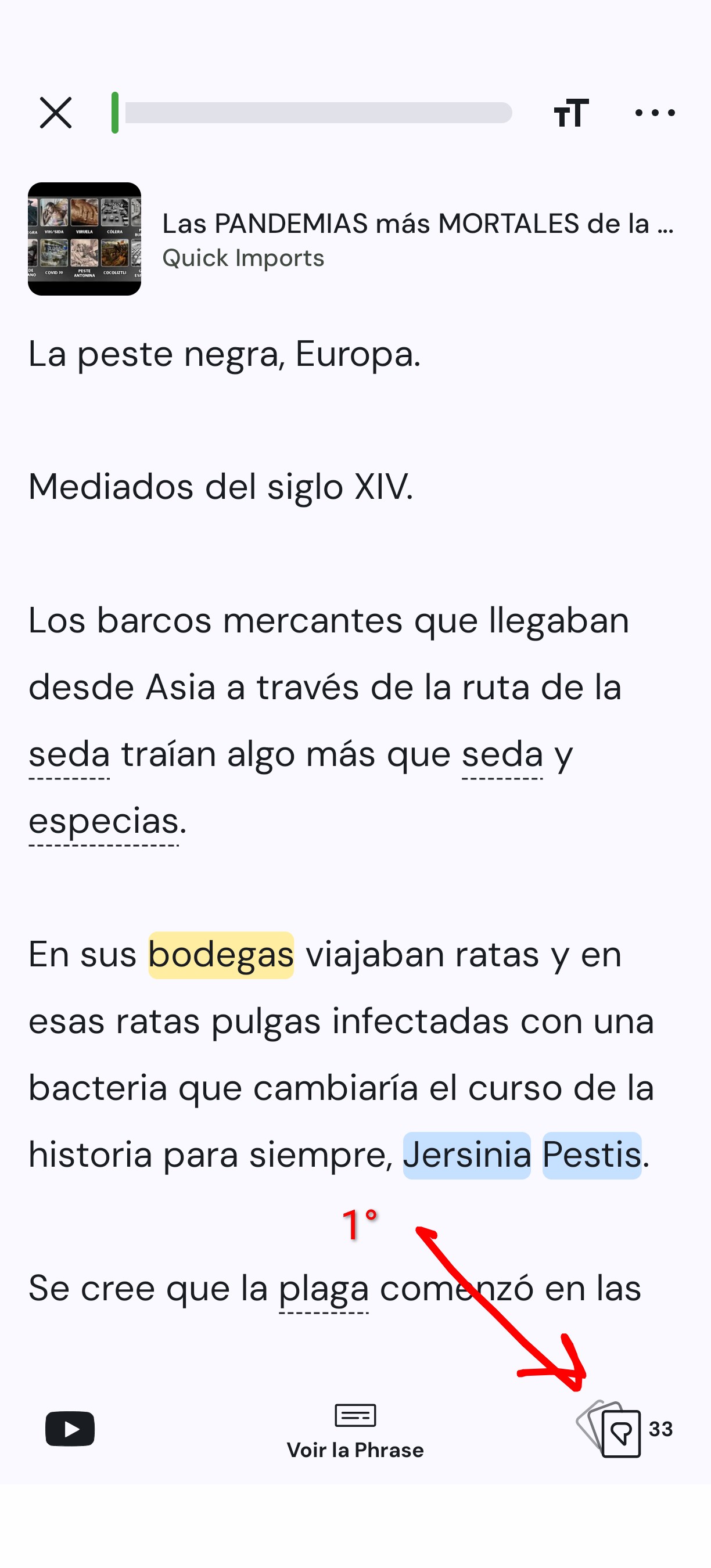
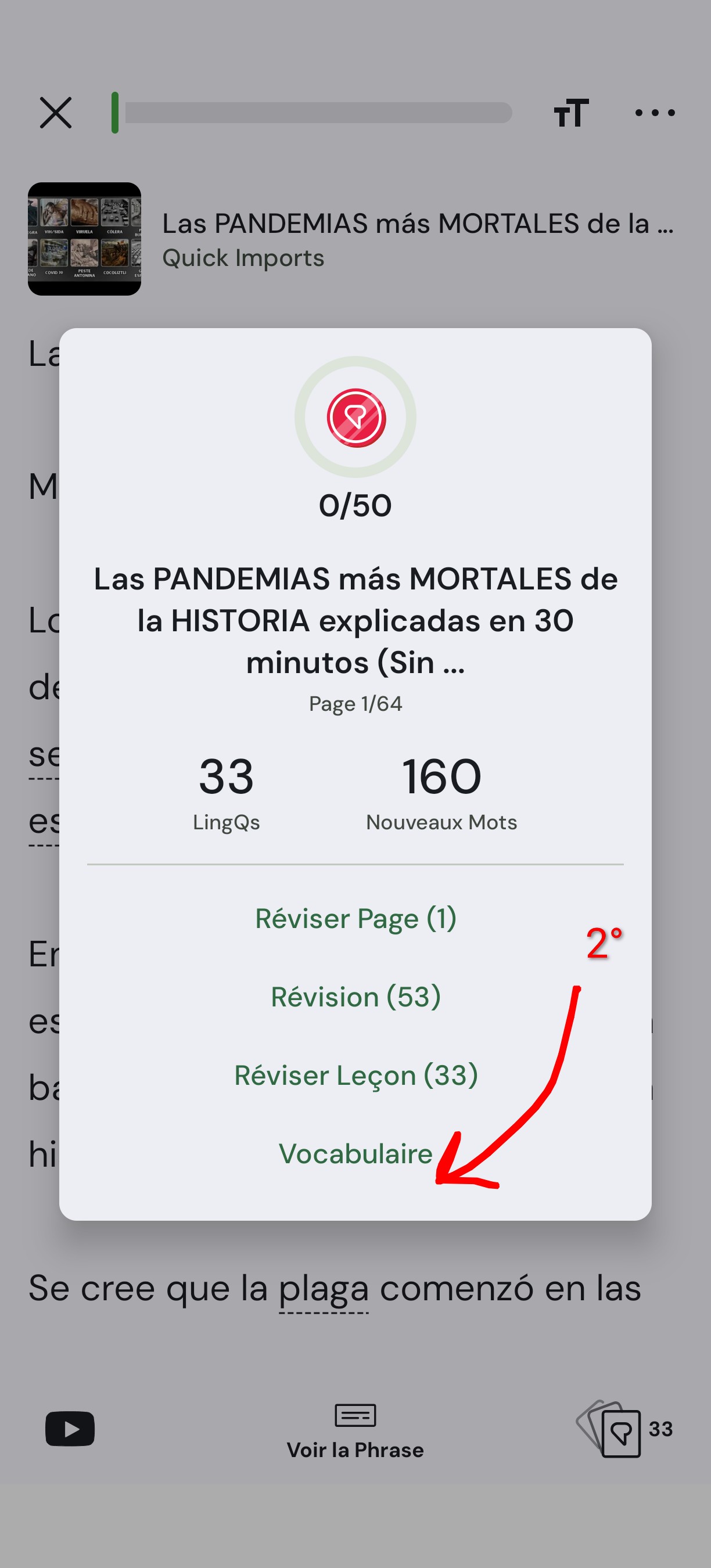
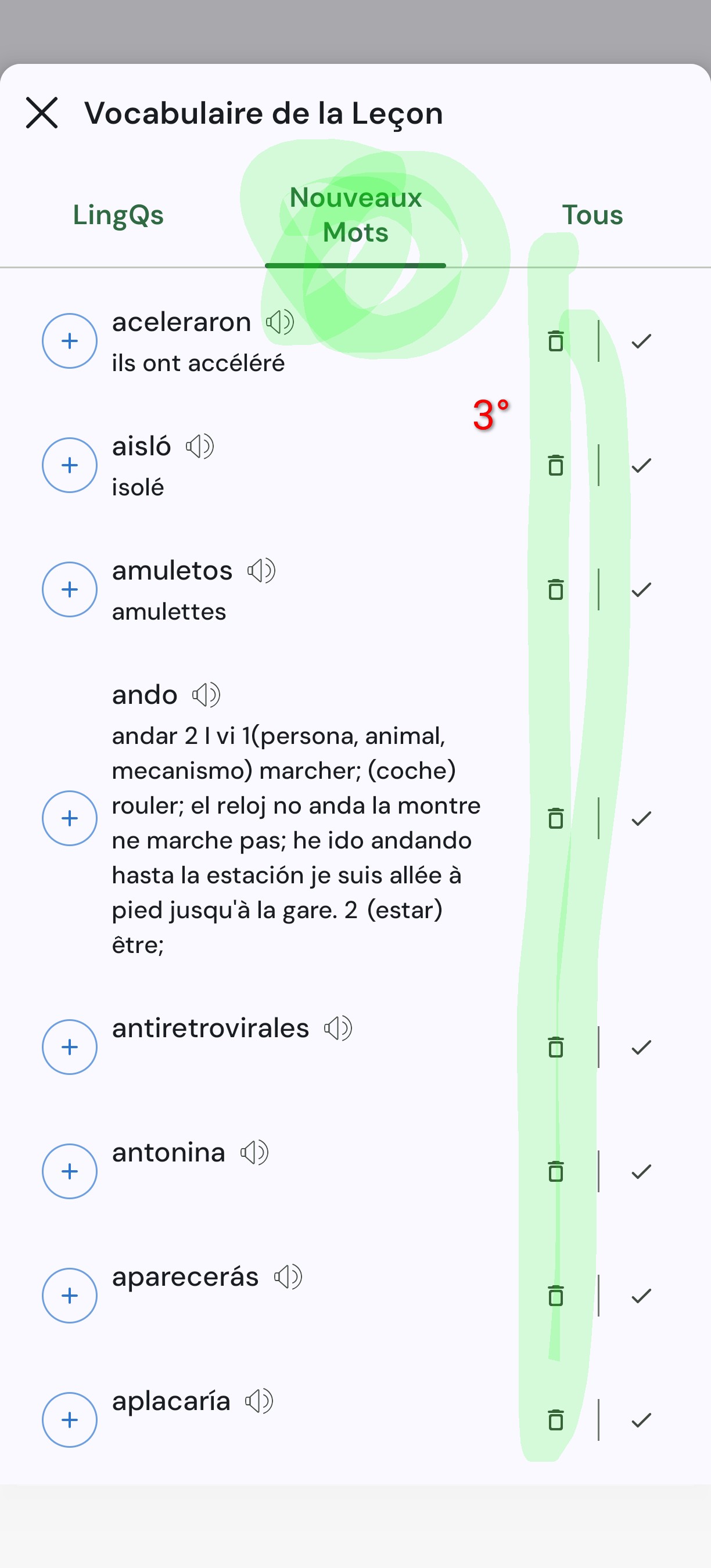
You can do this 20x faster before the lesson via the vocabulary|new words tab:
EDiT: “before the lesson” → “at any time (while the lesson is unfinished)”
2 Likes
I completely disagree with this being a non-issue, I have went back threads from 6 years ago and seen this issue being discussed, there is no way to prevent yourself from accidentally finishing a lesson as I did, and then got a massively inflated word count. Other reasons for ignoring words come from the parsing of Japanese on LingQ. The way I use LingQ is to go through it once, mark all the words I currently know, re-read it page by page and mark each word I don’t know and then re-read that page then listen, then go back. It’s a bit difficult to describe in text, but this is 100% an issue since I can find multiple forms going back 6yrs or longer explaining this exact issue.
I’d rather they dont get ignored or marked as known. I’d rather they stayed in Blue status, or at the very least got moved to the first stage of being a yellow word. I have my own reasons for this preference. I still don’t think it’s much to ask though.
Thanks, this is very useful. I’d still like the option to do this quickly at the end of a lesson, especially since doing it the way you show would still require me to manually choose between words I want to LingQ and words I want to ignore, without seeing the context. When you do this at the end of a lesson, I’ll have already filtered out the words I want to keep studying by making them LingQs, and the words that I know AND consider to be meaningful bits of my TL, by marking them as known.
I don’t think it’s that big an ask to get the option to choose what we want to do with words that we have left alone over the course of a lesson: do nothing, mark as known, ignore/trash, create lingQ automatically
I wrote something about this subject too and what I was told was the following:
The fact is that there are a lot of processes that are run on words when they are moved to known. It is just not that easy to undo. We do warn users that this happens initially and otherwise, it’s really not that big a problem. Just click on words you don’t know when you come across them and make LingQs. The process is the same whether they are blue or not.
It’s a technical limitation as of right now.
You’ve got to think about how complex their system is. LingQ has to track hundreds of thousands of words for some users, and every single one of those words is stored at different levels of understanding (known, learning, new, etc.). Building and maintaining a platform that can handle all that data for every user must be pretty complicated.
That’s not really the point. You can already move to the next page while leaving words blue, and you can finish a lesson while leaving the words blue if you close the lesson or move to the next one via the three dot menu instead of using the finish lesson button. Going through the remaining blue words assigning a new status is some extra process that needs to be triggered, and if this trigger can be disabled when moving to the next page, there is no reason why it shouldn’t be able to disable it when finishing a lesson.
The quote from mark only explains why undoing the process of marking words as known is problematic, but this process isn’t needed if the user would have the option to leave the words blue on lesson end, like it is possible when moving to the next page. By this day there has been no explanation given on why this is so problematic to implement, and instead it has just been repeated over and over again that this is the way it is supposed to be and a feature, not a bug.
If you use the right arrow in the three dot popup menu to move to the next lesson, the blue words are left untouched. So the code is already there, it just needs to be possible to alter the behaviour of the next page button when on the last page to behave like that right arrow button if the user wants to.
4 Likes
Sorry if I didn’t address the core of the issue directly earlier, I focused on a smaller part of the original post instead.
I think the main point is that LingQ has already addressed this topic many times over the years and doesn’t seem interested in changing their stance. This isn’t a change they’re likely to make anytime soon.
Also, with respect, neither of us actually knows how the Finish Lesson code works behind the scenes. LingQ has been around since 2007 (and the technology was first tested in 2002) and has gone through multiple complete redesigns and overhauls. Just because something is possible in one part of the interface doesn’t automatically mean it’s simple (or even feasible) to change in another part. So saying there’s “no technical limitation” isn’t something either of us can really confirm.
I got this response from Zoran a few years ago:
Paging lessons automatically moves all remaining blue words on that page to known. We assume you have created LingQs for all unknown words before paging.
Automatic removal of blue words can be turned off in the Settings for the Reader. The “Move words to known” option is the one to turn off. However, this just means that when you click the complete Lesson option on the last page, all your blue words for the whole lesson will be moved to known. There is no reason to keep blue words. The idea is that you either need to learn them or they are known. (or you can ignore words).
Having said that, you can click on all white words to make them blue again and create LingQs for them. So, if you are reading, and come across a word you incorrectly marked as known or ignored, just click on it to make it blue.
Finally, if you prefer so, you can reset your language in your Language Settings - ** Login - LingQ**
Hope this helps! Let me know if you have any other questions.
This has been their consistent position for a long time.
I know and I am not expecting it either. In the end it is their choice, but I consider the explanation given unsatisfactory.
I didn’t say so. I said that no explanation has been given on why it isn’t possible. Actually, I don’t think it has ever been stated that it is problematic to alter the behavior, it just has been stated they consider it unneccessary.
Yet it doesn’t contain an explanation in regards to the technical possibility to implement the desired behaviour.
Yes, but if you read my earlier response, a quote from Mark (another employee at LingQ) does address this:
From @mark
The fact is that there are a lot of processes that are run on words when they are moved to known.
If this is true, and LingQ is fundamentally designed (from the foundation up) to turn blue words to Known at the end of a lesson, then it could prove challenging to untangle.
I understand the desire for a technical explanation, but I don’t think one is actually required here.
LingQ’s position has been consistent for years:
“There is no reason to keep blue words. The idea is that you either need to learn them or they are known.”
That statement isn’t mainly about technical limitations, it’s about product philosophy. They designed the system so that finishing a lesson means you’ve dealt with the words (by turning them into LingQs, marking them Known, or ignoring them). Leaving a bunch of blue words hanging at the end of a lesson goes against how they think the tool should be used.
When a company has a clear design stance like that, the feature isn’t a bug or an oversight. It’s working as intended. In that case, the technical complexity of changing it becomes secondary, they simply don’t want the behavior to change.
So while it’s fair to wish for more flexibility, I don’t think the absence of a detailed technical explanation is the real issue. Their core reason has already been stated.
@ZayaFTW
No, Mark does not address this! He is talking about why it is complicated to undo marking blue words as known, I was talking to not move the words to known at all. For the latter, there was never a technical explanation. That it is a design decision is clear, I stated that, too. But it is unclear to me why the insist on this despite many users getting so frustrated about it.
2 Likes
This: “There is no reason to keep blue words. The idea is that you either need to learn them or they are known. (or you can ignore words).” is ridiculous to me. I have my own reasons for preferring it to be this way however, it seems unless I use LingQ exactly how it was intended, im doing something wrong, even though that just isn’t the process I find enjoyable. I have found my own process with LingQ I find enjoyable, and that process requires the words not being marked as known at the end of lesson due to an accidental misclick. I’ve emailed the LingQ staff about this too because in my opinion, the lack of willing to change and keeping this firm stance only shows to me that LingQ does not care about its users.