The SPS (spaced repetition system) worked well for years.
But since a few days, everytime I get a notification,
I says “All phrases were checked. Create LingQs or change filters to add phrases.”
I checked if the LingQs I made were added to te vocabulary section.
This still works correctly.
But I can’t do any repetition any more.
I mostly use LingQ on the PC for the LingQing and for importing lessons.
The LingQ app is also installed on my Android handy,
but I only use it for listening.
I learn Spanish.
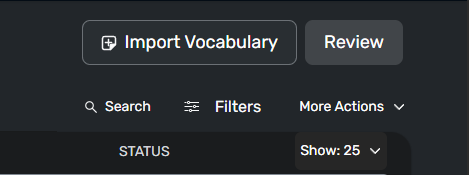
Just to say I also see this, I usually don’t use this function but will start now. Out of curiosity, in the vocabulary page what does the “REVIEW” button do? Meaning, is it just a random selection of all the words in the vocabulary section you are on, eg. “ALL”, “PHRASES”, “DUE FOR SRS”, and what ever filters you have set, or does it have some SRS style function built in as well?
That’s a good question, I would like to know more of that, too.
For one second I thought I could use this button as a solution to my problem. But then I saw that this cannot be a replacement for the daily notifications and the repetition that I had before.
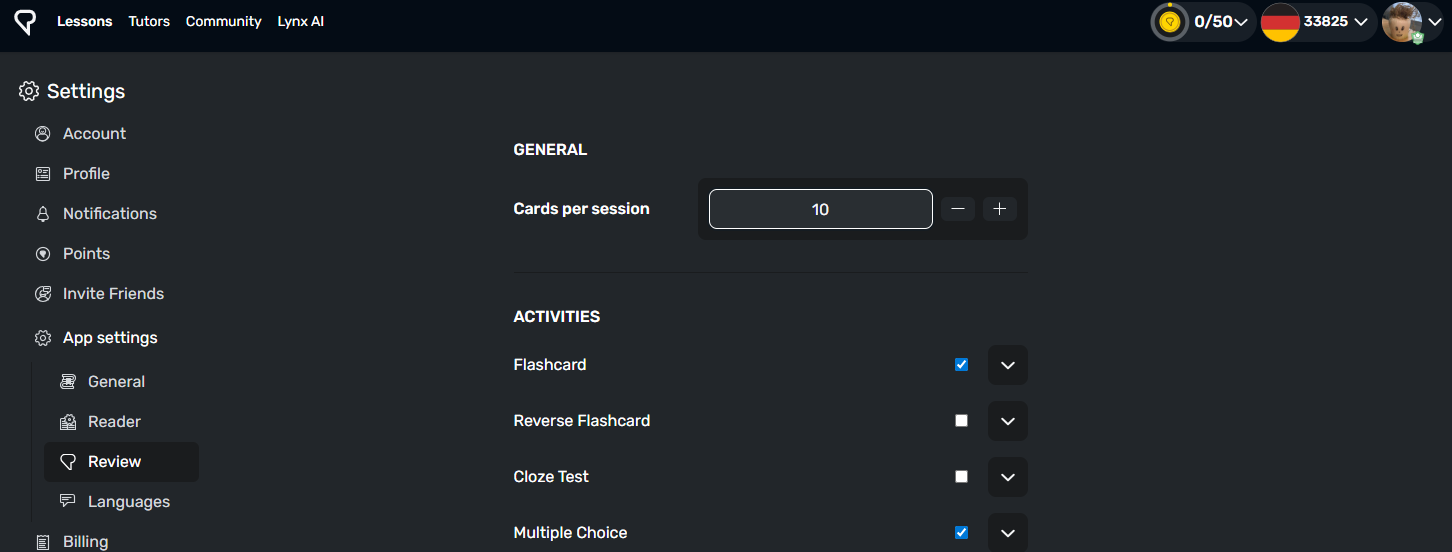
It takes a random selection from the page you are on, how many of how many depends on your setting for number of flash cards and number of words per page.
Thanks. That’s disappointing, because that means it will only ever be a selection of a maximum of 200 words out of potentially tens of thousands of LingQs.
Change your number of cards to review to thousands if you want (caveat, I’m not sure if there’s a limit). Also there is a tab in the review section "due for review (srs):
Random selection of thousands would be way too much “Space” in the
SpacedRS. At that point it’s better to just read and encounter words at the frequency they appear in input.
I prefer more focus after achieving a large vocab list. I save status 3 for the select LingQs I wish to reinforce with flashcards, and filter with that or by course if I want to focus on a particular theme. They then promote automatically to status 4/known but remain underlined for me to notice when reading.
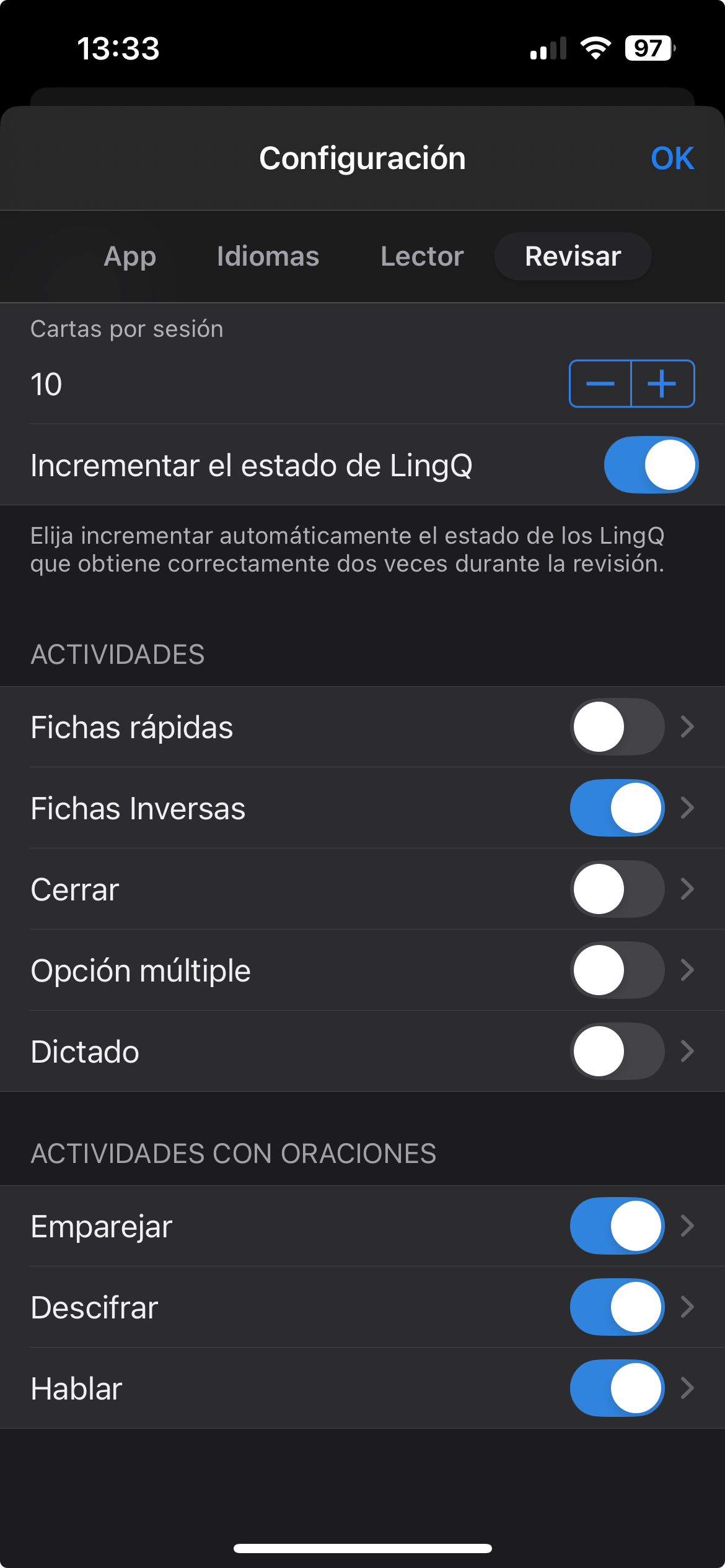
That makes sense, thanks, I will probably start doing something similar, or perhaps just use Anki. So the status of the words updates automatically? Is there a way to turn that off?
Thanks. Does this mean it is permanently on or off? Because if it is permanently on, then I won’t use any of the review functions. I don’t want my LingQ word statuses changing without me manually changing them.