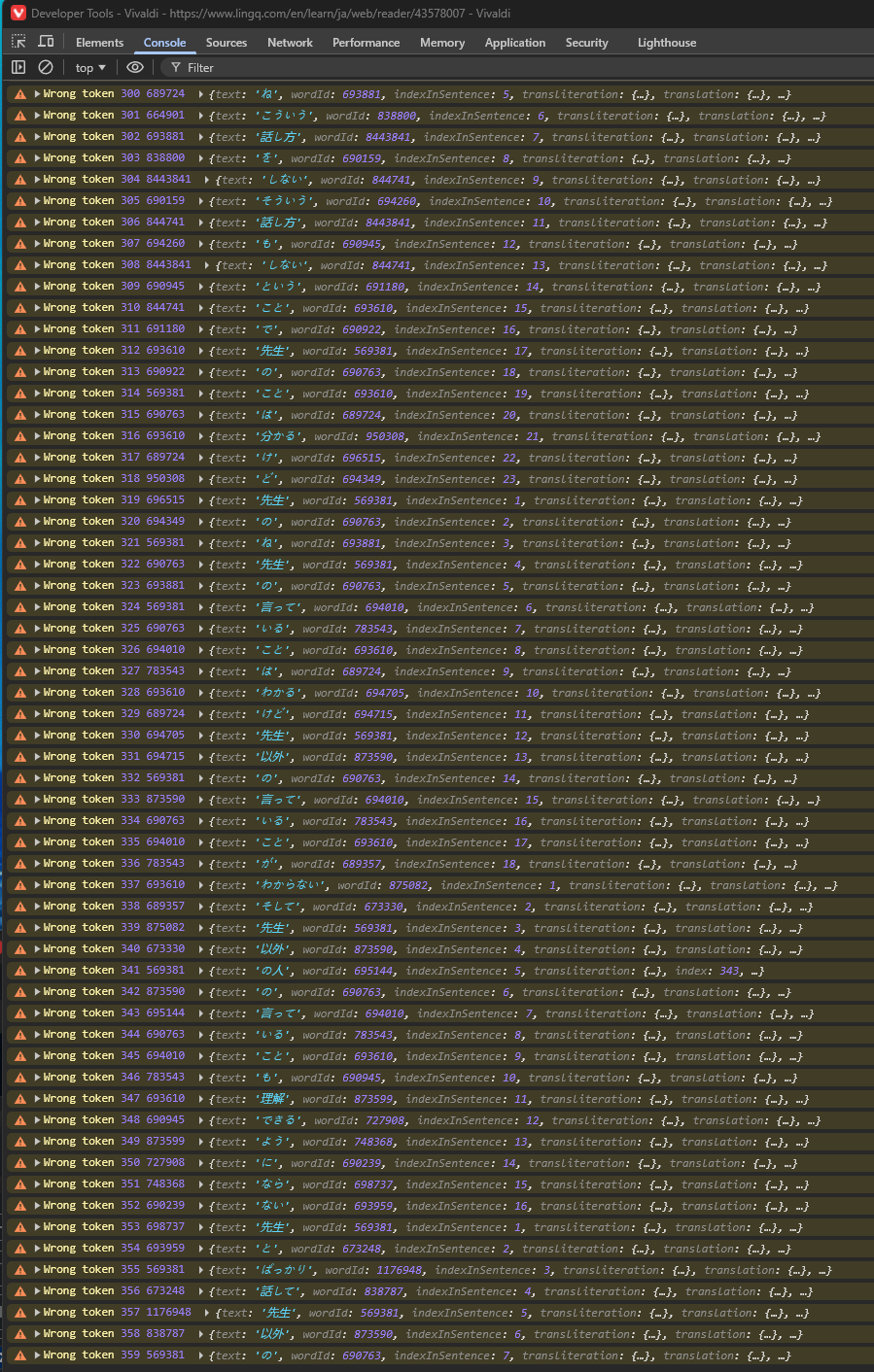
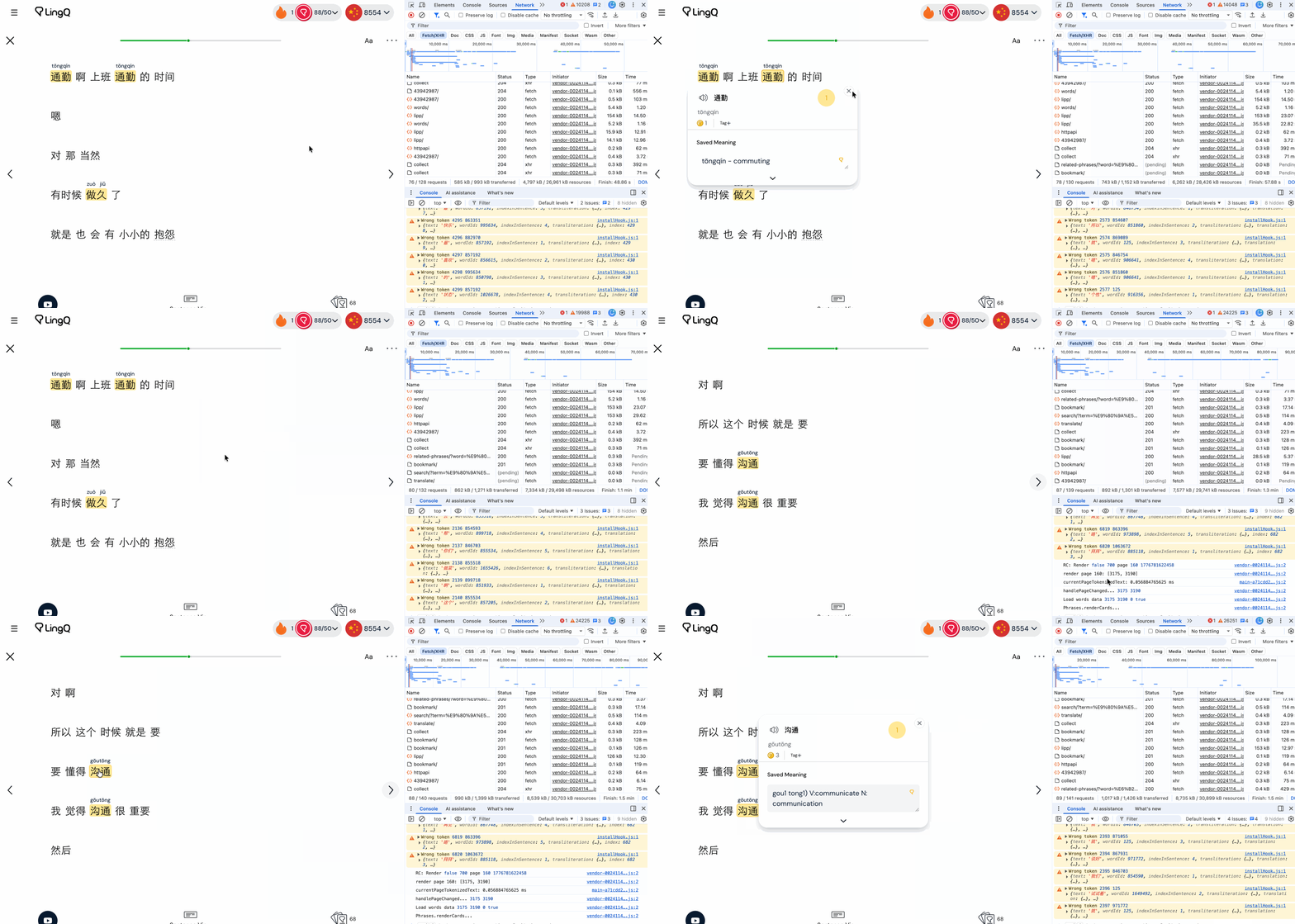
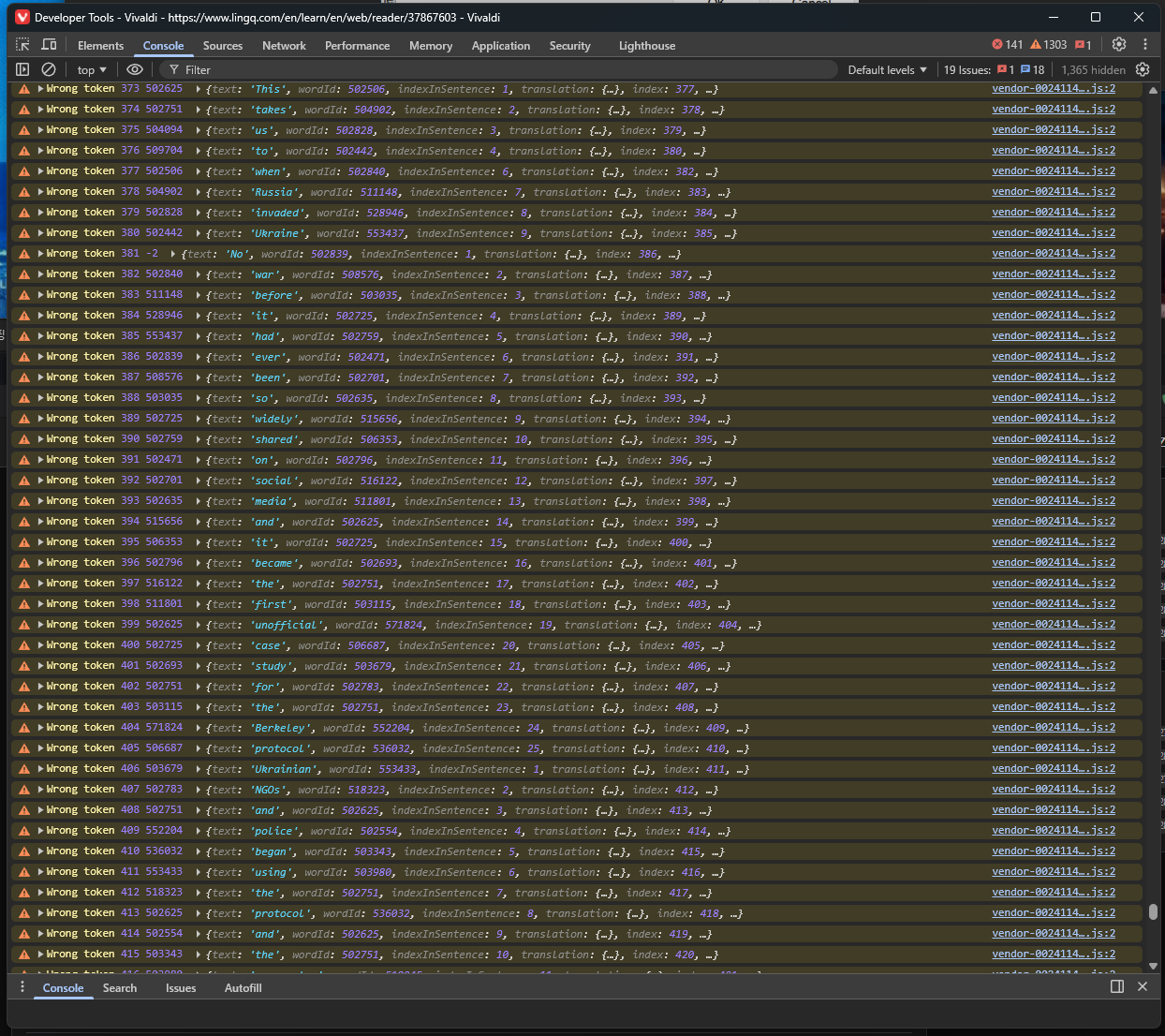
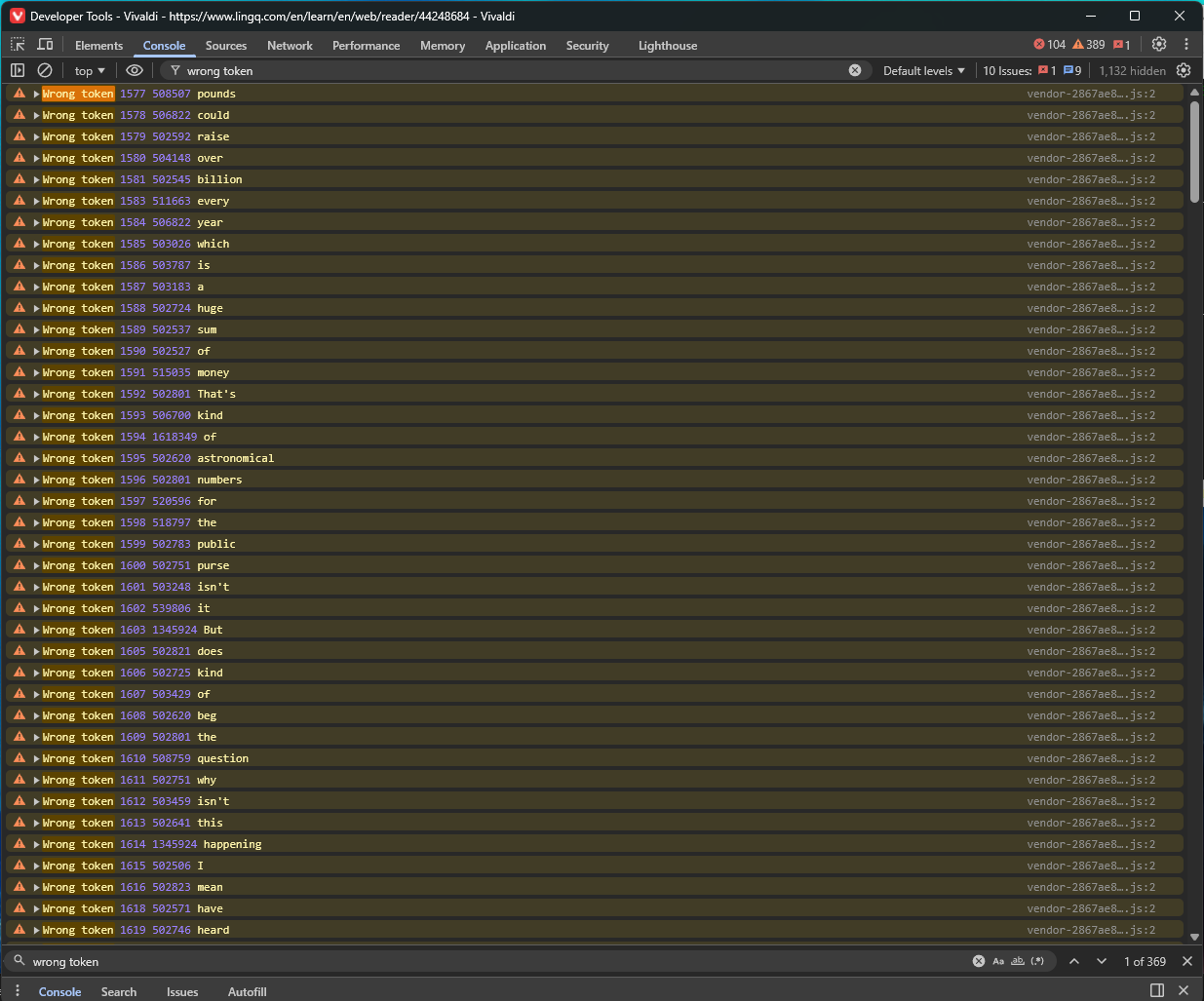
When I turn a page, a lot of warnings sometimes show up on the log console. And it makes it impossible for the reader to do anything for a few dozen seconds. There wasn’t a problem like that until a few days ago. So, look at the code that was just updated.
I hope that the fix tomorrow will help. I basically had to stop using LingQ on my laptop for the last two weeks. I’m not used to studying lessons on my smartphone.
The problem is still there. The web app is very slow and buggy. It is a problem concerning the main function of the app. So it should be a fixed with priority. Probably the last changes to the code were a bad idea. I hope you can fix this soon.
Starting and stopping the TTS transcript in the web version of LingQ takes about 3 to 4 seconds, making the process impractical. Firefox issues a warning that the web page is slowing Firefox down. When choosing words to make Linq’s (blue to yellow) I like to stop the TTS reading at times. I can no longer do that as the transcript continues to be read and I lose my place. When the app finally stops, the transcript being read is 2 to 3 sentences down from where I was. The underline does not sync to the pause. This makes the whole point of LIngQ useless for me.
For me it’s not slow to change pages, select words or start/stop the audio anymore, but the words highlights are delayed when seeing a new page, and the arrow keys (move between highlighted words) and shift + arrow keys (change page) shortcuts are irregularly failing.