When I imported the .epub archive, after finish my book, I realized that it was incomplete. I red in another epub reader and discovered a lot of chapters faulting. I imported again the file generated was incomplete (with 45 chapters instead 64 plus extras).
This caused some problem for me, because I calculated my working in progress in the book for a Book Club, with the development in number of chapters, and, I missed the club.
You can fix the importation process? Why the whole book isn’t imported?
There is a word limit. If that limit is reached, the additional text gets moved into a subsequent lesson. So importing long texts causes several lessons to be generated.
Each chapter turned in a different lesson, but something weird is that when I tried import again, new chapters (repeted) appeared in the end of the Course (lesson 48, chapter 45, lesson 49, chapter 1, lesson 50, chapter 51…)
So, I don’t know if, beyond the word limit in each lesson, there is a limit of chapter per course or words (in total) per course.
If you are curious and have the time and you have calibre software, you can import that book into Calibre and check the table of content (ToC) for issues.
Right-click on the book and select → edit book.
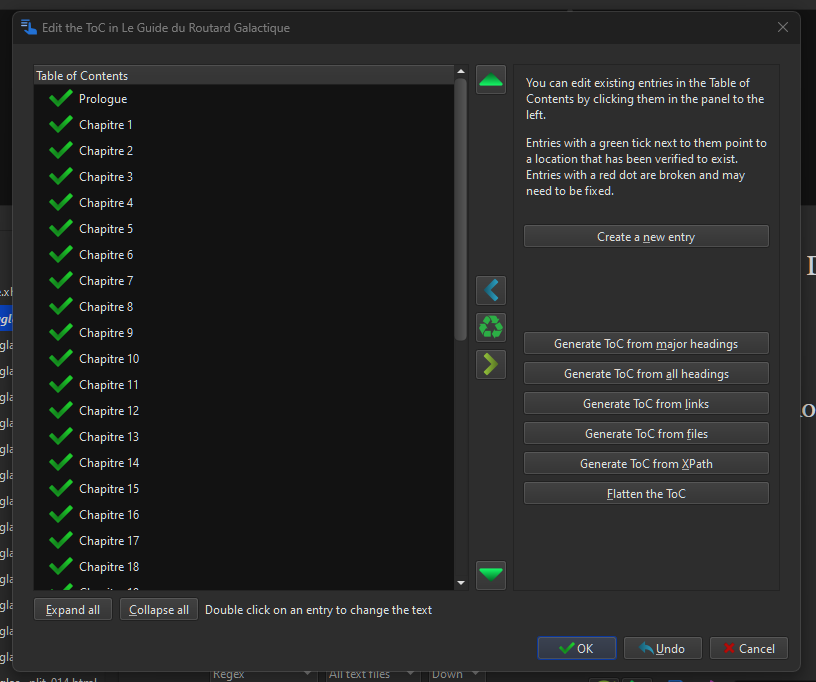
In the edit book window click on tools → table of content → edit table of contents
Here you can see if there is anything unusual with the chapters, missing chapter and etc,
You can delete all the chapters and re Generate ToC from major headings.
You can also do other fixes in edit book (check book, fix html)window as necessary.
If all that is too much work, you can just copy and paste each chapter manually into new lessons (as you complete them) as needed for your book club . Or you can convert it all to txt file if you don’t care about chapters/lesson splits.
Whatever you do, don’t pause your learning/reading hoping for a fix soon from lingQ. Fix can be in days or months or never.
Report the problem but find a way around it and carry on reading.
I loved so much your advice. This program looks amazing. I downloaded and I am searching some problem in my .epub. Unfortunately every chapter is green
Perhaps the solution could be delete previous chapters (until 45), and save the book only with the last chapters, and try import again. This time, for organization, I prefer follow with separated chapters, like the older are to.
My final attempt was delete every chapter that I’ve have in my Course, and save the file with the same name, importing again. It worked, despite the first new chapter (46) was be imported with the name and title (and number 1) of the book, so, maybe would have better import the previous together and then, delete,
Cool, that ToC looks good to me.. Anyway, so long as you figure something out and it works.
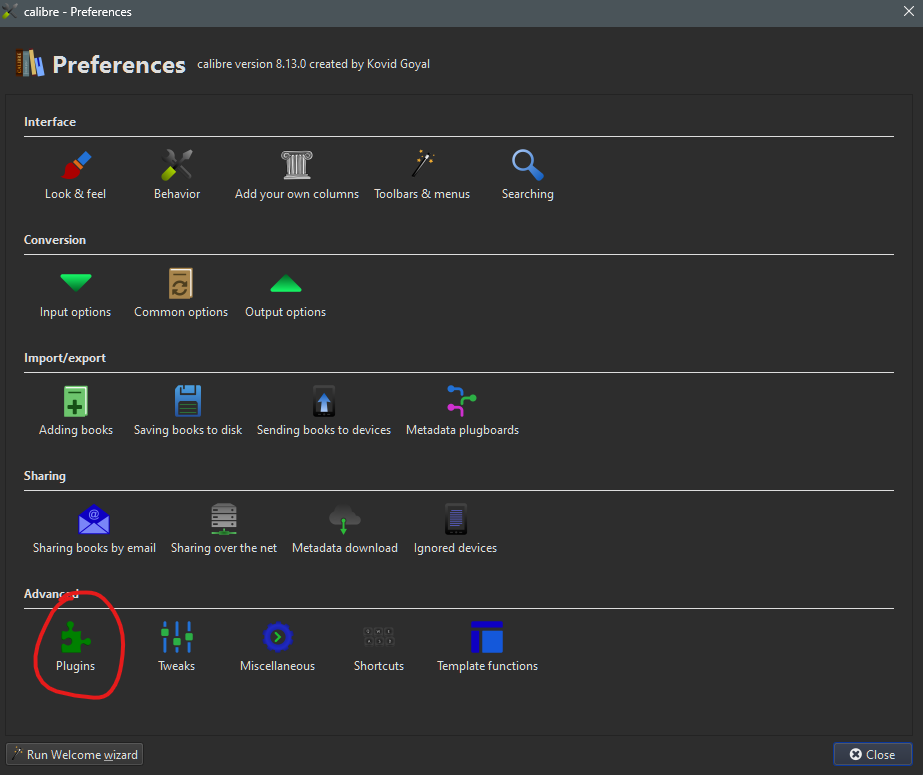
You can also install plugins in calibre. The ePubsplit plugin allows you to split ePubs. I use it sometime to split up long book series (multiple books in 1 epub.). Sometime they fail to import.