Hello, i have noticed there are many many videos i`ve been unable to import because lingq addon only imports if it says chinese (simplified) in the transcriptions.
However, many videos are also transcribed in simplified chinese, but the transcription language on youtube says it is “chinese” or “chinese (China)”, making it unable to import.
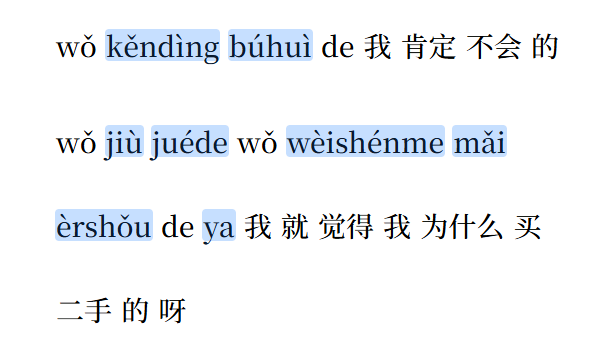
This is a constant problem, also because sometimes the option “chinese” comes with pyinyin, and the option “chinese(simplified)”comes with characters only. But when imported, lingq imports the option “chinese”apparently, which comes with the pinyin. Is there any way to choose the source language from youtbe or the addon to do it automatically, we can manually copy paste from youtube, but there are no timestamps this way.
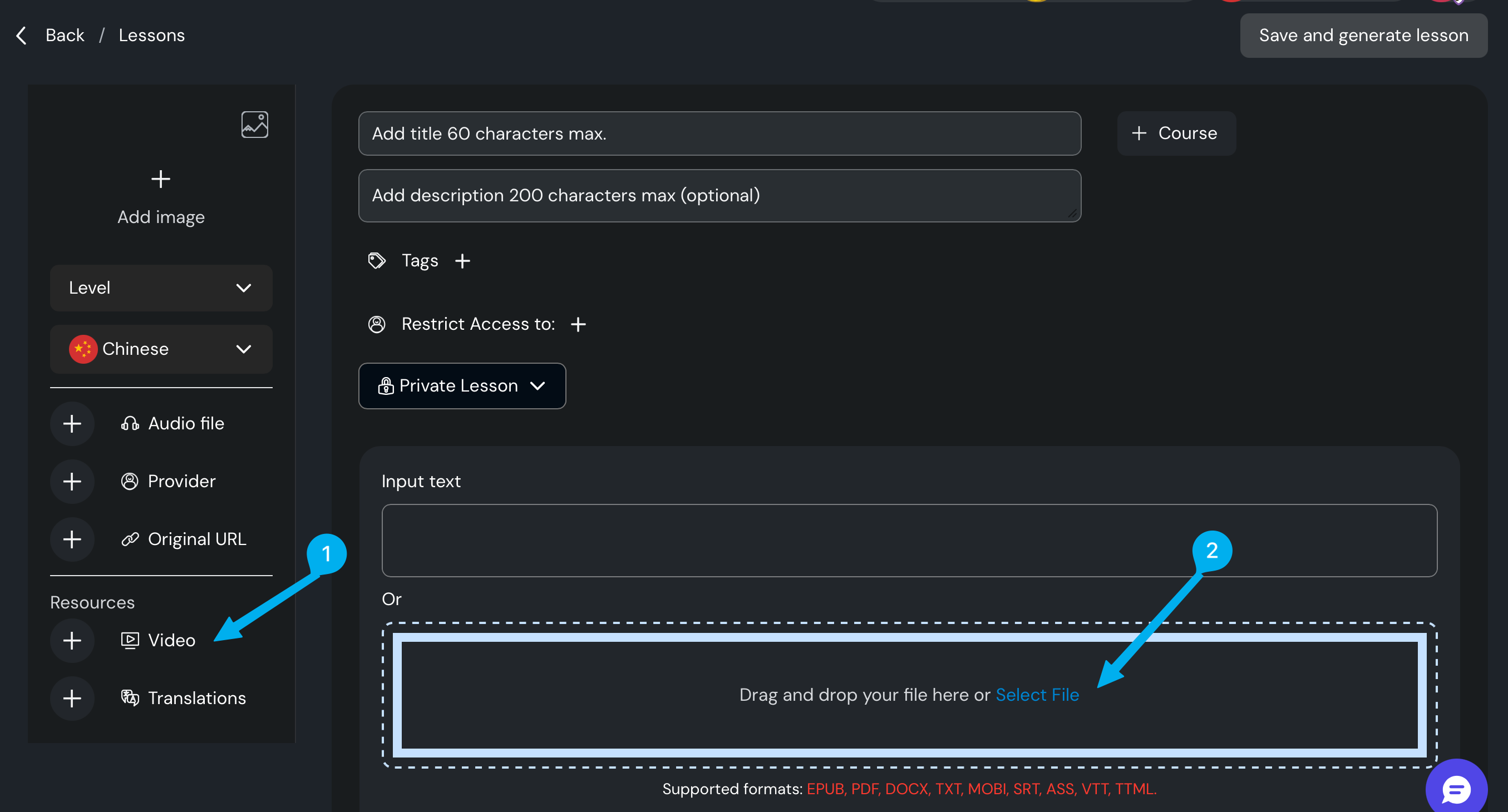
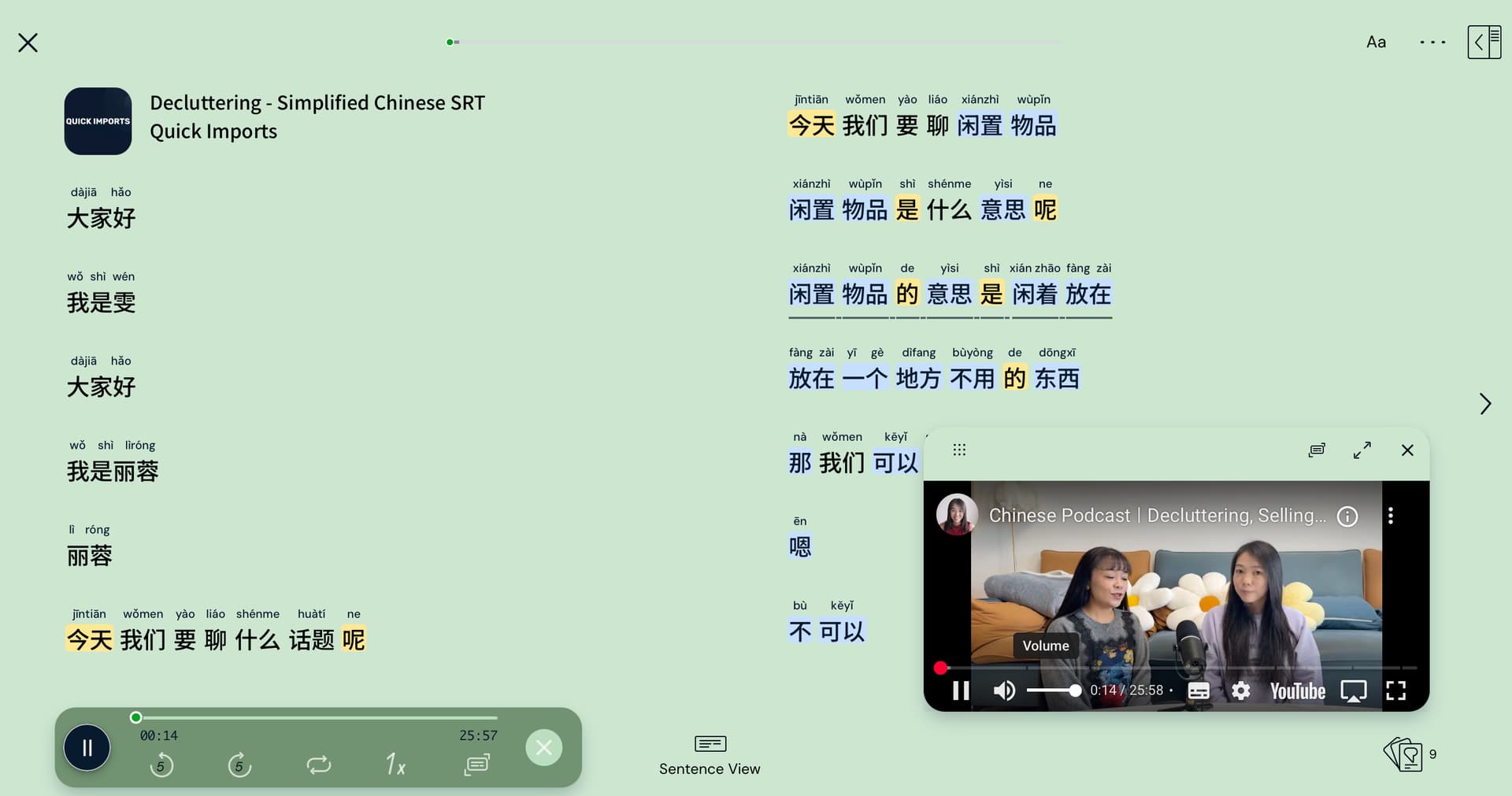
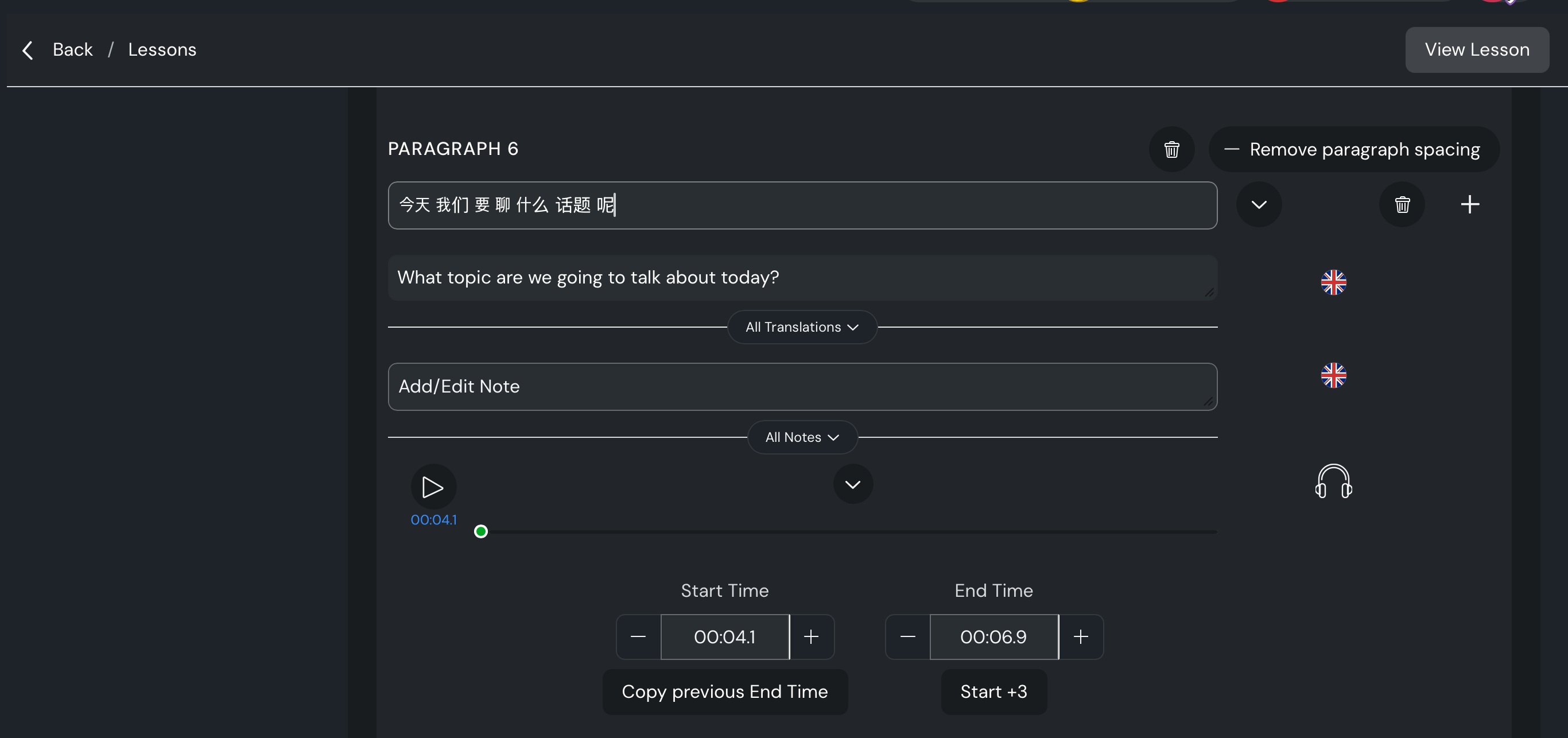
Thank you for the fast response. So as a quick solution, I see to create a new lesson, where specify the video URL and add SRT file that you want. Time-stamps will be generated automatically in this case too.