Fix the pop-up. When I open a lesson, there is a pop-up message that appears on the upper right side next to the “…” button. The pop-up is placed mostly off the screen so I can’t read it, and to proceed with the lesson one has to first close the pop-up by clicking on the “…”.
Do you see that popup every time you open a lesson? We will look into this.
Yes every lesson. It is like a “bubble” pop coming out of the “…”
Hello, @HighSnows Could you please add a screenshot, so we can understand what kind of popup it is. Thank you in advance.
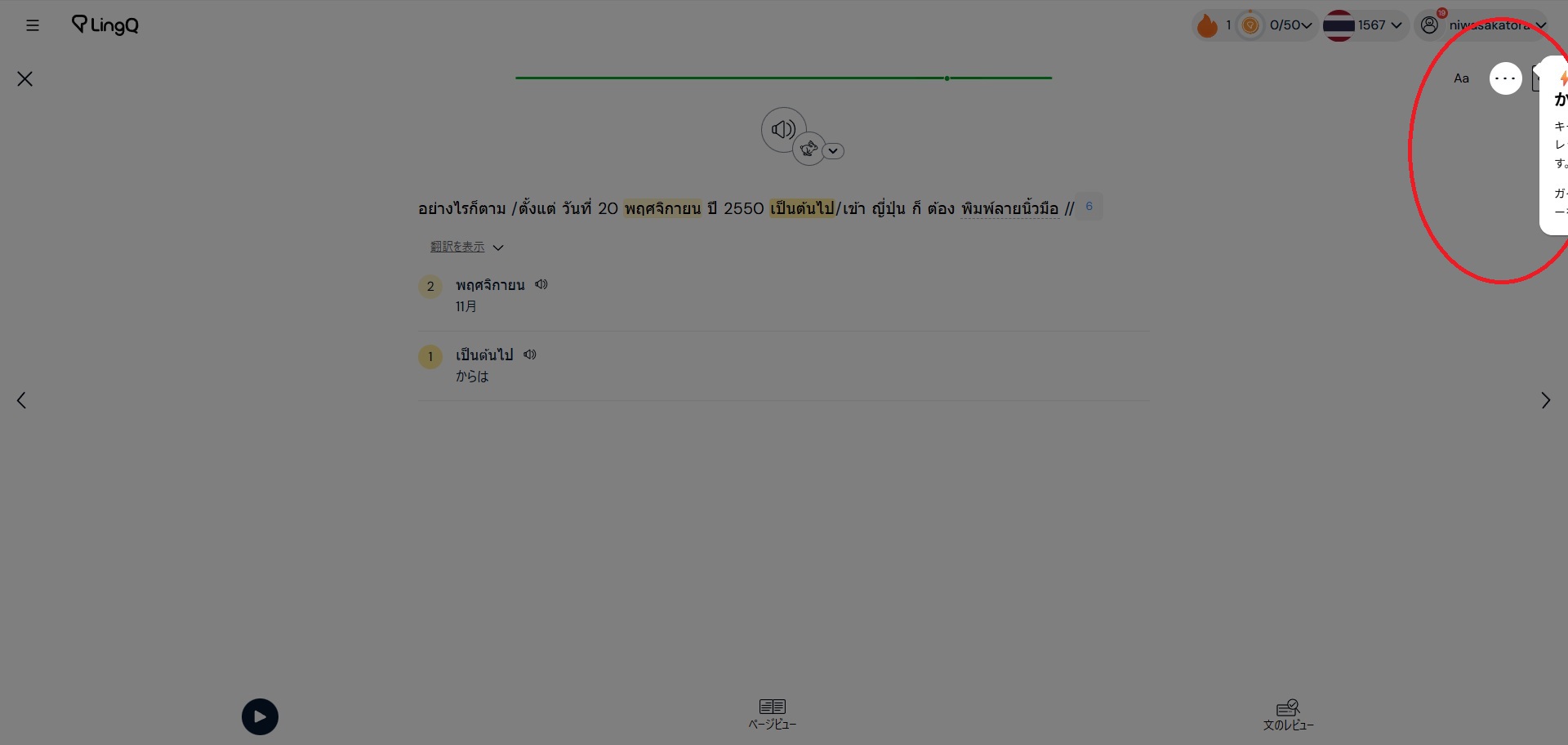
Thanks for posting the pic , Niwasakatora!
thank you. It should be fixed now.
It’s fixed now. Thank you!