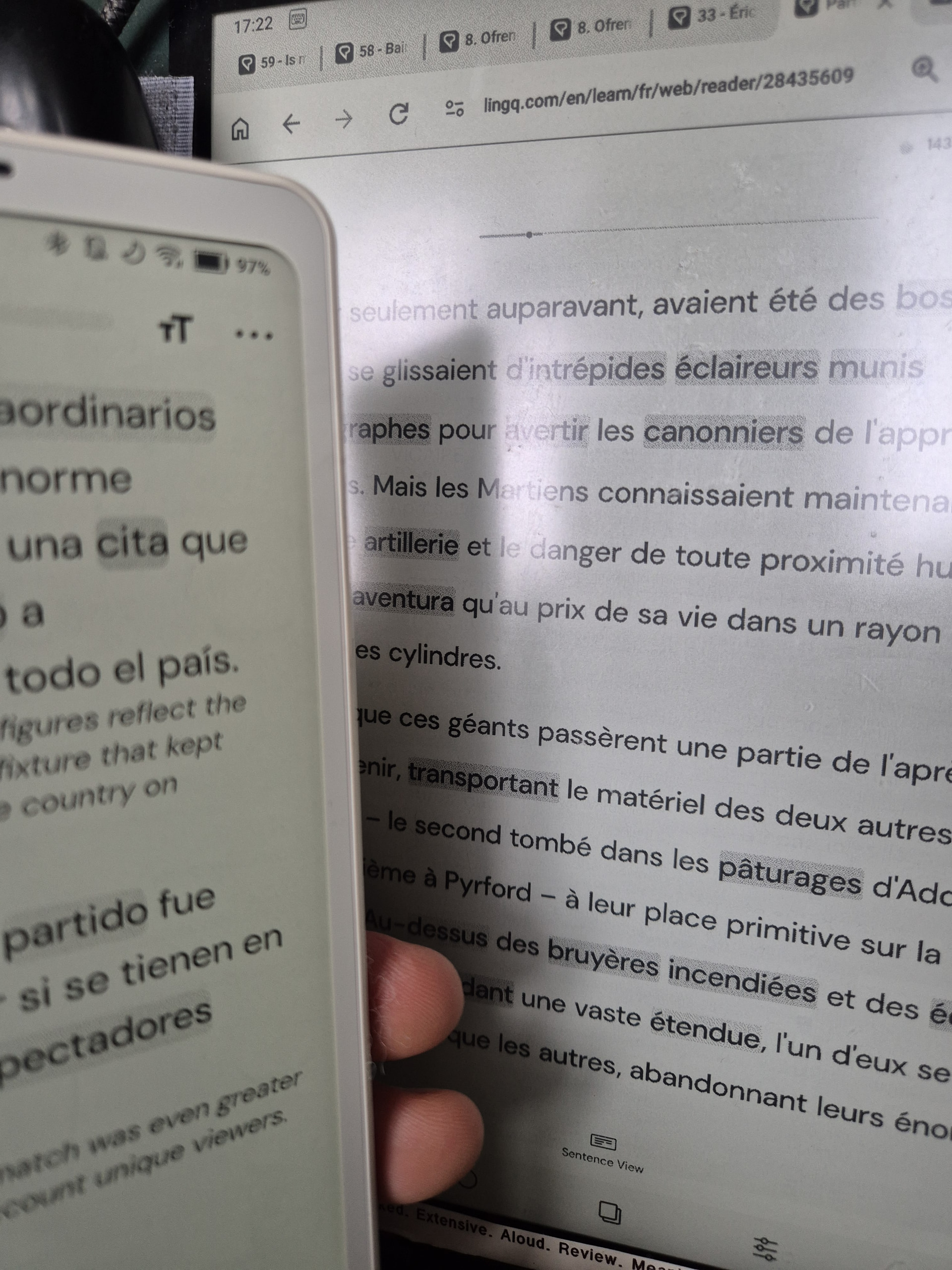
I mainly use Lingq in sentence view. However, when sentences are quite long (or are preceded by irrelevant audio, like music) it would be nice to be able to pause the audio, and then have it pick back up from that point when you press play. From my perspective, it’s unfortunate that when you stop and start the audio in sentence view, it always plays from the beginning. Would it be possible to have a real pause buton in sentence view?
Page view is great for texts for which I know most of the words. But its major problem (for me) is that it does not remember your progress, and restarts at the beginning of the audio if you need to close and reopen the app. Would it be possible for page view to remember where you left off, and just re-join the audio at that point?
Generally, I am very happy with Lingq. These are just small annoyances in the context of what I regard as a very useful learning system.
I’ve never used page view. I need translations. Can the web view show translations as, apparently, the app does?
Lingq is quite a mix of functionality that is useful but available in the app or the web but not both. Settings menus aren’t the same.
Edited: The complete disalignment of the audio and the page on screen makes it awful for a book. I might use it for little lessons.
Showing how different people use LIngq would be a great idea.
What do you mean with complete disalignment? and, does it concern the app or the web version?
There are two views:
The one in which you have to scroll horizontally yourself to the next page (if any), it is accompanied by a subtle underlining of the part of the text which is spoken. (default setting, can be changed). This is the view where you can click on words, make LingQ’s, and the words are colored etc.
Then there is the view where the line of spoken text becomes bold when spoken, here the view will scroll automatically vertically in sync with the audio.
I experience no misalignment to any significant degree in both views. Though the first view can appear misaligned if you do not scroll to the right page yourself.
It is very disappointing to me that the software, while knowing where the “right page is”, won’t give me any indication of where it is, and just sits there watching me scroll around looking for it, wondering once again if the underlined sentence is even underlined while the audio is paused.
The entire exercise of randomly scrolling around trying to find the current point of the audio in a long text seems quite inefficient, when the software actually knows the exact answer–it just refuses to take me there or even tell me where it is or which direction it is from the page I am currently showing.
“complete disalignment of the audio and the page on screen”
They align if you start at the beginning of a lesson and turn the page at the right time. Dozens of pages in, if you get out of sync, you can end up not being sure if you should be going forward or backwards.
If you restart after a break, I think the audio starts again. Actually I’ve just seen that there is a slider.
So I can paginate one page at a time and the slide moves the audio by unclear but big amounts.
The sentence and whole lesson audio were playing at the same time.
I have lessons with a huge number of pages.
It’s easy to get out of alignment and hard to realign it.
I want a low frustration way to learn a language; I accept some of the gaps with Lingq but prefter to use text sentence mode rather than the page mode or video bits that I dont’ think work well enough.