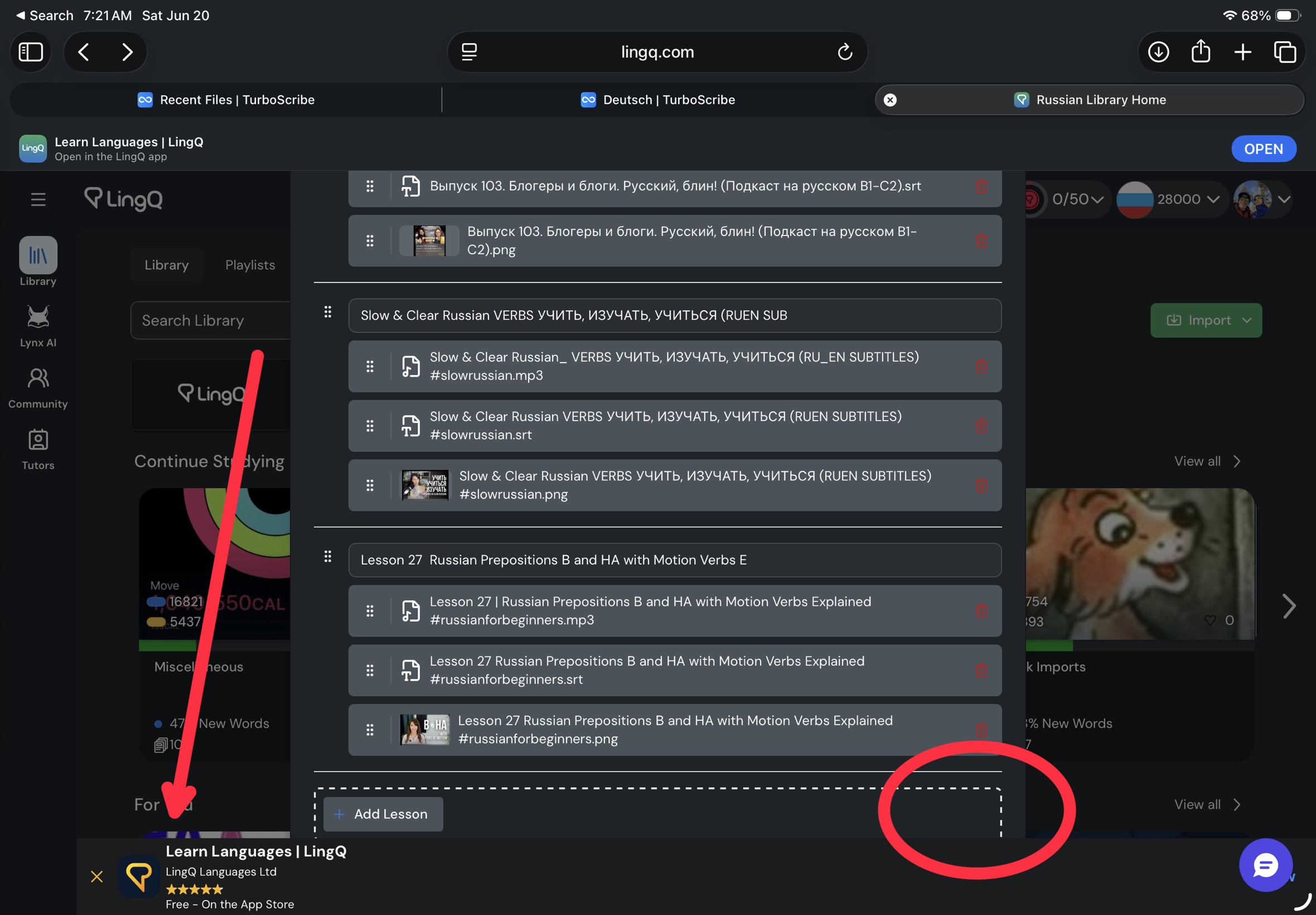
I use my iPad most of the time to create new lessons in Lingq. Why nag me to use the mobile app, if you don’t provide the same features there? Do correct me if I’m wrong, but I don’t see how to batch import lessons into Lingq in the iOS app. I don’t see an import button there period. Yes, I can share an article with Lingq, but that’s just for a single file.
Furthermore, I went to all the trouble to set up a batch import, but could not click the import button, because the web app was nagging me to open up the mobile app. I dismissed that prompt, BUT that caused the import I’d carefully arranged to disappear. So, I had to start over,