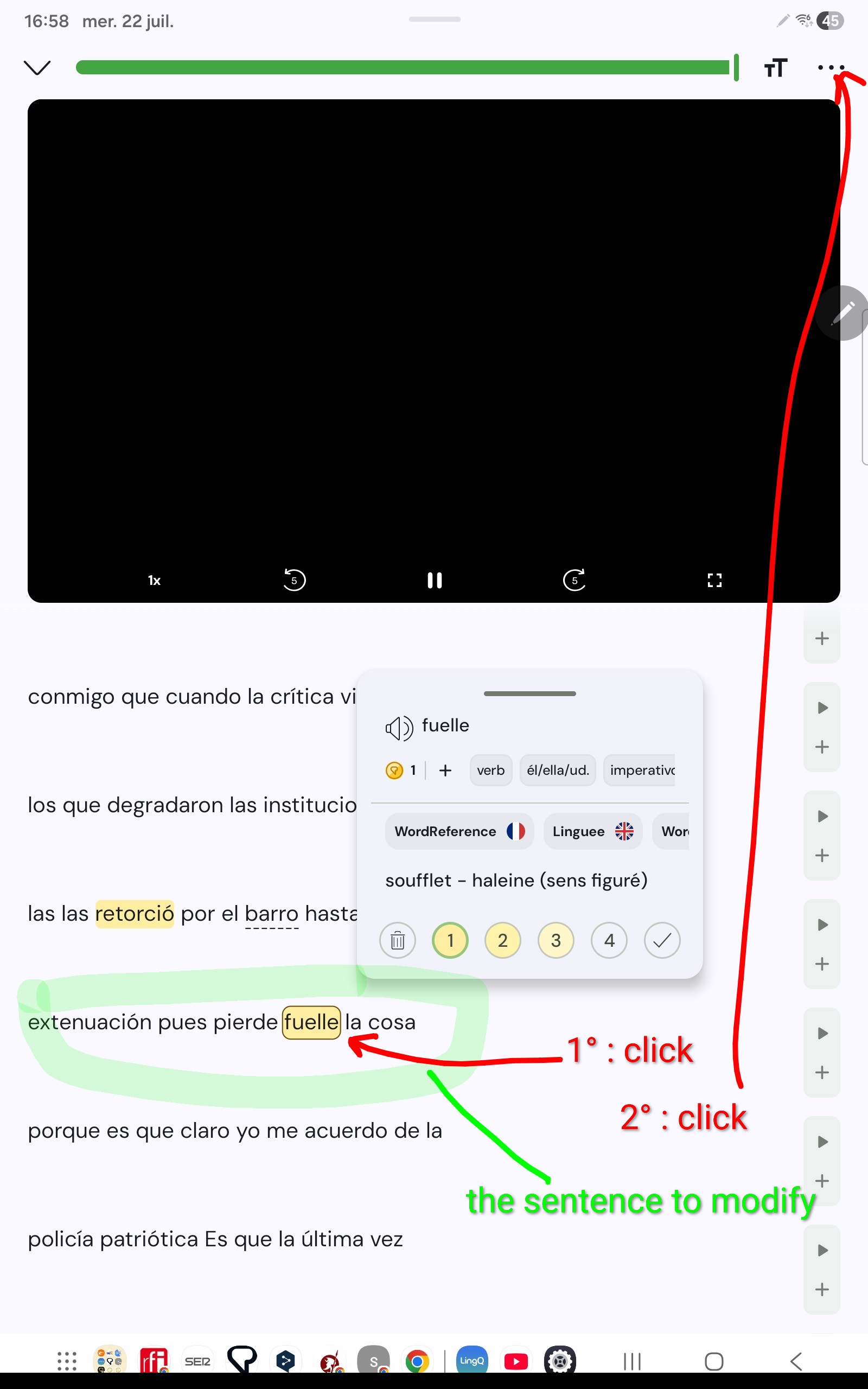
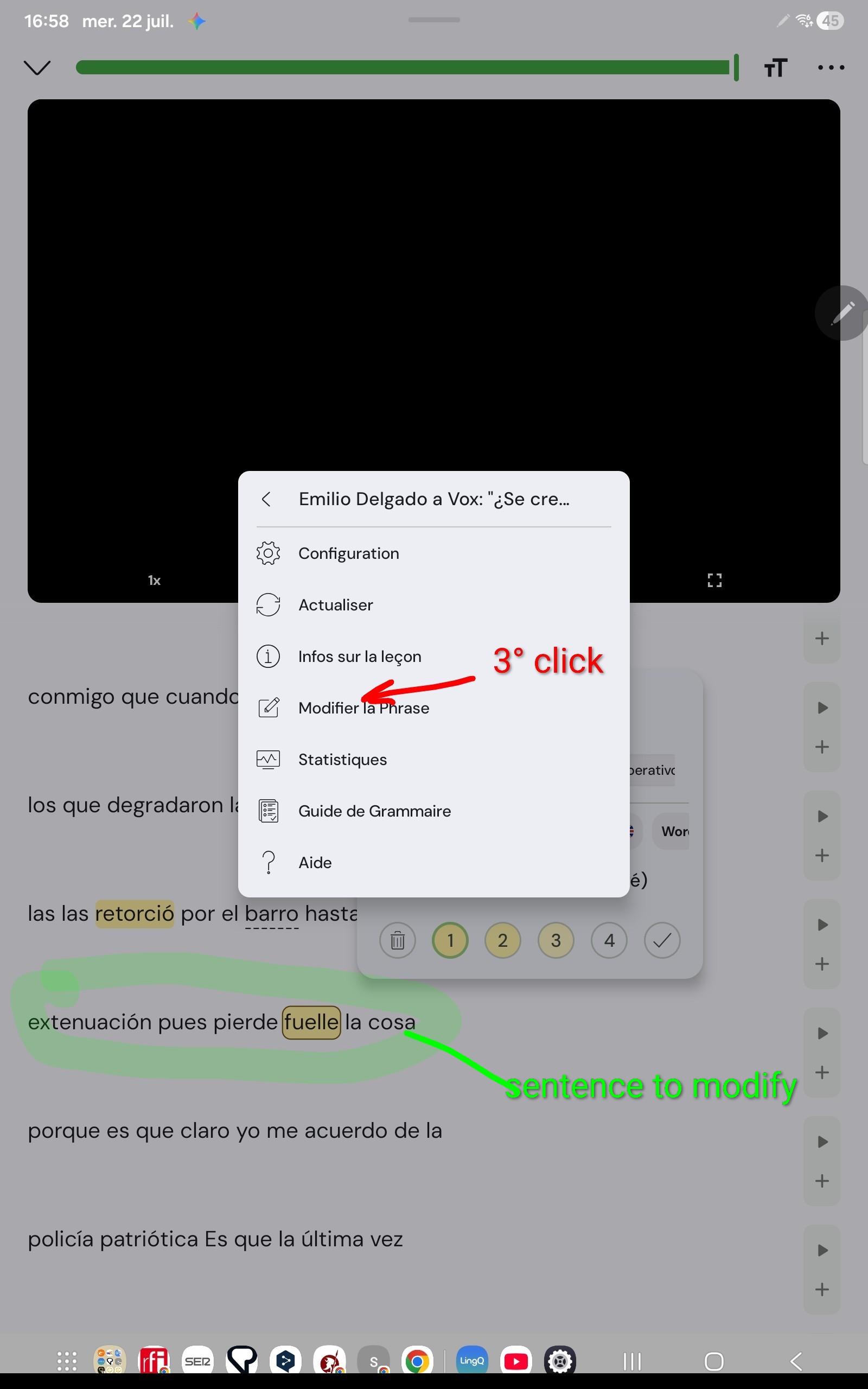
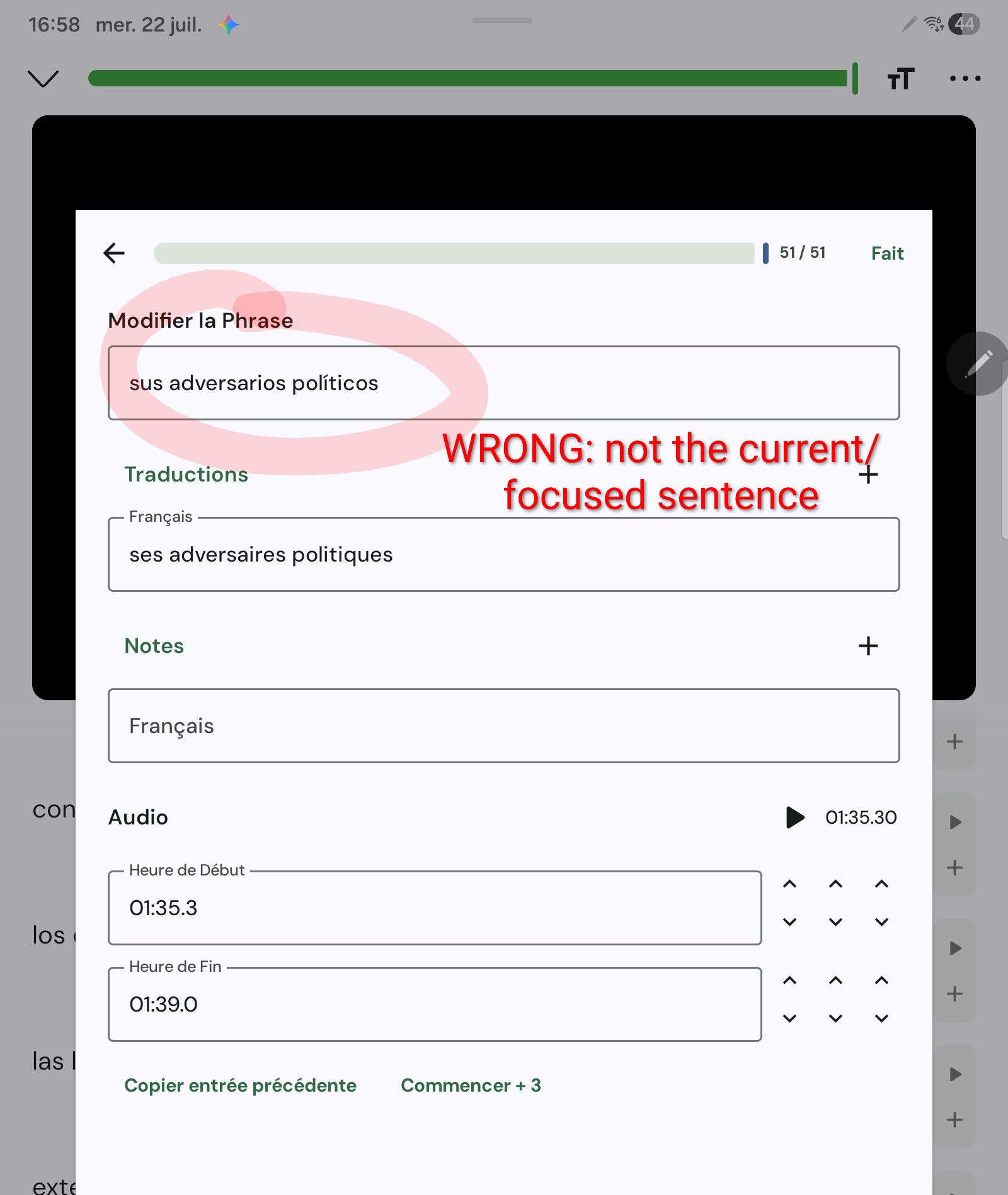
In the web browser, when “paging moves to known is enabled” and you have a sentence with blue words prior to the sentence you want to modify, switching to page view will cause the reader to switch to the first sentence with a blue word in it instead of the currently selected one. Maybe the issue you run into is caused by the same behaviour?
Sidenote: In the web version there is no direct way to modify a sentence but to switch to page view first. Personally I actually gave up on making corrections inside LingQ, as it takes ages. If the text I want to import has tons of errors, I run it through ChatGPT first. I hope the reader update that they are talking about will allow to make such modifications more efficiently.