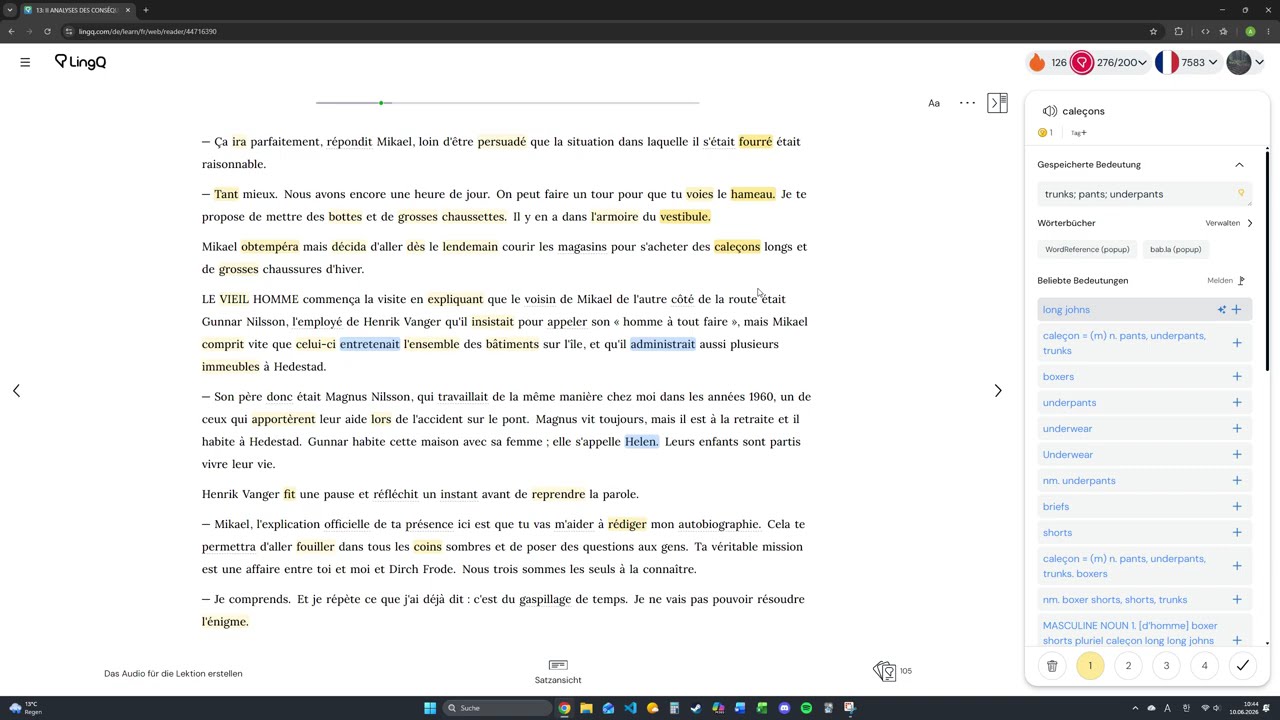
Recently, I’ve been facing a continuous problem with LingQs and blue words. The idea is that everything works fine for some period of time, but then, suddently, both lingqs and new words stop working. I mean when I click on them and manually try to delete or mark them as known words, then I notice that words counter works fine (increases / decreases), but the color of both LingQs and new words persists and I can’t change it, so I usually just ignore this or refresh the page.
Sometimes, it gets even worse when I click on one word, but it opens another word to the left of it with the wrong color (current word is marked as a known word and the one to the left as blue / yellow word, although it should be vice versa)
Within last week it happened quite a few times and it makes learning much less enjoyable
Problem doesn’t depend on language type because It can happen anywhere
I didn’t take any screenshots, but if necessary, I can take a few whenever it happens again.