The script opens, but it doesn’t work. It’s normal to just start installing.

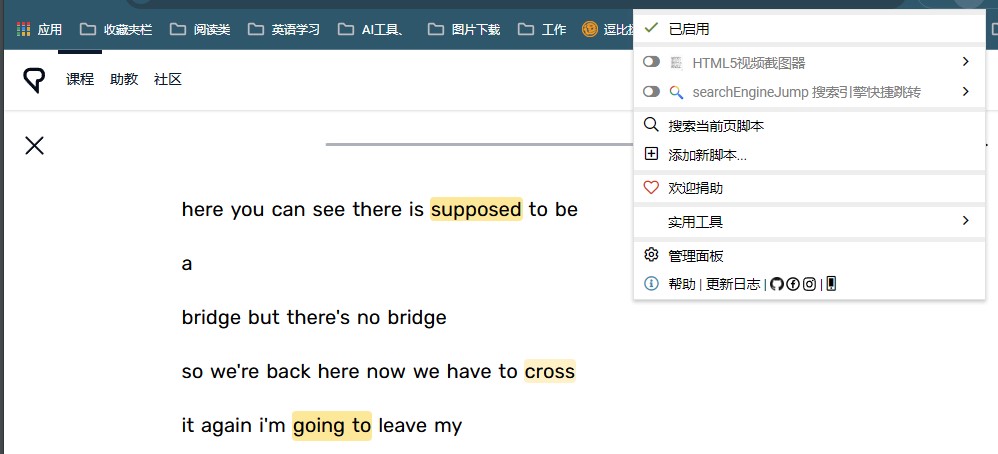
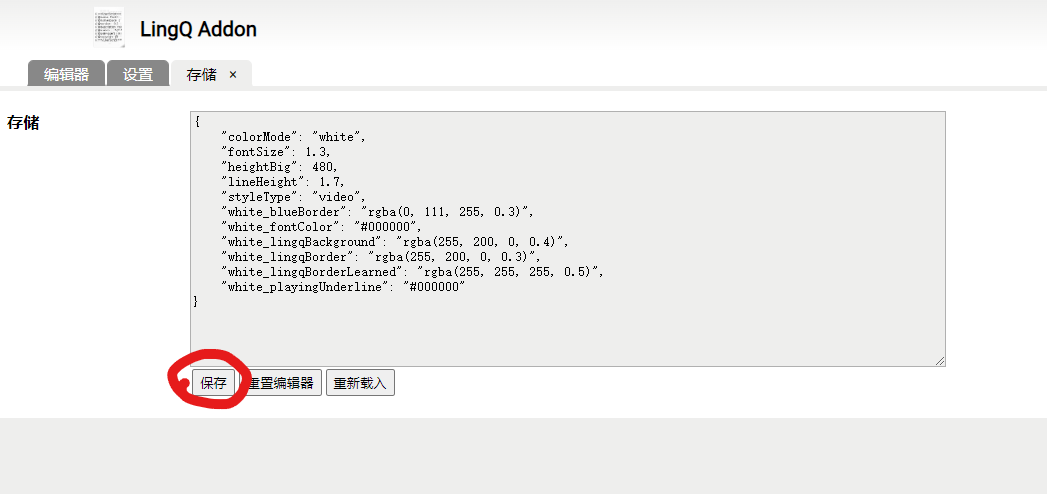
I use the script editor, and after changing it, it doesn’t work, and I have to go here and click save the script to continue running.
I don’t know why it doesn’t work. Let me know the URL of the LingQ lesson you use. The script should appear on the page.
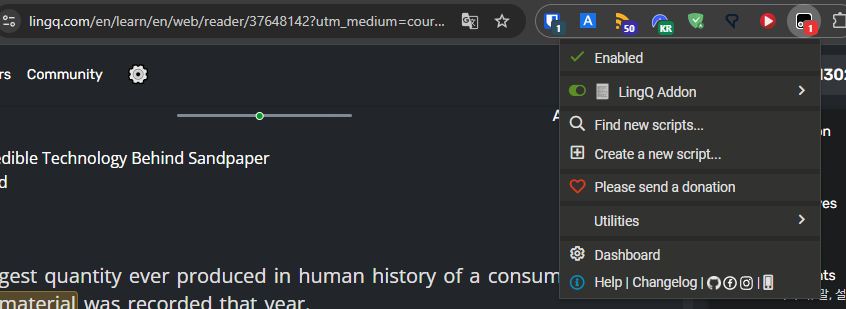
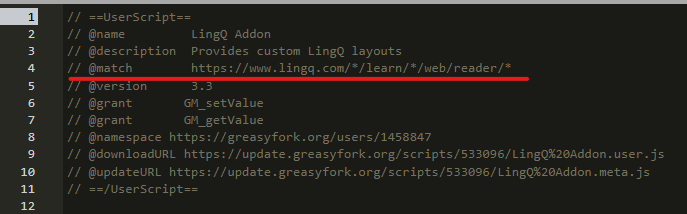


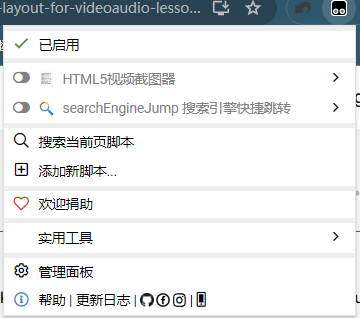

Let me see if the Tampermonkey beta version works
I recommend you reinstall the extension.
For me, it works nicely without any changes to settings.
Chrome + Tampermoney Version 5.3.3
Hey! Thanks for making this, but I have to say after installing this I have opened a video lesson in which I had over 500 new words and upon quitting it, it marked all words as known which is a big no no so I have uninstalled this then. Great idea but I am afraid I can’t use if it will decide for me which words I know
1 Like
When you use the default LingQ reader, the next page button will mark all the new words in the page as known words.
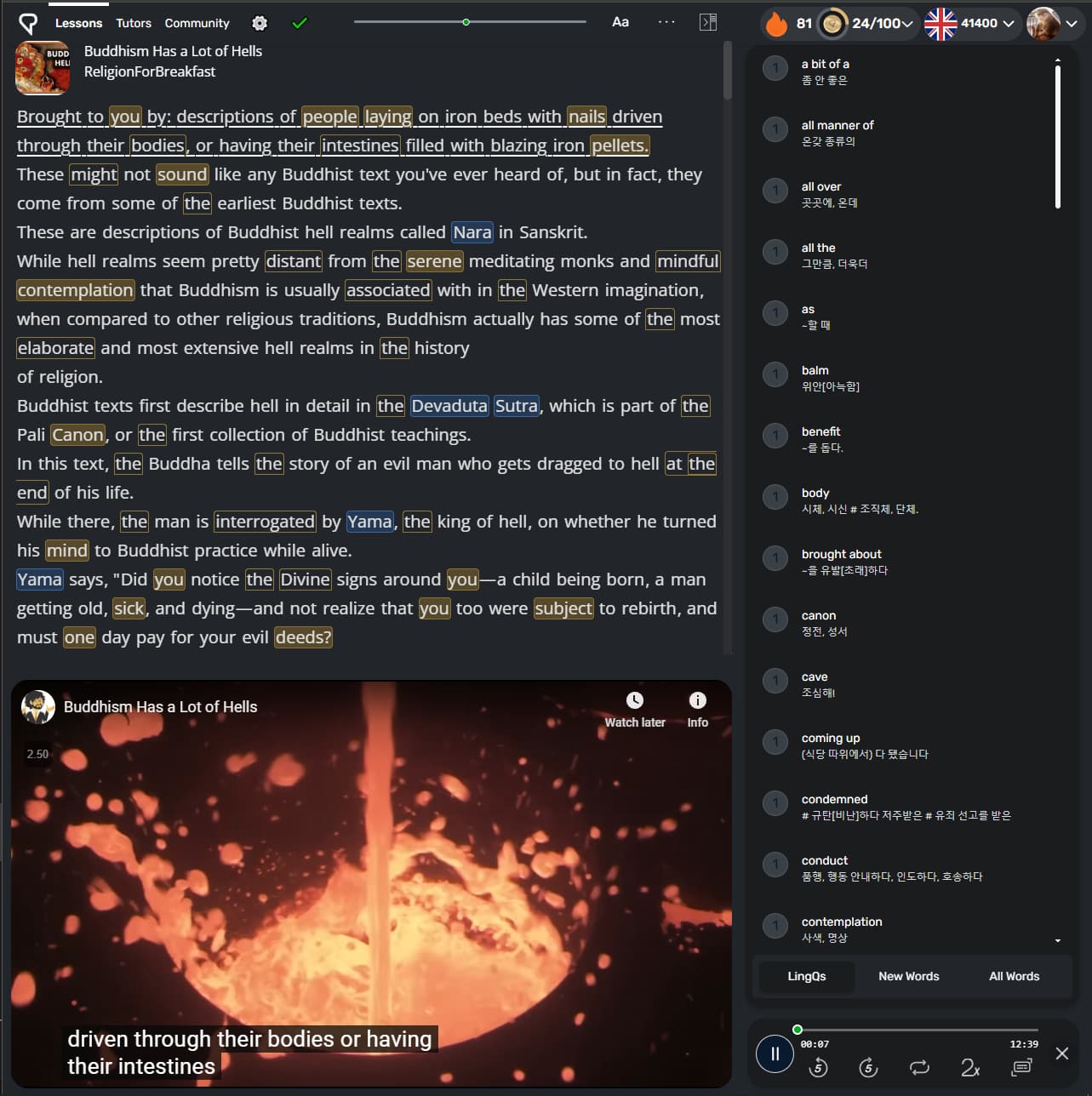
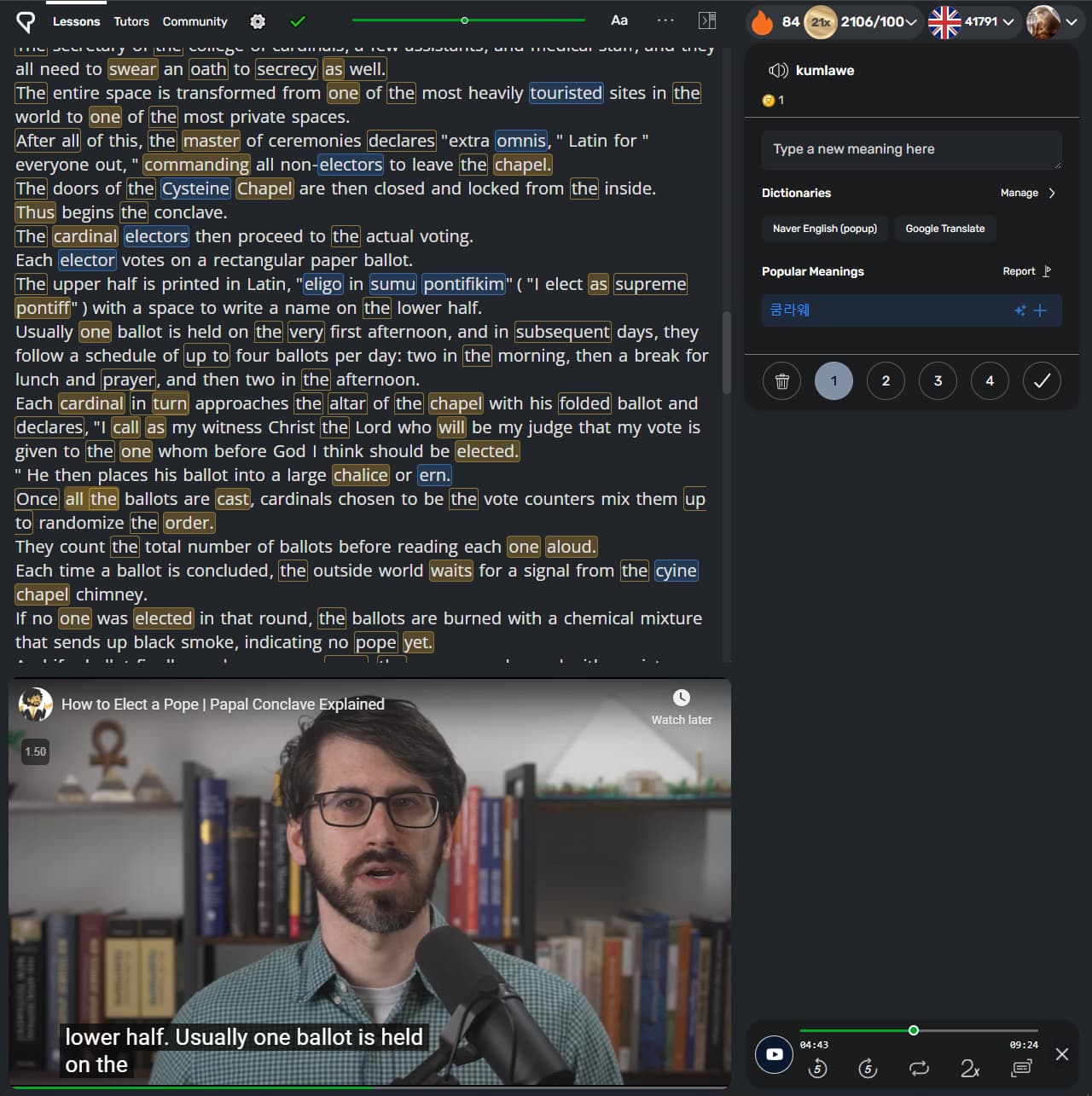
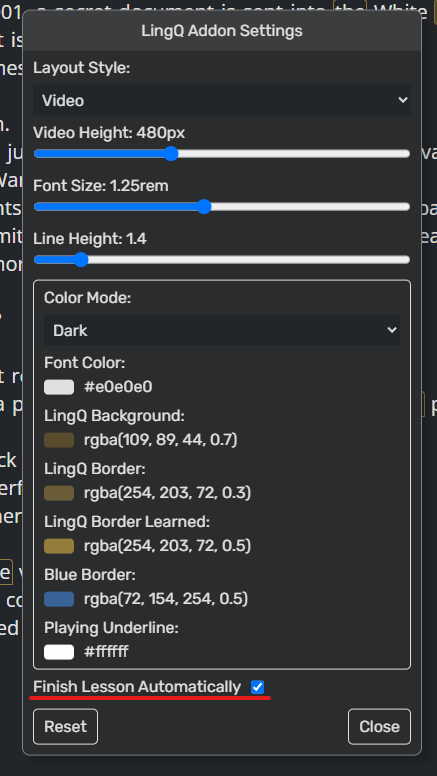
In my layout, every page in the original reader is displayed on a single page with a scroll bar. So, if you click the complete lesson, the lesson is finished, and all blue words are changed to the known words. It is an intended design. If you don’t like this, turn off the related setting in the LingQ settings page or just do not use this script.
Thank you! It makes total sense yeah as it was the setting I prefer to use most of the time and didn’t realise at first it was single page so I guess I attempted to click to next page and instead finished the whole lesson by accident! Thanks, I will definitely give it another try
This is a bad bug in the actual lingq page arrows, that they have known about for years and they for some reason do not want to fix.
It is showing captions in the wrong language and the caption controls appear to be hidden so I can’t fix it–does this sound familiar at all?
Show me the screen shot
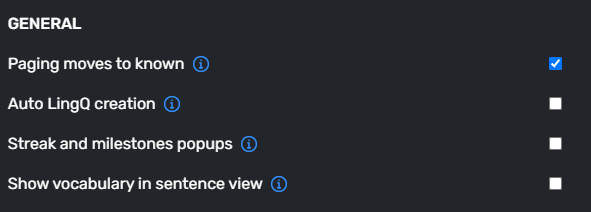
This is the explanation of the “General > Paging moves to known” option
This feature makes all blue words from the current page into known words when you move to the next page. Disabling this function delays this action to the end of the lesson and only moves blue words to known when you complete the lesson.
I don’t think it is a bug. You can turn off the option if you don’t like it.
1 Like
1 Like
Patch Note
-
1.3: Article is displayed on a single page.
-
1.4: Now the sentence playing is located at the center of the screen. You don’t need to scrol acording to the playing video.
-
1.5: Provide new hotkeys: Move the cursor to the reference input (`), Open Dictionary (d or f), Open Translator (t), and Copy selected text (c)
-
1.6: Now, LingQ uses “youtube.com” player, not “youtube-nocookie.com 1”. Some code is updated for that change.
-
2.3 Provide three layout options: Video, Video(wide), Audio, off.
-
2.4: Provide video(wide) layout options
-
2.6: Fixed some hotkeys-related glitches.
-
2.7: Added a toggle for dark/white background theme.
-
2.8: The video player in the “off” setting is resizable and movable. Removed the “course sorting”
-
2.9: The video player is automatically expanded.
-
2.10: Whenever you change the dark/white theme setting, LingQ’s theme also changes automatically.
-
3.0: You can set the options according to your preference in the options pop-up.
-
3.1: Changed the location of the reset button. Fix some unit-related problems.
-
3.2: Changed color pickers and default values.
-
3.3: Changed video layout and unit of scroll bars. Updated some trivial UI elements.
-
3.4: Added the complete lesson button.
-
3.5: Added the sentence mode video size setting.
-
3.6: Refactored the code. Fixed a bug related to the sentence view.
-
3.7: Updated header-related UI elements. Fixed the scroll-related issue
-
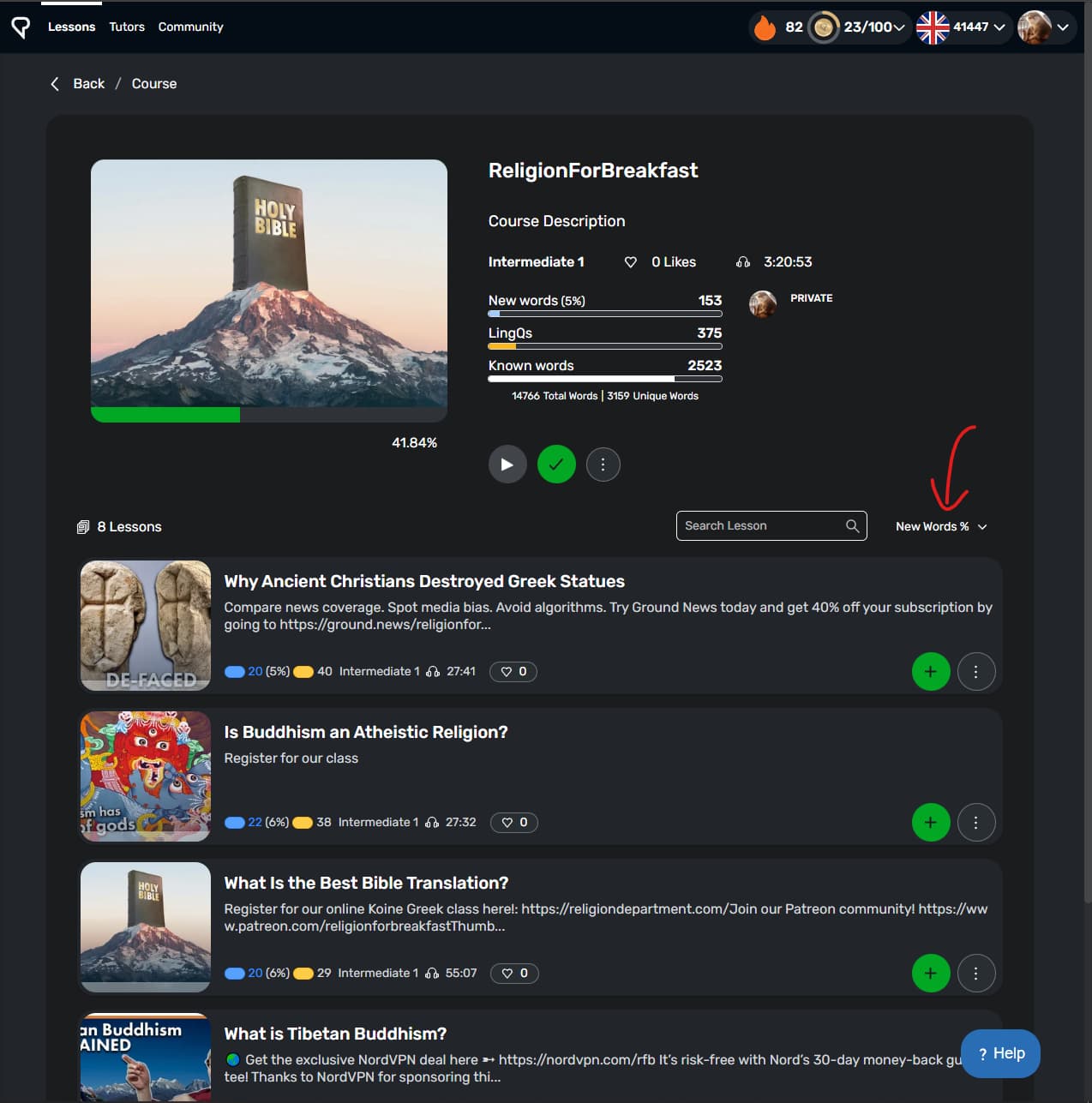
3.8: The lesson sort option is maintained
-
3.9: Added a progress bar under the video.
-
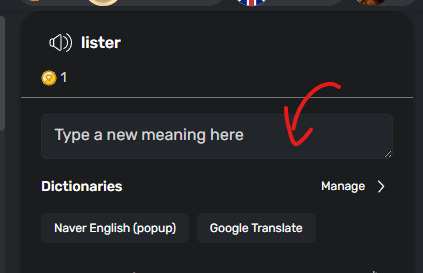
3.10: Fixed the glitch that the Enter key doesn’t work sometimes when typing the meaning of a word.
-
3.11: The lesson is finished automatically when the video/audio ends.
-
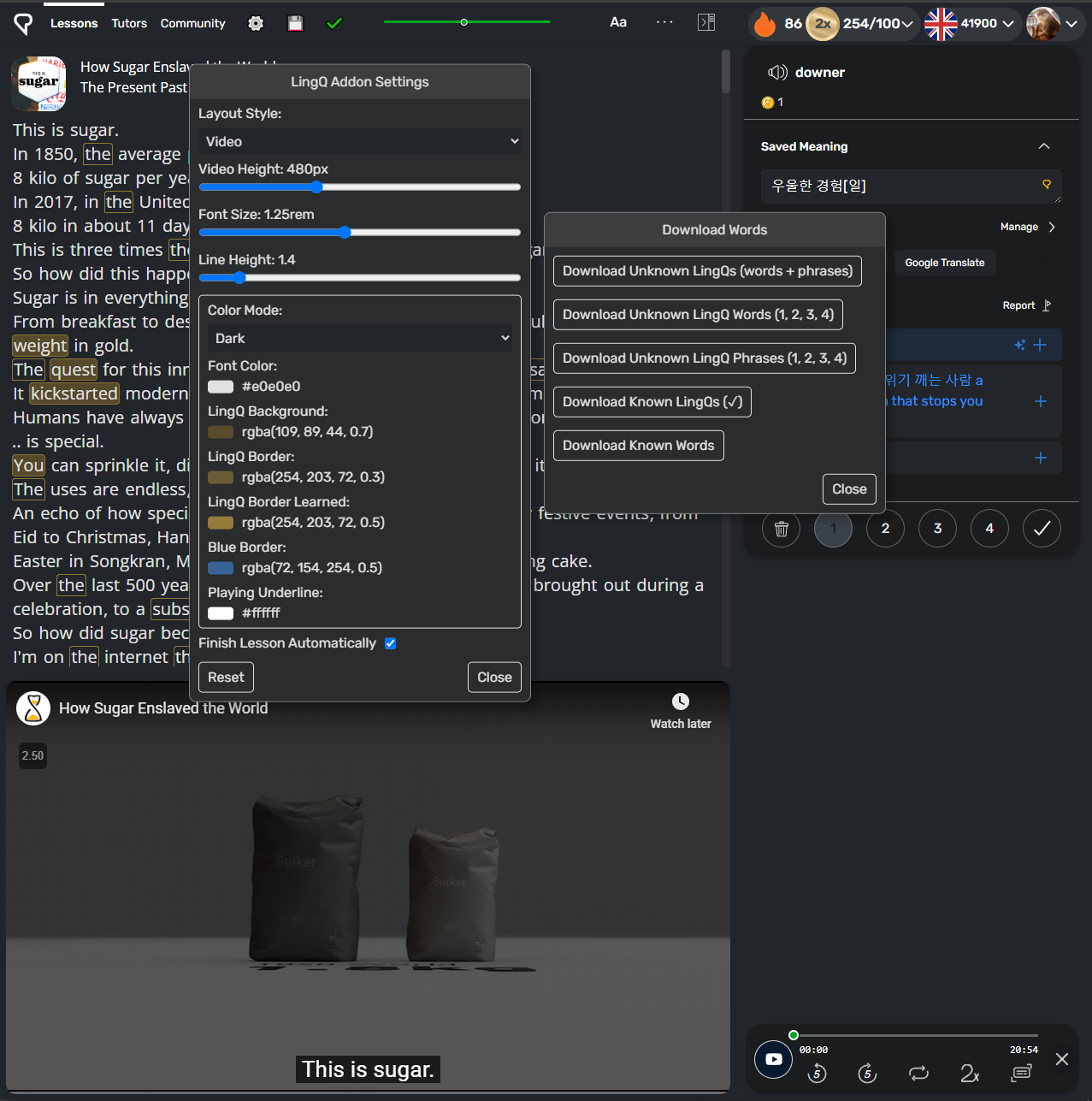
4.0: Added the download words popup. You can download every known word.
-
4.1: You can download every known/unknown word/LingQs.
Screenshots
Setting page
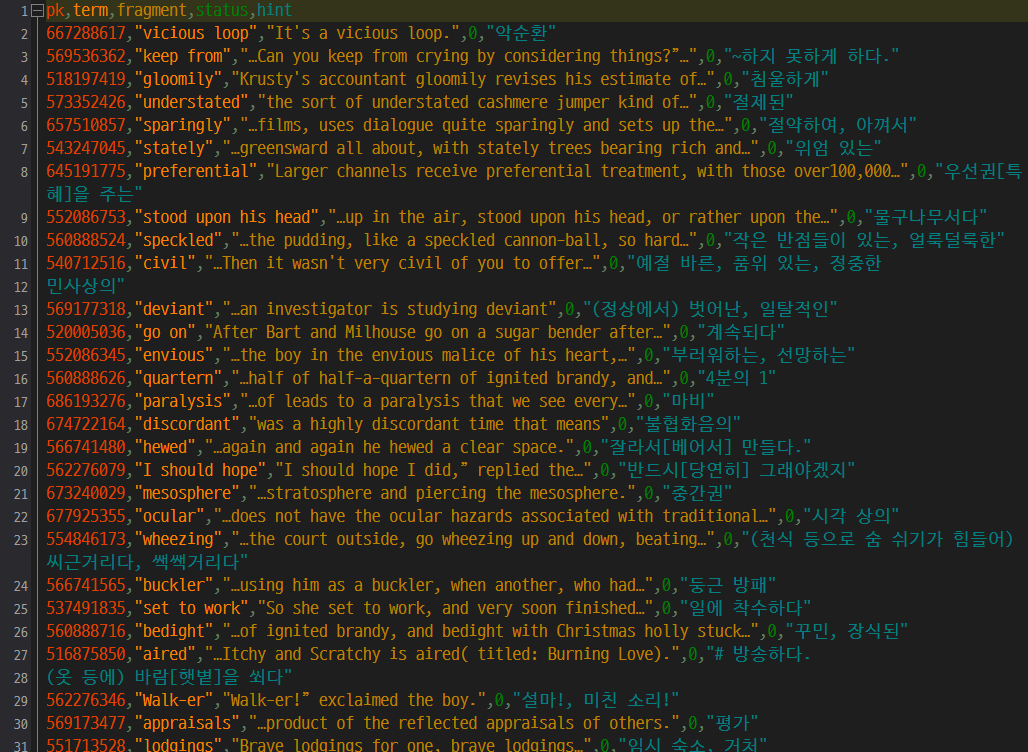
Downloaded LingQs
You can install the extension from here:
If it was helpful to you, you can

The setting window worked fine in version 3.11.3, but after updating to 4.0, clicking the settings button does not bring up the settings window.