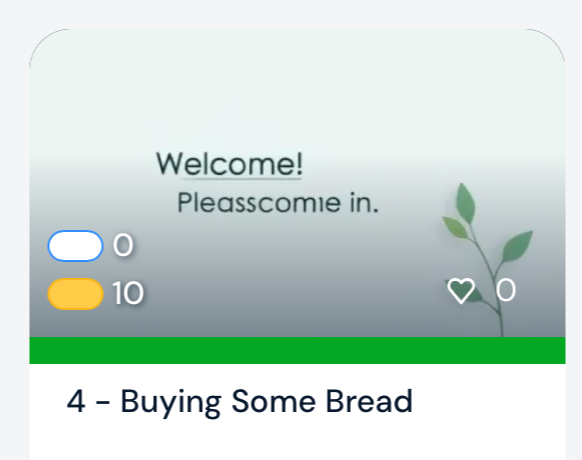
There are two relatively recent display changes I would like to bring up.
One is the AI image generation for imported lessons that are ostensibly related to the topic of the lesson. Can I change the default to have the lesson image be the same as the course image? I don’t like these AI images.
Below is the AI image for a podcast/lesson about tennis. The image has nothing to do with the subject and I don’t want it as the default. I realise I can change the lesson images manually, but I’m a big importer and manual image changing just wastes time I should be spending on the lesson instead.
The second is the lesson list within a course on desktop (specifically for Safari/MacOS). If the width of the Safari window is not full screen, the image is zoomed, stretched and blurred.
Please, could we at the least be given the opportunity to add our own choice of image when making a new lesson?
It would also be much more convenient to be able the save the lesson, with an appropriate image, without the lesson opening automatically.
In the example below, I want to read lesson 0074 next rather than lesson 0083. This book will have about 150 lessons. I would like to import them in order, each with the course image and to read them in the same order that they occur in the book.
It may be noted that these look-alike images are also appearing on member-available lessons in LingQ. A screenshot demonstrating these points appears below.
Thanks for your feedback here. At the moment AI images are added by default and it can’t be changed. But I will pass your suggestions to our development team.
Hi, this is really inconvenient, so I’m would rather not import new lessons when I need to spend the extra time to manually reset the image. Any idea on when this will be changed from being default? Thanks.