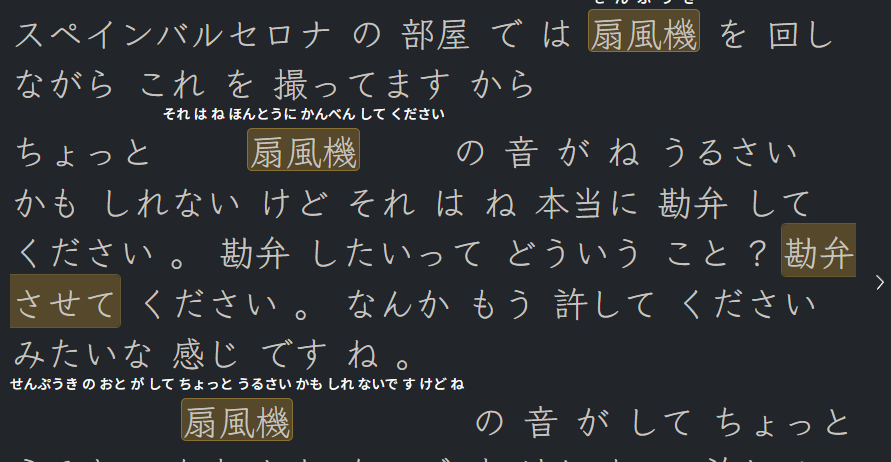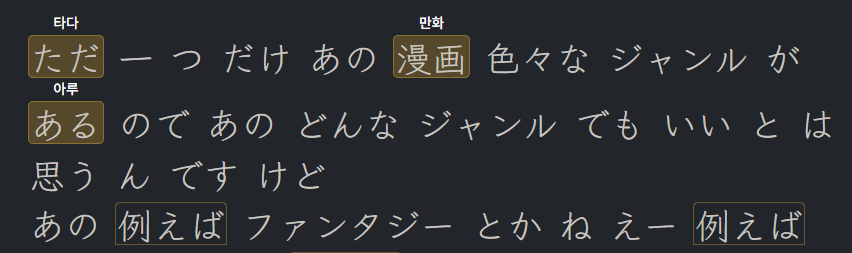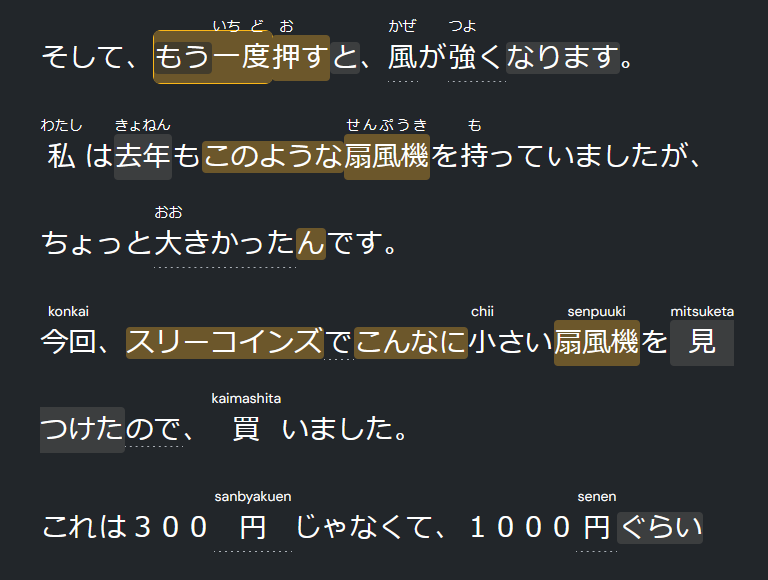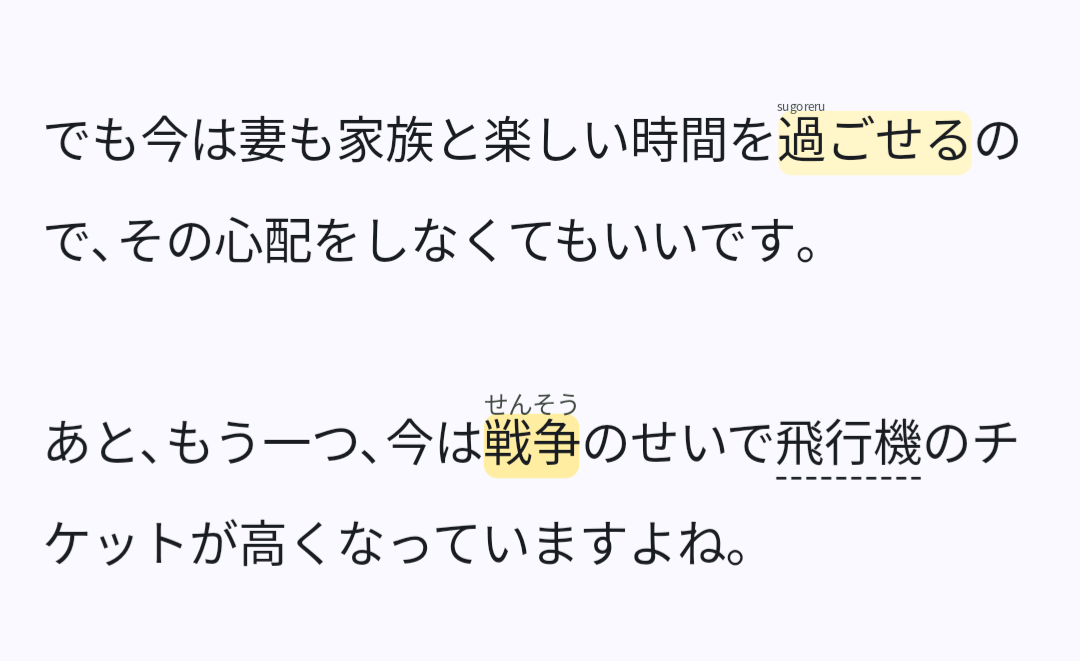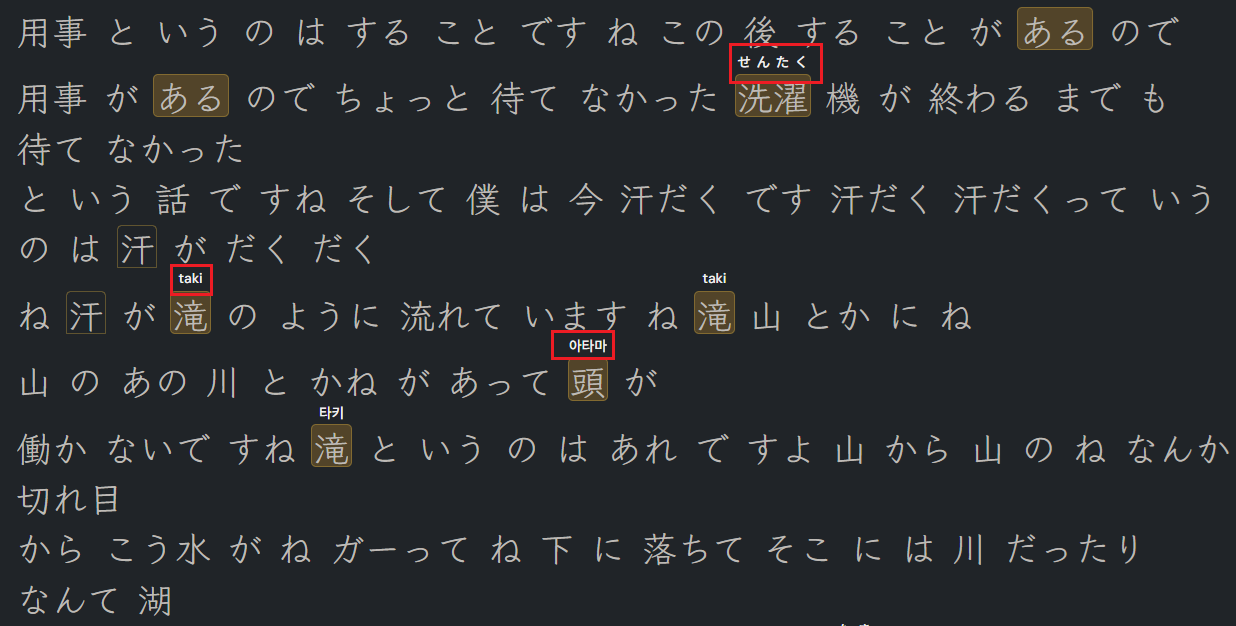
From a few hours ago, the transliteration for Japanese content is broken.
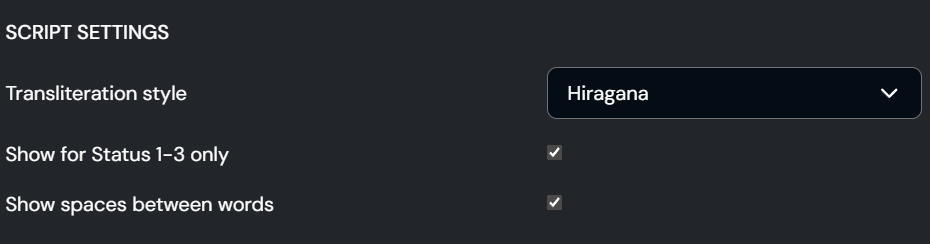
- I didn’t change any setting.
- Transliteration is displayed in three different languages: Korean, English, Japanese (my original setting).
Hi @vet8t6z79pc4; I am still new to using LingQ for learning Japanese (51 days). But I have seen this happen before. I may be wrong, but it does appear to depend on the source material. The transliteration is what was uploaded from source, and not what LingQ has inserted.
If I am wrong on this, it would be good to hear of others experiences. Enoshima.
The source material doesn’t have any transliteration in that. I think the transliterations (hiragana, romaji) are generated by LingQ.
I’ve been using LingQ for Japanese for about 200 days and haven’t encountered a problem like this before. So, I suspect it is the result of a recent update. 
This started happening to me as well. I didn’t change any settings, so they just changed on their own. For me, the transliterations changed from hiragana to romaji–but not all of them; a few transliterations still show as hiragana. Changing the settings back and forth and off-on doesn’t help. This is happening on both my computer’s browser and on the iPhone app.
Same for me. It’s broken. Random romaji, random Korean signs, random katakana.
I tired to make a forum post about this yesterday and my post still hasn’t been approved. I’m having the exact same problems - it doesn’t matter what setting is chosen, I get both romaji and hiragana mixed furigana and transliteration. I’ve also tried reimporting lessons but it doesn’t do help.
Thanks everyone, we are looking into this.
Hello @vet8t6z79pc4 I checked few old and new lessons - and cannot reproduce it. Could you please provide a lesson to check?