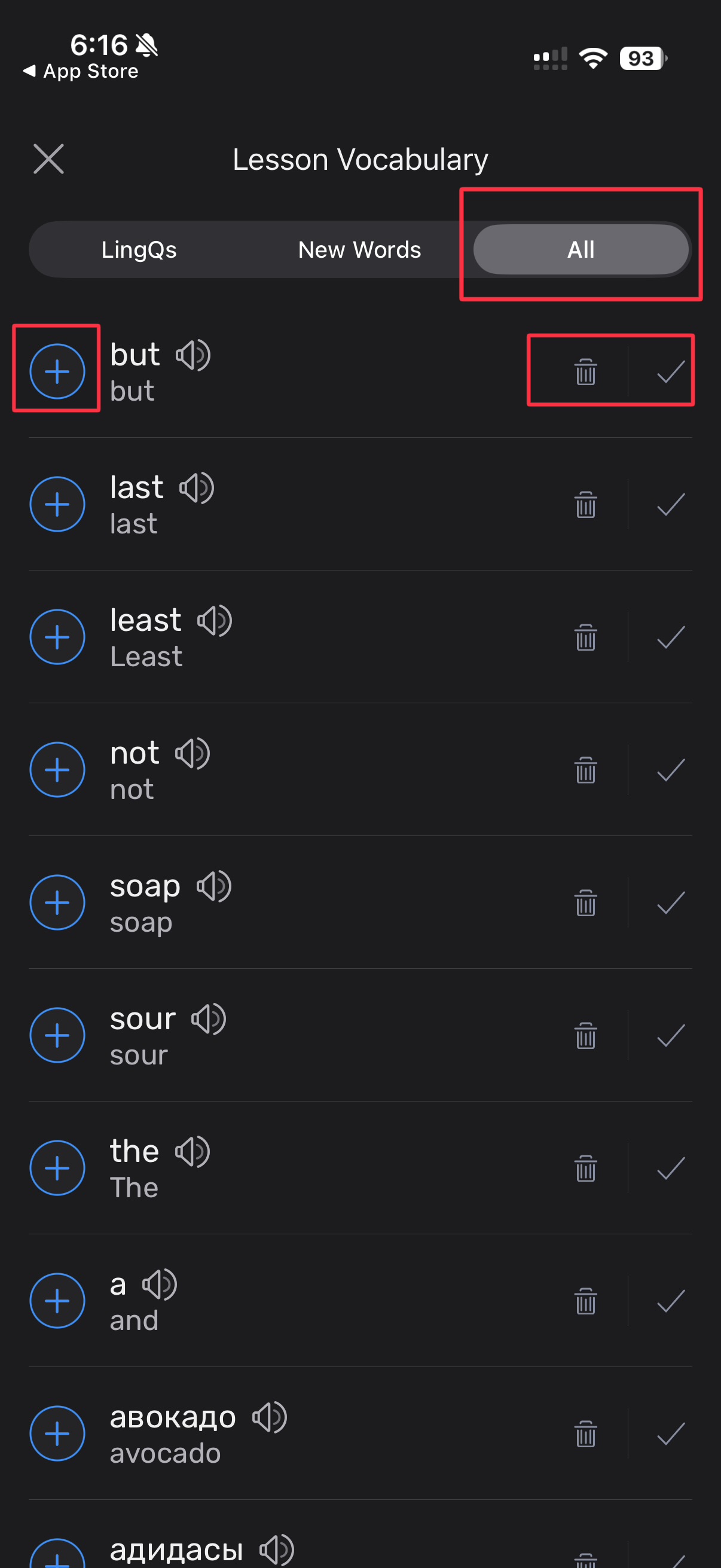
In the “All” filter for the vocabulary list in the iOS/iPadOS Lingq, the ignore and known buttons don’t work at all. The add or known level buttons does not function properly.
Thanks, we will look into this.
@vernmartin thank you for reporting. As I can see, it still works, you can check that this word will not be present on the ‘New Words’ tab. The issue is in the displaying this changes on the ‘All’ tab. We will work on it.
Which is exactly what I reported.