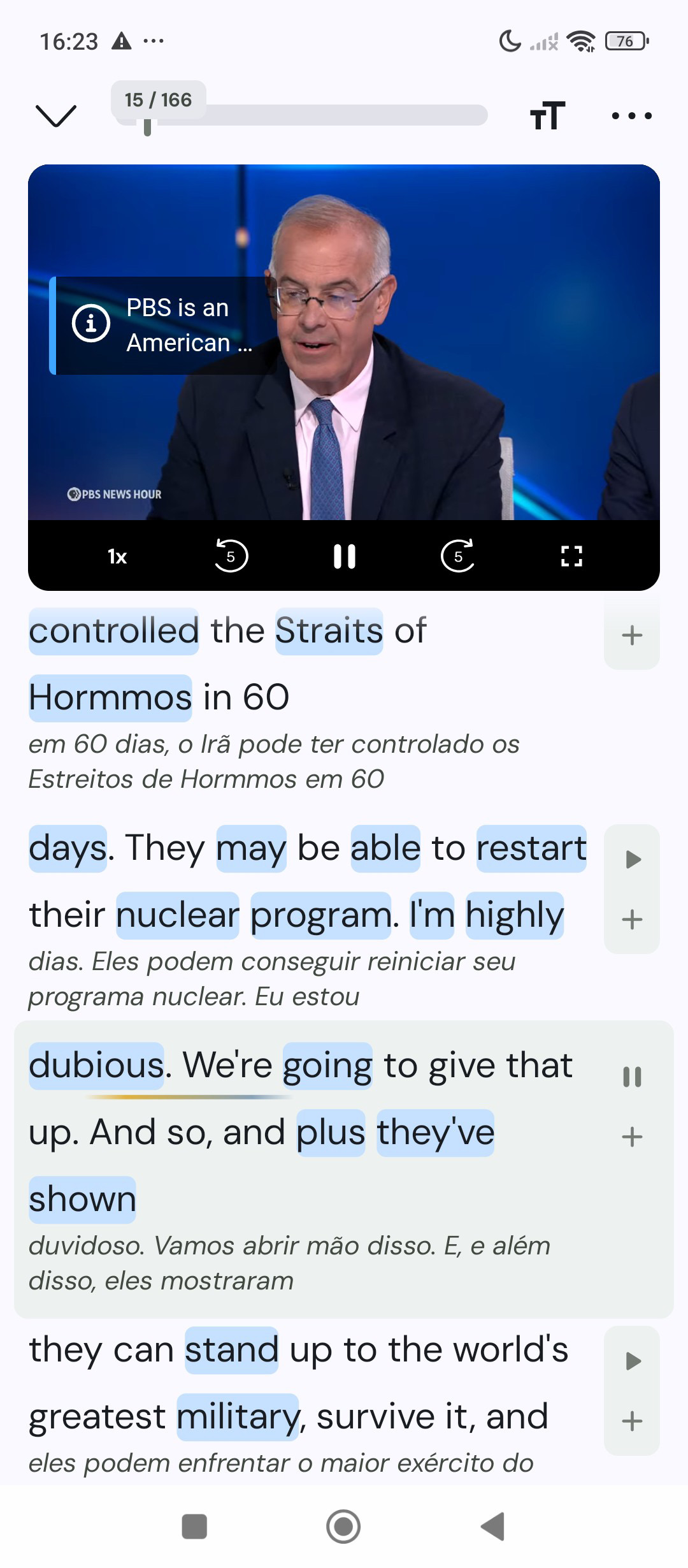
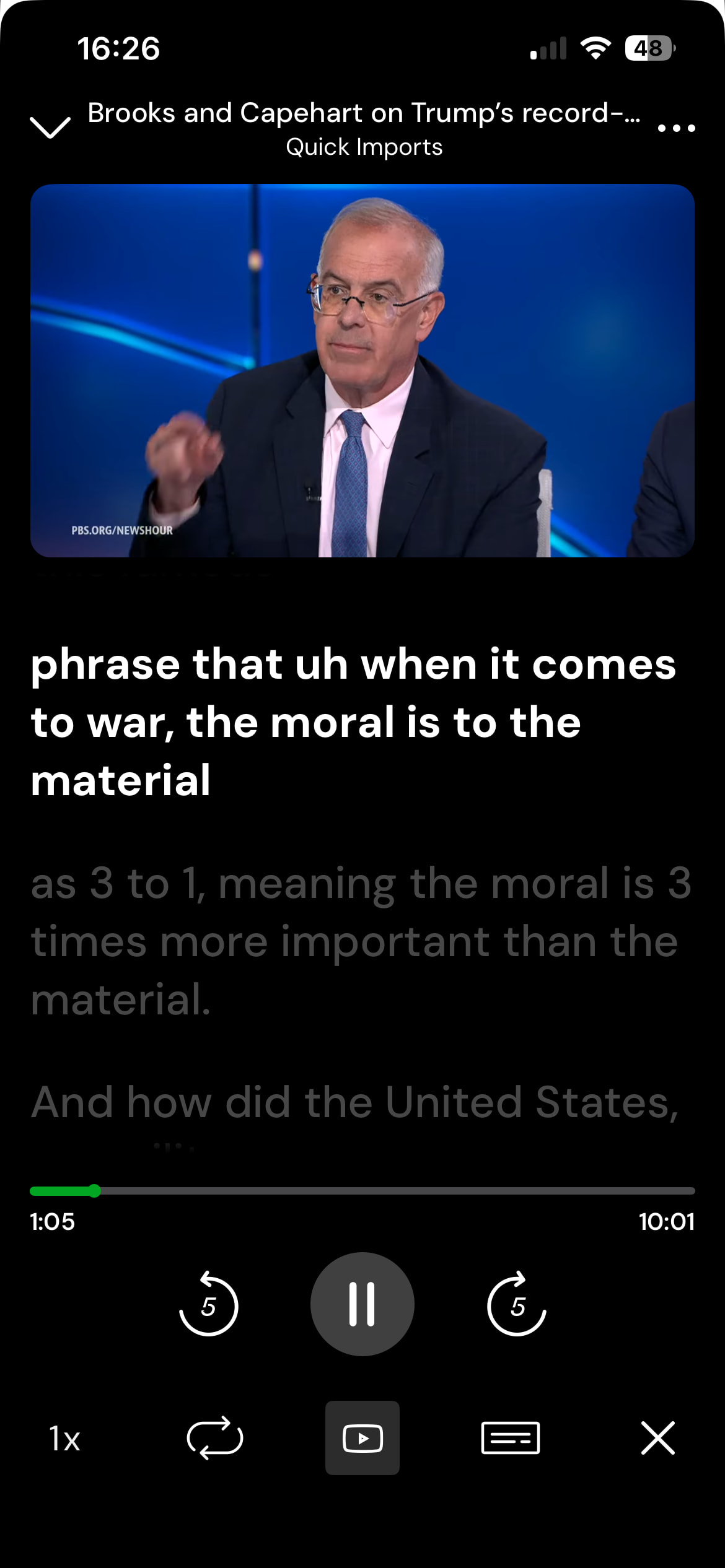
After switching from Android to iPhone, I noticed a significant difference in how the LingQ video player and text interaction work.
On Android, I could watch videos while clicking on words in the transcript to create LingQs seamlessly. However, on iOS, tapping words often triggers video seeking instead of allowing word selection and saving.
Is there any setting on iPhone to replicate the Android behavior more closely? Ideally, I would like to disable the “tap to seek” behavior so I can interact with words while watching the video, as I used to on Android.
Any guidance would be appreciated.