Platform: web and iOS.
Interface language keeps switching to my native/local language.
I open LingQ from https://www.lingq.com/.
Platform: web and iOS.
Interface language keeps switching to my native/local language.
I open LingQ from https://www.lingq.com/.
Are you maybe opening LingQ in browser with direct URL that has interface language code in it?
This URL is …en….el…
The interface is in EN, English. The target language is EL, Greek.
Does changing the first part help you?
No, I open LingQ from https://www.lingq.com/ directly, then it switches to Login - LingQ automatically. Even if I change /pl to /en it works only in the current session. When I open a new tab, the interface is again in my local language.
It definitely sounds like you are opening the URL with PL language code for the interface. Make sure to change it to EN and that will fix the problem.
I’m not, unfortunately.
What’s more, when I switch the study language (for example, from DE to RU), the interface automatically changes from EN back to my local language again.
Finally, when I go to Settings and try to change the interface language, I select English, the page reloads, but nothing actually changes. It stays in Polish. So even when I manually switch it in the settings (not via the URL), it still doesn’t update the interface language.
Could you please look into this?
I confirm I have seen similar issues.
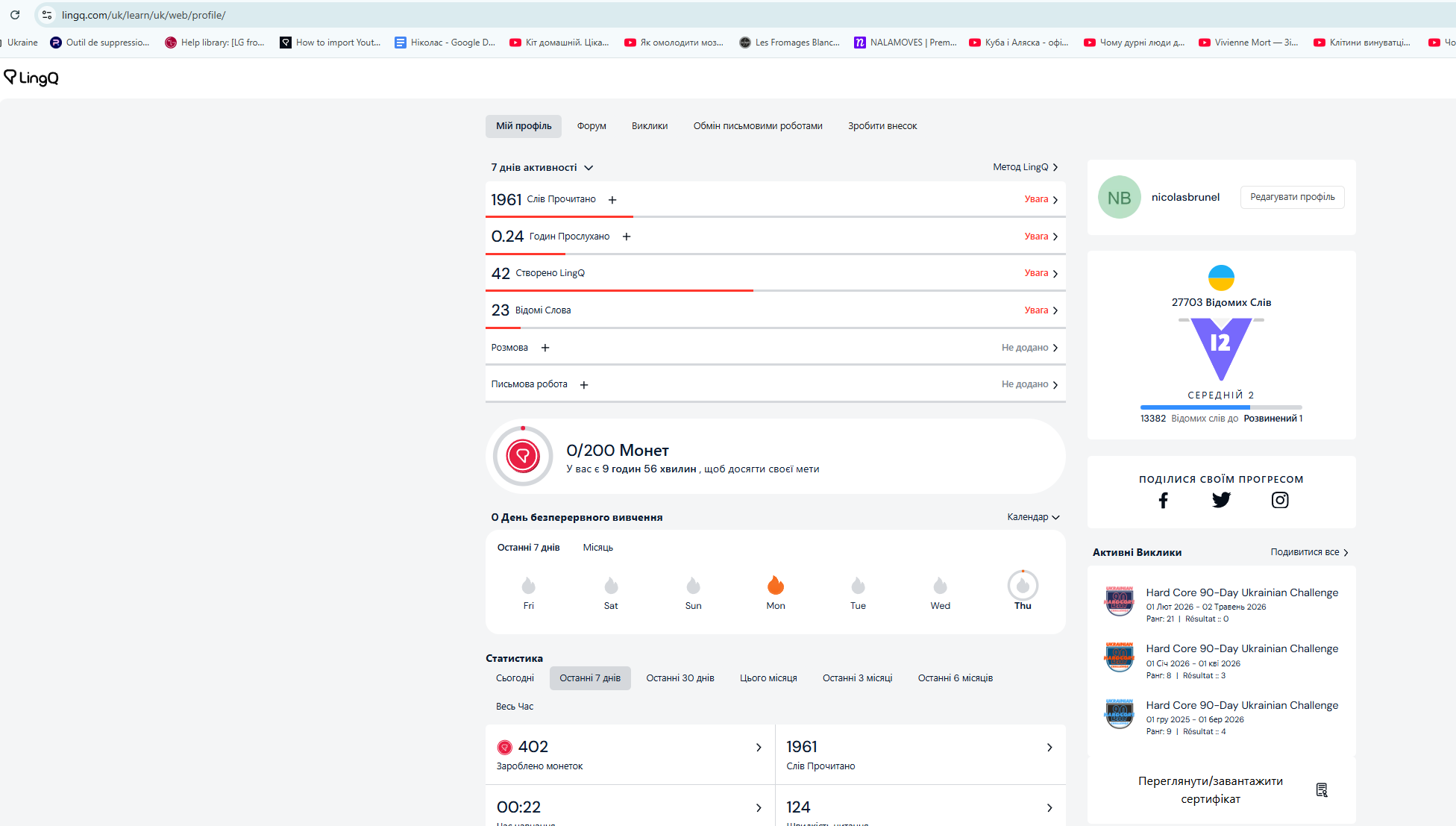
First step in Ukrainian:
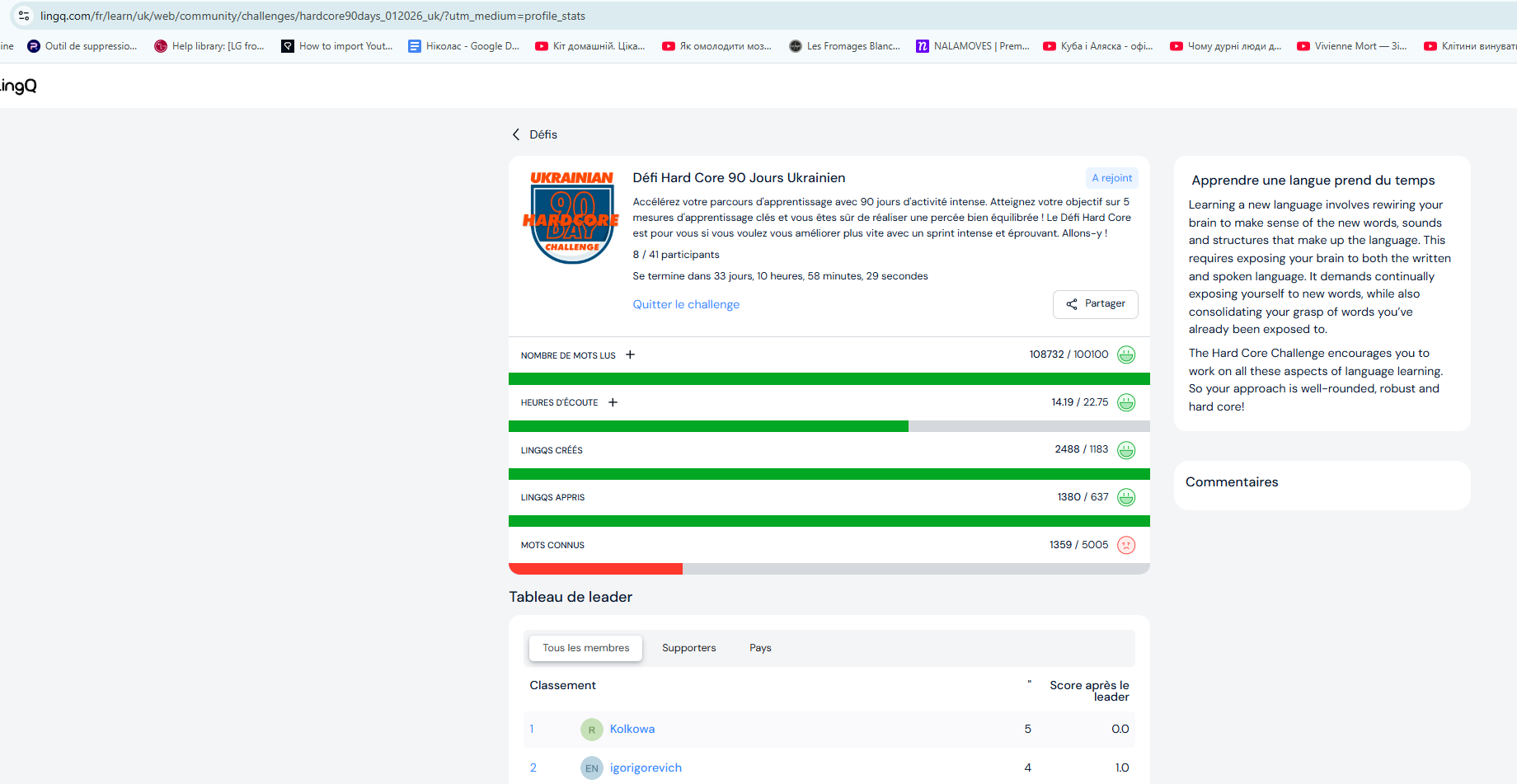
Second step opening виклики
First screenshot url uk/learn/uk/web/profile/
Second screenshot url fr/learn/uk/web/community/challenges/hardcore90days_012026_uk/?utm_medium=profile_stats
Second page was openeded from the first one.
@nicolasbrunel @xvmrtn I asked our team to look into this and try to figure it out. Thanks!
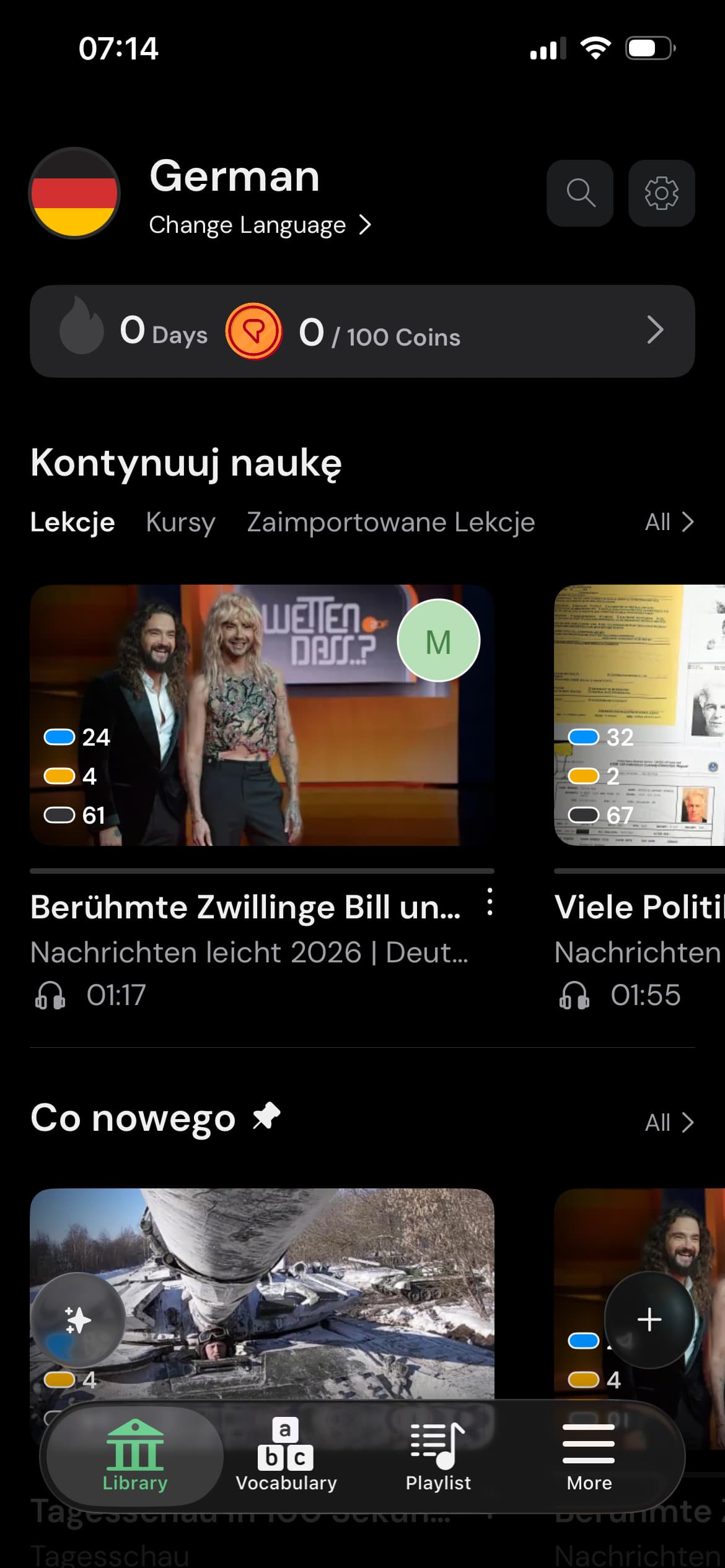
One more thing for the iOS app. While the interface is in EN, the Categories are in my local language.
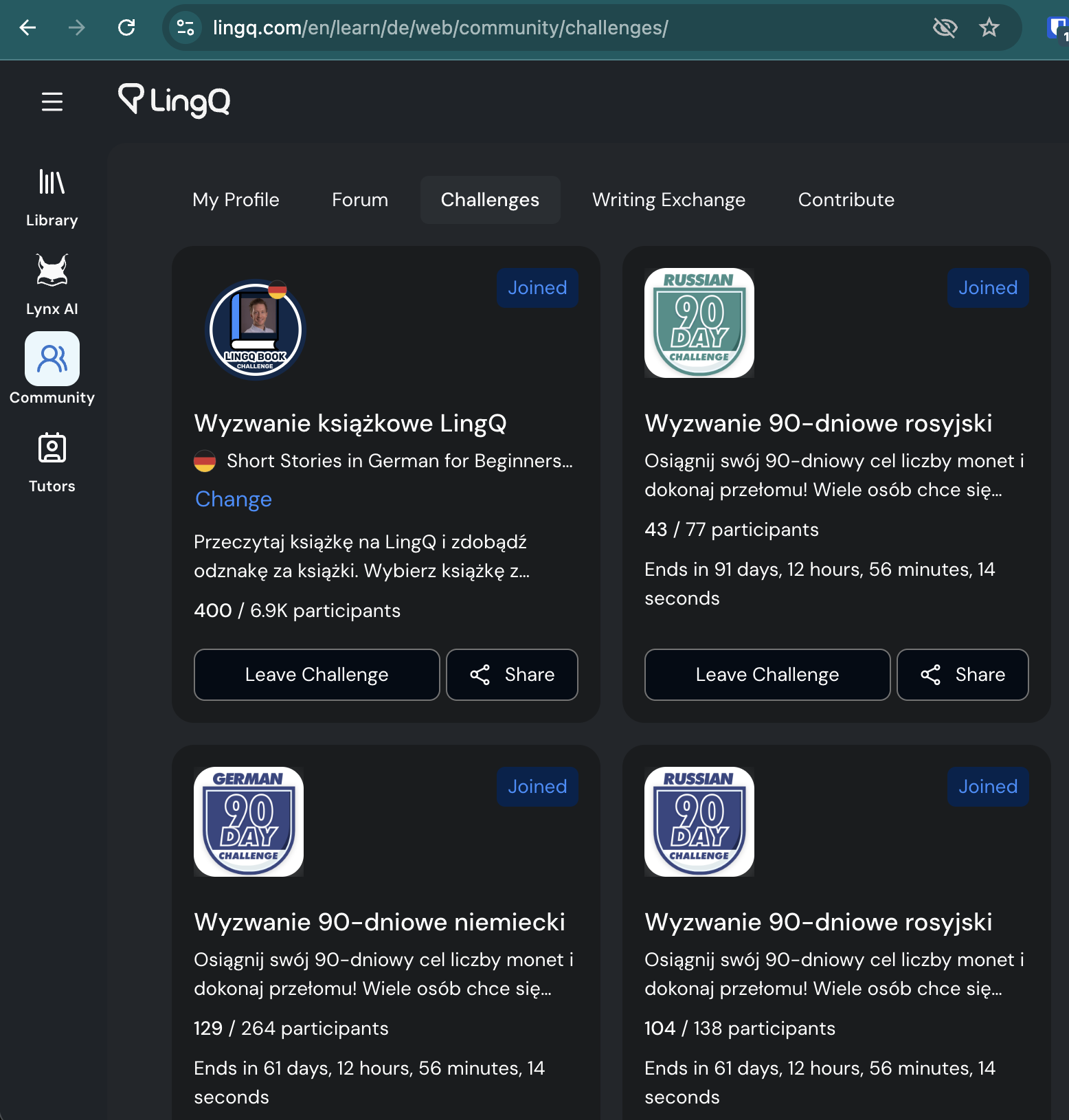
@zoran I’ve found one more: Challenges Home.
Interface: EN, Challenge names and descriptions: local language.