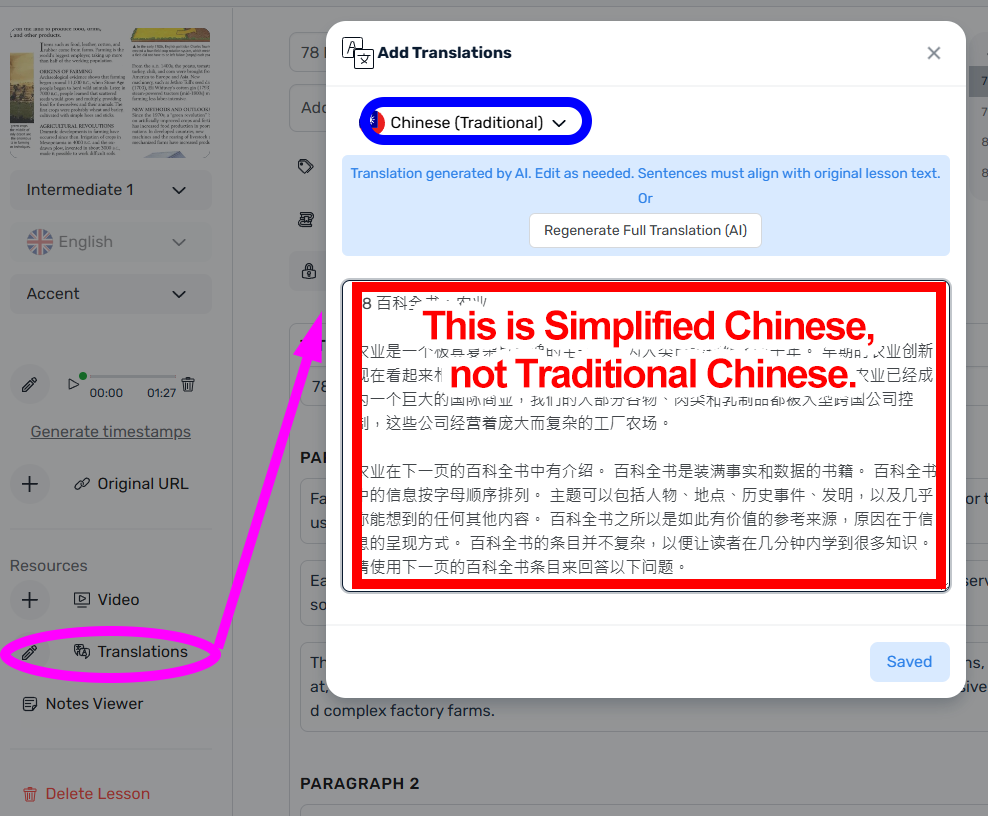
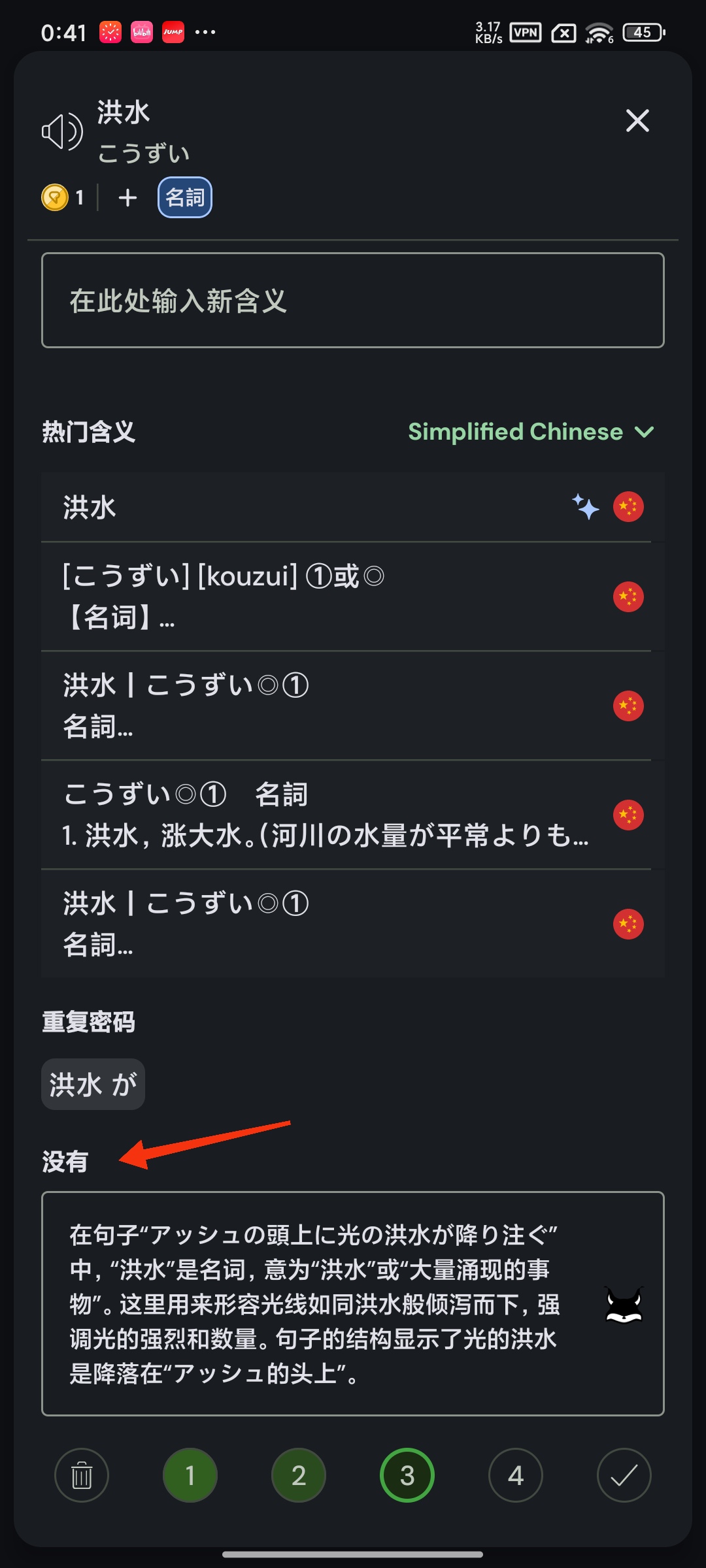
I am a Traditional Chinese user. When I imported a lesson, the AI automatically generated a Full Translation, but it displayed “Simplified Chinese” instead. I have to manually select “Show Translation” for each sentence in the “Sentence View” to change the translation back to “Traditional Chinese.” This issue is quite frustrating for me.
Is it possible to correctly display “Traditional Chinese” in the “Translations” section of “Edit Lesson” based on the user’s language preference? Alternatively, can users choose whether to enable the Full Translation function?
The report button is for reporting an issue with a content item (course or lesson).
The issue might be problems with the lesson text or audio, or because the content is offensive… Or any other reason the user can think of. It’s meant for reporting content-specific issues rather than general bugs in the software.
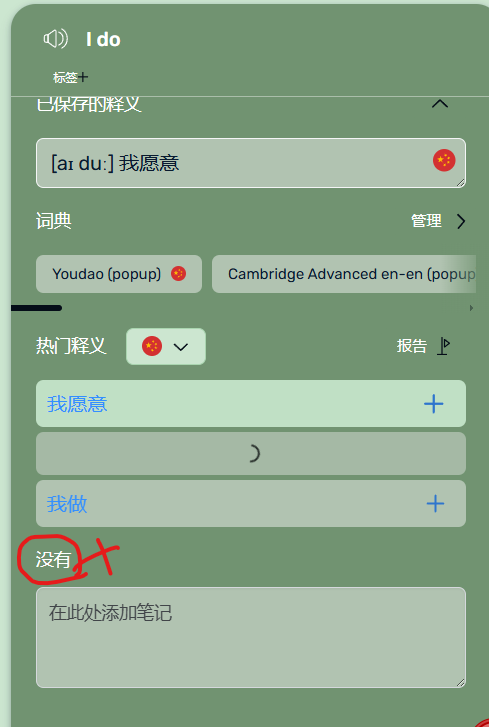
Unfortunately the iOS app is struggling to translate simple phrases this morning on both my iPad and my phone. It gets stuck showing “Loading” and only rarely does it come up with the translation. Translating the sentence in sentence mode seems to work fine.
@vernmartin Please let’s keep this thread strictly about interface translations issues to avoid it losing its purpose.
Regarding your Chinese language re-appearing issue, are you maybe opening the website with direct URL that includes Chinese language code? That will automatically re-add a language.