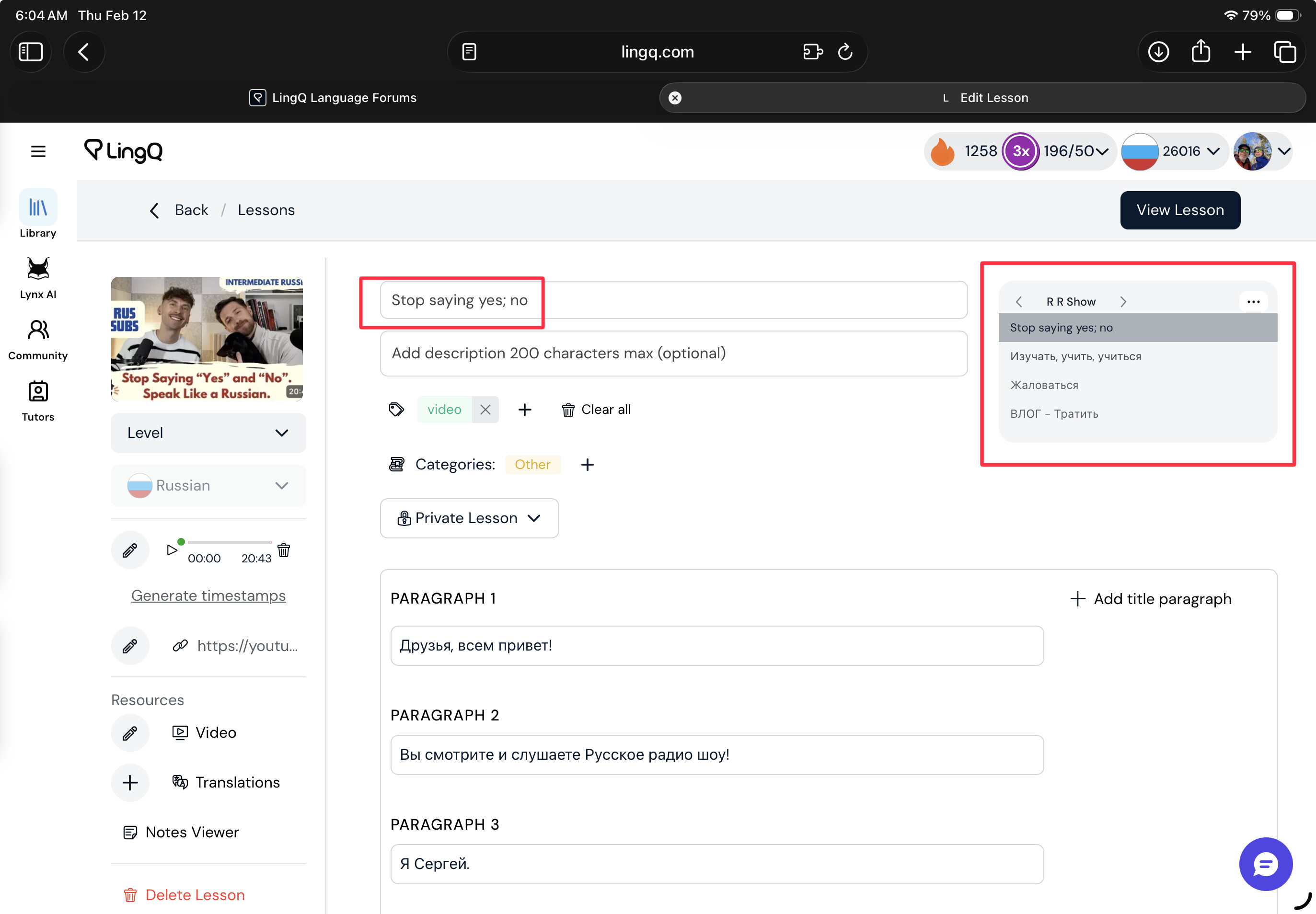
This morning I opened a course (titled “R R Show”) and imported a lesson. I immediately looked for it to add it to a playlist. It was neither listed in “imported lessons” nor was it listed in the course I added it to. I went looking for it. Fortunately I could see it in my browser history and went back to that URL. It was there, it was shown as in the “RR Show” Course.
Next I updated the iOS app to the latest and greatest version. Sometimes that fixes issues. Still not to be found in the imported or course lists. From the browser where I could see the lesson I copied the URL from iPad to iPhone and opened the lesson. I read a page or two and then looked for it in the “lessons” list where I expected it to appear first since it was most recently “studied.” No. Not there.
I managed to add the lesson to some playlists to get back to the new lesson by way of the playlists. However, I’d like to know what’s going on.
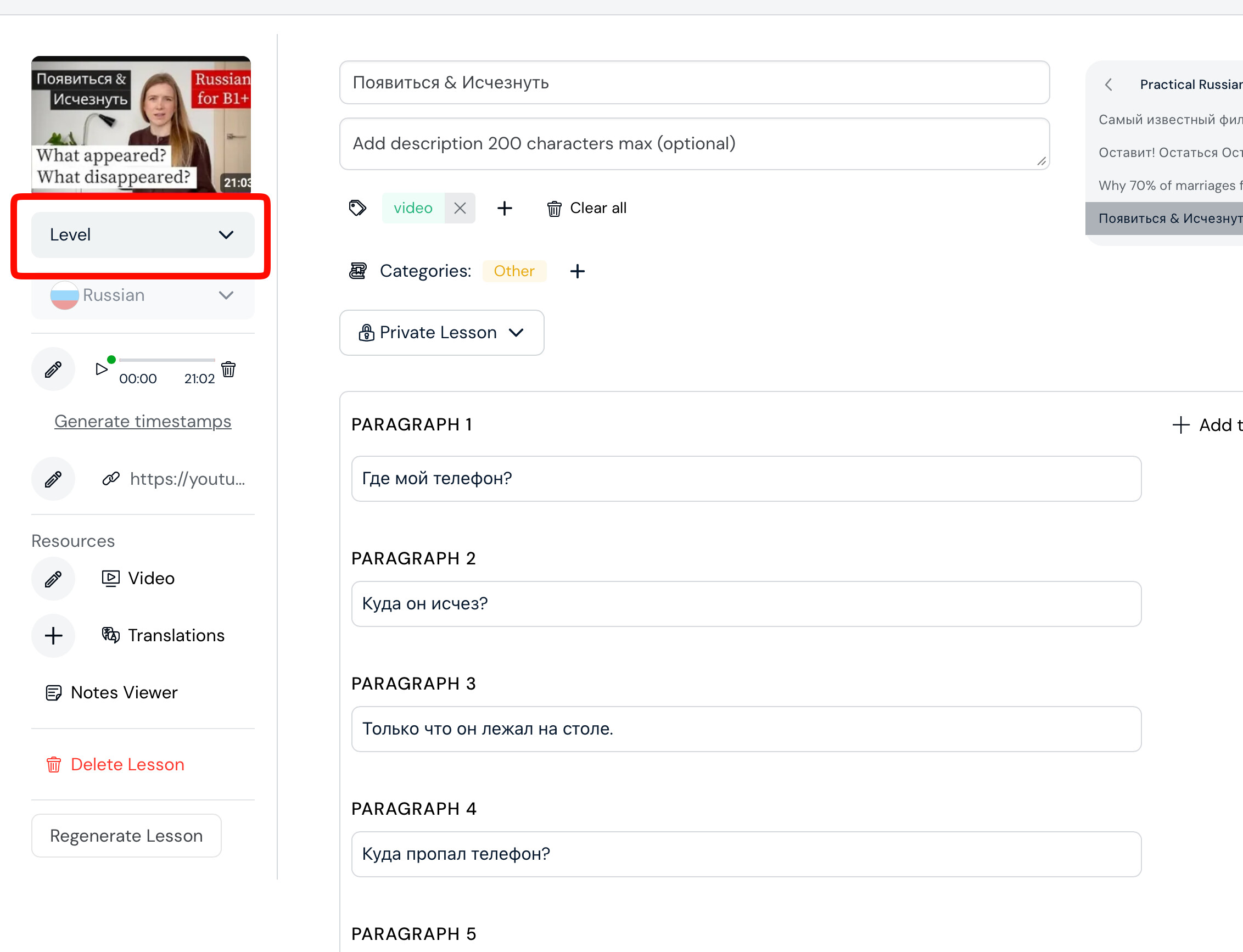
If you assign a level, then go to continue studying shelf and sort by Newly Imported, you should find your latest imported lessons at the top.
I have never had to do this before. Here’s one of the many recently created lessons in my feed (shown below). As shown, it appears first in the list, because it was most recently opened. There is no level assigned, because I am not in the habit of assigning a level for my lessons when I create them manually. Below I show my lesson feed, and these lessons are not assigned levels.
So maybe assigning a level in this case may help, but it seems like a red herring. If I had not happened to look in my browser history for the lesson I created, I’d have no idea that it was even created.
So there is some fundamental problem here that has nothing to do with the level of the lesson.
Besides that, I just imported this lesson into Lingq, did not set a level, and all went without a hitch as it always does. It very quickly appeared in my “Imported Lessons” list and first in line.