I’m open to new ideas, but I will explain what I do. All of it takes place in a browser, so the computer you’re using should not matter. Also: I’m of the opinion that (a) you get what you pay for and (b) I want to support the development of the platforms I like to use. So: yes, I pay for Turboscribe, and I haveI never bumped into a limit as to the number of audio I transcribe.
- Go to Turboscribe.
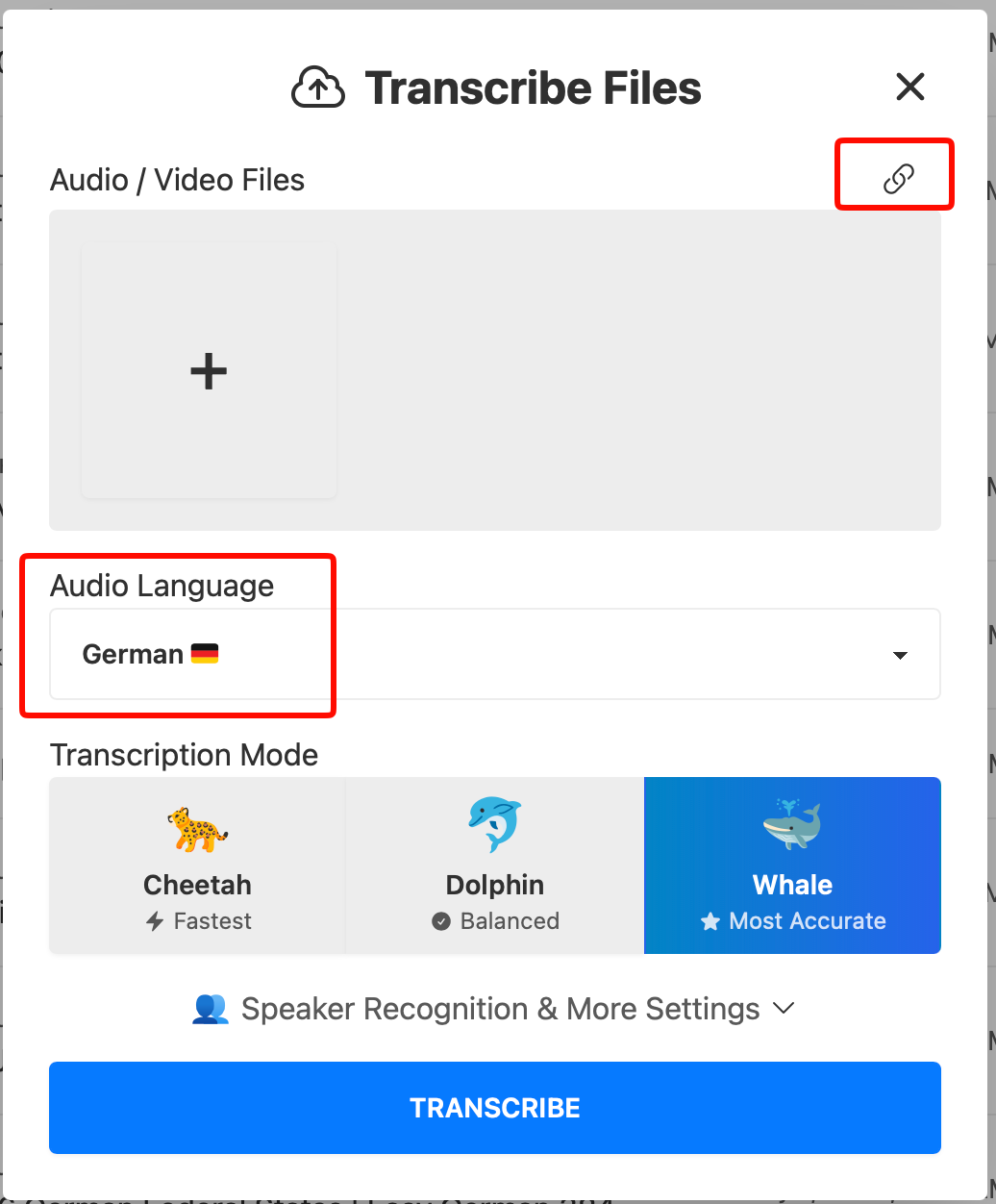
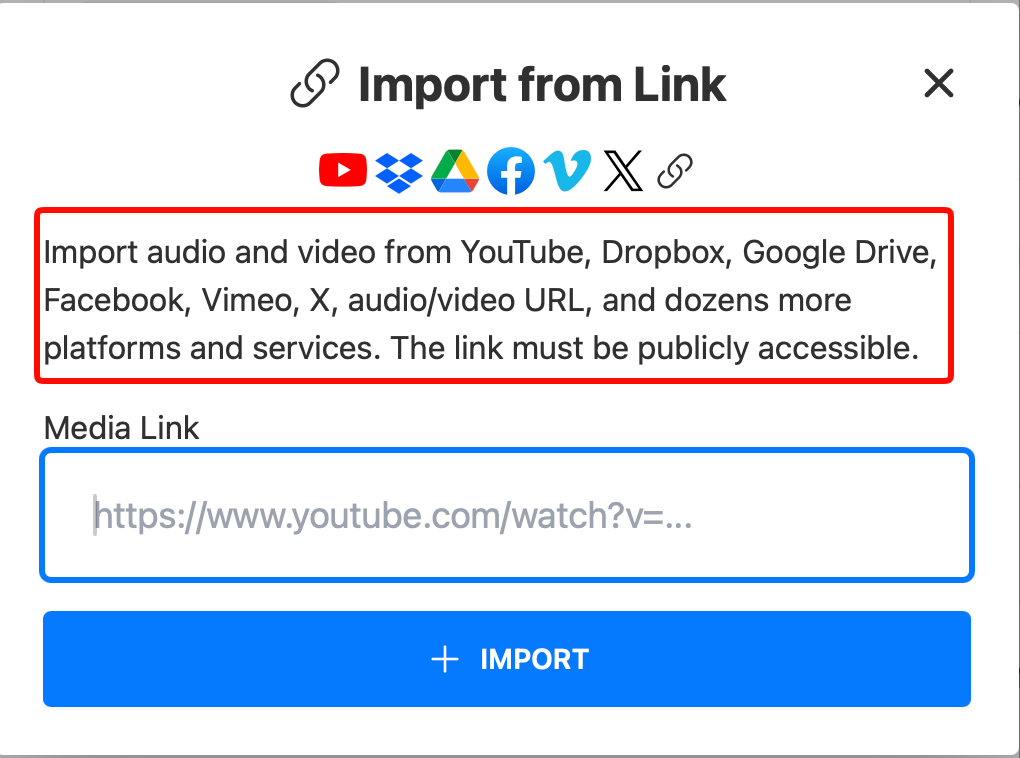
- When you use Turboscribe you have the option to paste a link to various other services including Google Drive, etc. I paste a link to each Youtube video I want to transcribe. I choose the language to transcribe to, and let Turboscribe do the work.
- Once transcribed, I download the audio (MP#) and the SRT file (provides timestamps to sync the audio with the text).
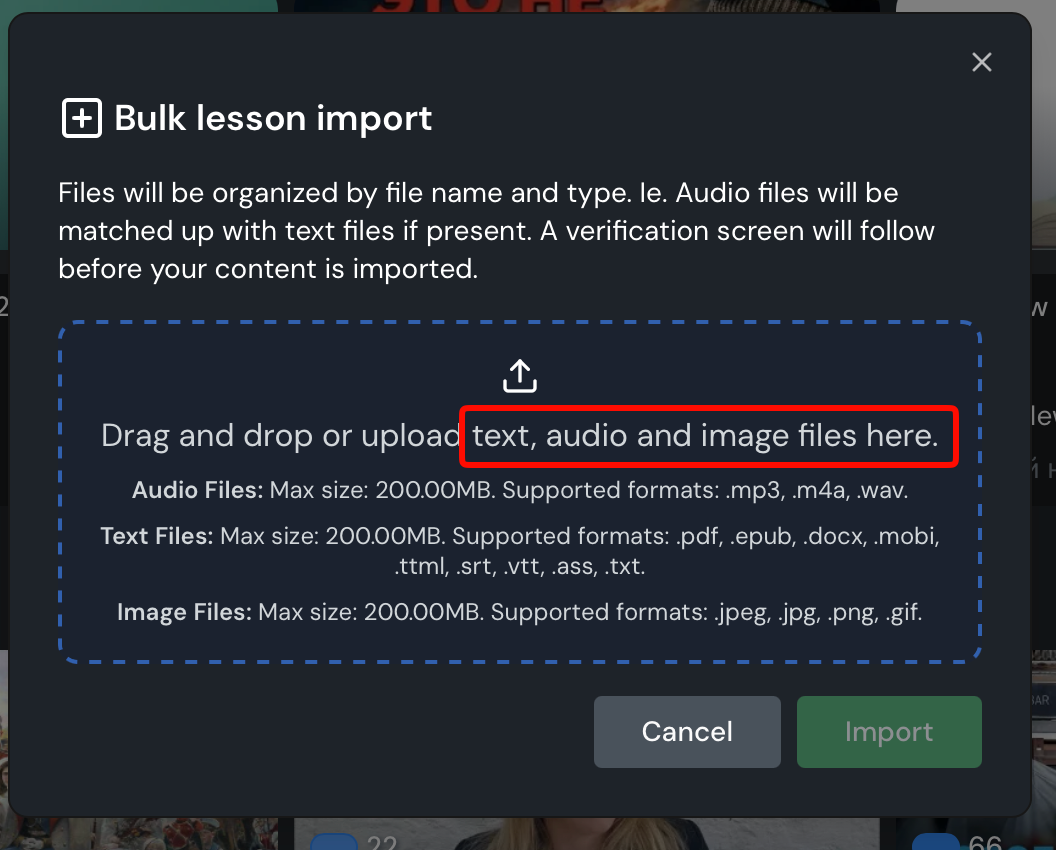
- In Lingq at the home screen, I click on the Import button, and then I choose “Lessons in Bulk”, and I drag the MP3 and SRT files into the Lingq Import.
- Then I double check that Lingq has matched the correct audio (MP3) with the correct transcript (SRT) file. Lingq does a great job of matching these two files so long as they are named exactly the same (not including the extension). You have to keep an eye on the files you’ve downloaded from Turbscribe as they can be slightly different sometimes (usually it is the “|” character that is either present or not present in one half of the pair).
- If there is a mismatch it’s easy to delete a file from one spot in the import and then drag it over again into the proper place. (Nice interface design!! Kudos to Lingq development team.)
- Choose the proper course name or create a new one. Lingq will create a new course by default. Often I’m adding to an existing course.
- Start the import. The affected course will appear when the process is done.
Optionally, after the import, I edit each lesson to add the original URL and sometimes a thumbnail graphic captures from a screenshot when viewing my Youtube history. I realize I could bulk load images as well, so far I’m not doing that.
Pasting a URL into Turboscribe
Importing files into Lingq